Photo-based conversion
Preserve a recognizable composition while requesting an illustrated reinterpretation, giving portraits, pets and simple scenes a consistent hand-painted animation-inspired treatment.
Upload a photo and choose a scene direction, effect strength and aspect ratio for a warm hand-painted animation look.
Choose a clear photo and guide the illustrated scene without claiming an official studio style.
Expected output
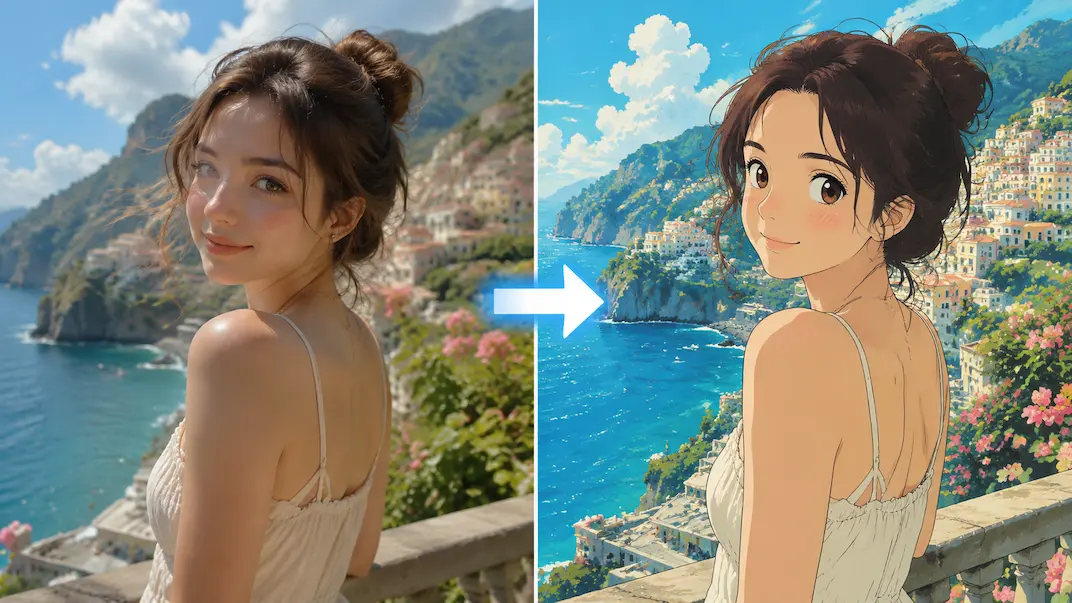
A portrait reinterpreted with bright coastal scenery and a hand-painted animation look.
Key features
Preserve a recognizable composition while requesting an illustrated reinterpretation, giving portraits, pets and simple scenes a consistent hand-painted animation-inspired treatment.
Guide the mood toward countryside, town, sky or cozy interior settings, so the requested environment communicates a clear atmosphere rather than an unspecified generic style.
Control how strongly the requested hand-painted look departs from the source photo, balancing recognizable people, objects and layout against a more expressive illustrated result.
The required notice explains that this is an independent, unofficial transformation and is not affiliated with, endorsed by or sponsored by Studio Ghibli or any studio.
Step by step
Choose a clear portrait, pet, landscape or simple scene that you have the right to edit.
Select coastal town, countryside, open sky or cozy interior, then balance source-photo detail against stronger illustration and choose the original or a new aspect ratio.
Confirm that this is an independent, unofficial transformation, review the example and your selected framing, then submit the conversion request for later processing and review.
FAQ
No. This is an independent, unofficial style transformation tool. It is not affiliated with, endorsed by or sponsored by Studio Ghibli.
Clear portraits, pets, landscapes and simple scenes generally provide a useful starting point. Strong lighting and readable subjects help preserve the composition.
Lower values aim to keep more photographic detail; higher values request a stronger illustrated interpretation. Results can still vary.
You are responsible for the rights to the source image and for reviewing applicable trademark, copyright and platform rules before commercial use.
Start with a well-lit subject, avoid heavy obstruction and use a lower effect strength when identity or product details matter. Inspect faces, text and distinctive design elements after conversion.
Image Converters
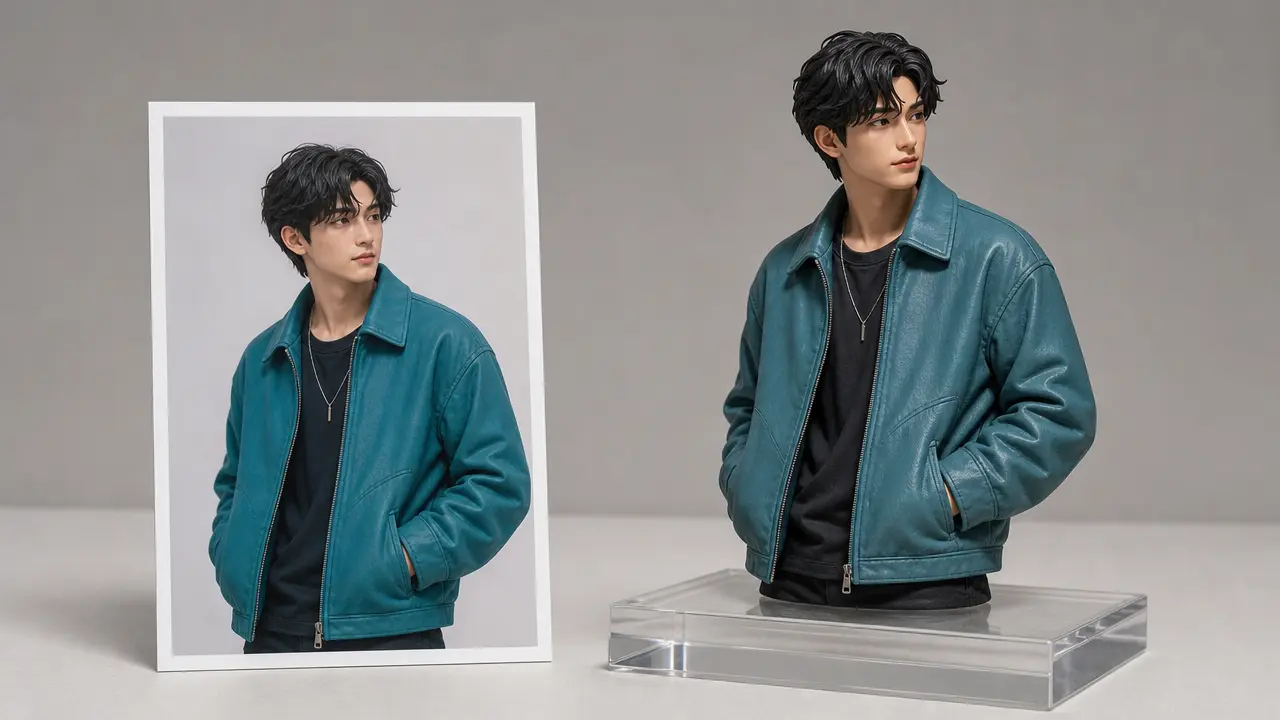
Reimagine an authorized photo as a dimensional product, figurine, or isometric illustration concept while preserving its key subject and composition.
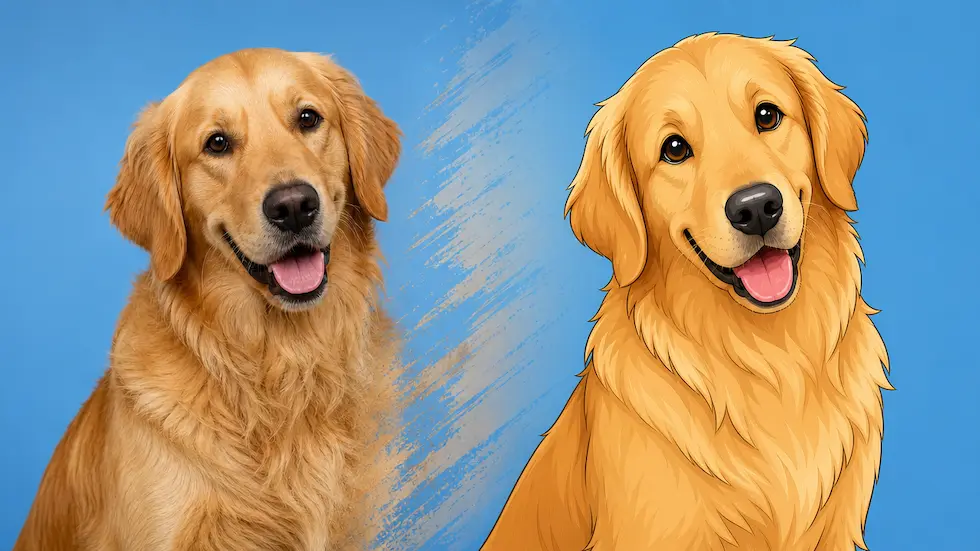
Prepare an authorized photo for a controlled cartoon-style visual reinterpretation with line, color, and background direction.
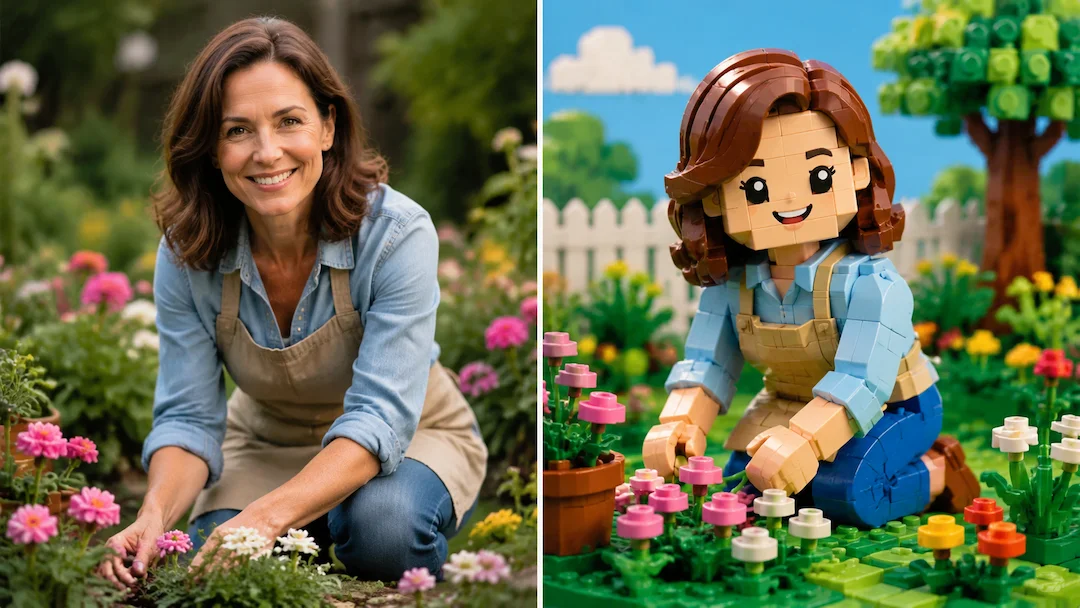
Use Photo to Lego to prepare an original brick-toy-style interpretation of an authorized photo with figure, scene, and detail controls.
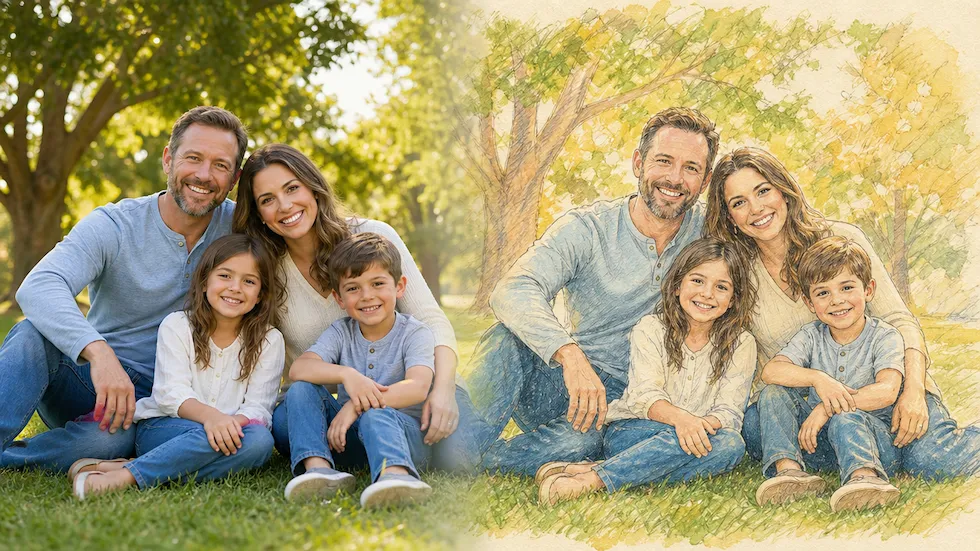
Use Photo to Disney to prepare an original family-friendly illustration interpretation of an authorized photo without claiming Disney affiliation.
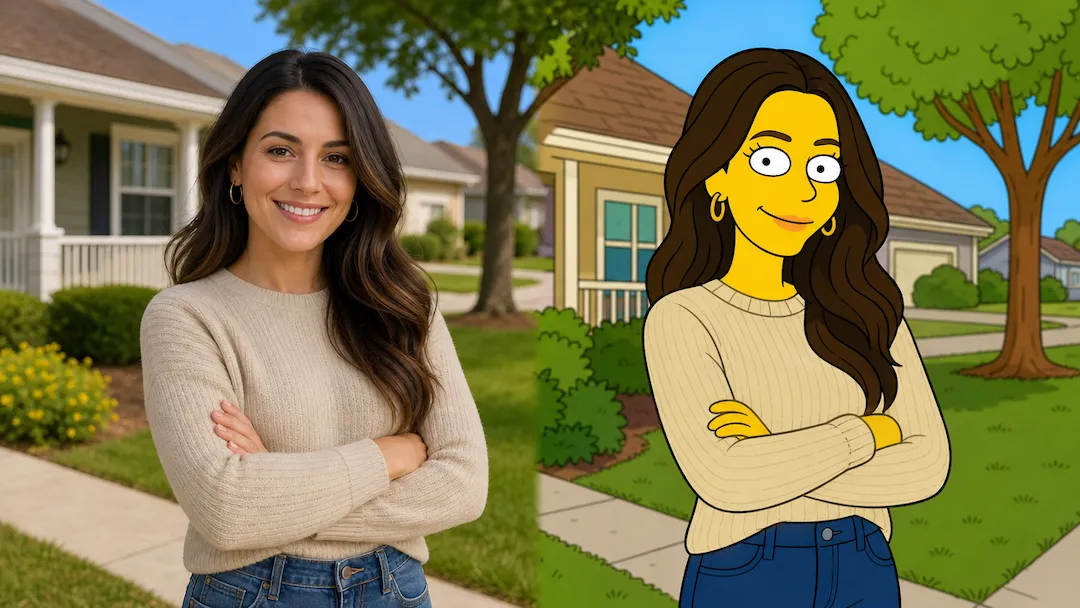
Reimagine an authorized photo as an original animated portrait with clear composition, palette, and expression controls.
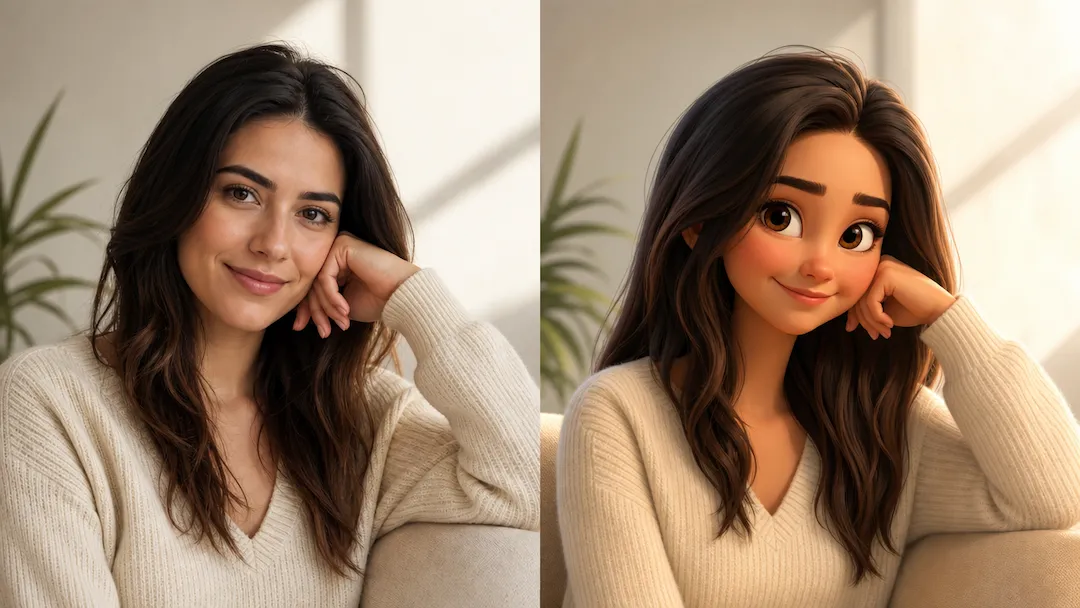
Reimagine an authorized photo as an original animated portrait with clear composition, palette, and expression controls.