NexMate

Photo to Simpsons: Turn a Photo into an Original Yellow Cartoon Portrait

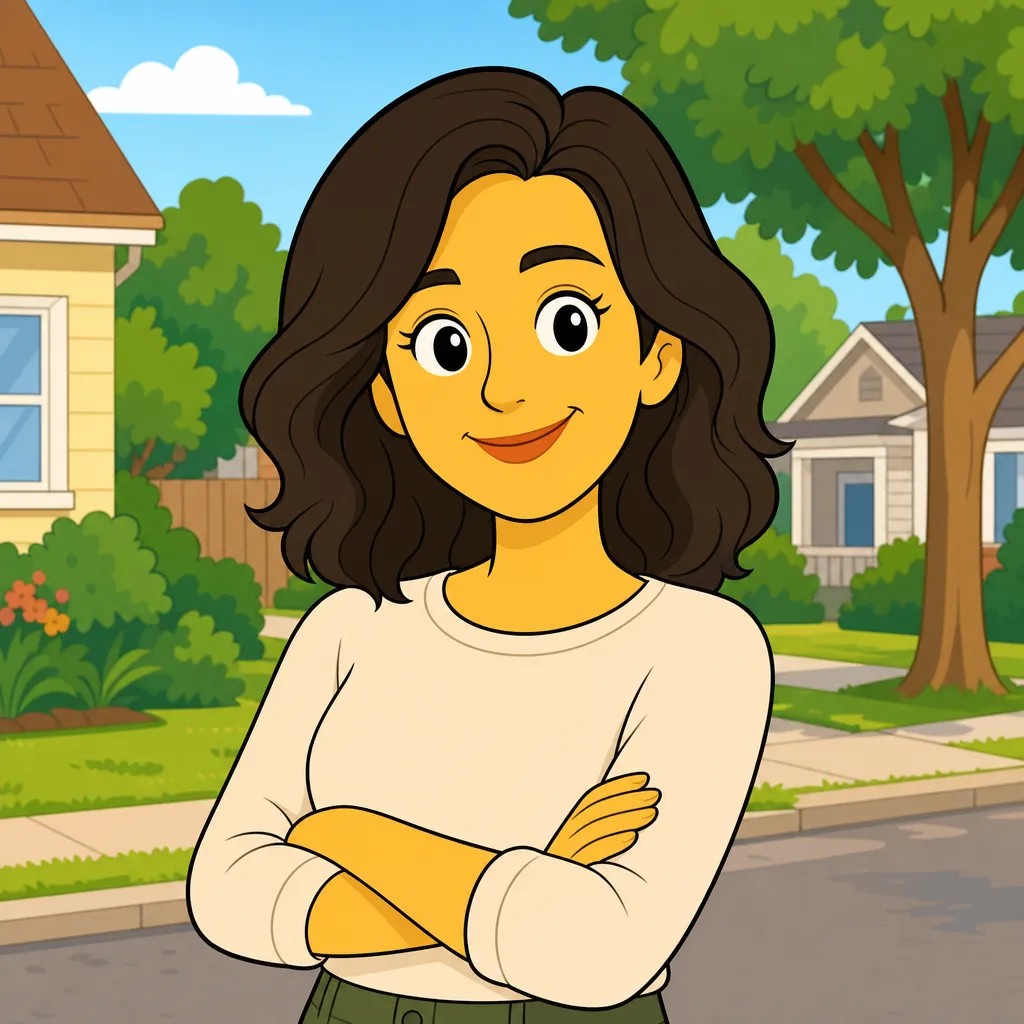
Upload an authorized photo and choose a bold yellow, flat-cartoon-inspired portrait direction. The result is an independent original interpretation, not official artwork or a reproduction of Pixar, The Simpsons, their characters, scenes, logos, or visual assets.

Create with Photo to Simpsons

Choose the inputs that match your source material and intended result, then submit a prepared request for review.

JPG, PNG, or WebP, maximum 10 MB. Use only an image you may edit.

.

Key features

Key Features of Photo to Simpsons

01

Photo-led character treatment

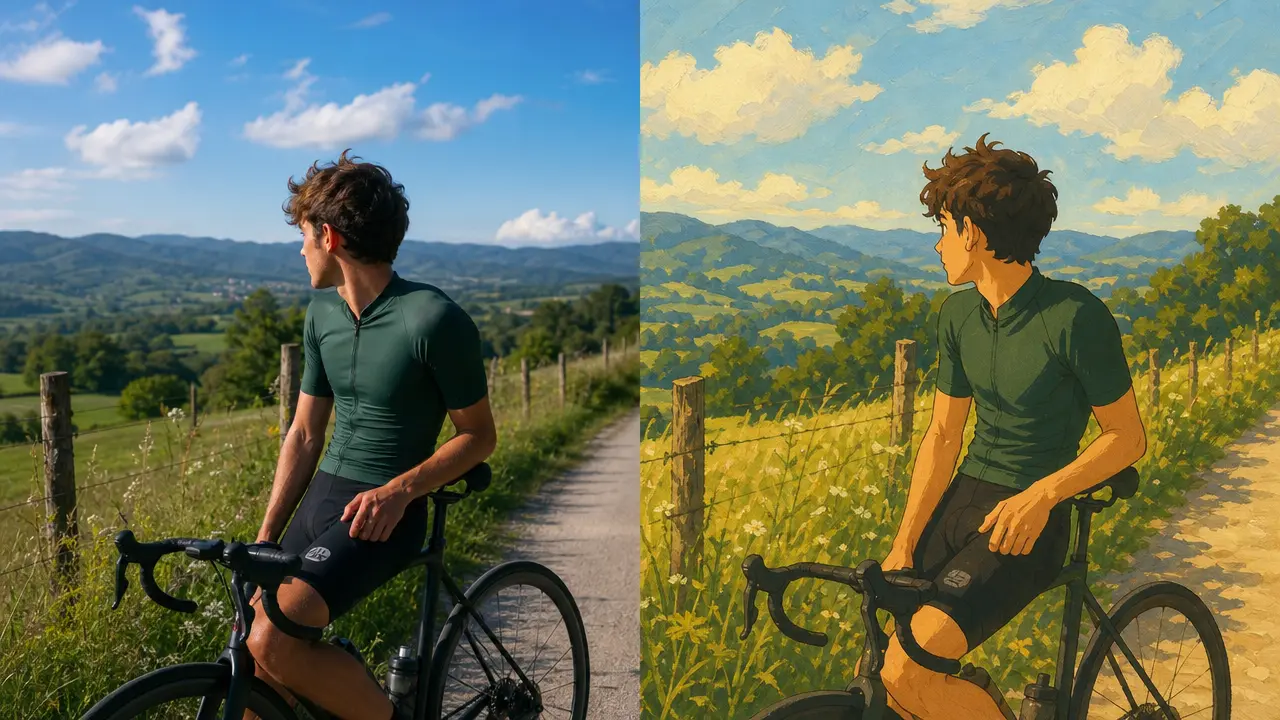
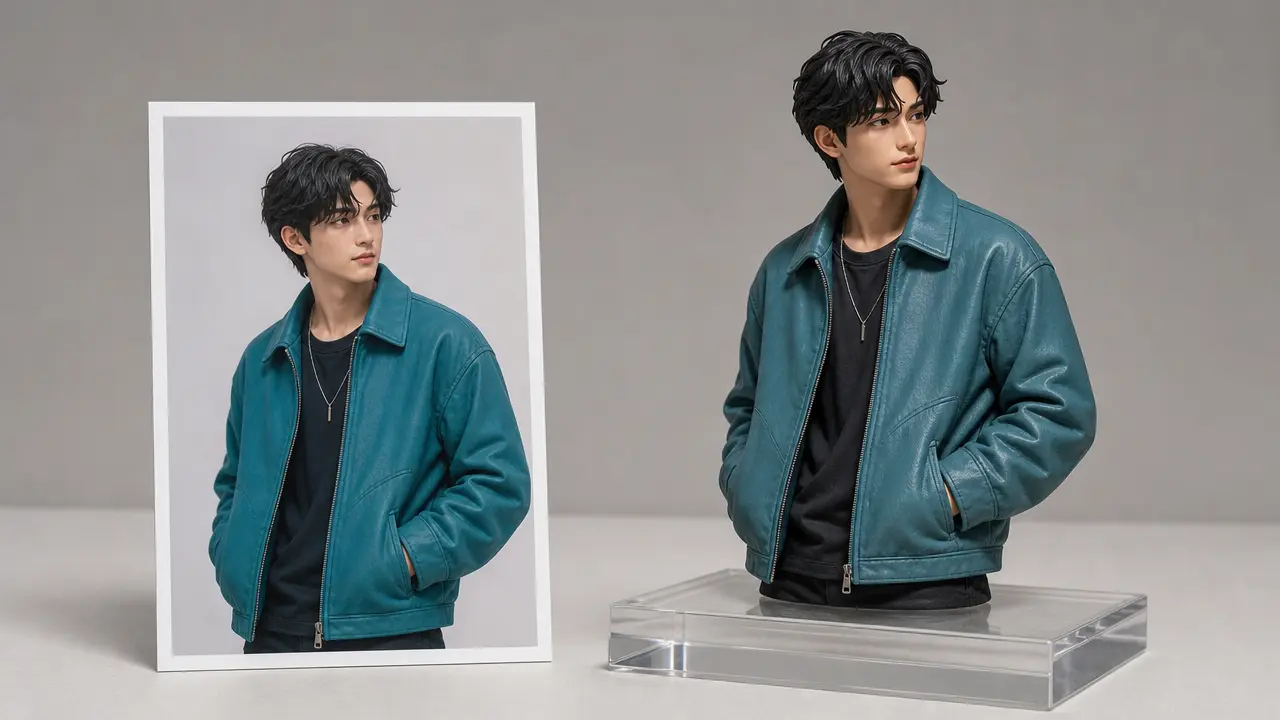
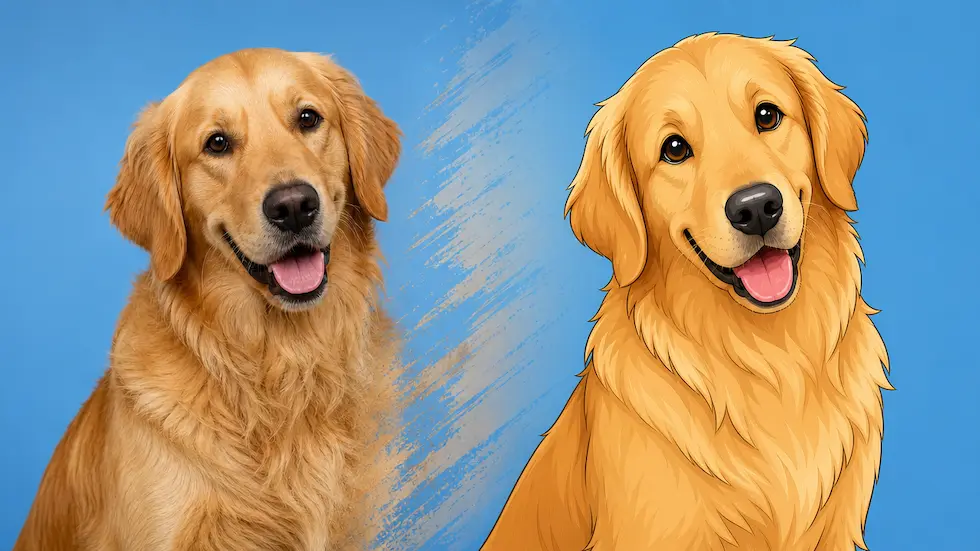
Begin with one authorized photo and preserve the main pose, clothing silhouette, and facial expression as a compositional reference. This gives the request a recognizable source while leaving room for an original animated interpretation rather than a direct copy of any existing character.

02

Direct the palette and finish

Choose a color mood, line treatment, and background simplicity before submitting. These controls make the intended animation-inspired result more deliberate, whether you need a clean profile portrait or a playful shareable image with a readable silhouette.

03

Plan for the intended crop

Set square, portrait, or landscape framing to fit the place where the image will appear. Keeping the subject inside a safe central area helps prevent important features from being removed when a social platform or design layout crops the image.

04

Keep the result independently original

The named entertainment properties are third-party references used only to describe a broad search intent. Do not request named characters, signature scenes, branded objects, logos, film stills, or an unofficial image presented as licensed or officially approved art.

Step by step

How to Use Photo to Simpsons

  1. 1

    Upload a photo you may transform

    Choose a single authorized portrait or simple scene with a visible main subject. Avoid artwork, posters, screenshots, licensed characters, or images whose rights and sharing context you cannot confirm.

  2. 2

    Choose an original visual direction

    Set the color treatment, background level, expression, and output crop. Describe broad visual qualities rather than asking for a named character, a specific scene, or an exact reproduction of a studio's proprietary animation.

  3. 3

    Review source details and context

    Check whether the result preserves unwanted personal details, visible text, or accidental brand marks. Before posting, make sure viewers will not mistake it for official artwork or infer an endorsement, affiliation, or commercial license.

FAQ

FAQ of Photo to Simpsons

What does Photo to Simpsons create from a photo?+

It prepares an original animation-inspired portrait request from an authorized image, using selected color, line, and framing controls. It is intended to reinterpret the source photo, not to deliver an official studio asset or an exact recreation.

Is Photo to Simpsons affiliated with Pixar or The Simpsons?+

No. The named properties are owned by third parties and are not affiliated with this independent tool. The page does not grant permission to reproduce characters, logos, scenes, promotional art, or other protected assets.

Can I turn myself into a named character?+

No. Use original character and scene directions instead. Requests for named characters, recognizable episode settings, studio logos, or closely copied promotional artwork should be avoided because they can create protected-work similarity or misleading claims.

What kind of photo gives the cleanest animated portrait?+

Use a clear photo with one main subject, even lighting, and a readable face or silhouette. Busy groups, heavy filters, strong shadows, and tiny faces make it harder to keep an intentional composition after the animated transformation.

Can I use the image for a business profile or campaign?+

Only after you confirm rights to the source photo and review the final image for third-party marks, people, or claims. Do not imply that a studio, franchise, or public figure sponsors, endorses, or created the resulting visual.