Source language detection
Let the form detect common source languages or specify one when the text is ambiguous, which is especially useful for short passages, mixed-language copy or specialized terminology.
Paste your text, select the target language and guide tone or terminology for a translation that fits its intended use.
Choose the target language first, then refine tone and terminology when needed.
Expected output
Input
The dashboard update will be available to all workspace owners on Friday.
Output
仪表板更新将于周五向所有工作区所有者开放。
A concise product notice translated with a neutral business tone.
Key features
Let the form detect common source languages or specify one when the text is ambiguous, which is especially useful for short passages, mixed-language copy or specialized terminology.
Guide the translation toward neutral, formal, casual or concise language, helping the wording better match an email, product notice, support response or everyday message.
Provide a short glossary for names, product terms and preferred translations, so repeated language has a clearer basis for consistent review across related sections.
The workflow encourages checking numbers, names and key terms against the source before use, because automatic translation can still introduce ambiguity or context-sensitive mistakes.
Step by step
Add up to 10,000 characters and remove secrets or personal information that is not needed for the translation.
Use automatic source detection for clear passages or select it manually, choose the target language and tone, then add only essential glossary mappings for recurring terms.
Check numbers, names and key terms against the source, then submit the AI Translator request and independently review the translation before using it in an important context.
FAQ
Not for every use. Review names, numbers, legal terms, medical content, safety instructions and publication-critical text with a qualified person.
It estimates the source language from the submitted text. Short phrases, mixed-language text and names can be ambiguous, so select the source manually when needed.
Add one preferred mapping per line, such as “workspace = 工作区”. Keep it short and include only terms that must remain consistent.
Tone should guide phrasing rather than facts, but any generated translation can introduce errors. Compare the result with the source before using it.
Split long material into coherent sections so terms retain context. Remove passwords, private identifiers and unnecessary personal data, and use qualified review for confidential or regulated content.
AI Writing Tools
Use AI Detector to prepare a text-pattern review request with language, document type, and a clear understanding that the result is not an authorship verdict.

Prepare an original story draft request with premise, audience, tone, length, and reviewable creative constraints.

Use AI Email Writer to prepare a context-aware email draft with a defined goal, audience, tone, and call to action.

Prepare a sentence or paragraph rewrite request with meaning, tone, length, language, and protected terms kept under control.
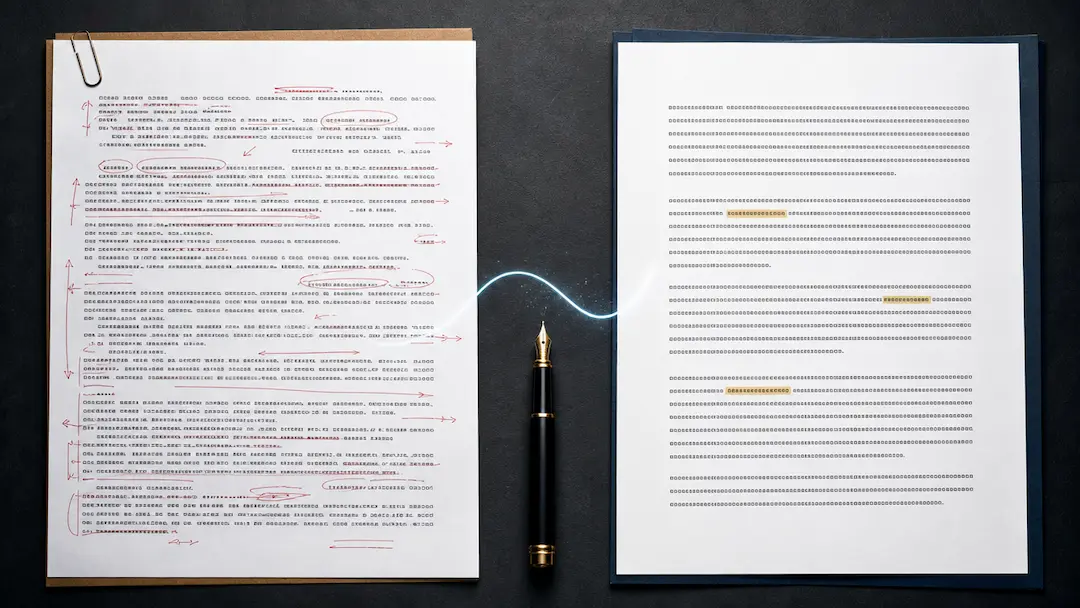
Revise a draft for clearer, more natural wording while retaining the writer’s intended meaning, facts, citations, and responsibility for the final text.
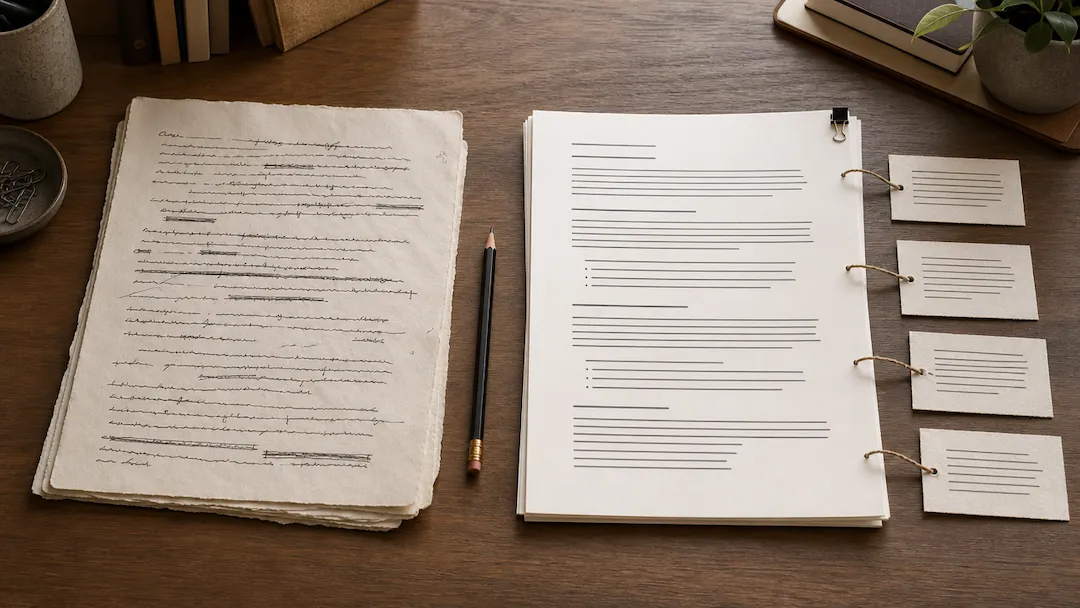
Refine an AI draft for clearer, more natural wording while keeping facts, citations, and your own voice under review.