NexMate

Nano Banana Slides for Image-Assisted Presentation Planning

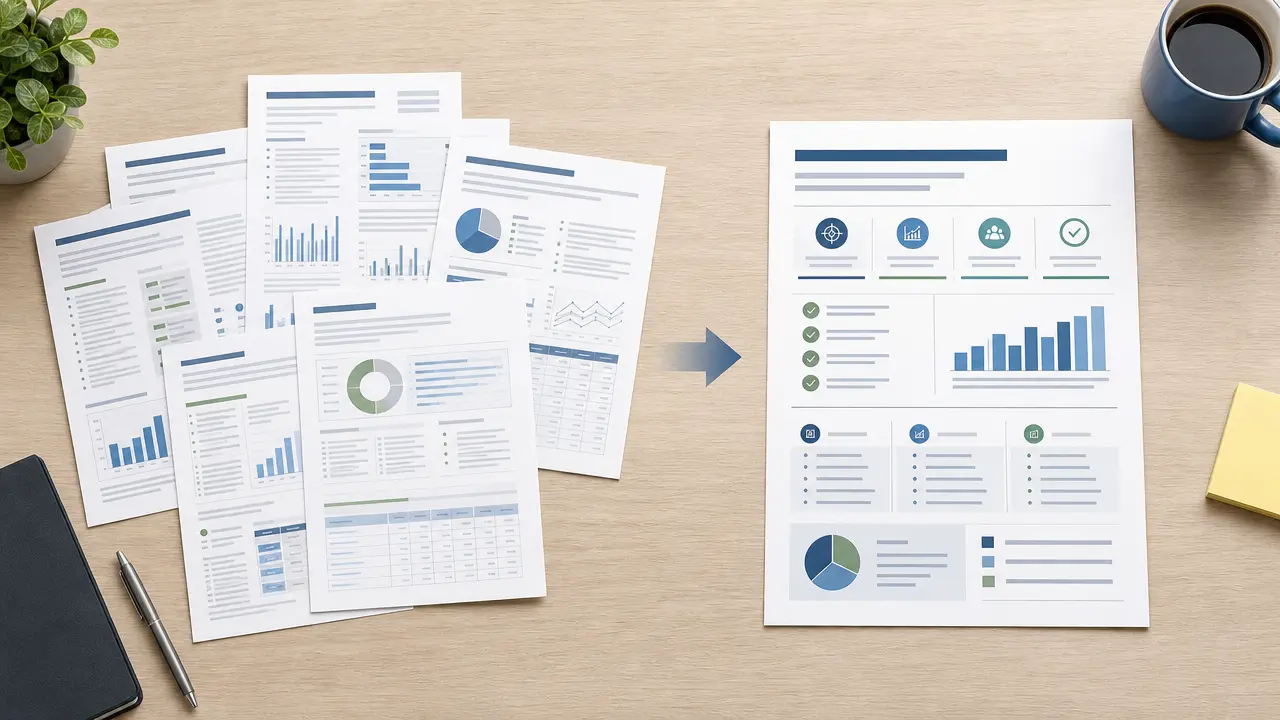
Start with an authorized topic and outline with the audience, purpose, and verified source facts stated. Choose deck goal, audience, slide count, visual direction, source-reference preference, and output language, then review the result against the original context before using it.

Create an Nano Banana Slides Request

Use only material you are authorized to handle. Review source details and intended use before submitting.

50-4,000 characters. Do not upload confidential material without authorization.

.

Key features

Key Features of Nano Banana Slides

01

Controls matched to the task

The form makes deck goal, audience, slide count, visual direction, source-reference preference, and output language explicit, so the request captures the intended result and delivery context instead of relying on an ambiguous one-line instruction.

02

Source-quality guidance

Begin with an authorized topic and outline with the audience, purpose, and verified source facts stated. Clear, authorized source material gives the request a stronger factual and visual foundation for later review.

03

Review points before use

Check slide hierarchy, factual accuracy, image rights, chart labels, citations, confidential material, and decision-critical claims before relying on a future result. Structured inputs improve clarity but never replace contextual human verification.

04

Responsible-use boundary

Use this tool within a clear boundary: do not present this as an official model integration, upload confidential material without authorization, or rely on a draft deck without factual and design review. Retain source material and permissions whenever they affect sharing or commercial use.

Step by step

How to Use Nano Banana Slides

  1. 1

    Prepare the source and outcome

    Provide an authorized topic and outline with the audience, purpose, and verified source facts stated. Keep the request tied to the actual use case and to information, media, and people you are authorized to handle.

  2. 2

    Set the controls for the destination

    Choose deck goal, audience, slide count, visual direction, source-reference preference, and output language. Select settings that fit the intended audience and placement instead of assuming a more aggressive transformation is always better.

  3. 3

    Review key details before use

    Inspect slide hierarchy, factual accuracy, image rights, chart labels, citations, confidential material, and decision-critical claims. Compare important details with the source and obtain qualified review when the material affects rights, safety, records, or public claims.

FAQ

FAQ of Nano Banana Slides

What can Nano Banana Slides help me do?+

It helps you prepare an original presentation-planning request from an authorized topic, outline, audience, visual direction, and slide-structure controls. The page turns the intended source, settings, and review points into a clear request before any output is relied on.

What source works best with Nano Banana Slides?+

Use an authorized topic and outline with the audience, purpose, and verified source facts stated. A complete source and a defined goal reduce ambiguity and make later review more practical.

Which settings should I choose?+

Choose deck goal, audience, slide count, visual direction, source-reference preference, and output language for the actual audience and destination. Start with the setting that serves the goal without introducing unnecessary changes.

What should I verify before using a result?+

Review slide hierarchy, factual accuracy, image rights, chart labels, citations, confidential material, and decision-critical claims. Compare important claims, visible details, and context with the original source rather than treating a polished result as automatically correct.

What are the important limits of this tool?+

do not present this as an official model integration, upload confidential material without authorization, or rely on a draft deck without factual and design review. You remain responsible for permissions, accuracy, disclosures, and the final decision to use or share a result.