Question-led reading
Focus on a specific fact, section, comparison or explanation instead of scanning every page, framing the document request around a question that can be checked in the original PDF.
Upload a PDF, ask a specific question and optionally narrow the page range so the answer can point back to relevant pages.
Upload one PDF and ask a concrete question that can be checked against the source pages.
Expected output
sample-event-policy.pdf
8 pagesExtracted result
The policy states that written cancellations received at least 14 calendar days before the event are eligible for a refund, excluding the stated processing fee (page 5). Verify the conditions and exceptions on that page.
A focused question answered with a page reference that the reader can verify.
Key features
Focus on a specific fact, section, comparison or explanation instead of scanning every page, framing the document request around a question that can be checked in the original PDF.
Request answer text that points to relevant PDF pages for easier verification, then use the referenced pages and surrounding tables or paragraphs to confirm important statements.
Ask about a document in one language and receive the explanation in another supported language, while retaining the need to compare critical wording with the source text.
Narrow a long PDF to a known chapter, appendix or table range when appropriate, reducing irrelevant context while leaving the scope open when definitions or exceptions may appear elsewhere.
Step by step
Choose an authorized PDF up to 25 MB and remove personal or confidential pages that are not needed for the question you plan to ask.
Request a fact, definition, comparison, limitation or named-section summary, choose the answer language and optionally narrow the search to relevant pages.
Submit the Chat PDF request, then compare important statements with the referenced pages, tables and surrounding context before relying on the answer.
FAQ
Use a PDF up to 25 MB. Text-based PDFs are easiest to analyze; scanned or image-only pages may depend on text recognition quality.
No. Answers can miss context or misread tables, scans and complex layouts. Verify important claims against the cited pages in the original PDF.
Specific questions work best, such as asking for a definition, a comparison between two sections, stated limitations or a summary of a named chapter.
Do not upload material you are not authorized to process. Remove unnecessary personal, financial, medical or confidential information before submission.
Use it when a long PDF has a known chapter, appendix or table range. Leave it blank when the answer may depend on definitions or exceptions elsewhere in the document.
AI Document Tools
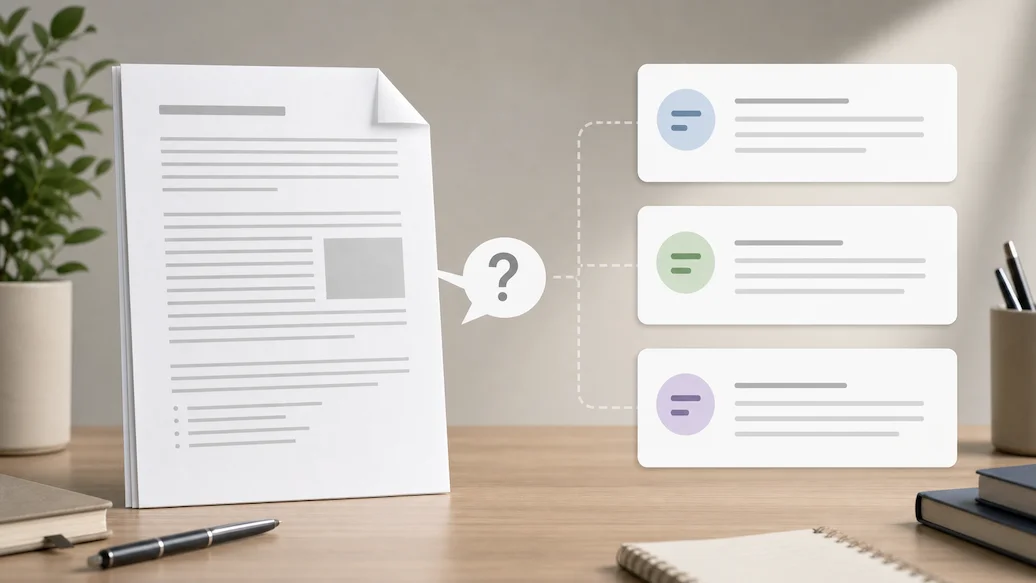
Use Chat Doc to prepare an authorized document-question request with file type, question scope, answer format, and citation expectations.

Use Chat PPT to prepare an authorized slide-deck question request with slide scope, answer format, citation preference, and response-language controls.

Use Resume Checker to prepare a resume-review request focused on clarity, relevance, and truthful presentation.
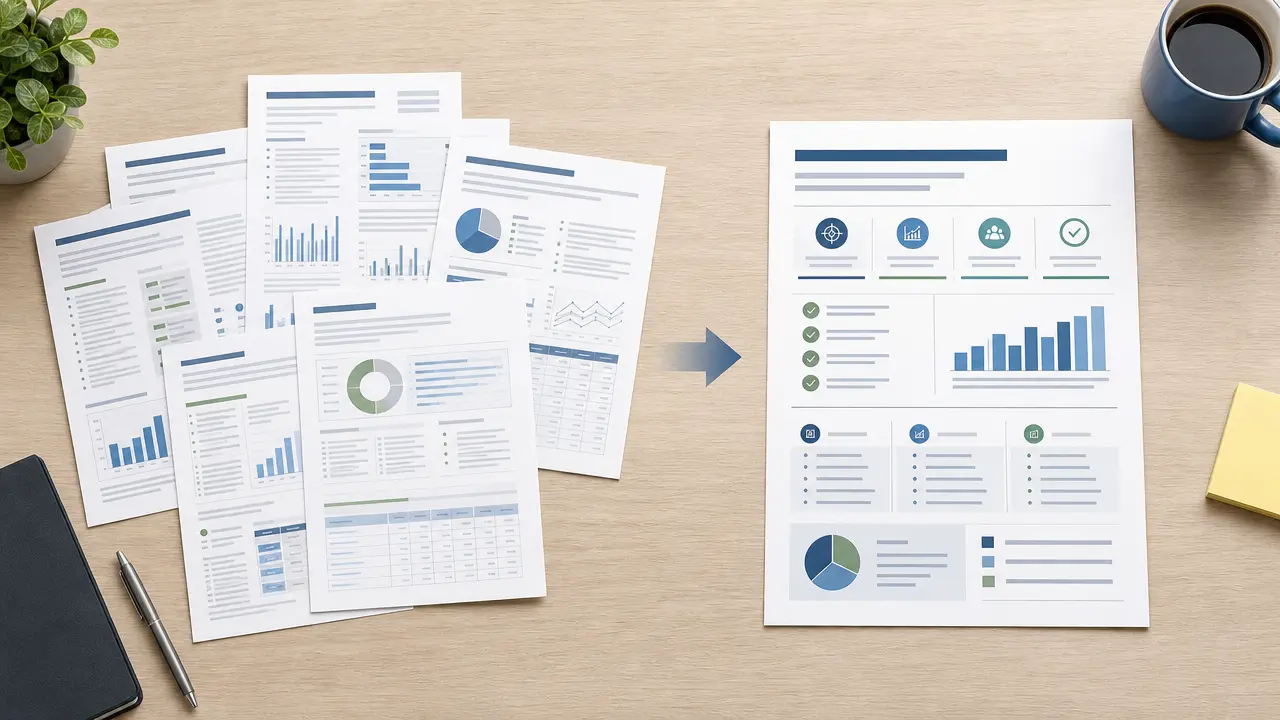
Prepare an authorized document summary request with audience, length, focus, and source-review controls.
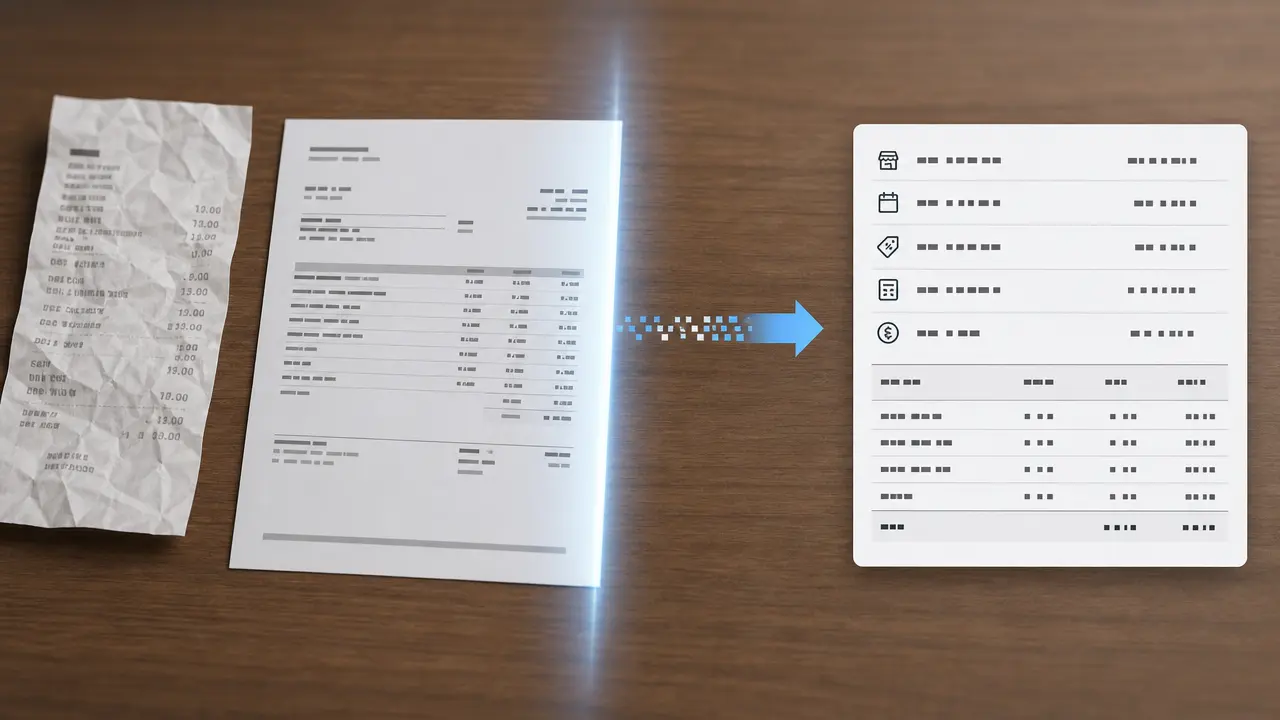
Prepare a receipt or invoice extraction request with document type, target fields, currency context, and review guidance for business records.
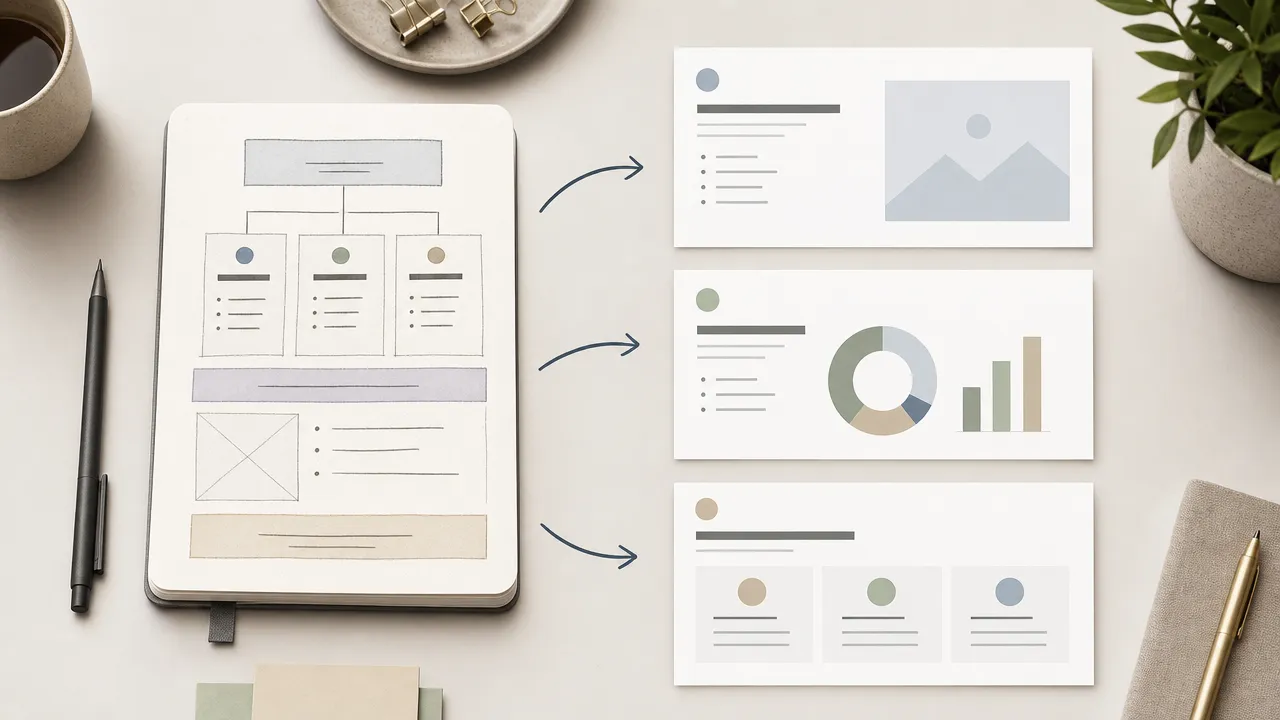
Use Nano Banana Slides to prepare an original presentation-planning request from an authorized topic, outline, audience, visual direction, and slide-structure controls.