Text or image input
Submit a typed expression, word problem or a clear photo of one problem, ensuring every relevant symbol, unit, diagram label and condition is visible before requesting help.
Type the problem or upload a photo, choose the learning level and decide whether you need a concise answer or a worked explanation.
Type the problem or upload one clear image. Important answers should be checked independently.
Expected output
Input
Solve x² - 5x + 6 = 0
Output
Factor the quadratic: x² - 5x + 6 = (x - 2)(x - 3) Set each factor to zero: x - 2 = 0 or x - 3 = 0 Therefore, x = 2 or x = 3. Substituting either value makes the original expression equal to zero.
A factored solution with both roots checked.
Key features
Submit a typed expression, word problem or a clear photo of one problem, ensuring every relevant symbol, unit, diagram label and condition is visible before requesting help.
Request a structured derivation that can be checked line by line, making it easier to compare the chosen method, assumptions, arithmetic and final result with your course materials.
Guide terminology and detail toward school, high-school or university-level study, so the explanation can better match the notation and prior knowledge expected in the course.
The workflow explicitly treats generated work as a learning aid and prompts users to verify notation, domain restrictions, units and final answers with a teacher, textbook or reliable method.
Step by step
Type the expression or word problem, or upload one clear image with every symbol, diagram label and condition visible.
Select the level that matches the course, then request step-by-step work for learning and checking or a concise answer when only a short result is needed.
Submit the Math Solver request, then check notation, assumptions, arithmetic and the final answer against a teacher, textbook or another reliable method.
FAQ
Yes. Provide either typed problem text or one clear image. If both are supplied, the text should clarify any symbols that are hard to read.
No. AI can misread notation, choose an unsuitable method or make arithmetic errors. Check each step and confirm important work with your teacher, textbook or another reliable method.
Crop to one problem, keep all symbols visible and avoid shadows, blur and strong perspective. Handwriting should be large and readable.
Use it for practice and understanding in line with your school or exam rules. Do not use it to bypass assessment policies.
Compare assumptions and substitute candidate answers back into the original problem. Check domain restrictions, units and rounding, and ask a teacher or qualified reviewer when the result matters.
AI Learning & Research
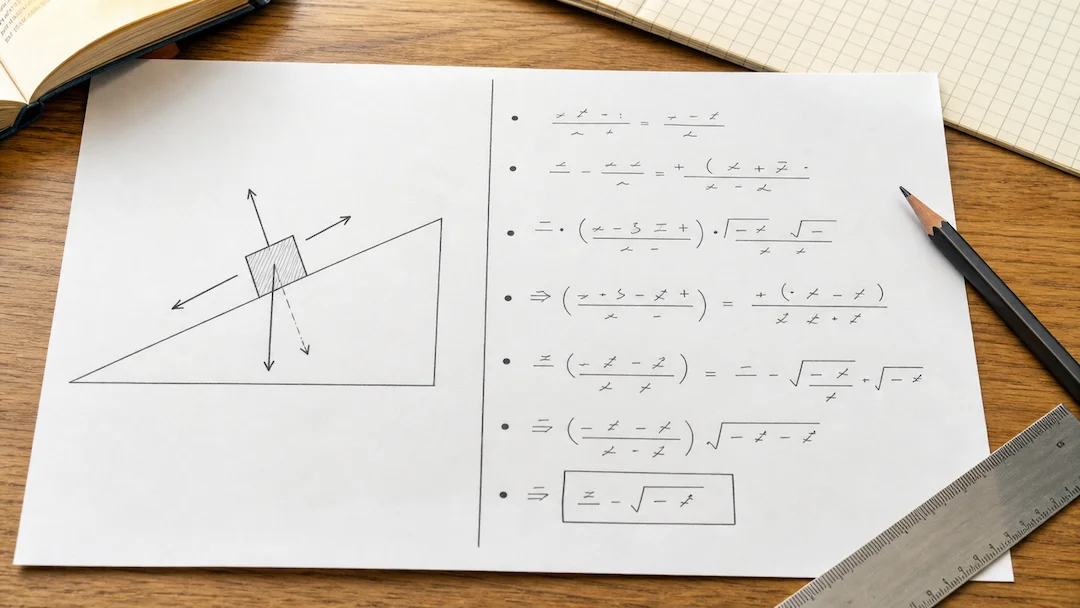
Prepare a typed or photographed physics problem with topic, level, units, and explanation depth for a structured learning review.
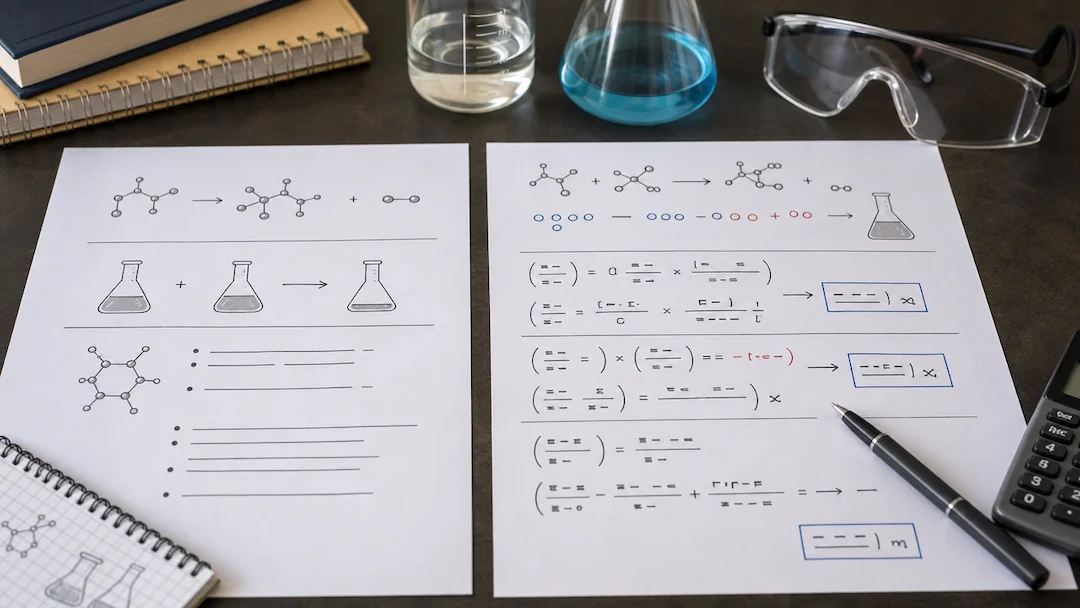
Use Chemistry Solver to prepare a typed or photographed chemistry problem with topic, known quantities, equation context, units, and explanation-depth controls.

Use Flashcard Maker to prepare a flashcard study-set request from a focused topic or authorized learning material.

Use Quiz Generator to prepare a focused quiz from a topic or authorized study material with deliberate difficulty and question-type controls.
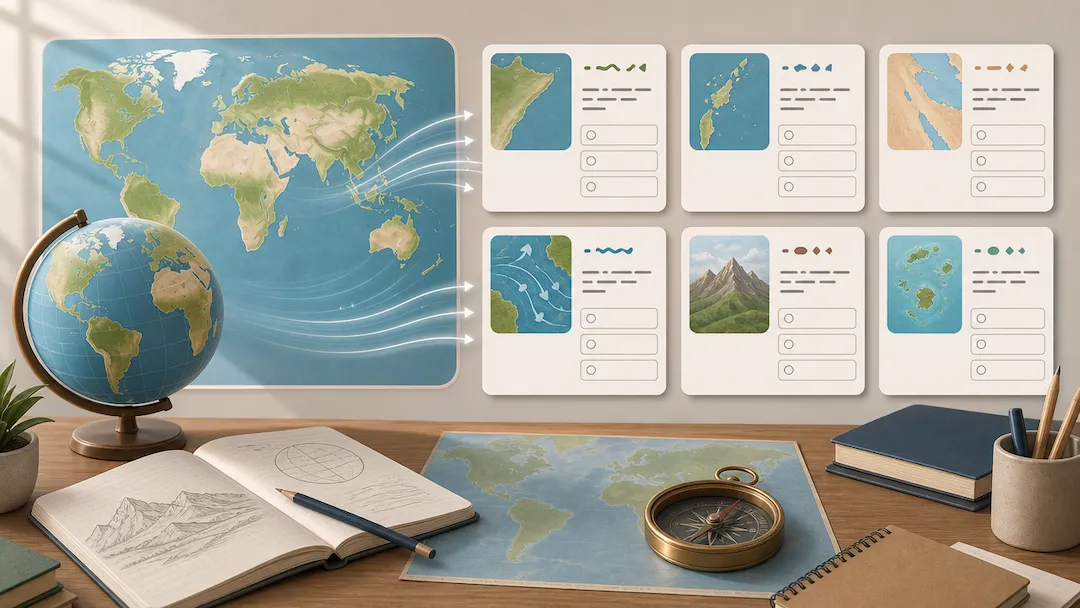
Use Geography Quiz Generator to prepare geography study questions from an authorized topic or notes with level, format, and explanation controls.
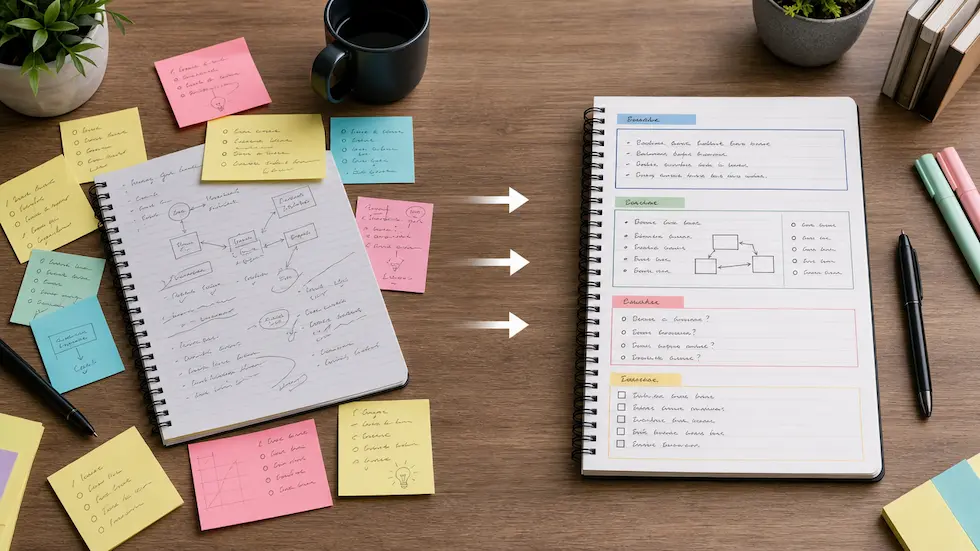
Organize authorized notes into a reviewable summary, key points, action items, and study structure with audience and output-format controls.