Purpose-led note organization
Choose a study outline, meeting recap, project brief, or action list so the request organizes the same source notes around the reader’s actual next task rather than producing an undifferentiated summary.
Paste notes you are allowed to process, choose whether you need a study outline, meeting-style recap, or action list, and review the output against the original notes.
Use authorized notes only. Review all decisions, owners, dates, and claims against the source before relying on the organized output.
Expected output
Input
Photosynthesis: chlorophyll captures light. Light reactions make ATP and NADPH. Calvin cycle uses CO2. Need to review where oxygen comes from and practice diagram labels.
Output
Key ideas - Chlorophyll captures light energy. - Light reactions produce ATP and NADPH. - The Calvin cycle uses carbon dioxide. Open question - Confirm the source of released oxygen from course material. Review plan - Label the photosynthesis diagram and check the oxygen explanation in the textbook.
Short raw notes reorganized into key ideas, open questions, and a focused review plan without adding unsupported information.
Key features
Choose a study outline, meeting recap, project brief, or action list so the request organizes the same source notes around the reader’s actual next task rather than producing an undifferentiated summary.
Ask for key points, stated decisions, open questions, and follow-up items in distinct sections, making it easier to identify what was written down versus what still requires confirmation.
Set the target reader and output language to improve the usefulness of headings and explanations, while keeping names, dates, figures, and domain terms available for direct source checking.
The workflow consistently treats generated organization as a drafting aid. Important commitments, deadlines, quotes, academic claims, and meeting decisions should always be checked against original notes or recordings.
Step by step
Provide notes you wrote or are authorized to process, and remove unnecessary personal, confidential, health, financial, or client information before submitting the text.
Select the note purpose, target reader, and output language. State whether you need key points, an outline, decisions, questions, or action items separated in the result.
Compare the organized output with the source notes. Confirm owners, dates, commitments, citations, and decisions with the original record or responsible participants before relying on them.
FAQ
It can help structure authorized class notes, project notes, brainstorming records, or meeting notes into summaries, key points, questions, and action-oriented sections for human review.
Not reliably. Notes can be incomplete or ambiguous. Treat decisions, owners, dates, and commitments as items to verify with the source record or relevant participants before acting on them.
Only if you are authorized to process them and your organization permits the use. Remove unnecessary personal, customer, financial, health, legal, or confidential information before submission.
Use it as a draft checklist. Confirm each owner, deadline, scope, and priority with the original notes or responsible person, because a summary can omit context or misattribute a task.
No. It can make review more efficient, but it cannot replace reading essential source material, checking citations, or independently understanding course content, policy, or project requirements.
AI Learning & Research
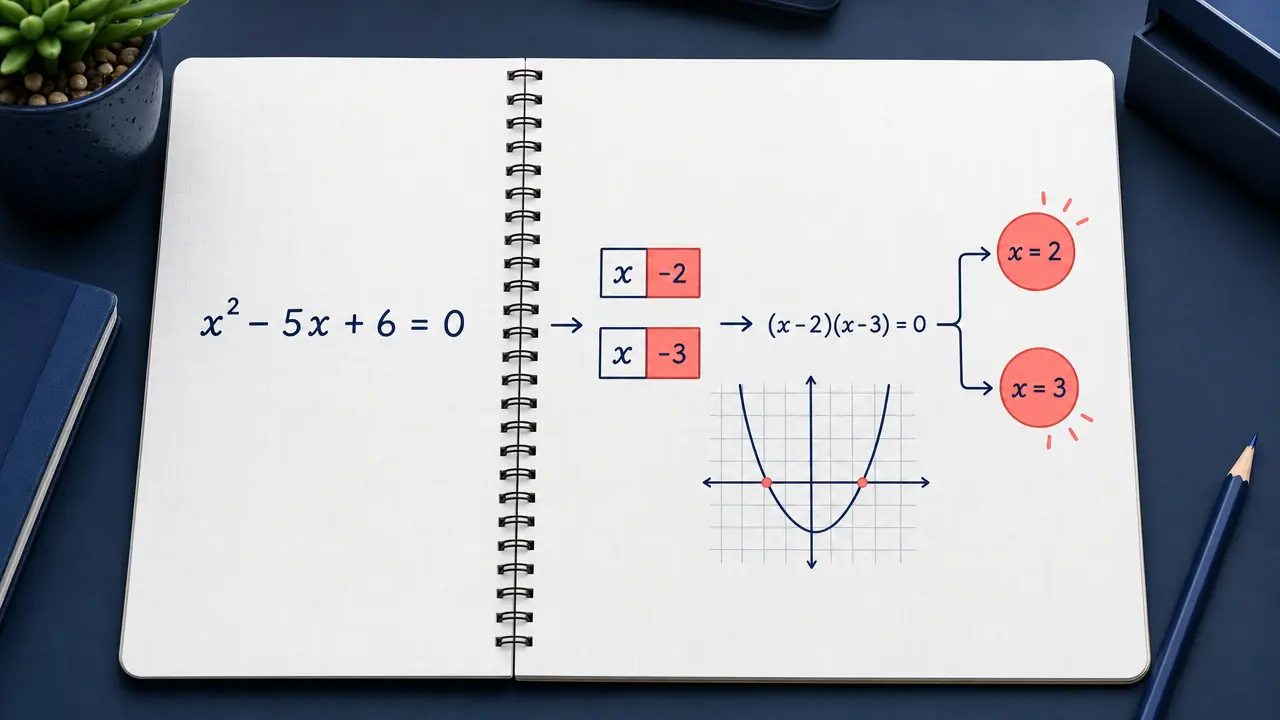
Enter a math problem or upload a clear problem image and request an answer or step-by-step explanation.
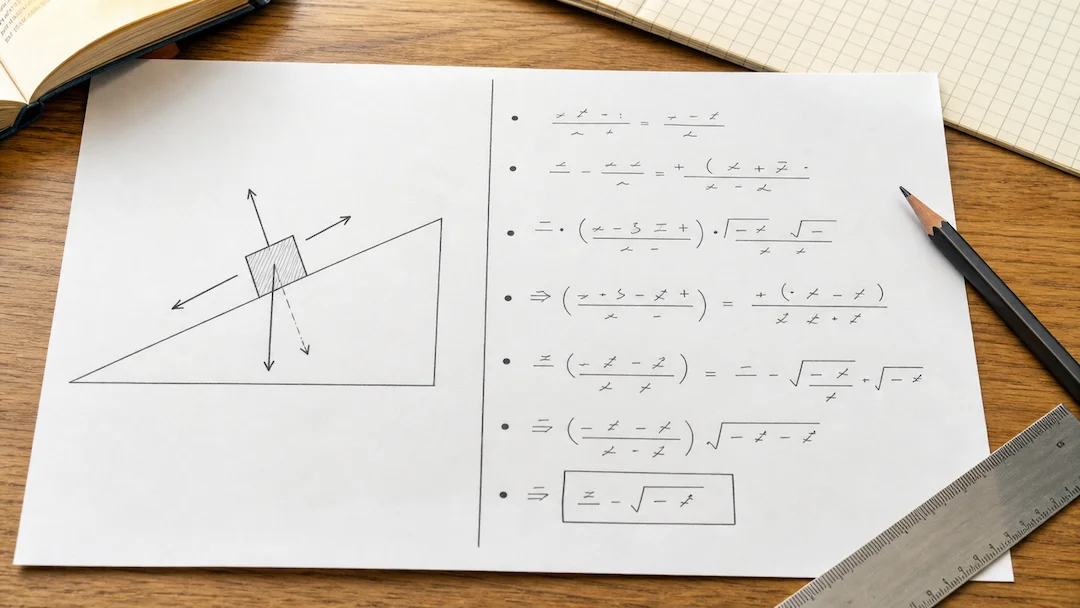
Prepare a typed or photographed physics problem with topic, level, units, and explanation depth for a structured learning review.

Use Chemistry Solver to prepare a typed or photographed chemistry problem with topic, known quantities, equation context, units, and explanation-depth controls.

Use Flashcard Maker to prepare a flashcard study-set request from a focused topic or authorized learning material.
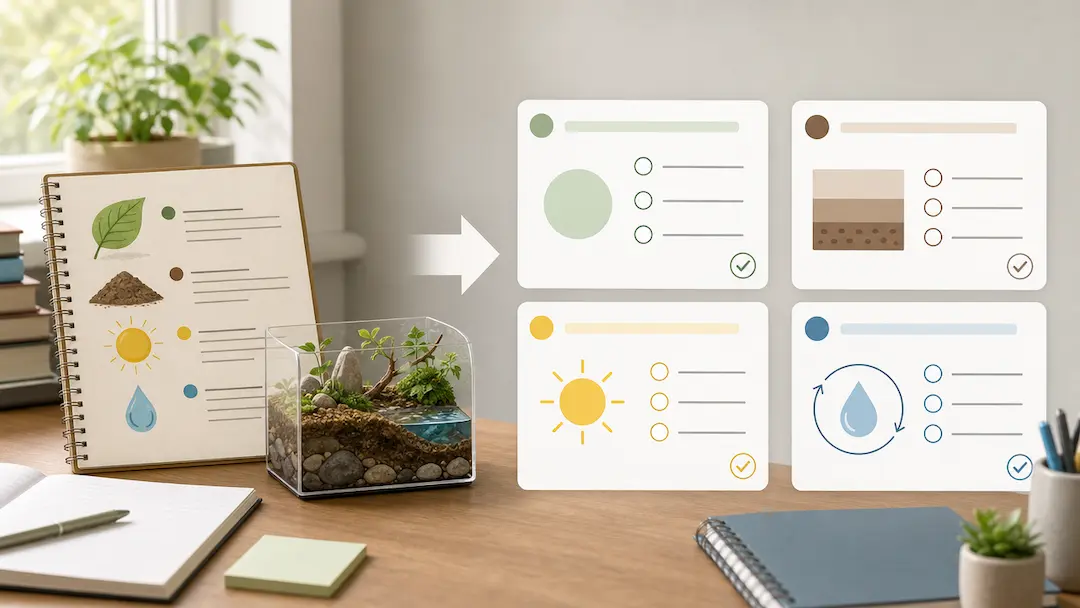
Use Quiz Generator to prepare a focused quiz from a topic or authorized study material with deliberate difficulty and question-type controls.
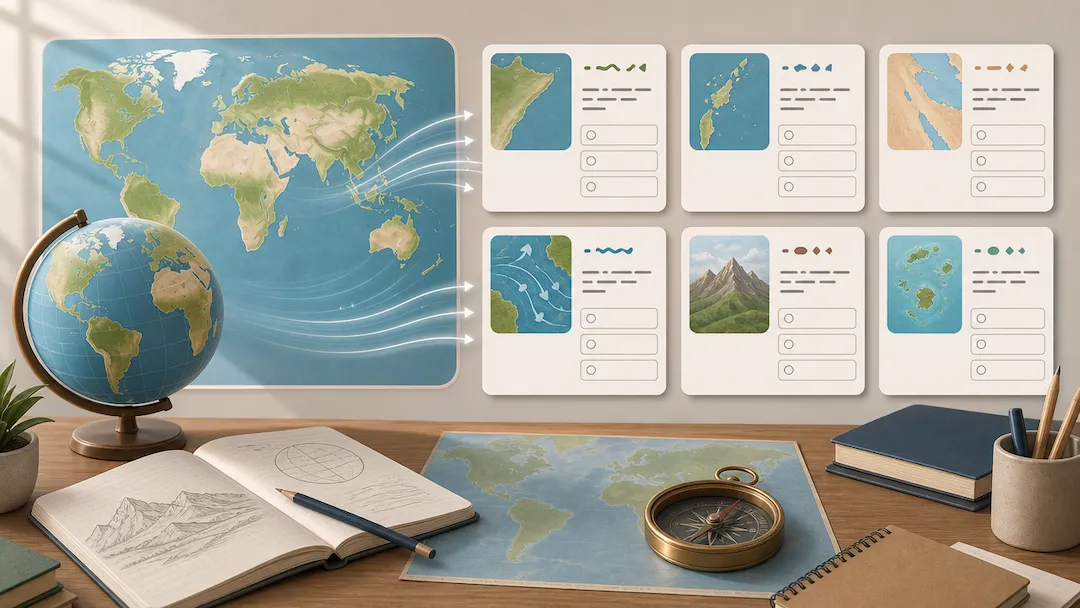
Use Geography Quiz Generator to prepare geography study questions from an authorized topic or notes with level, format, and explanation controls.