Meaning-preserving revision brief
Set a clear goal for readability, flow, or tone while asking the revision to preserve factual claims, quotations, citations, technical terms, and any limitations already present in the source draft.
Paste a draft you are allowed to edit, select an audience and tone, then request a readable revision that keeps the original claim boundaries and important terms visible.
Use this as an editing aid, not a way to bypass authorship rules or AI detection. Review facts, citations, and policy requirements yourself.
Expected output
Input
We are adding export on Friday. It may not work for every account at first, and support will help with known issues.
Output
Export is planned for release on Friday. Initial availability may vary by account, and our support team will assist with documented issues as rollout progresses.
A concise update revised for a customer-facing audience while retaining the stated launch condition and support limitation.
Key features
Set a clear goal for readability, flow, or tone while asking the revision to preserve factual claims, quotations, citations, technical terms, and any limitations already present in the source draft.
Choose an intended audience and a professional, conversational, concise, or warm tone so the requested language can suit a practical context without turning the draft into a different argument.
The example presents source wording next to a revision, encouraging writers to compare changes rather than accepting rewritten text blindly when accuracy, voice, or compliance matters.
The tool is positioned for editing and clarity, not for bypassing authorship review, academic policies, employer requirements, or AI-detection systems; authors remain responsible for honest disclosure where needed.
Step by step
Provide your own writing or text you are authorized to revise. Remove sensitive personal, financial, medical, or confidential information that is not needed for the editing task.
Select the desired tone, target reader, and whether key terminology should remain unchanged. Keep citations, direct quotes, and factual claims available for careful review.
Review every revision against the source before using it. Restore any missing nuance, verify facts and citations, and follow your school, workplace, publisher, or client disclosure rules.
FAQ
It is intended to improve clarity, sentence flow, tone, and readability. It should not silently change facts, invent sources, alter quoted language, or turn a cautious statement into a stronger claim.
No. It does not promise to bypass AI detectors, authorship checks, or policy controls. Use it as an editing aid and comply with the disclosure and originality rules that apply to your work.
Only if your instructor or institution permits that use. You remain responsible for the submitted work, accurate attribution, original contribution, and any required disclosure of assistance.
Select the option to keep key terms, then review the final text word by word. Preserve terminology, measurements, legal language, and domain-specific expressions that must remain exact.
No. Editing for style is not fact verification. Check dates, numbers, quotations, citations, product details, and any consequential claim against reliable primary sources before publication.
AI Writing Tools
Use AI Detector to prepare a text-pattern review request with language, document type, and a clear understanding that the result is not an authorship verdict.

Prepare an original story draft request with premise, audience, tone, length, and reviewable creative constraints.

Use AI Email Writer to prepare a context-aware email draft with a defined goal, audience, tone, and call to action.
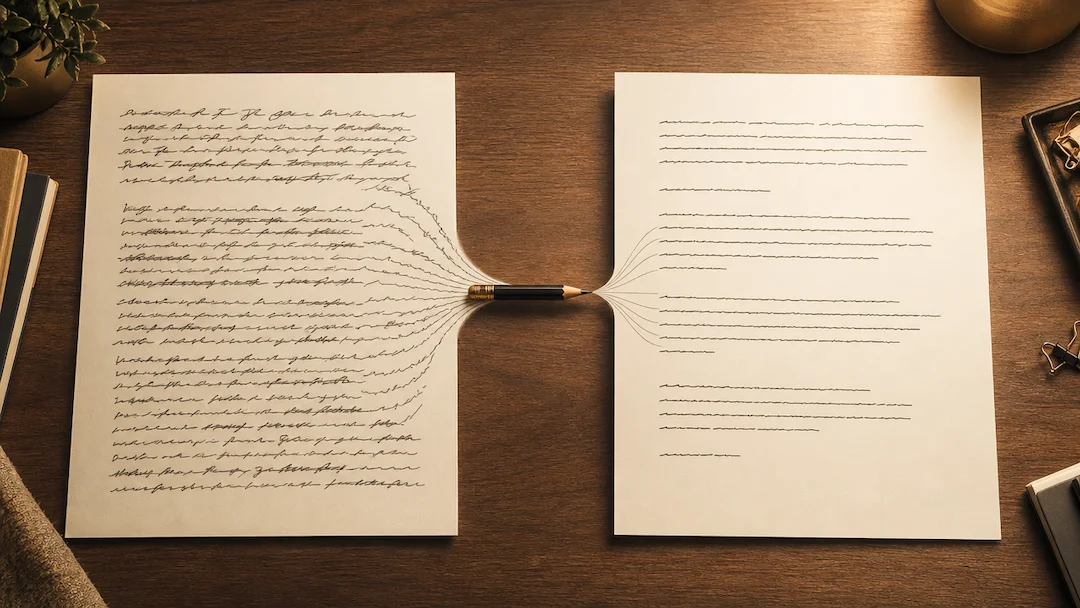
Prepare a sentence or paragraph rewrite request with meaning, tone, length, language, and protected terms kept under control.
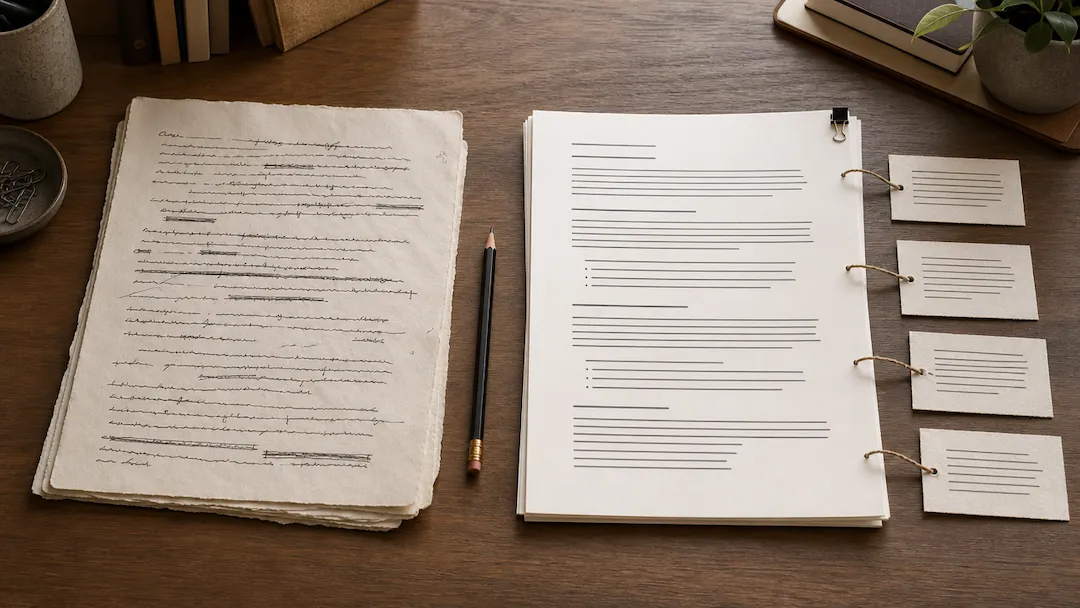
Refine an AI draft for clearer, more natural wording while keeping facts, citations, and your own voice under review.
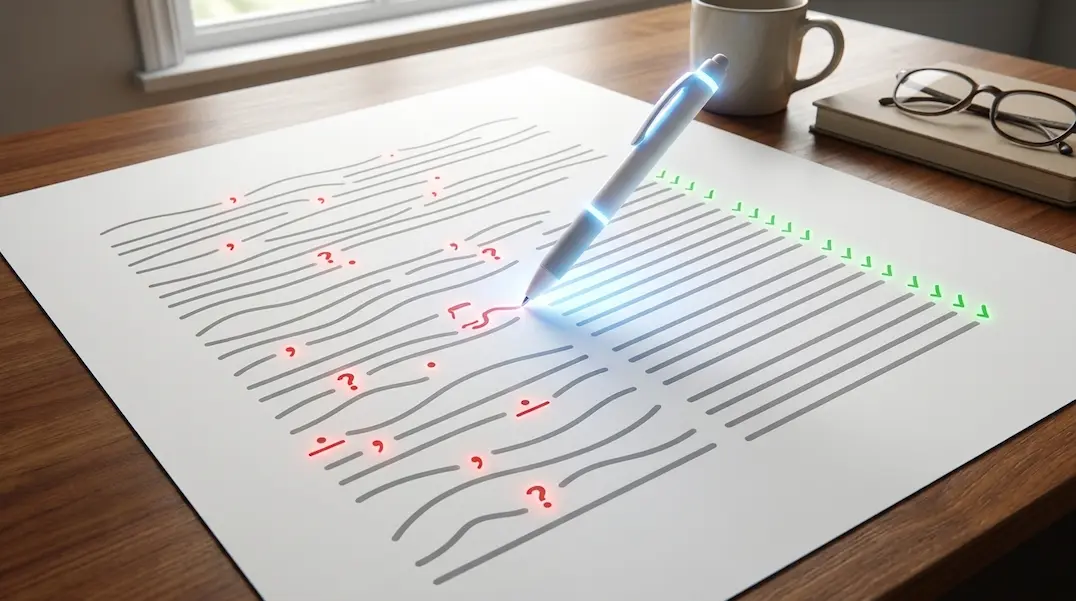
Use AI Grammar Checker to prepare a grammar and clarity review request for text you are authorized to edit.