Purpose-built controls
The form exposes target role, experience level, review focus, and output language, so the request can express a specific goal and a practical output context instead of relying on an ambiguous one-line instruction.
Start with your own or authorized resume and a truthful target-role description, choose target role, experience level, review focus, and output language, and keep the request focused on a result you can inspect before use.
Use only material you are authorized to handle. Review source details and the intended use before submitting.
Expected output
Input
Experience excerpt: redesigned the checkout flow, collaborated with engineering, and supported a two-week usability study for a mobile commerce product.
Output
Review focus: clarify the applicant's role, retain only verifiable outcomes, add context for the usability study, and check that dates and portfolio links match the source resume.
A structured review brief shows how role alignment, evidence, and readability can be checked without adding unsupported achievements or rewriting the applicant's history.
Key features
The form exposes target role, experience level, review focus, and output language, so the request can express a specific goal and a practical output context instead of relying on an ambiguous one-line instruction.
Begin with your own or authorized resume and a truthful target-role description. Clear, authorized source material and a focused brief make it easier to state the intended transformation or review target accurately.
Before you use any future result, check dates, employers, qualifications, measurable claims, contact details, and job-specific requirements. A prepared request can organize the work, but it cannot replace context-aware human verification.
Use this tool only within the stated boundary: do not invent experience, credentials, employment history, or outcomes to make a resume appear stronger. Keep original sources and permissions available when they are relevant to sharing or commercial use.
Step by step
Provide your own or authorized resume and a truthful target-role description. Identify the actual use case and keep the request limited to information, media, and people you are authorized to use.
Set target role, experience level, review focus, and output language. Select the option that matches the destination rather than assuming a stronger transformation or longer output is automatically better.
Inspect dates, employers, qualifications, measurable claims, contact details, and job-specific requirements. Correct mistakes against the original source and use qualified review where the material affects rights, safety, decisions, or public claims.
FAQ
It helps you prepare a resume-review request focused on clarity, relevance, and truthful presentation. Use the page to make the intended input, controls, and review points explicit before relying on any result.
Use your own or authorized resume and a truthful target-role description. Better source quality and a specific goal make the request easier to interpret and to review later.
Choose target role, experience level, review focus, and output language based on the actual destination and audience. Start with the least aggressive option that can reasonably serve the stated purpose.
Review dates, employers, qualifications, measurable claims, contact details, and job-specific requirements. Compare material details with the source instead of assuming that an apparently polished result is complete or accurate.
Yes. do not invent experience, credentials, employment history, or outcomes to make a resume appear stronger. You remain responsible for permissions, source accuracy, disclosures, and the final decision to share or use any output.
AI Document Tools

Ask focused questions about a PDF and request page-aware answers in your preferred language.
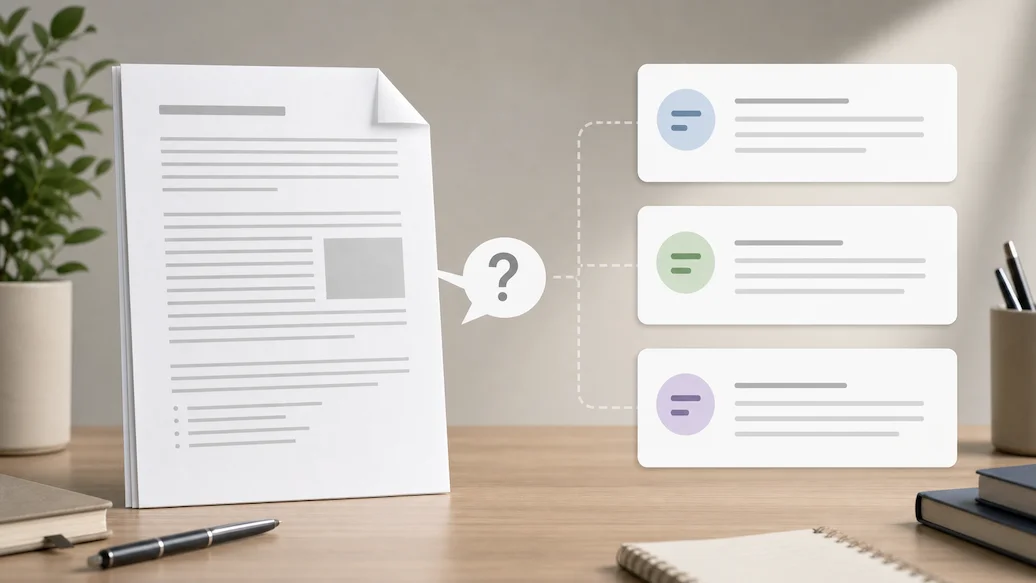
Use Chat Doc to prepare an authorized document-question request with file type, question scope, answer format, and citation expectations.

Use Chat PPT to prepare an authorized slide-deck question request with slide scope, answer format, citation preference, and response-language controls.
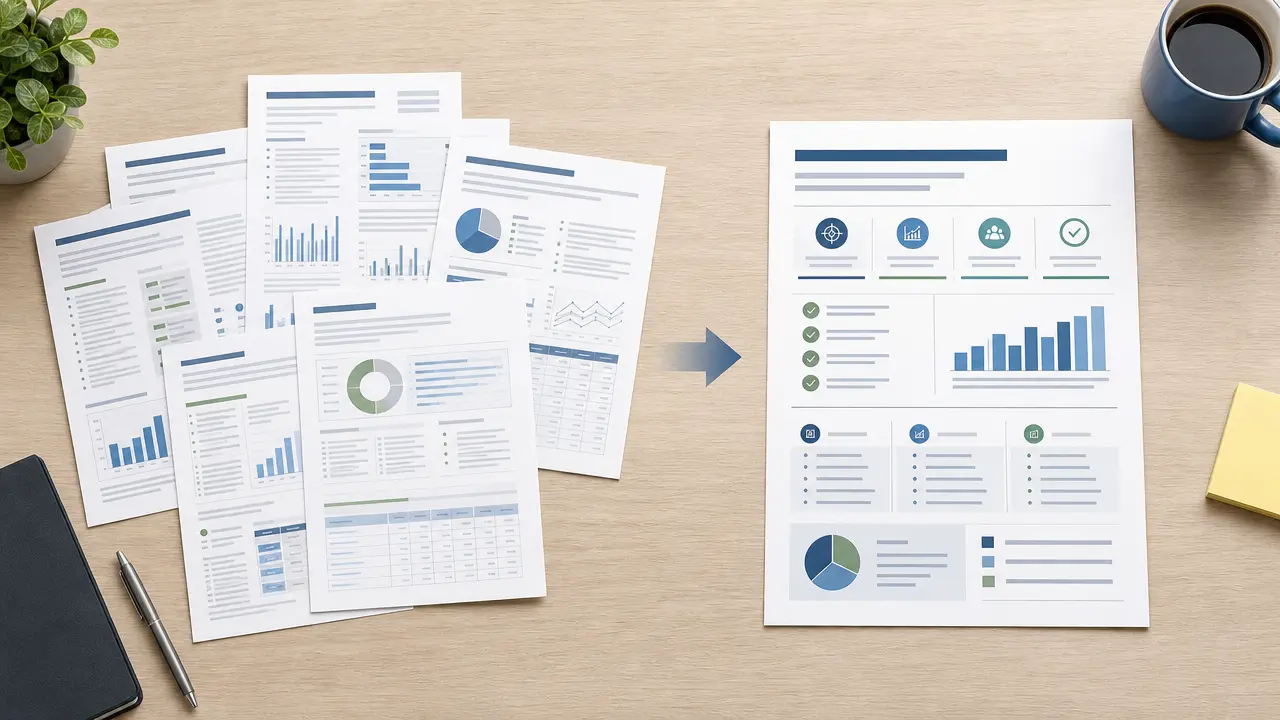
Prepare an authorized document summary request with audience, length, focus, and source-review controls.
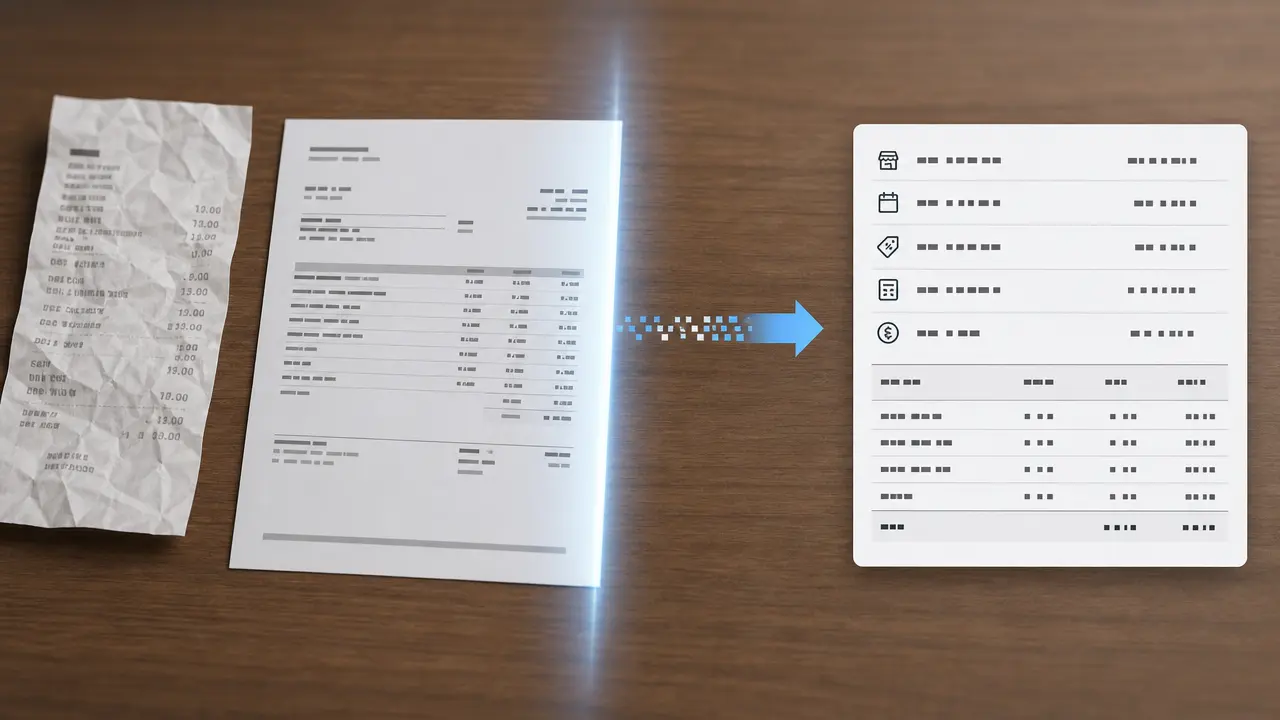
Prepare a receipt or invoice extraction request with document type, target fields, currency context, and review guidance for business records.
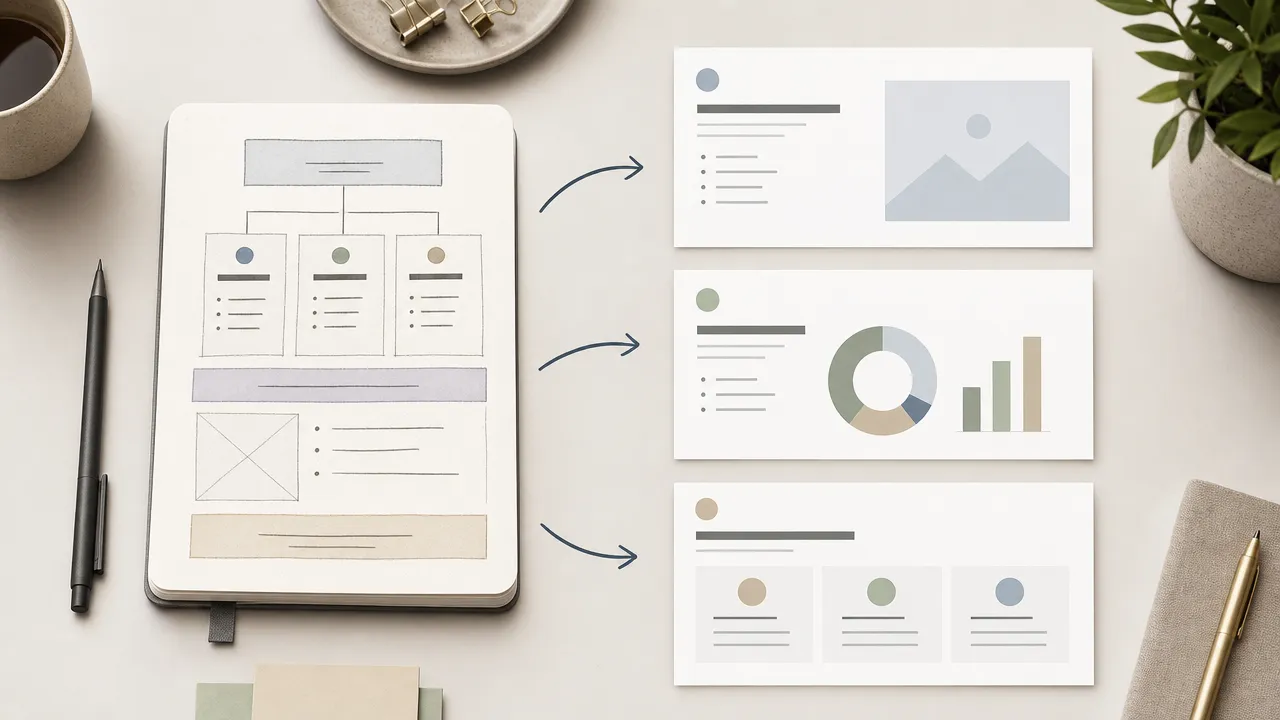
Use Nano Banana Slides to prepare an original presentation-planning request from an authorized topic, outline, audience, visual direction, and slide-structure controls.