Original cartoon style controls
Choose clean-line, soft-color, or bold comic directions that describe visual attributes instead of copying a protected studio, living artist, franchise, or character style as though it were official.
Upload an image you are allowed to transform, choose an original cartoon direction, and preserve the main subject without presenting the result as an official character or branded artwork.
Upload only images you may transform and choose an original visual direction. Do not request protected styles, characters, logos, or official branding.
Expected output
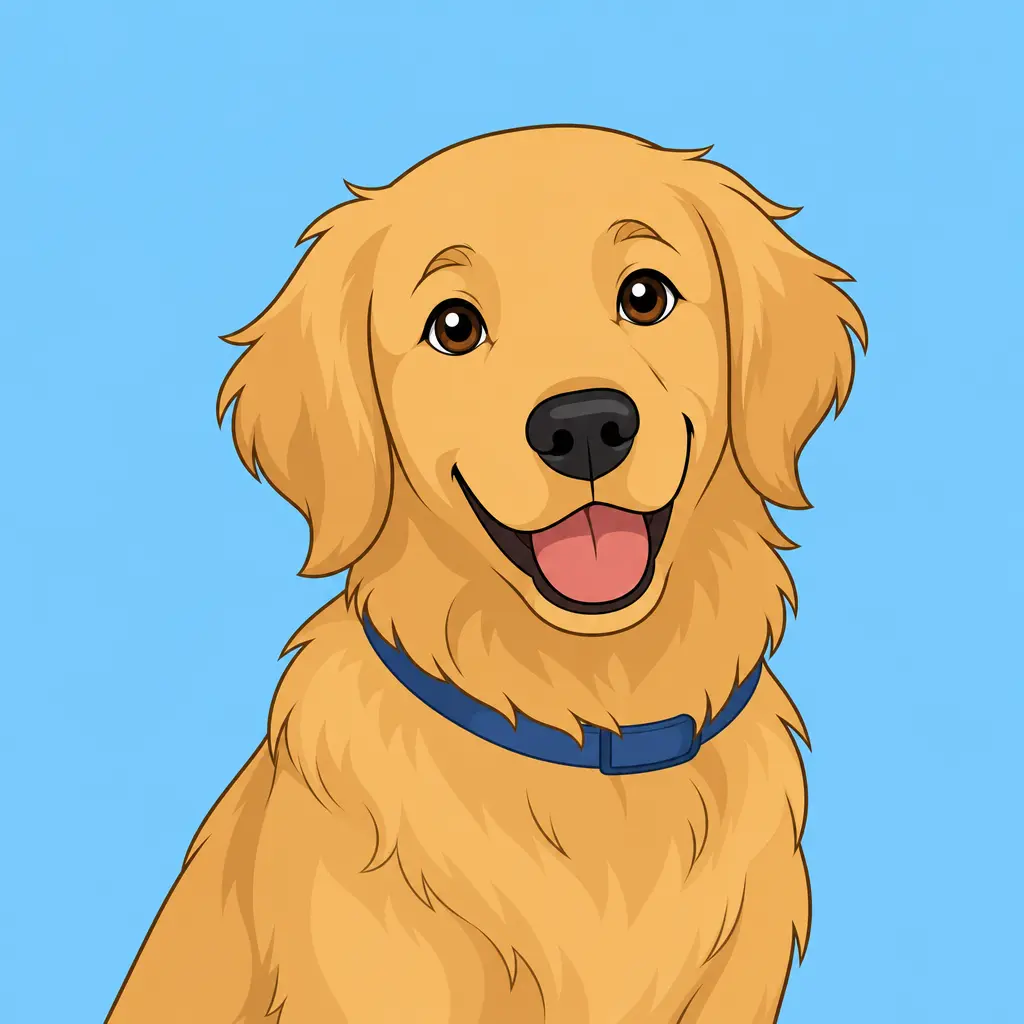
An authorized pet portrait reimagined with original clean outlines, soft flat colors, and a simple sky-blue background for an approachable cartoon visual.
Key features
Choose clean-line, soft-color, or bold comic directions that describe visual attributes instead of copying a protected studio, living artist, franchise, or character style as though it were official.
Keep the request tied to the main person, pet, or object in an authorized image, with optional notes for important colors and accessories that should remain recognizable after the illustration treatment.
Select a simple color backdrop, a light scene, or a preserved setting so the requested cartoon concept can prioritize the subject without accidentally changing the image into an unrelated story or brand context.
The tool is designed for photos you may transform and for original visual directions; review the result before commercial use and never imply that an unofficial illustration is licensed, endorsed, or authentic merchandise.
Step by step
Use an image you own or are authorized to edit. A clear source with a visible main subject works best; do not upload protected artwork, franchise material, or another creator's image without permission.
Select a cartoon direction, line treatment, palette, and background. Keep requests descriptive and original instead of asking for a living artist, studio, character, logo, or licensed property to be copied.
Check the transformed subject, text, accessories, and visual references before sharing. Treat the result as a creative concept and obtain rights clearance for commercial campaigns, products, or publishing.
FAQ
It prepares an authorized image for an original cartoon-style reinterpretation with controls for line, color, background, and subject preservation. It does not claim to reproduce a protected style exactly.
Yes, when you own the selfie or have permission from the person shown. Use a clear image and review the result before sharing it, especially when it changes identifiable personal features.
No. Describe broad visual attributes such as clean outlines or soft watercolor-like colors instead of asking to copy a protected studio, artist, character, or franchise style.
Only after checking that you have the source-image rights and all necessary commercial permissions. Do not market an unofficial result as official, licensed, endorsed, or connected to a third party.
Preserve it when the setting is important to the story or recognizable context. Choose a simple background when the main goal is a clear profile-style illustration, and review that the change does not remove meaningful information.
Image Converters
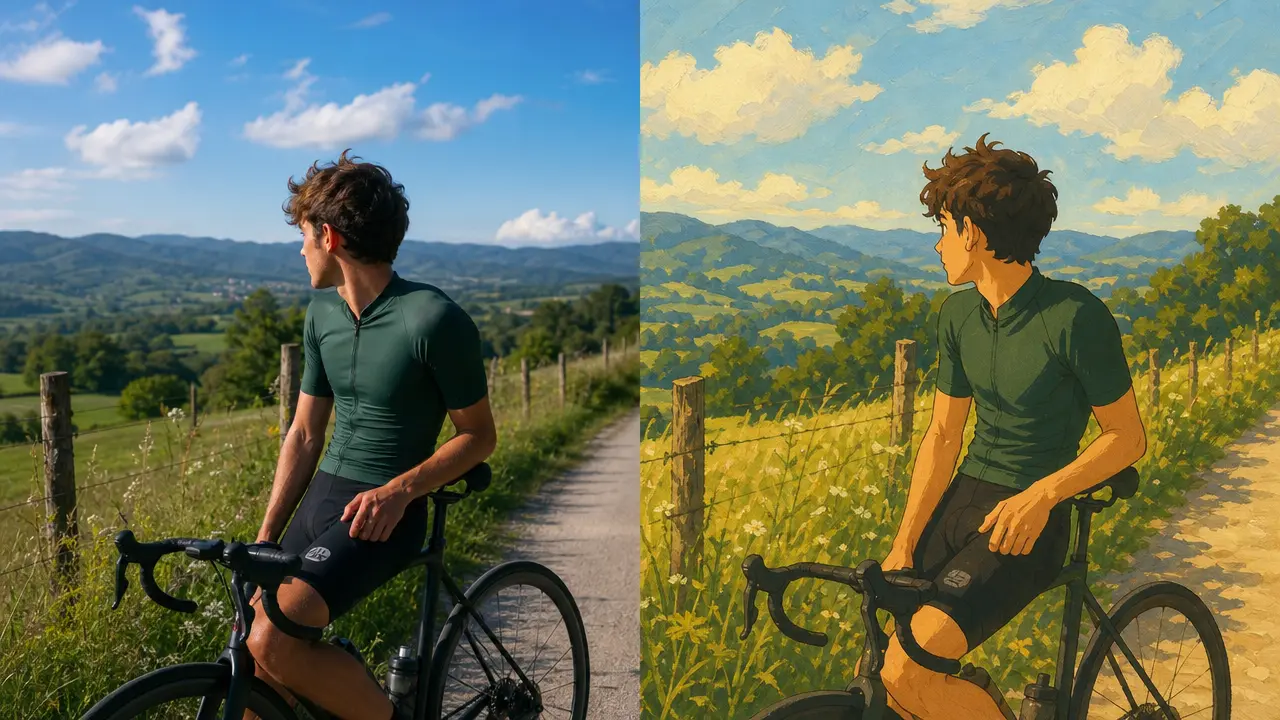
Reimagine a photo with hand-painted, animation-inspired scenery and adjustable stylization.
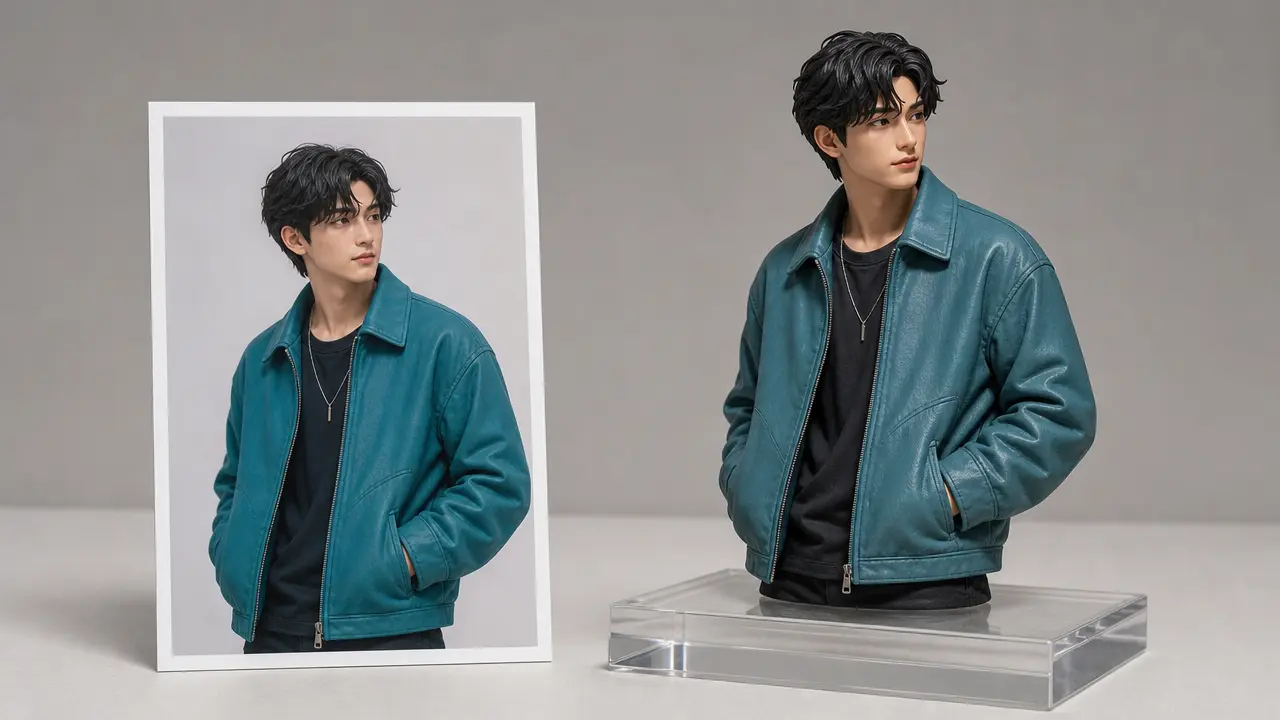
Reimagine an authorized photo as a dimensional product, figurine, or isometric illustration concept while preserving its key subject and composition.
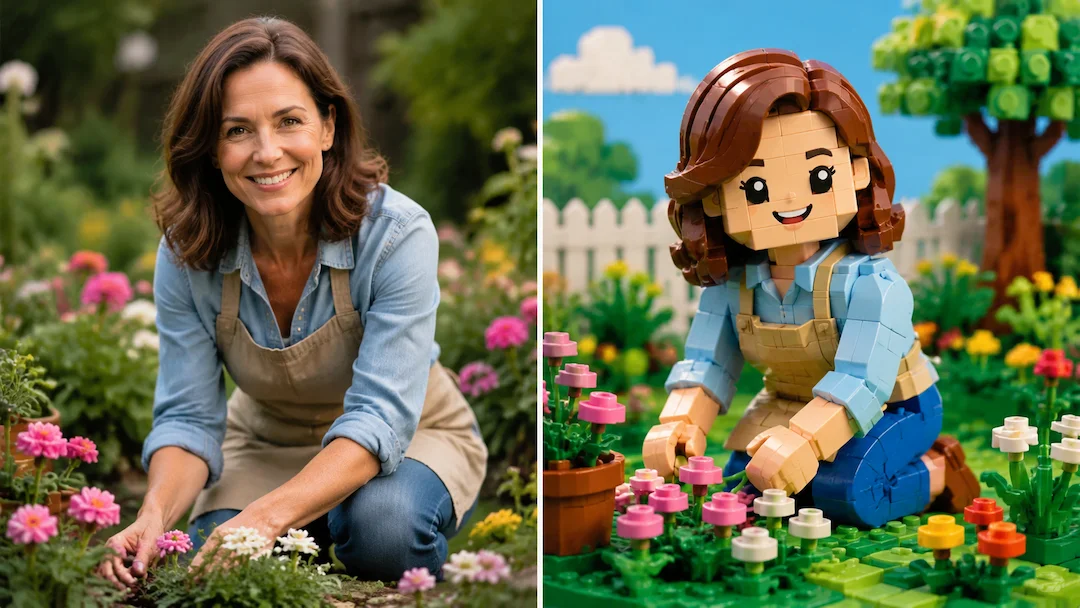
Use Photo to Lego to prepare an original brick-toy-style interpretation of an authorized photo with figure, scene, and detail controls.
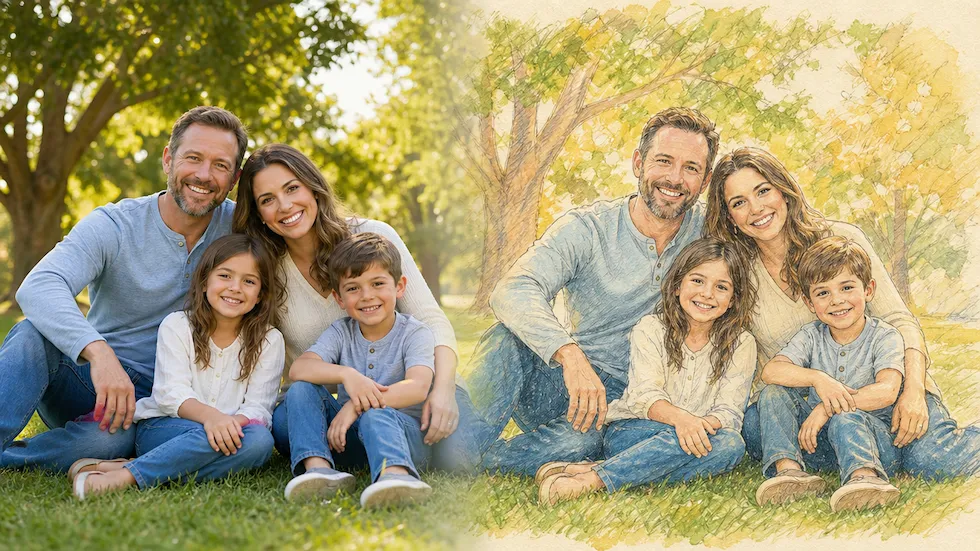
Use Photo to Disney to prepare an original family-friendly illustration interpretation of an authorized photo without claiming Disney affiliation.
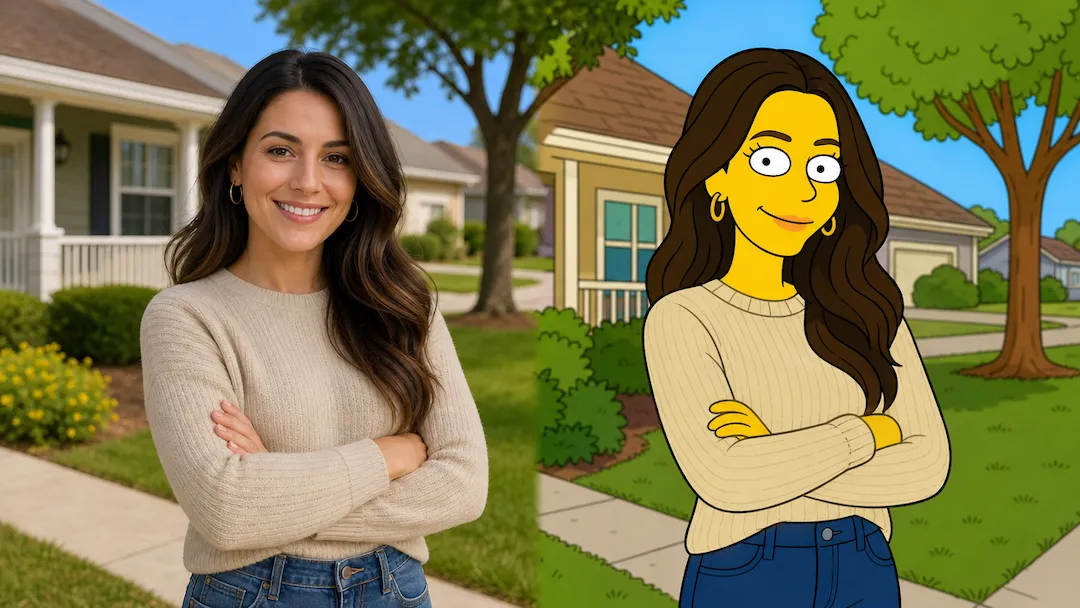
Reimagine an authorized photo as an original animated portrait with clear composition, palette, and expression controls.
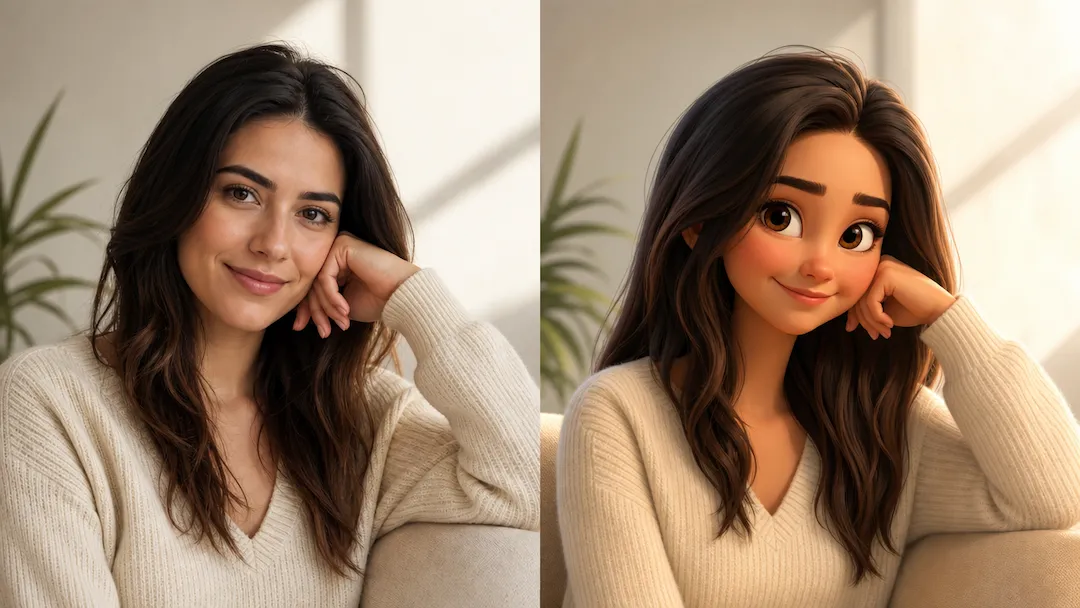
Reimagine an authorized photo as an original animated portrait with clear composition, palette, and expression controls.