NexMate

Instagram Chibi Profile: Make a Colorful Chibi Avatar for Instagram

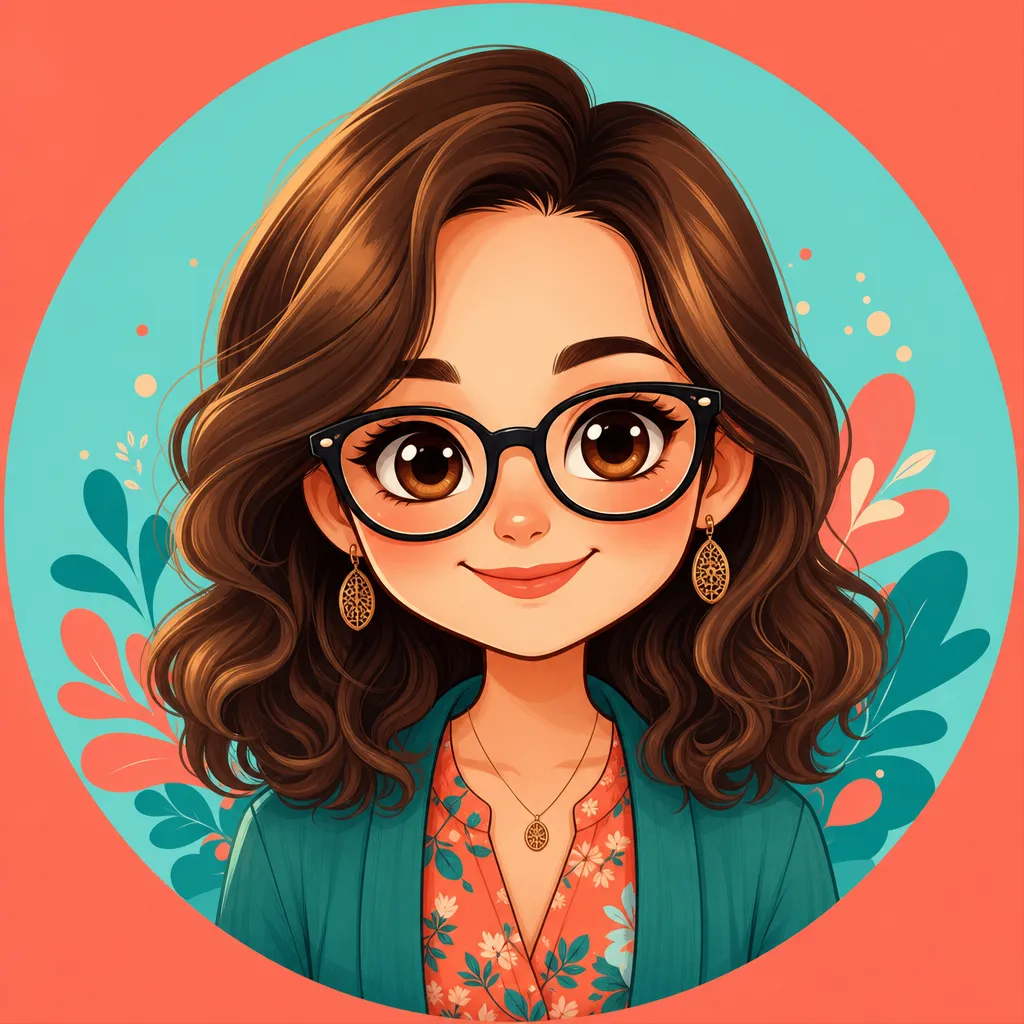
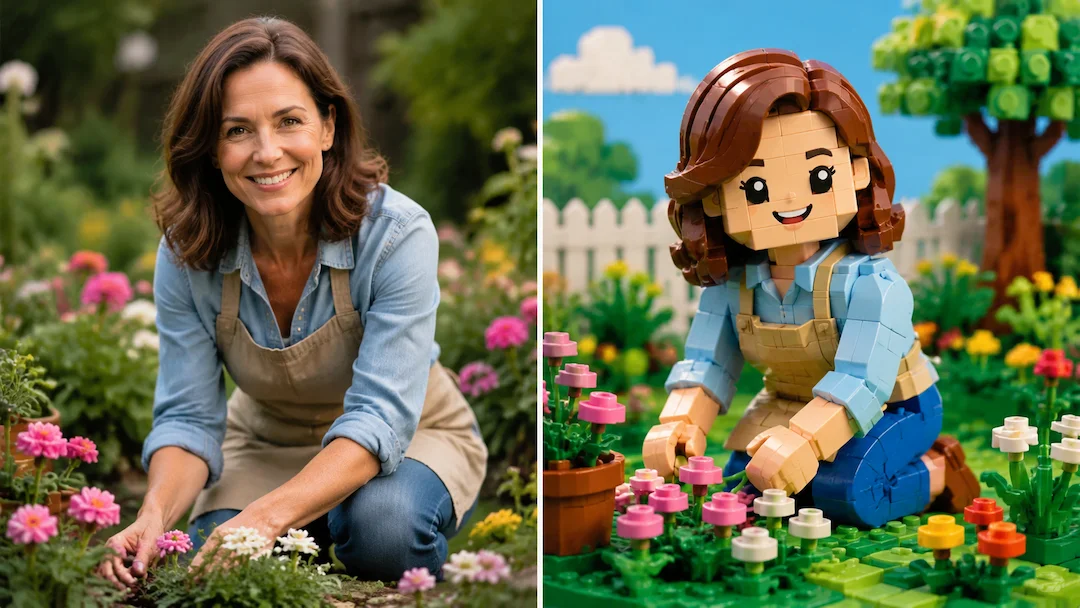
Turn an authorized portrait into a colorful, centered chibi profile image with a safe circular crop and a readable expression for Instagram-sized displays.

Create with Instagram Chibi Profile

Choose the inputs that match your source material and intended result, then submit a prepared request for review.

JPG, PNG, or WebP, maximum 10 MB. Use only an image you may edit.

.

Key features

Key Features of Instagram Chibi Profile

01

Small-size profile readability

The form prioritizes one clear face, a strong silhouette, and comfortable head-and-shoulders framing. These choices help the portrait remain recognizable after a platform displays it as a small square or circular profile image instead of a full-size illustration.

02

Choose an intentional expression

Select a friendly, confident, calm, or playful expression before submitting. Giving the intended mood up front helps the resulting avatar communicate the account's personality without relying on tiny decorative details that disappear in a compact profile crop.

03

Use a simple profile-safe background

Choose warm, colorful simple backgrounds that separate the character from the surrounding feed. The result is planned around visual clarity, not a busy scene, so hair, face shape, and expression can remain visible in the small image slot.

04

Respect portrait and platform rights

Upload only a photo you are entitled to use and avoid using the avatar to impersonate another person or suggest an official account. Instagram is named only to describe a display context; this is an independent, unofficial profile-art tool.

Step by step

How to Use Instagram Chibi Profile

  1. 1

    Upload one clear portrait

    Choose an authorized image with one visible face, even lighting, and limited obstruction. A front-facing or slight-angle head-and-shoulders photo gives the chibi treatment a clear starting point for a compact profile crop.

  2. 2

    Choose expression, background, and crop

    Set a profile-friendly expression, a simple color direction, and a square output. Keep the face near the center with space around the hair and chin so later circular cropping does not remove important facial features.

  3. 3

    Check it at profile size

    Before using the final image, view it small and verify that the eyes, outline, and expression remain clear. Confirm that it does not include protected logos, another person's likeness, or wording that could mislead viewers about account ownership.

FAQ

FAQ of Instagram Chibi Profile

Which portrait works best for a chibi profile image?+

Use one sharp head-and-shoulders portrait with the face well lit and unobstructed. A distant group photo, sunglasses, strong beauty filters, or a busy background make it harder to retain a clear expression after small-size cropping.

Why should I choose a square output for a profile avatar?+

A square source keeps more room around the centered face and is widely adaptable to profile-image slots. Important features should remain inside the middle area because many services also apply a circular crop.

Will the result be an official Instagram avatar style?+

No. The tool independently creates original chibi profile art for use in a Instagram display context. It is not affiliated with, endorsed by, or a copy of Instagram branding, interface, or official artwork.

Can I make a chibi avatar from someone else's photo?+

Only with permission and a lawful purpose. Do not use another person's photo to impersonate them, create a deceptive account, harass them, or imply their endorsement of an account or campaign.

How can I keep the avatar recognizable in a tiny profile circle?+

Use a centered face, a simple background with contrast, and a readable expression. Avoid tiny text, detailed scenery, busy patterns, or important features too close to the image edge, because they are easily lost after cropping.