NexMate

Facebook Chibi Profile Generator for Original Social Profile Concepts

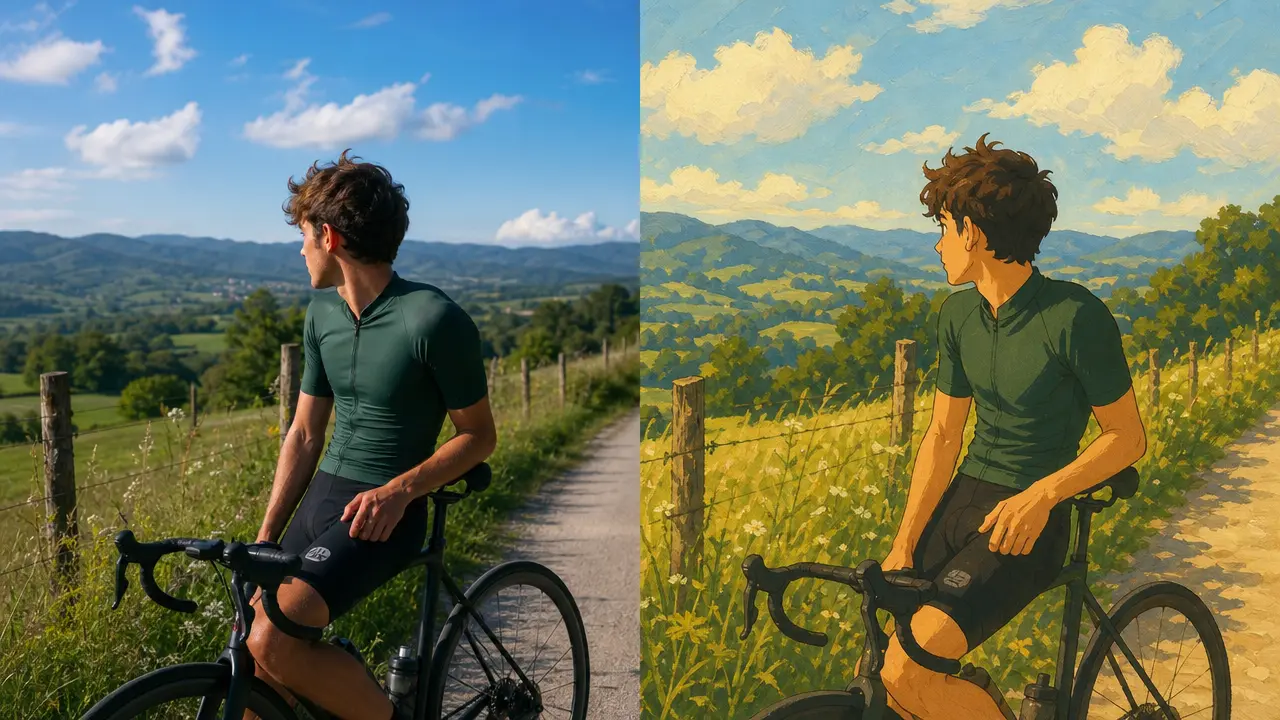
Start with an authorized portrait with one visible adult subject and no platform screenshots, marks, or third-party character references. Choose chibi proportion, expression, color direction, background, and square crop, then review the result against the original context before using it.

Create an Facebook Chibi Profile Request

Use only material you are authorized to handle. Review source details and intended use before submitting.

JPG, PNG, or WebP, maximum 10 MB. Use only an image you may edit.

.

Key features

Key Features of Facebook Chibi Profile

01

Controls matched to the task

The form makes chibi proportion, expression, color direction, background, and square crop explicit, so the request captures the intended result and delivery context instead of relying on an ambiguous one-line instruction.

02

Source-quality guidance

Begin with an authorized portrait with one visible adult subject and no platform screenshots, marks, or third-party character references. Clear, authorized source material gives the request a stronger factual and visual foundation for later review.

03

Review points before use

Check portrait rights, recognizable identity, platform-mark avoidance, small-size clarity, and whether the profile image is clearly unofficial before relying on a future result. Structured inputs improve clarity but never replace contextual human verification.

04

Responsible-use boundary

Use this tool within a clear boundary: Facebook is a third-party trademark; do not use its logos, interface, branding, or claim affiliation or endorsement. Retain source material and permissions whenever they affect sharing or commercial use.

Step by step

How to Use Facebook Chibi Profile

  1. 1

    Prepare the source and outcome

    Provide an authorized portrait with one visible adult subject and no platform screenshots, marks, or third-party character references. Keep the request tied to the actual use case and to information, media, and people you are authorized to handle.

  2. 2

    Set the controls for the destination

    Choose chibi proportion, expression, color direction, background, and square crop. Select settings that fit the intended audience and placement instead of assuming a more aggressive transformation is always better.

  3. 3

    Review key details before use

    Inspect portrait rights, recognizable identity, platform-mark avoidance, small-size clarity, and whether the profile image is clearly unofficial. Compare important details with the source and obtain qualified review when the material affects rights, safety, records, or public claims.

FAQ

FAQ of Facebook Chibi Profile

Is this an official Facebook profile-picture tool?+

No. It creates an original chibi-style profile concept and is not affiliated with, endorsed by, or provided by Facebook or Meta.

Can I include Facebook logos or interface elements?+

No. Do not use Facebook logos, interface screenshots, brand assets, or claims of platform endorsement. Use a plain original background and generic profile framing instead.

What portrait works best for a chibi profile?+

Use an authorized adult portrait with one visible subject, a clear face, and simple lighting. A square crop with a distinct expression usually stays readable at small profile sizes.

Can I turn a celebrity or fictional character into a chibi avatar?+

No. Do not use public figures, protected characters, or another person's likeness without permission. Create an original, authorized profile concept instead.

Can I use a chibi image as my social profile photo?+

You may use an original authorized avatar subject to the platform's current rules, but do not use it to impersonate someone, imply affiliation, or hide a deceptive identity.