NexMate

AI Private Helicopter Video Generator: Create a Cinematic Landing Video

Upload one clear portrait of yourself or a person who has consented. Set the frame, quality, and short duration for a private-helicopter landing and boarding video effect, then review the request before submitting.

Create an AI Private Helicopter Video Request

Upload one authorized adult portrait and define the short helicopter arrival effect. Review portrait rights and sharing context before submitting.

JPG, JPEG, or PNG, maximum 20 MB. Include one consenting adult with a clear visible face.

.

Key features

Key Features of AI Private Helicopter Video

01

One portrait as the starting point

Begin with one clear, front-facing or three-quarter portrait that contains only one identifiable adult subject. A well-lit face, visible upper body, and an uncluttered background make the planned landing-and-boarding sequence easier to frame consistently.

02

Helicopter landing and boarding direction

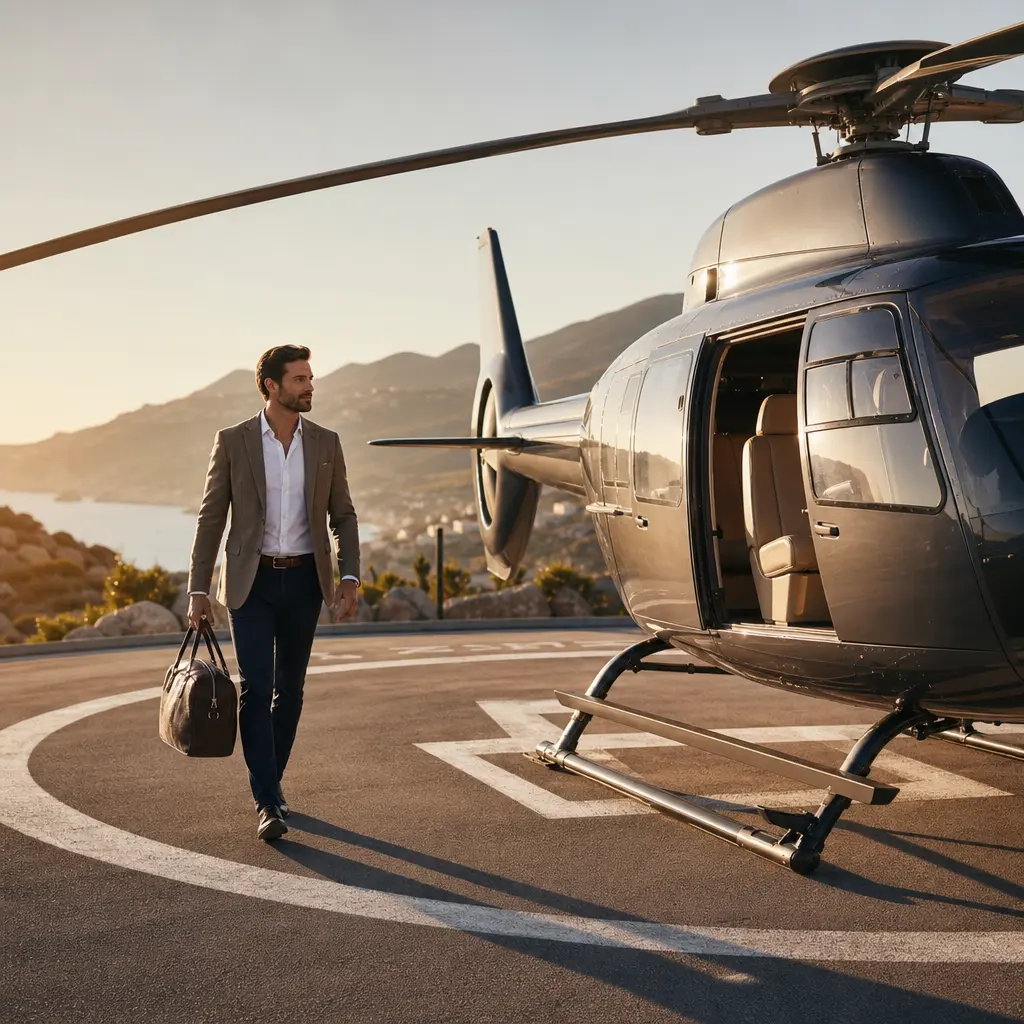
The request is focused on a cinematic arrival sequence: an aircraft landing in an original setting, the portrait subject approaching safely, and an aspirational cabin-entry moment. It is a creative visual effect, not proof of travel, ownership, or access to an aircraft.

03

Social-ready frame and delivery choices

Choose vertical, landscape, square, or portrait framing together with the intended short duration and delivery quality. These controls make the creative brief clearer for profile posts, short-form feeds, campaign mockups, and personal visual storytelling.

04

Portrait rights and honest presentation

Upload only an image you are permitted to use, avoid aviation brands and third-party marks, and label the finished media as AI-generated where the audience could otherwise mistake it for a real flight or an endorsement.

Step by step

How to Use AI Private Helicopter Video

  1. 1

    Upload one clear authorized portrait

    Choose a JPG, JPEG, or PNG containing one adult person who has consented to this creative use. Keep the face clear and avoid group photos, minors, confidential backgrounds, aircraft logos, or third-party marks.

  2. 2

    Choose the video frame and delivery settings

    Select the aspect ratio that fits the intended placement, then choose the available short duration and quality. These controls describe the output you want; they do not guarantee a real flight, exact likeness, or a specific generation result.

  3. 3

    Review the creative and sharing context

    Before submitting, confirm portrait rights and check that the concept will not mislead viewers about travel, access, sponsorship, or aircraft ownership. Treat any future output as AI-generated media and review it before sharing.

FAQ

FAQ of AI Private Helicopter Video

What does AI Private Helicopter Video Generator create?+

It prepares a request to turn one authorized single-person portrait into a short cinematic video effect showing an original helicopter arrival, landing, and boarding scenario. The effect is creative media and must not be presented as a real flight record.

What photo works best for a helicopter boarding video effect?+

Use one clear JPG, JPEG, or PNG with one adult subject, a visible face, even lighting, and sufficient space around the upper body. Group photos, heavily obscured faces, aircraft branding, and low-resolution images make a planned composition harder to review.

Which aspect ratios can I choose?+

The request supports 16:9 landscape, 9:16 vertical, 1:1 square, 4:3 landscape, and 3:4 portrait options. Choose the ratio based on the intended placement rather than cropping after the fact, so the arrival and boarding sequence has room to read.

Can I use a generated helicopter video as proof of travel or an endorsement?+

No. A generated helicopter scene is a visual effect. It cannot establish that a flight happened, that you own or can access an aircraft, or that any person or aviation company endorsed the content. Disclose AI generation whenever the context could confuse viewers.

Whose portrait can I upload?+

Upload only your own portrait or a portrait for which you have clear permission for this creative use. Do not use images of minors, public figures, clients, or other individuals without the appropriate consent and rights.