NexMate

AI Baseball Video for Original Game-Day Shorts

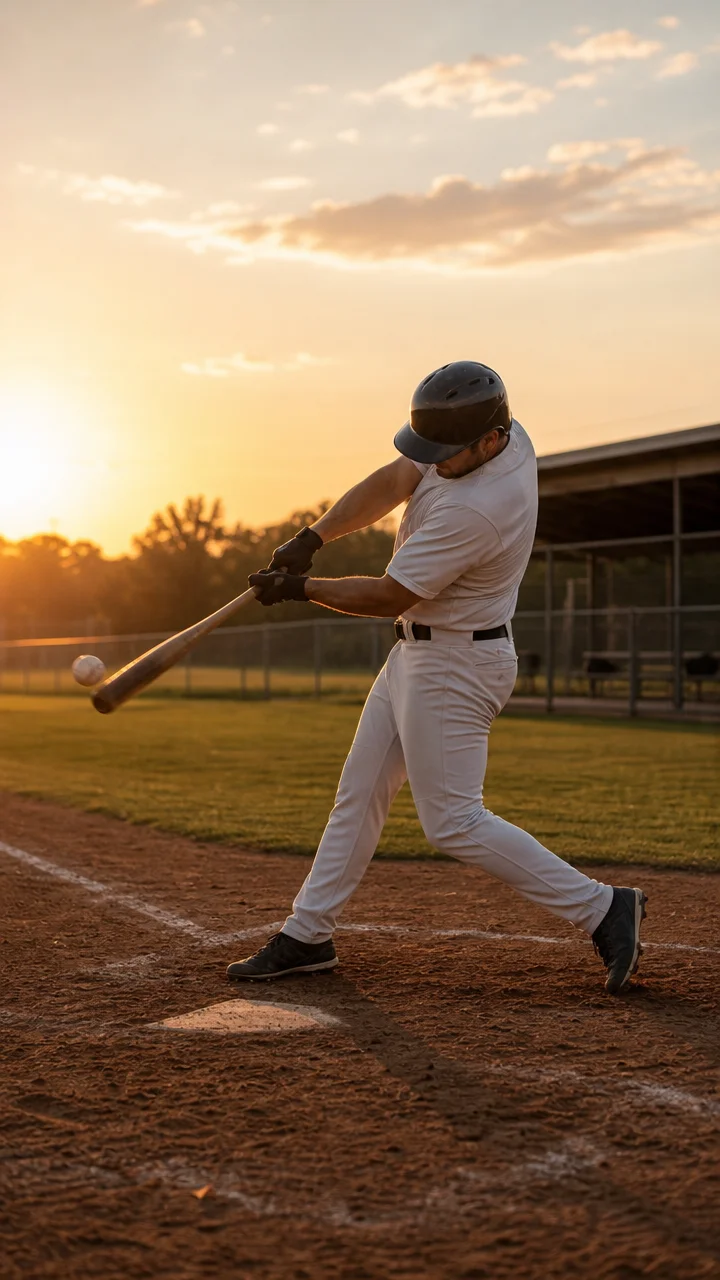
Start with an original game-day scene brief or an authorized image with a clearly visible adult subject. Choose baseball moment, camera angle, visual energy, audience setting, and aspect ratio, then review the result against the original context before using it.

Create an AI Baseball Video Request

Use only material you are authorized to handle. Review source details and intended use before submitting.

20-800 characters. Do not include real teams, players, league footage, or brand marks.

.

Key features

Key Features of AI Baseball Video

01

Controls matched to the task

The form makes baseball moment, camera angle, visual energy, audience setting, and aspect ratio explicit, so the request captures the intended result and delivery context instead of relying on an ambiguous one-line instruction.

02

Source-quality guidance

Begin with an original game-day scene brief or an authorized image with a clearly visible adult subject. Clear, authorized source material gives the request a stronger factual and visual foundation for later review.

03

Review points before use

Check bat and ball positions, body movement, crowd safety, visible branding, sports claims, and rights to supplied media before relying on a future result. Structured inputs improve clarity but never replace contextual human verification.

04

Responsible-use boundary

Use this tool within a clear boundary: do not use official team marks, player likenesses, league footage, or claims of real game events without permission. Retain source material and permissions whenever they affect sharing or commercial use.

Step by step

How to Use AI Baseball Video

  1. 1

    Prepare the source and outcome

    Provide an original game-day scene brief or an authorized image with a clearly visible adult subject. Keep the request tied to the actual use case and to information, media, and people you are authorized to handle.

  2. 2

    Set the controls for the destination

    Choose baseball moment, camera angle, visual energy, audience setting, and aspect ratio. Select settings that fit the intended audience and placement instead of assuming a more aggressive transformation is always better.

  3. 3

    Review key details before use

    Inspect bat and ball positions, body movement, crowd safety, visible branding, sports claims, and rights to supplied media. Compare important details with the source and obtain qualified review when the material affects rights, safety, records, or public claims.

FAQ

FAQ of AI Baseball Video

What kind of baseball scene works best?+

Use one clear original moment, such as a batting-practice swing, catch, pitch, or base-running action. Describing one play and camera angle is more useful than combining several unrelated game moments.

Can I use real MLB teams or players?+

Do not use official team marks, player likenesses, league footage, uniforms, or real-event claims without the relevant permissions. A team-neutral original scene is the appropriate starting point.

Which format is best for a baseball short?+

Vertical 9:16 suits social short-video placements, while 16:9 fits a wider video or presentation. Choose the format before setting the player position and camera angle.

How do I make a baseball action look readable?+

Name the action phase, such as windup, contact, catch, or slide, and select one camera angle. Check that the ball, bat, hands, and body direction remain physically understandable.

Can this represent a real game highlight?+

No. Keep the page concept fictional and original. Do not present an imagined clip as documentation of a real match, a real player's performance, or an official league highlight.