Controls matched to the task
The form makes modest swimwear direction, beach scene, camera distance, and output ratio explicit, so the request captures the intended result and delivery context instead of relying on an ambiguous one-line instruction.
Start with one clear portrait of a consenting adult, with no minors, public figures, or third-party marks. Choose modest swimwear direction, beach scene, camera distance, and output ratio, then review the result against the original context before using it.
Use only material you are authorized to handle. Review source details and intended use before submitting.
Expected output
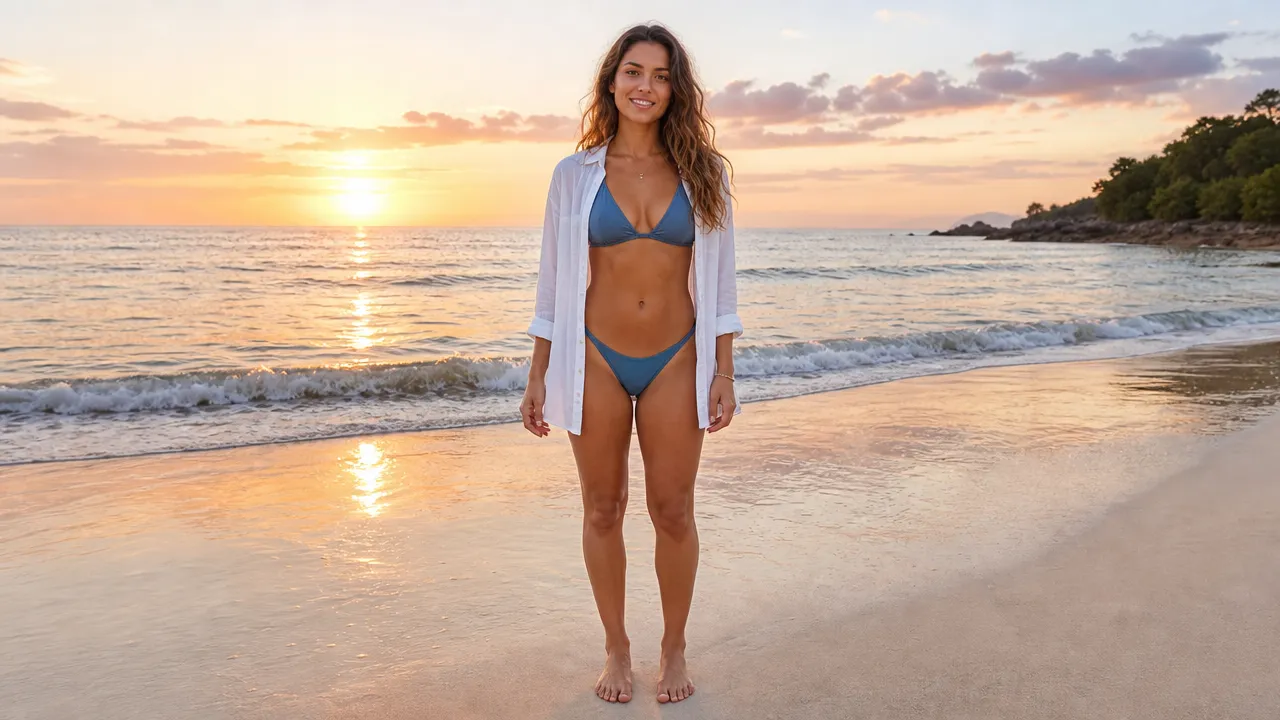
An authorized adult in a modest beach cover-up walks along an original sunrise shoreline in a non-sexualized short-video concept.
Key features
The form makes modest swimwear direction, beach scene, camera distance, and output ratio explicit, so the request captures the intended result and delivery context instead of relying on an ambiguous one-line instruction.
Begin with one clear portrait of a consenting adult, with no minors, public figures, or third-party marks. Clear, authorized source material gives the request a stronger factual and visual foundation for later review.
Check adult consent, coverage, pose, audience suitability, visible brands, and whether the result is clearly fictional media before relying on a future result. Structured inputs improve clarity but never replace contextual human verification.
Use this tool within a clear boundary: do not use minors, sexualized or explicit content, deceptive likenesses, or a person's image without permission. Retain source material and permissions whenever they affect sharing or commercial use.
Step by step
Provide one clear portrait of a consenting adult, with no minors, public figures, or third-party marks. Keep the request tied to the actual use case and to information, media, and people you are authorized to handle.
Choose modest swimwear direction, beach scene, camera distance, and output ratio. Select settings that fit the intended audience and placement instead of assuming a more aggressive transformation is always better.
Inspect adult consent, coverage, pose, audience suitability, visible brands, and whether the result is clearly fictional media. Compare important details with the source and obtain qualified review when the material affects rights, safety, records, or public claims.
FAQ
It helps you prepare a non-sexualized beach-style short-video concept from an authorized adult portrait with coverage, scene, and framing controls. The page collects the source, creative controls, and review context into one request before any future output is used.
Use one clear portrait of a consenting adult, with no minors, public figures, or third-party marks. A clear authorized source and a focused creative brief make the intended output easier to review.
Select modest swimwear direction, beach scene, camera distance, and output ratio. Choose the smallest set of settings that matches the actual placement and audience instead of assuming stronger transformation is better.
Review adult consent, coverage, pose, audience suitability, visible brands, and whether the result is clearly fictional media. Compare important details against the original material and keep uncertainty or fictional status clear where viewers may misunderstand the result.
Yes. do not use minors, sexualized or explicit content, deceptive likenesses, or a person's image without permission. You remain responsible for source rights, consent, truthful presentation, and any applicable platform or commercial-use rules.
Video Effects

Create a focused brief for playful talking-fruit, self-eating, ASMR, or mini-story short videos.
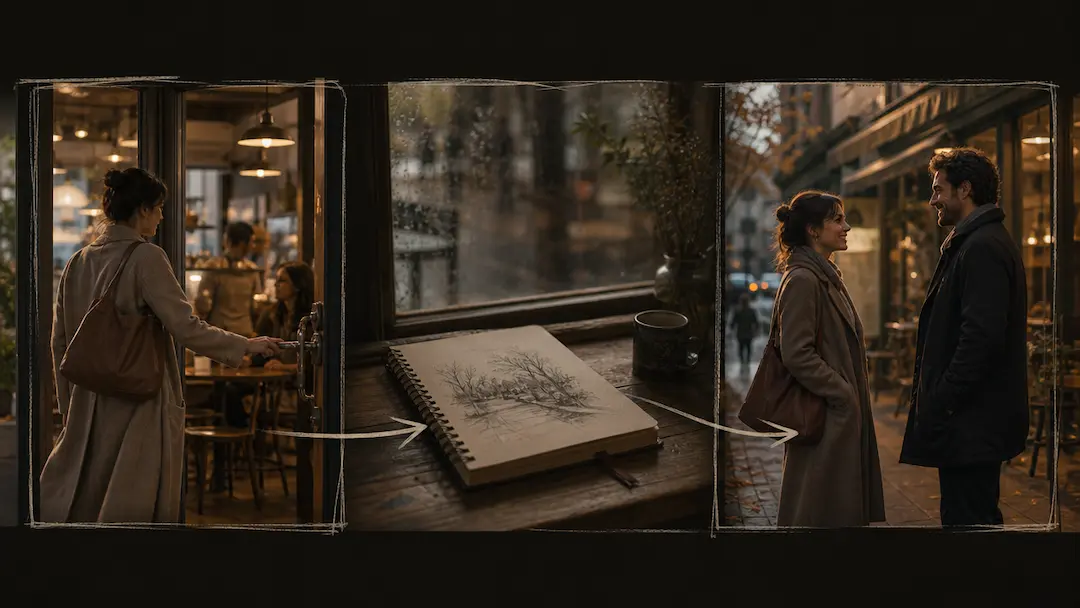
Use AI Short Drama Generator to turn an original premise into a concise short-drama video brief with scene pacing and visual direction.
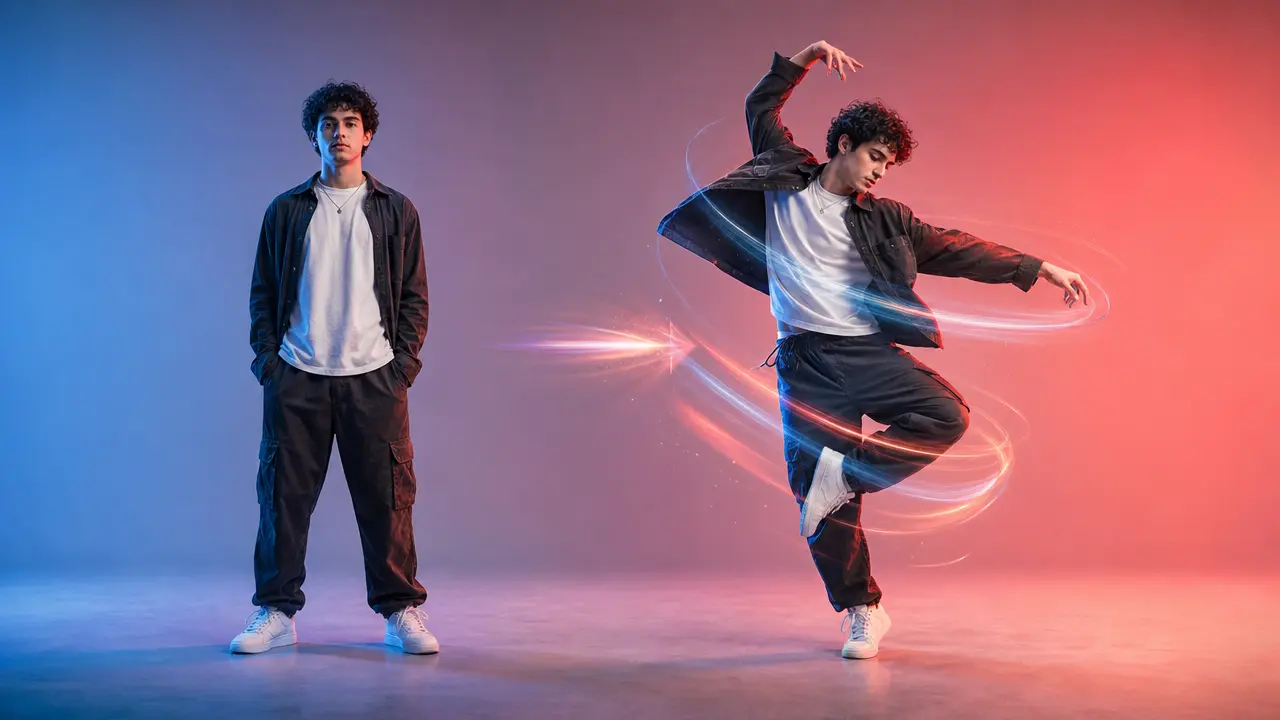
Turn a clear full-body photo into a short dance video concept with selectable motion and framing.
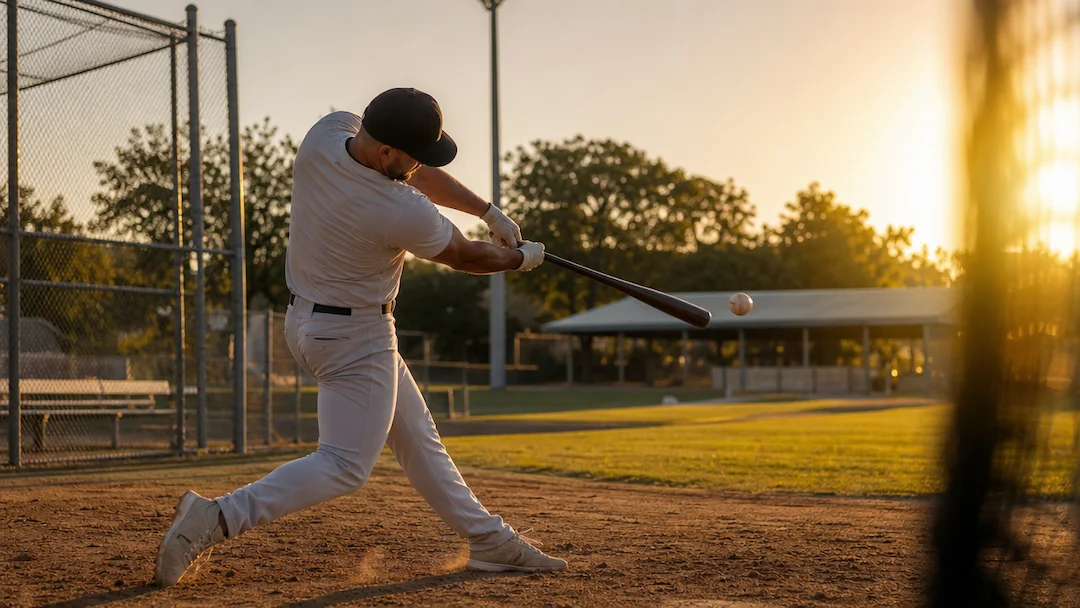
Use AI Baseball Video to plan an original baseball-themed short video with a defined play, camera moment, team-neutral styling, and social delivery format.
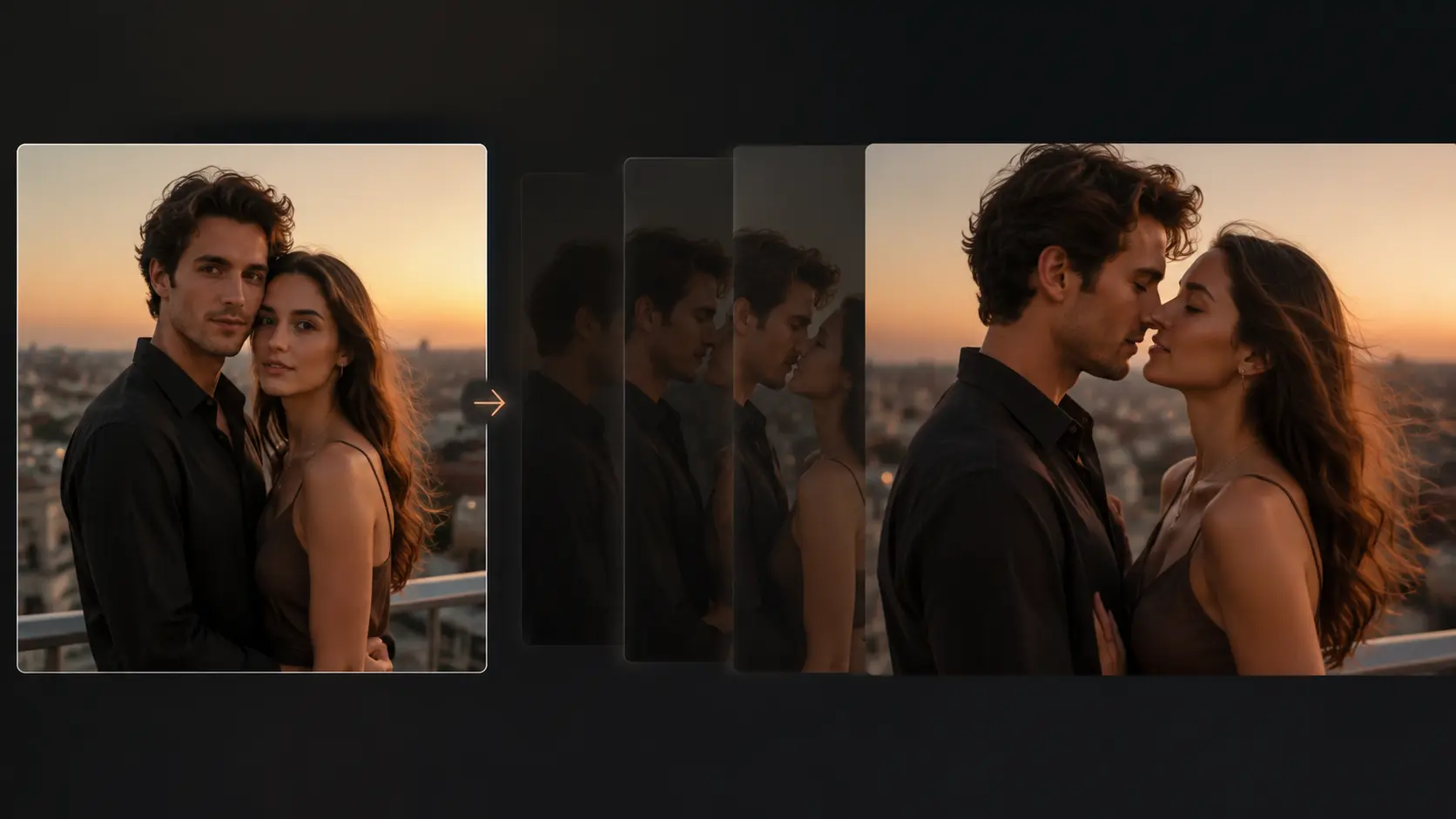
Turn an authorized portrait photo into a short, gently directed romantic motion concept with clear privacy and consent controls.
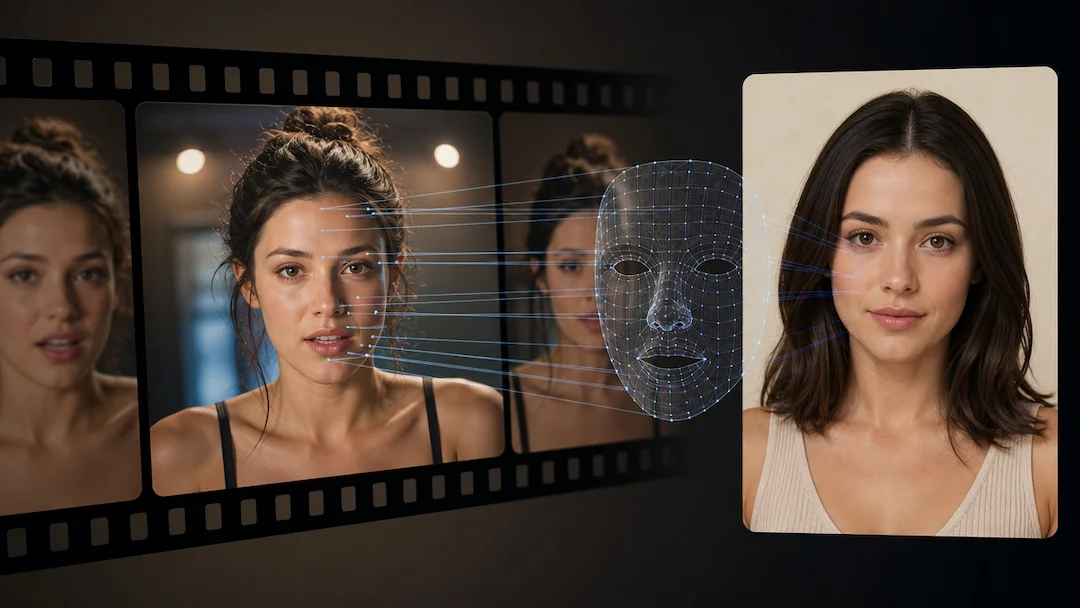
Use AI Face Swap (Video) to prepare a consent-based video face-replacement request using an authorized adult video and an authorized adult face reference.