Consent-first portrait workflow
The form keeps the intended use focused on photos you own or are authorized to use, with a required confirmation for every identifiable adult shown in the submitted image.
Upload an authorized adult portrait or couple photo, describe the intended mood, and choose a compact format for a respectful short-form video concept.
Use only authorized adult portraits. Describe a respectful visual concept; do not submit images of minors or people without consent.
Expected output
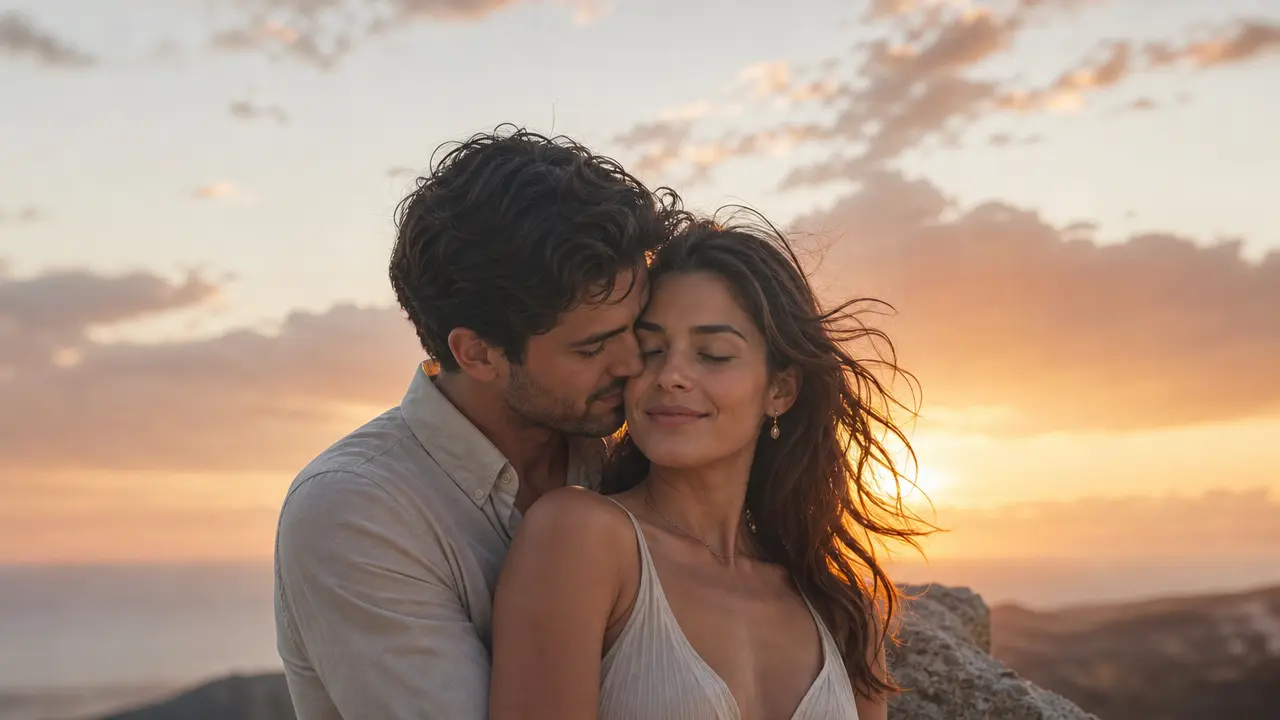
A respectful golden-hour portrait composition showing the intended soft lighting and close framing for a short romantic motion concept.
Key features
The form keeps the intended use focused on photos you own or are authorized to use, with a required confirmation for every identifiable adult shown in the submitted image.
Describe a soft, cinematic, playful, or understated romantic mood so the request communicates pace and atmosphere instead of relying on a vague effect label alone.
Choose a portrait, square, or landscape composition before submitting, making it easier to plan a social clip, a private keepsake concept, or a wider scene preview.
The page sets clear expectations around adult subjects, permission, and personal likenesses, helping creators avoid deceptive, unwanted, or inappropriate use of another person’s image.
Step by step
Use a clear solo or couple portrait that you own or have permission to use, and avoid uploading any image containing a minor or an identifiable person without consent.
Select a gentle scene direction and output aspect ratio, then add only the visual details that help describe the desired setting, pace, and overall feeling.
Review the image, prompt, and consent confirmation carefully before submitting. Do not treat generated media as evidence of a real event or use it to misrepresent another person.
FAQ
Only adults whose likenesses you are authorized to use should appear. Do not submit images of minors or identifiable people who have not agreed to the intended processing and use.
You can provide an authorized portrait and describe the intended composition. A clear photo with the face unobstructed gives the request more usable visual context than a distant or heavily filtered image.
Keep the direction specific but modest: describe lighting, setting, camera distance, mood, and pacing. Avoid claims that the output represents a real interaction or an event that actually occurred.
No. A public profile does not grant permission to create romantic or intimate-looking media. Use only people who have explicitly authorized the requested use of their likeness.
Only share material when every identifiable adult has agreed to that distribution. Consider the audience, local law, platform rules, and the possibility that a romantic-looking synthetic clip could be misunderstood.
Video Effects
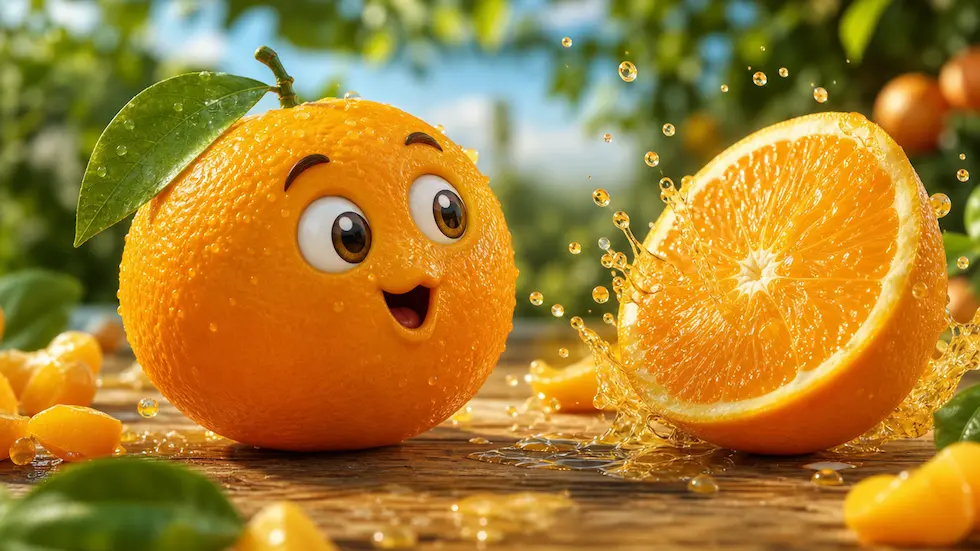
Create a focused brief for playful talking-fruit, self-eating, ASMR, or mini-story short videos.
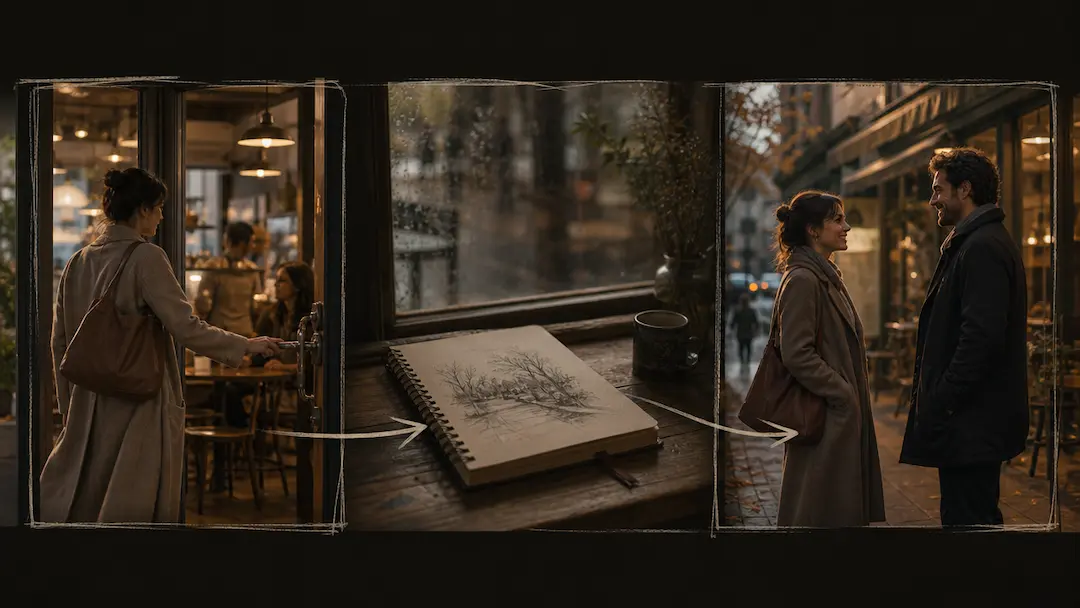
Use AI Short Drama Generator to turn an original premise into a concise short-drama video brief with scene pacing and visual direction.
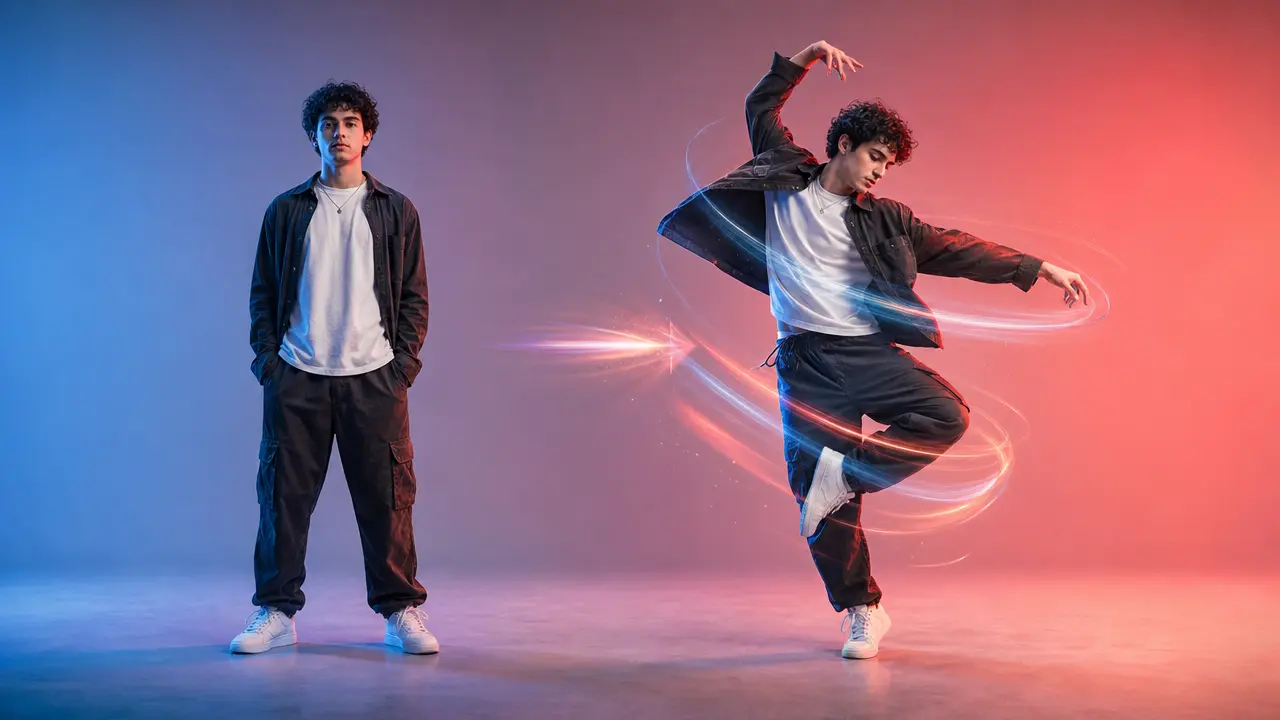
Turn a clear full-body photo into a short dance video concept with selectable motion and framing.
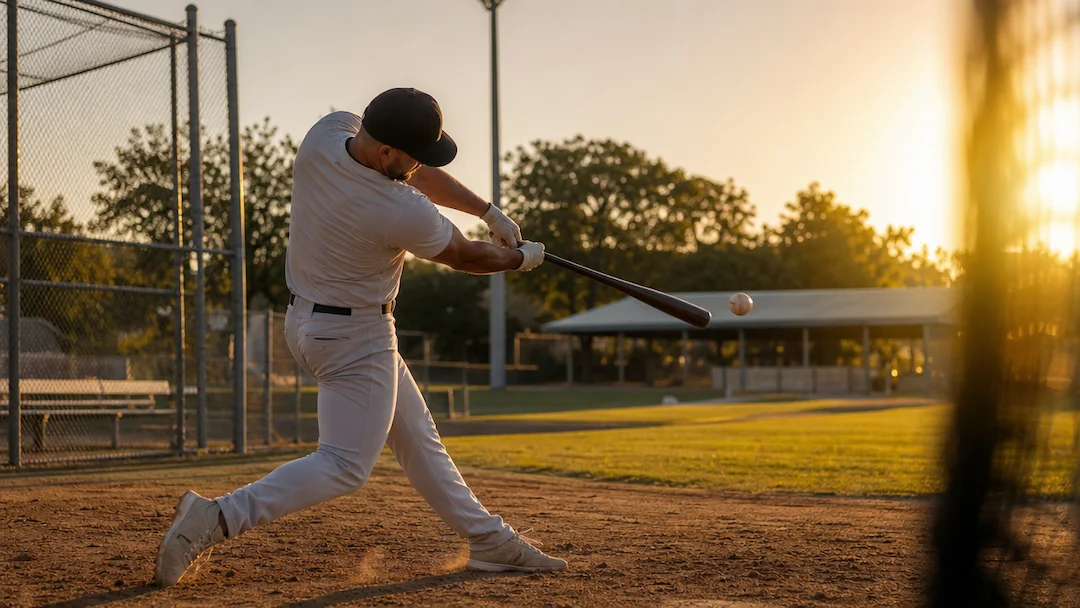
Use AI Baseball Video to plan an original baseball-themed short video with a defined play, camera moment, team-neutral styling, and social delivery format.
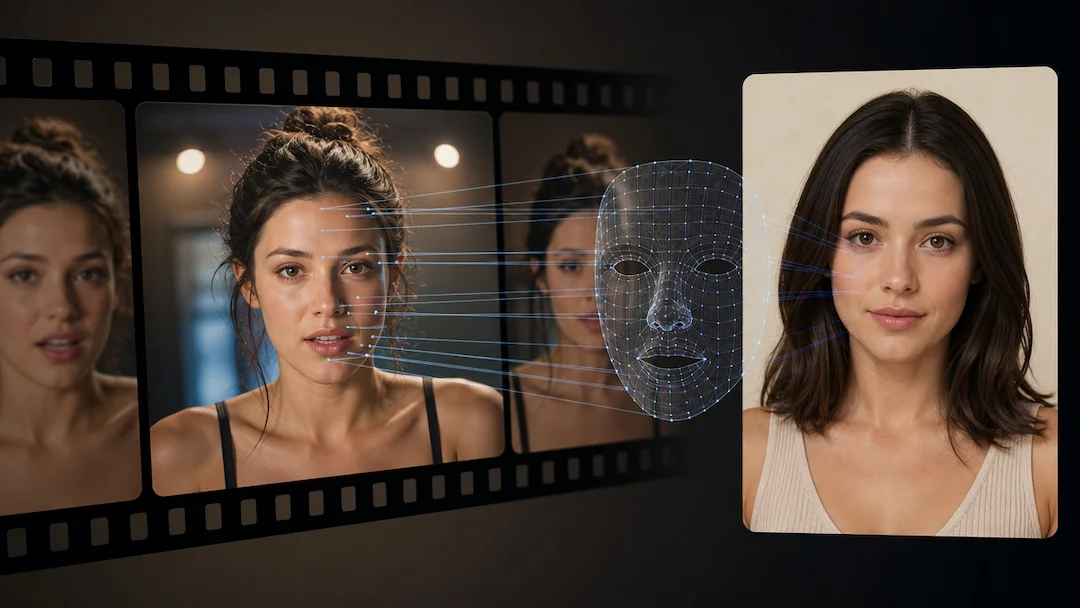
Use AI Face Swap (Video) to prepare a consent-based video face-replacement request using an authorized adult video and an authorized adult face reference.
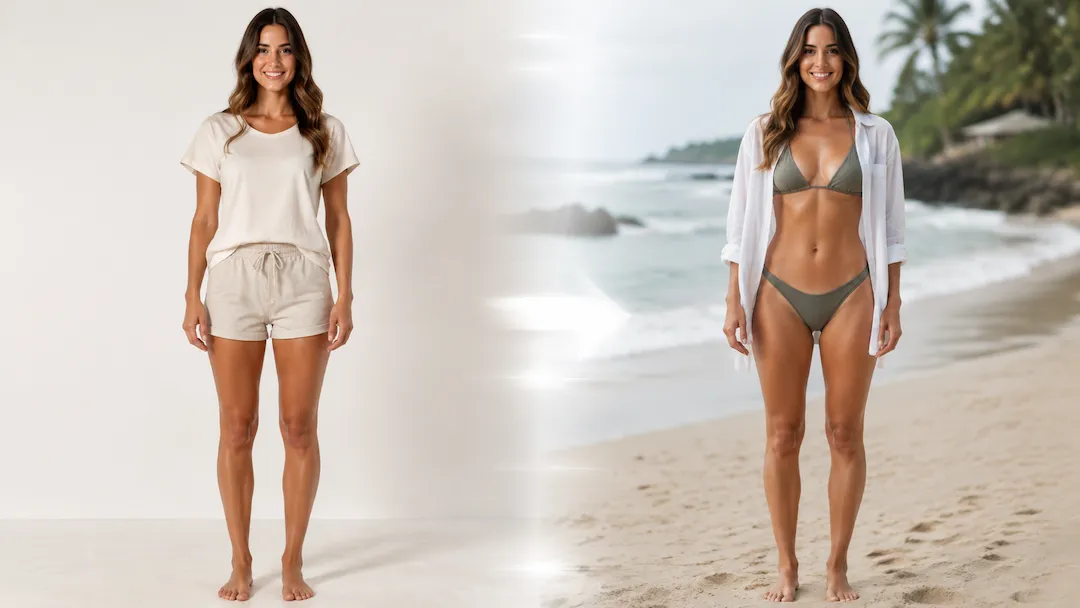
Use AI Bikini Video to prepare a non-sexualized beach-style short-video concept from an authorized adult portrait with coverage, scene, and framing controls.