Photo-led animation
Start from one clear, front-facing or three-quarter full-body image, so the requested movement has a recognizable person or character and enough visible body context.
Upload a person or character you are allowed to use, choose a dance direction, and configure motion strength, duration and aspect ratio.
A clear single-person image gives the motion model the best starting point.
Expected output
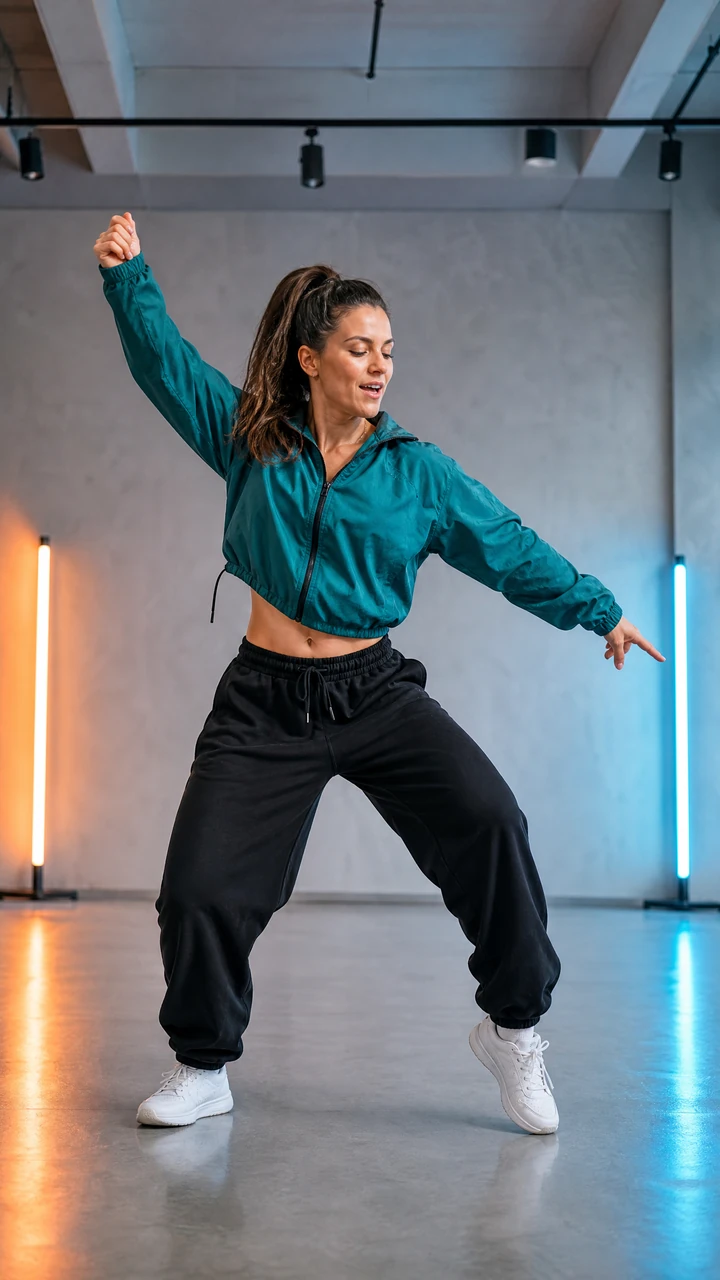
A preview frame showing the intended composition for a medium-strength vertical pop dance result.
Key features
Start from one clear, front-facing or three-quarter full-body image, so the requested movement has a recognizable person or character and enough visible body context.
Choose a broad movement direction such as pop, hip-hop, K-pop-inspired or freestyle to communicate the intended energy without needing motion-editing experience.
Set movement strength, clip duration and aspect ratio before submitting, then use those choices to match the preview framing to the channel where the concept will be reviewed.
Confirm that you have permission to use the uploaded person or character image before submitting, helping keep the requested dance concept appropriate for responsible review and sharing.
Step by step
Choose a sharp image with one visible person or character and enough space around the body for movement.
Select pop, hip-hop, K-pop-inspired or freestyle motion, then set the motion strength, duration and aspect ratio for the intended review or sharing channel.
Confirm that you may use the image, review the example frame and configured settings, then submit the dance video request for subsequent processing and review.
FAQ
Use a sharp, well-lit image with one visible person or character and minimal obstruction around the body. Busy group photos and heavily cropped poses are harder to interpret.
Only upload a real person's image when you have their permission and the right to create an animated result. Do not use the tool for impersonation, harassment or misleading content.
No. The setting describes a motion direction, not an exact choreography. Generated movement can vary and should be reviewed before publication.
Choose 9:16 for vertical short-form posts, 1:1 for square feeds and 16:9 for landscape playback.
Photo animation can change hands, facial details, clothing edges or body motion. Watch the full result, check consent and context, and avoid publishing frames that could misrepresent the depicted person.
Video Effects
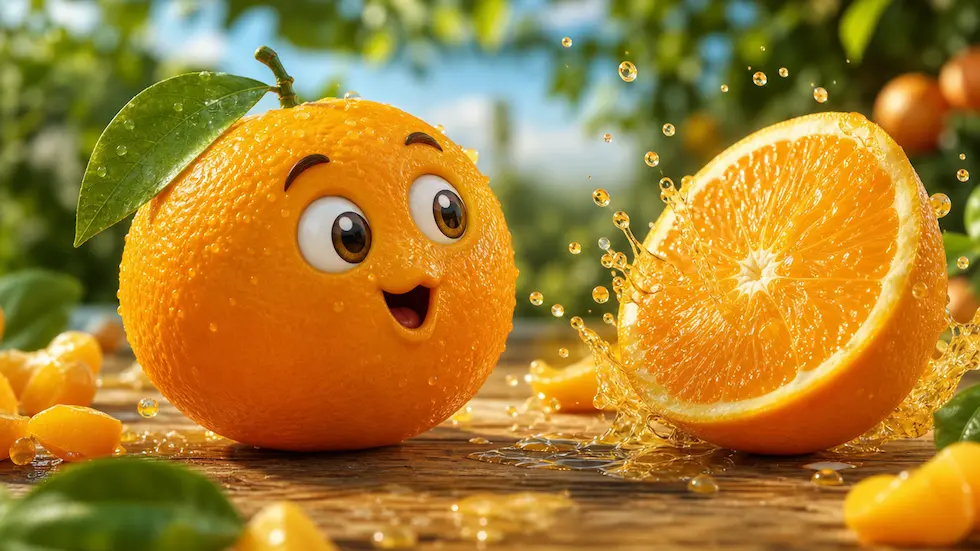
Create a focused brief for playful talking-fruit, self-eating, ASMR, or mini-story short videos.
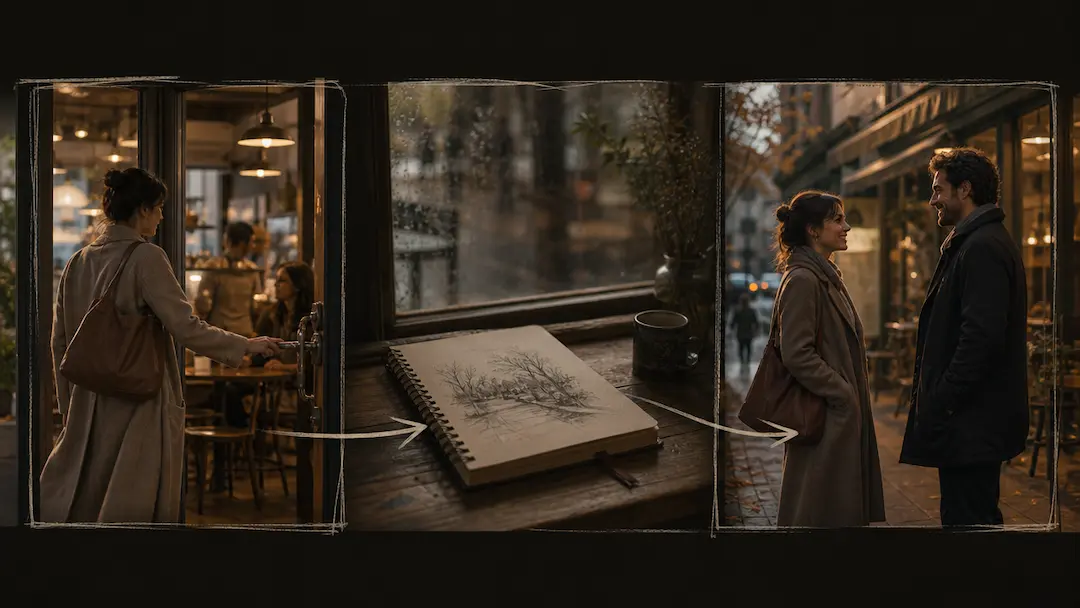
Use AI Short Drama Generator to turn an original premise into a concise short-drama video brief with scene pacing and visual direction.
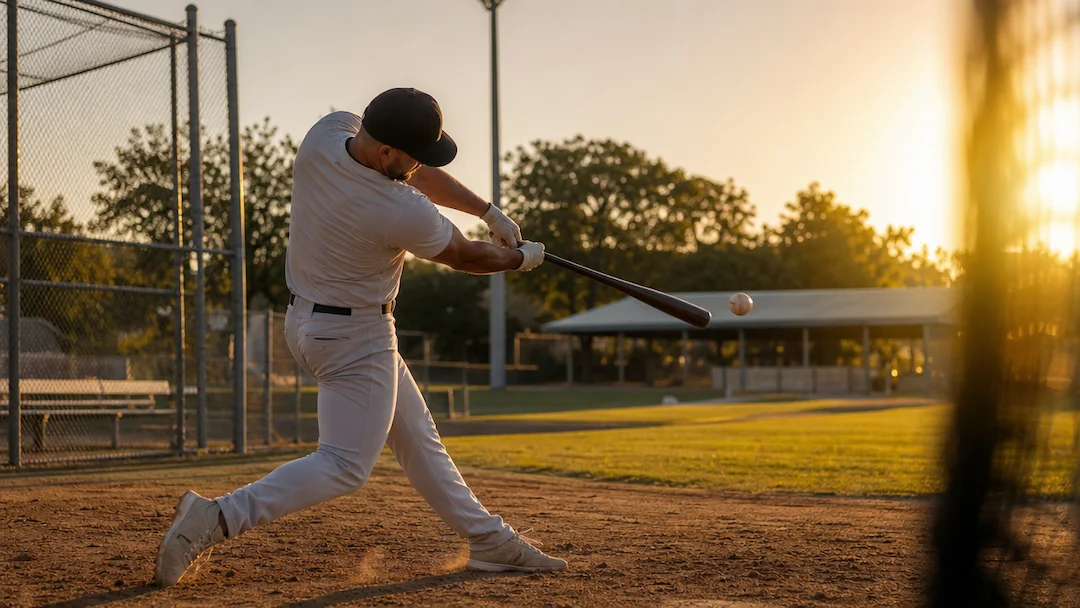
Use AI Baseball Video to plan an original baseball-themed short video with a defined play, camera moment, team-neutral styling, and social delivery format.
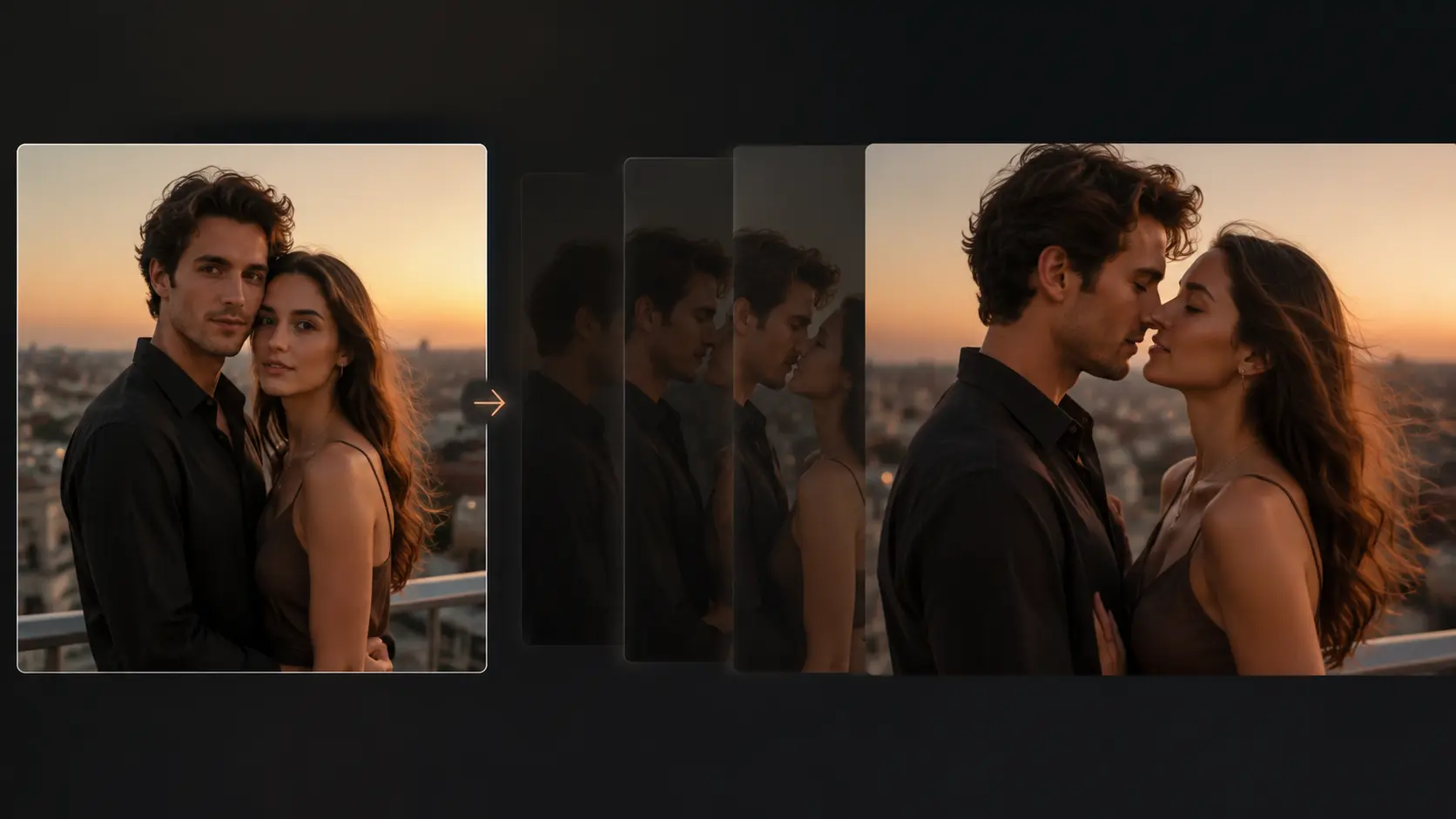
Turn an authorized portrait photo into a short, gently directed romantic motion concept with clear privacy and consent controls.
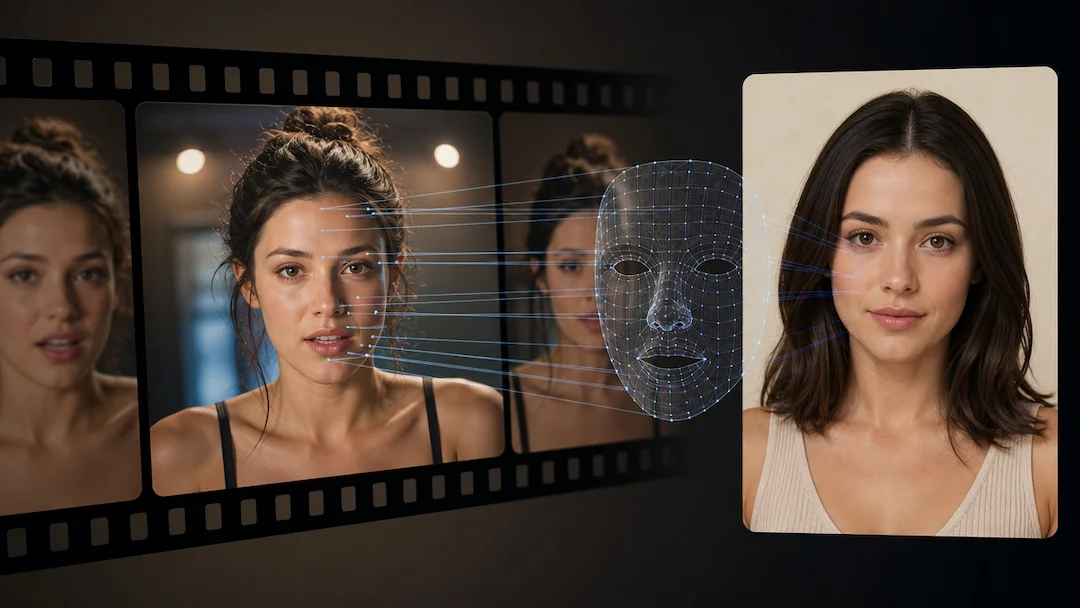
Use AI Face Swap (Video) to prepare a consent-based video face-replacement request using an authorized adult video and an authorized adult face reference.
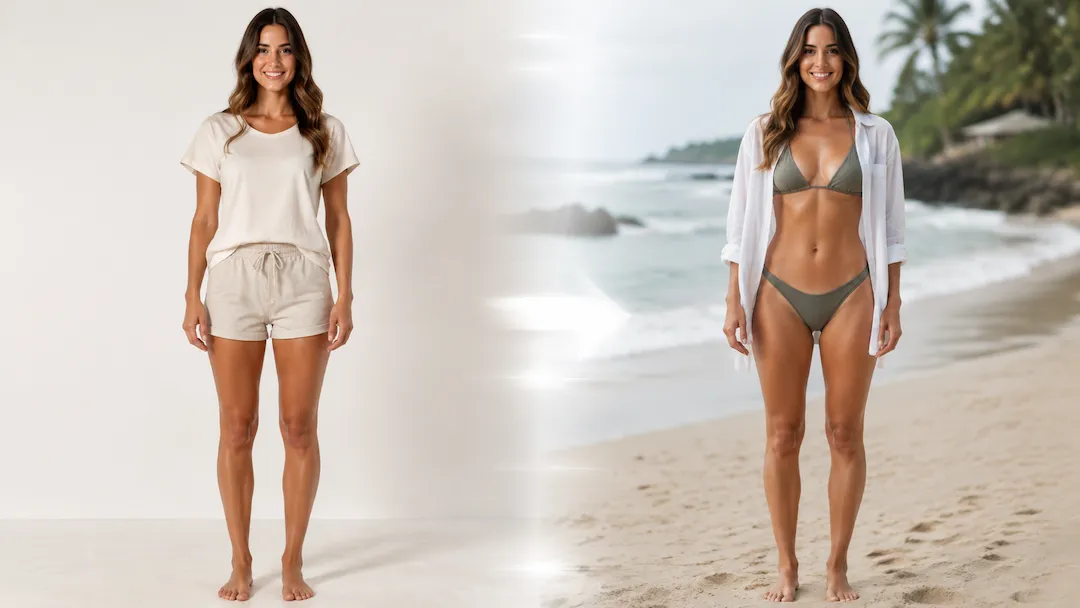
Use AI Bikini Video to prepare a non-sexualized beach-style short-video concept from an authorized adult portrait with coverage, scene, and framing controls.