NexMate

AI Muscle for Controlled Fitness Video Concepts

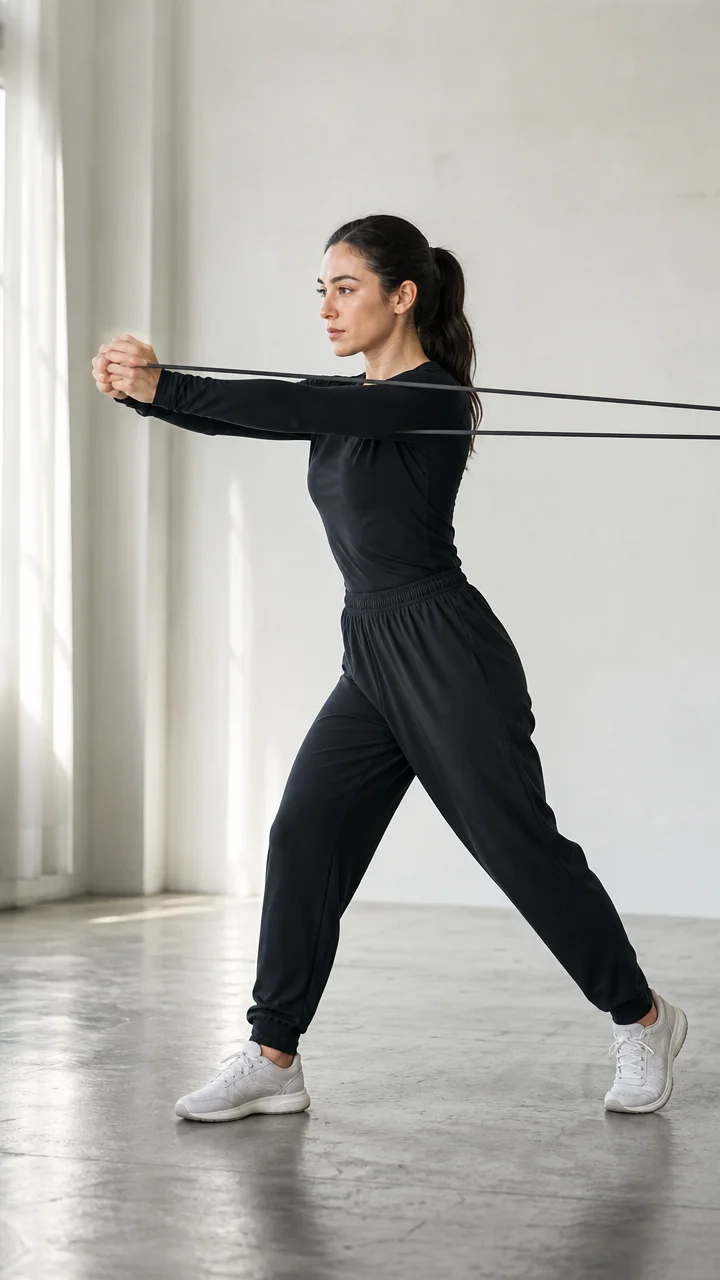
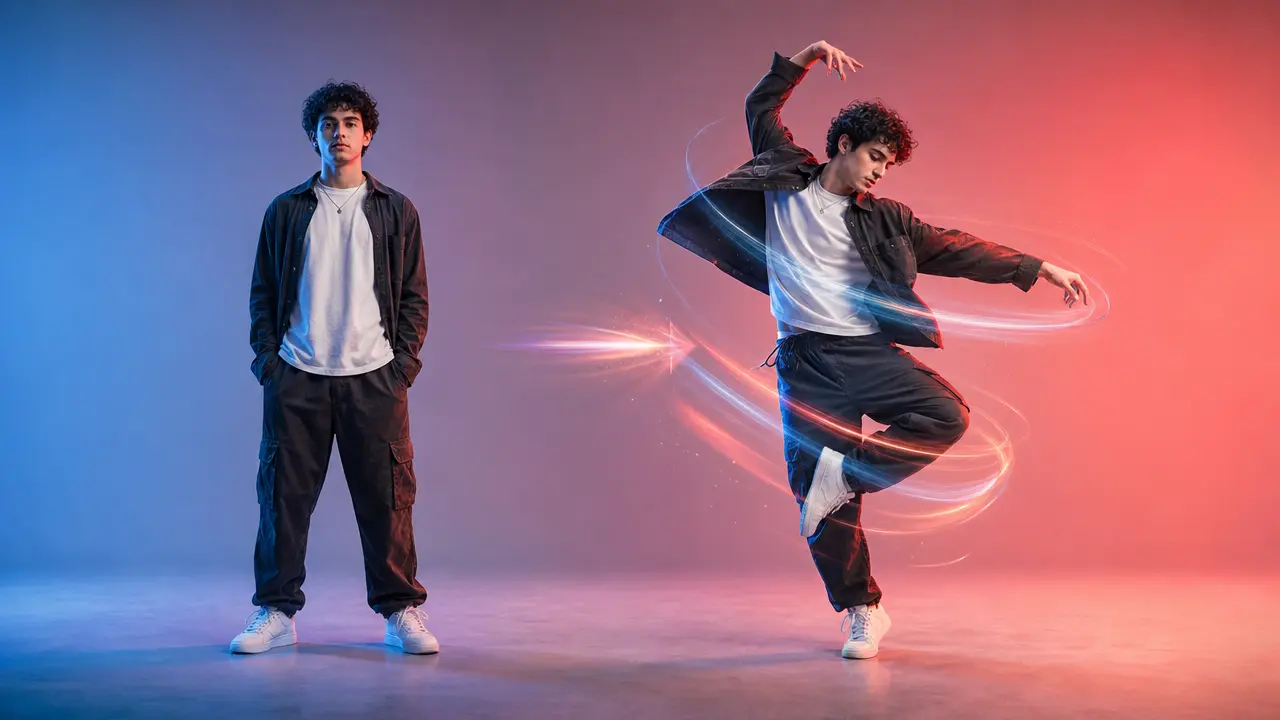
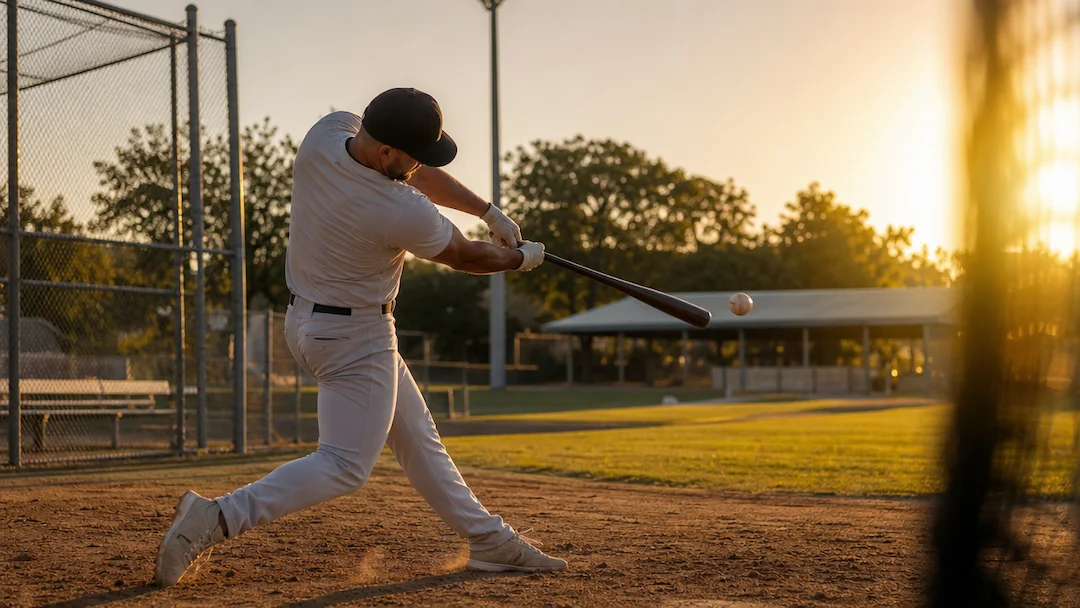
Start with an authorized adult fitness portrait or original adult character brief with a clearly visible body pose. Choose definition level, movement, fitness setting, wardrobe coverage, lighting, and aspect ratio, then review the result against the original context before using it.

Create an AI Muscle Request

Use only material you are authorized to handle. Review source details and intended use before submitting.

JPG, PNG, or WebP, maximum 10 MB. The identifiable person must be a consenting adult.

.

Key features

Key Features of AI Muscle

01

Controls matched to the task

The form makes definition level, movement, fitness setting, wardrobe coverage, lighting, and aspect ratio explicit, so the request captures the intended result and delivery context instead of relying on an ambiguous one-line instruction.

02

Source-quality guidance

Begin with an authorized adult fitness portrait or original adult character brief with a clearly visible body pose. Clear, authorized source material gives the request a stronger factual and visual foundation for later review.

03

Review points before use

Check adult consent, natural anatomy, body proportions, wardrobe coverage, source-image rights, and misleading health or performance claims before relying on a future result. Structured inputs improve clarity but never replace contextual human verification.

04

Responsible-use boundary

Use this tool within a clear boundary: do not use minors, a person's likeness without permission, extreme body alteration, or claims about real fitness, health, or performance outcomes. Retain source material and permissions whenever they affect sharing or commercial use.

Step by step

How to Use AI Muscle

  1. 1

    Prepare the source and outcome

    Provide an authorized adult fitness portrait or original adult character brief with a clearly visible body pose. Keep the request tied to the actual use case and to information, media, and people you are authorized to handle.

  2. 2

    Set the controls for the destination

    Choose definition level, movement, fitness setting, wardrobe coverage, lighting, and aspect ratio. Select settings that fit the intended audience and placement instead of assuming a more aggressive transformation is always better.

  3. 3

    Review key details before use

    Inspect adult consent, natural anatomy, body proportions, wardrobe coverage, source-image rights, and misleading health or performance claims. Compare important details with the source and obtain qualified review when the material affects rights, safety, records, or public claims.

FAQ

FAQ of AI Muscle

Who can be included in an AI Muscle request?+

Use only an authorized adult portrait or an original adult character brief. Do not upload minors or use an identifiable person's likeness without clear permission.

Can I request an extreme body transformation?+

The controls are intended for conservative visual direction. Avoid extreme anatomical alteration or results that could be presented as real fitness, health, supplement, or performance outcomes.

What makes a fitness video concept look natural?+

Choose a realistic movement, modest training clothing, balanced definition, and believable lighting. Review joints, body proportions, hands, and movement continuity before using a result.

Can I use a gym brand or athlete in the prompt?+

Do not include third-party gym brands, logos, athletes, or protected promotional material without permission. Use an original, unbranded training setting instead.

Is this fitness advice?+

No. This is a visual concept tool, not exercise, medical, nutrition, or performance advice. Follow qualified guidance for real training and health decisions.