Overlay-focused cleanup brief
Identify whether the authorized cleanup concerns a date stamp, internal draft label, small logo overlay, or text mark, helping the request stay specific instead of broadly altering the image.
Upload an image you own or are authorized to edit, identify the removable overlay, and keep the request focused on legitimate cleanup rather than bypassing ownership or attribution.
Use only images you own or may edit. This tool is not for removing others’ ownership marks, credits, or licensing information.
Expected output

One clean product-flatlay image is used on both sides; the before state receives a browser-rendered internal draft mark, guaranteeing identical composition and texture for comparison.
Key features
Identify whether the authorized cleanup concerns a date stamp, internal draft label, small logo overlay, or text mark, helping the request stay specific instead of broadly altering the image.
Describe the approximate overlay position and coverage so an editor can distinguish the requested cleanup area from the main subject, product detail, or information that should remain intact.
Set an edge and texture preference for nearby fabric, skin, sky, wall, or product surfaces, which makes the intended cleanup more useful for images with subtle patterns or fine visual detail.
The page requires confirmation that you own the image or have permission to remove the overlay, and it explicitly excludes stripping ownership marks, credits, or licensing information from others’ work.
Step by step
Use only an image you own or have explicit permission to modify. Do not submit stock previews, another creator’s work, or material where a mark communicates ownership, licensing, or attribution.
Upload the original-quality image when possible, choose the overlay type, and explain its approximate location and size so the cleanup request is constrained to the intended area.
Check surrounding texture, edges, legibility, and any required information before use. Keep original files and attribution where required, especially for commercial, editorial, or licensed material.
FAQ
It is intended for legitimate cleanup of overlays on images you own or are authorized to edit, such as internal draft labels, date stamps, or your own misplaced text or logo elements.
No. A watermark on a stock preview commonly communicates licensing and ownership. Obtain the appropriate license or an authorized source file instead of trying to remove the mark.
No. Do not remove ownership marks, creator credits, or attribution from another person’s image. Request a clean licensed asset from the rights holder when one is needed.
State the overlay type and approximate location, such as a small date stamp in the lower-right corner. Mention nearby textures or critical details that should not be altered.
Not necessarily. Cleanup can affect texture, edges, lettering, or patterns around the target area. Review the result at full size and keep the original file for comparison and recovery.
Image Tools
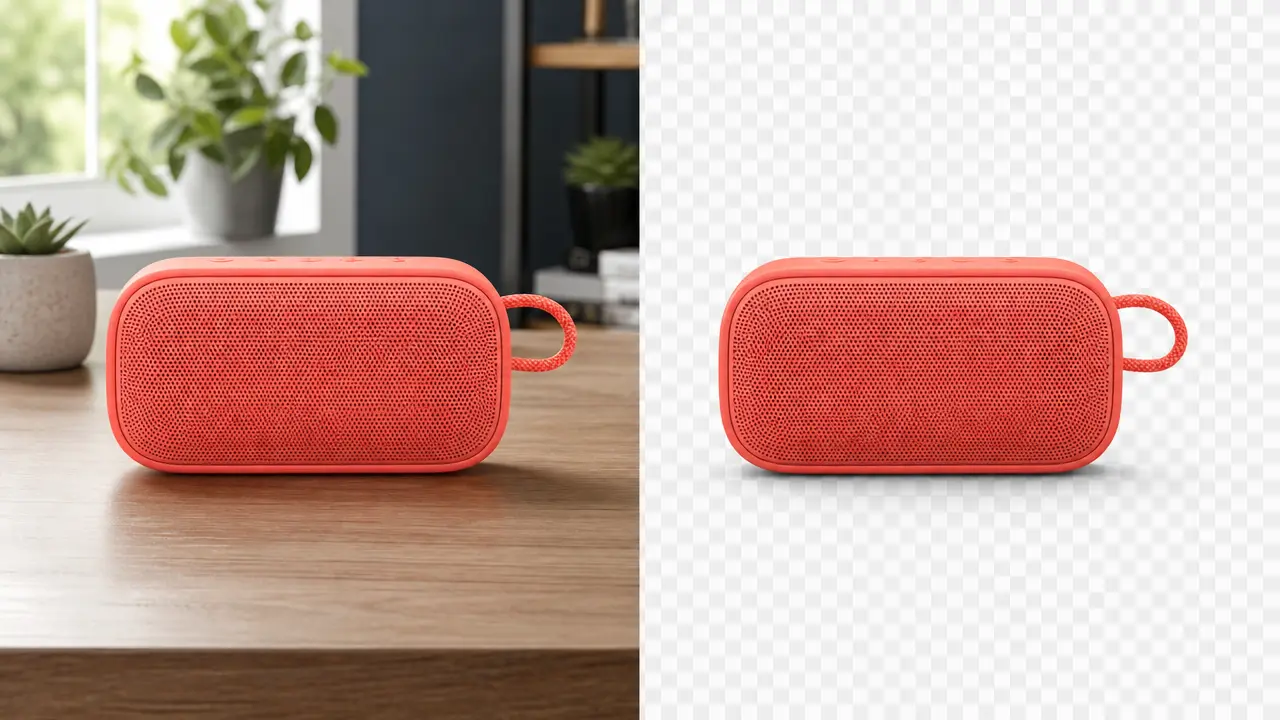
Isolate the main subject and prepare a transparent image with edge and shadow controls.
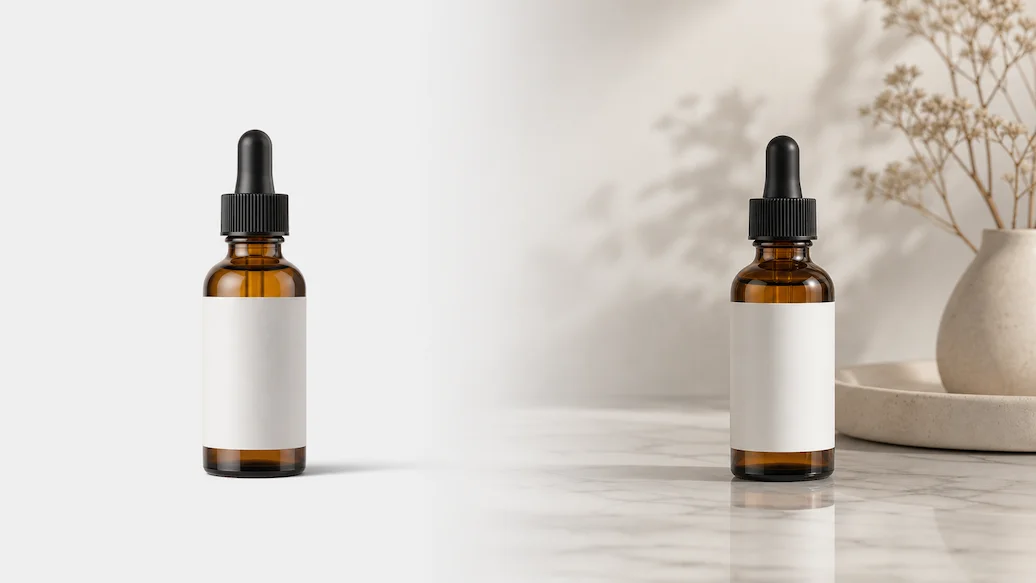
Prepare a photo cutout and background-replacement request using a solid color, custom image, AI scene, or transparent output.
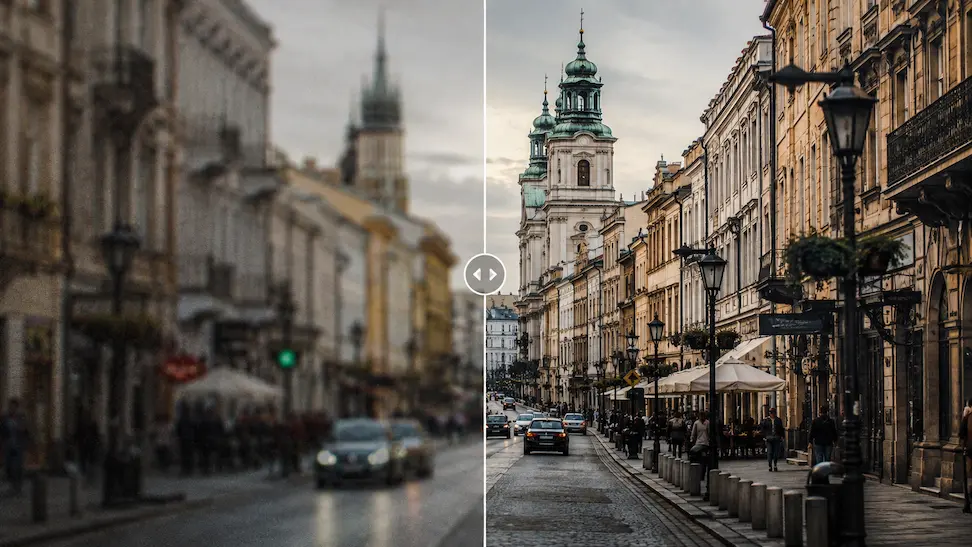
Prepare an authorized image enhancement request with detail, noise, color, and output-use controls.
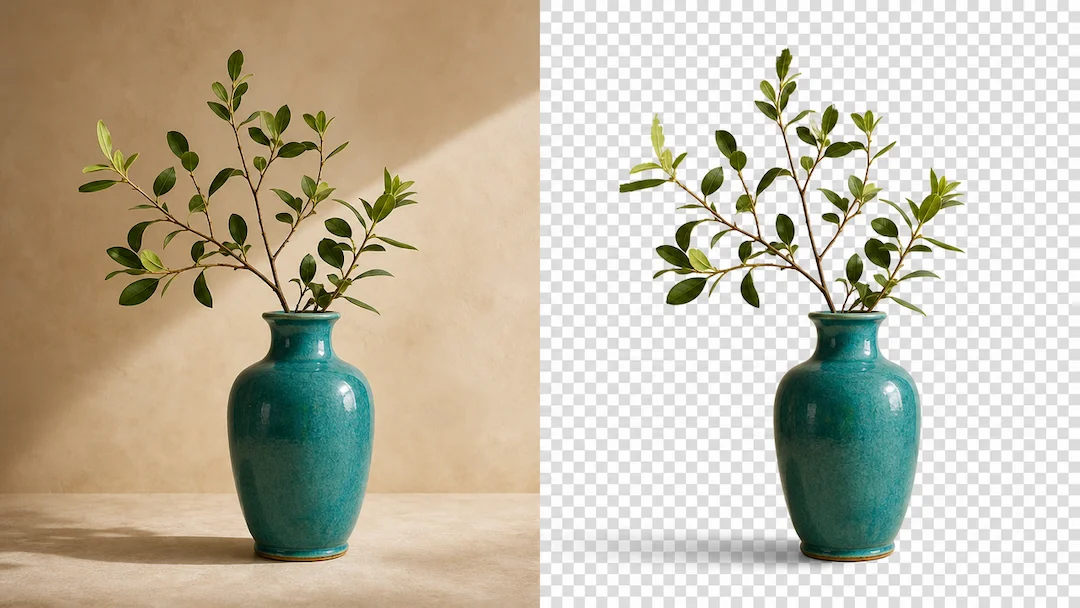
Use Transparent Background to prepare a transparent-background request from an authorized image with edge, shadow, and output controls.
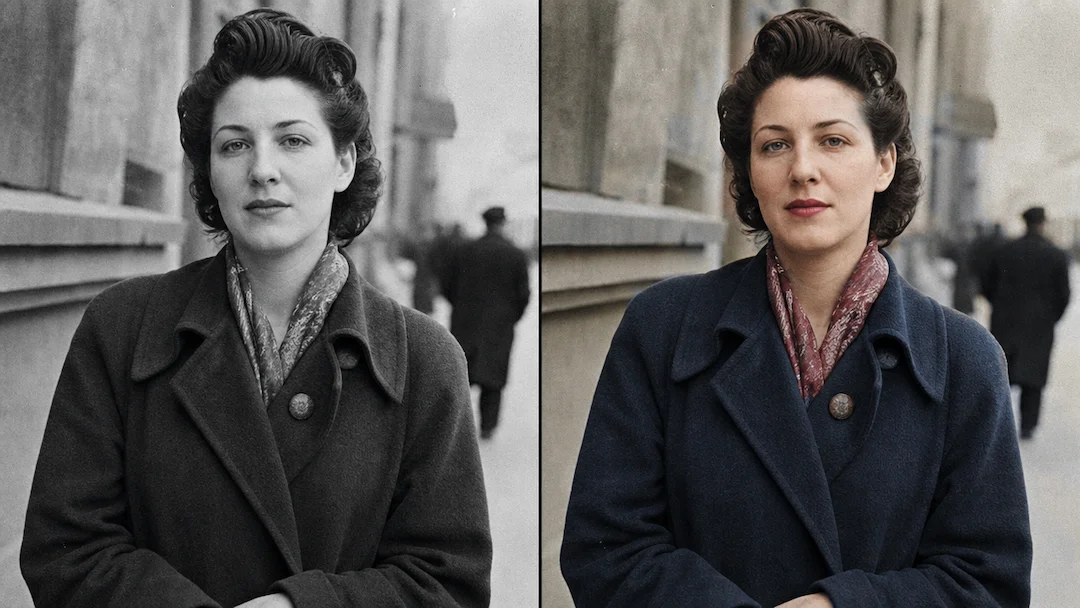
Use Photo Colorizer to prepare a careful colorization request for an authorized black-and-white photo with reference, skin-tone, clothing, and historical-context controls.
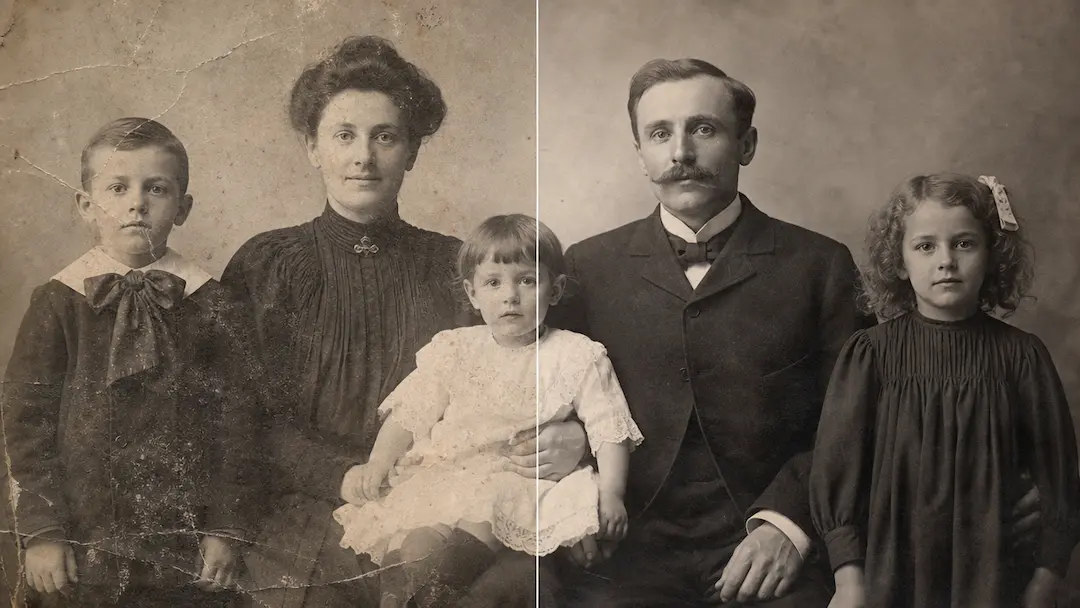
Use Restore Old Photos to prepare a careful restoration request for an authorized aged photo while preserving its historical visual character.