NexMate

Labubu Doll Generator: Create an Original Mischievous Plush Doll Concept

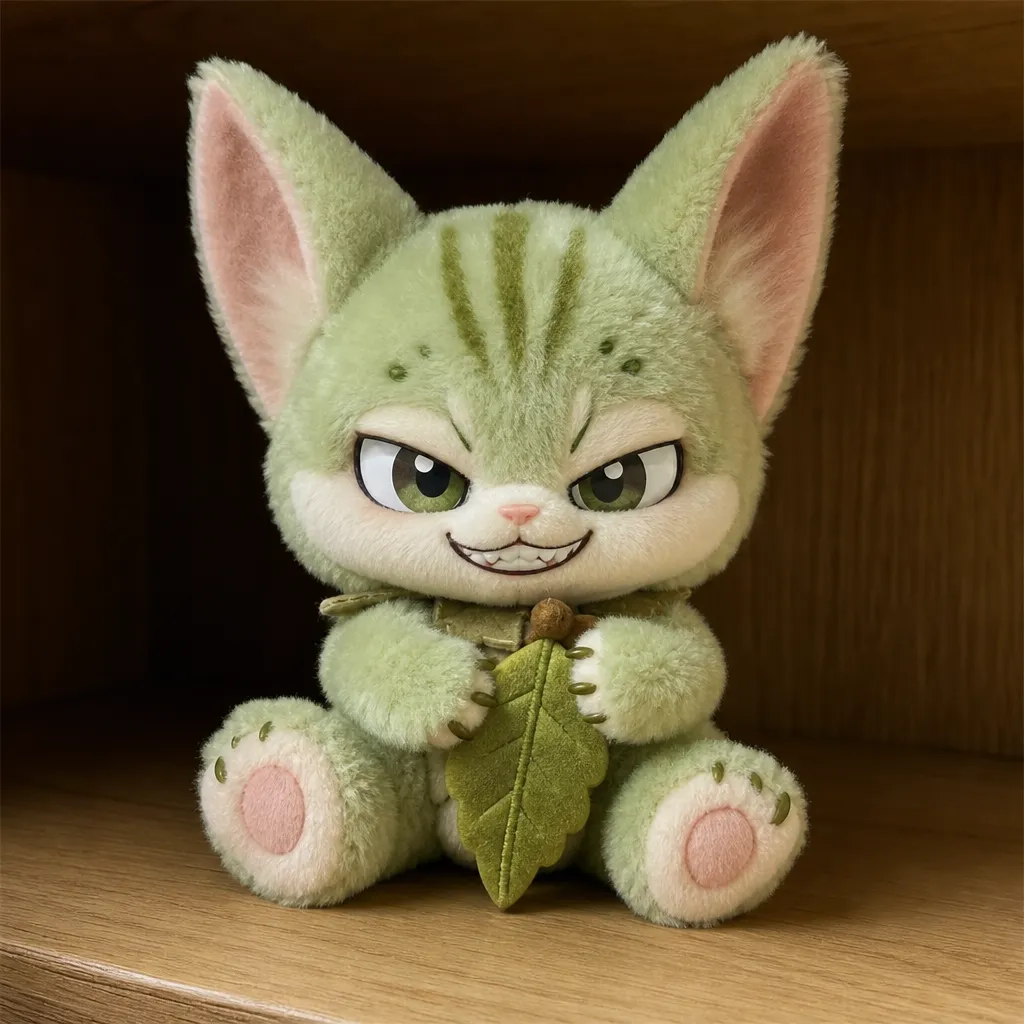
Upload an authorized photo and choose an original mischievous plush-doll direction, including pose, outfit, and display scene. Labubu is a third-party character reference; this tool is not affiliated with POP MART and does not create official products, packaging, or authenticated collectibles.

Create with Labubu Doll Generator

Choose the inputs that match your source material and intended result, then submit a prepared request for review.

JPG, PNG, or WebP, maximum 10 MB. Use only an image you may edit.

.

Key features

Key Features of Labubu Doll Generator

01

Photo-to-plush concept direction

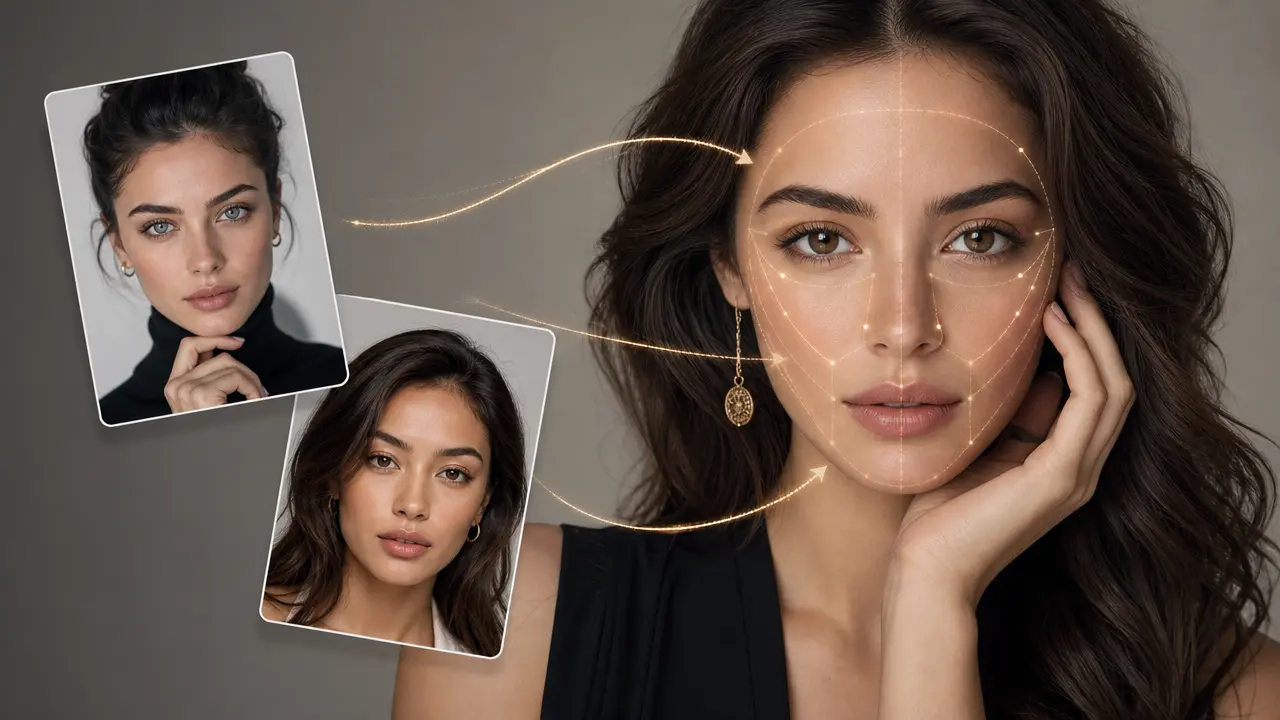
Use an authorized person, pet, or object photo as the visual starting point, then choose a soft toy-material treatment and a playful expression. The request focuses on an original collectible-doll concept rather than a replica of a particular blind-box figure or retail product.

02

Control pose and outfit safely

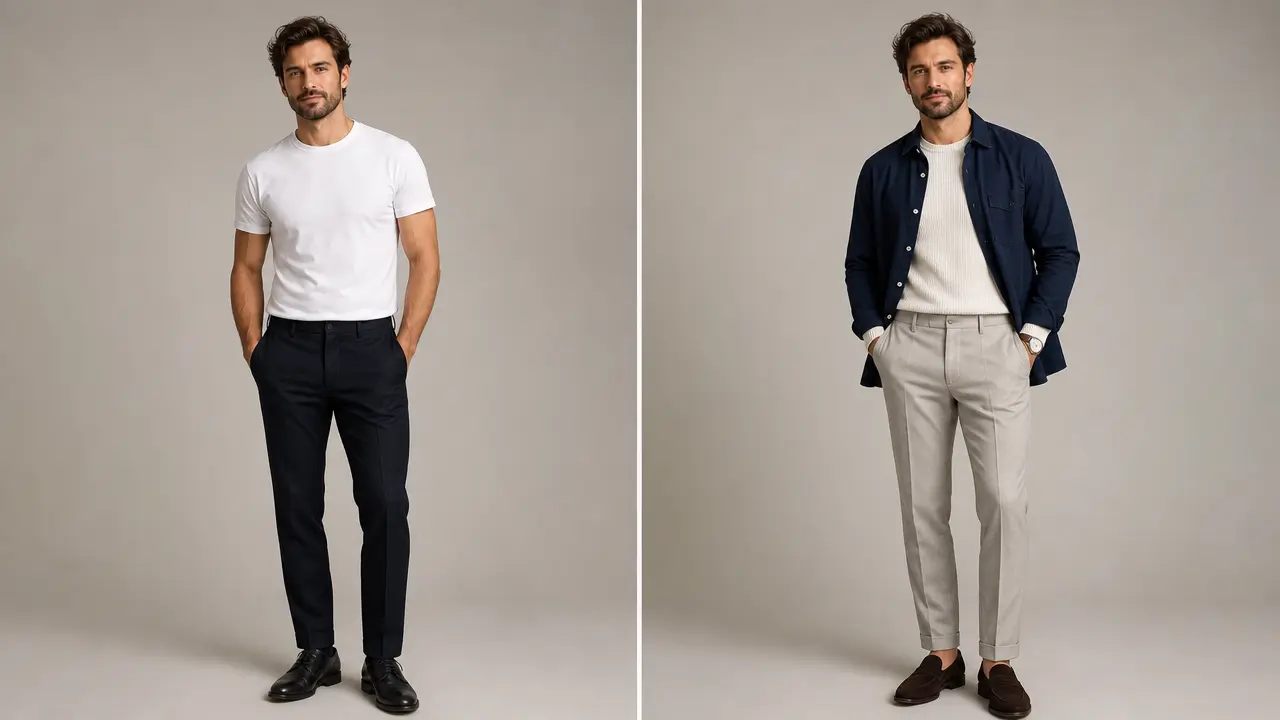
Select a seated, standing, or shelf-display pose along with simple original accessories or clothing. Keeping the brief specific helps the result feel intentional while avoiding branded costumes, protected character outfits, copied packaging, and misleading product details.

03

Create a shareable display scene

Choose a clean studio, cozy shelf, or whimsical miniature setting to frame the doll concept. The display setting helps viewers understand that the image is a fictional, generated design direction rather than evidence of a physical product for sale or official release.

04

Avoid false merchandise claims

Do not use the image as proof of authenticity, a product listing, a resale certificate, or an official collaboration. Review visible marks and source-image rights before sharing, especially when the source depicts another person, a child, or a recognizable personal object.

Step by step

How to Use Labubu Doll Generator

  1. 1

    Upload an authorized source photo

    Choose one person, pet, or object image you have permission to transform. Use a clear subject with visible outlines, and avoid photos containing protected characters, logos, retail packaging, or sensitive personal information.

  2. 2

    Set an original doll concept

    Choose plush texture, pose, outfit direction, and display setting. Use broad original descriptors such as cozy, playful, forest-inspired, or shelf-ready instead of requesting a specific branded figure, collection, package, or official release.

  3. 3

    Review it as a fictional concept

    Check the output for unwanted text, marks, or resemblance to a retail product. Describe it as generated concept art when sharing and do not use it to authenticate, price, market, or claim ownership of physical merchandise.

FAQ

FAQ of Labubu Doll Generator

What can Labubu Doll Generator make from my photo?+

It prepares an original plush collectible-doll concept from an authorized person, pet, or object photo. The intended output is a fictional visual direction with chosen materials and a display scene, not a physical product or official merchandise.

Is Labubu Doll Generator an official POP MART or Labubu product?+

No. Labubu and related commercial products are third-party references. This independent tool is not affiliated with POP MART and cannot create official figures, blind boxes, packaging, authenticity records, or licensed product assets.

Can I create a doll from my pet or family photo?+

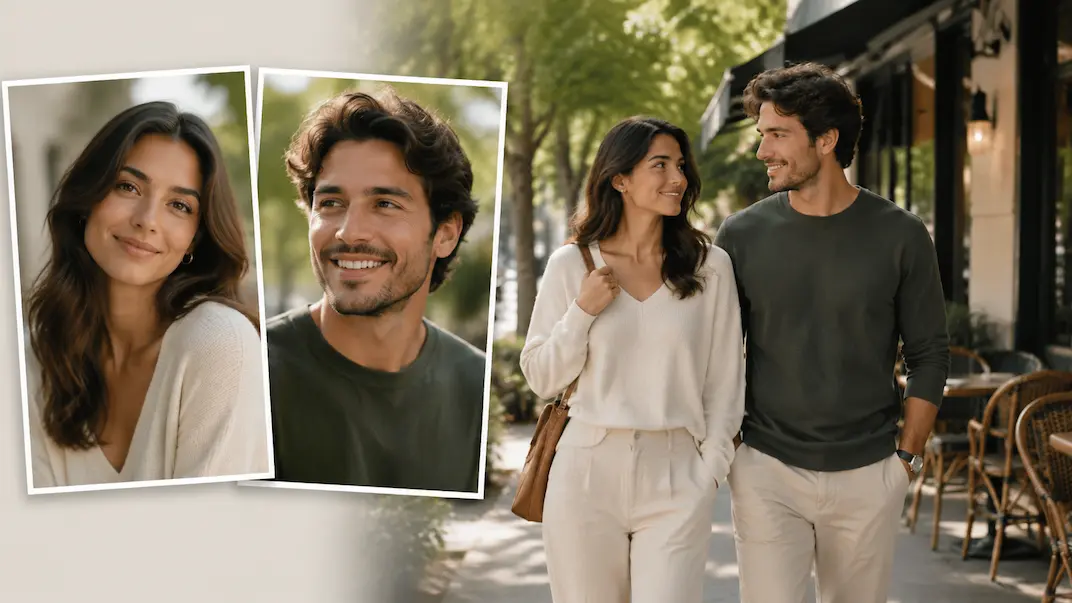
You may use a photo you own or are authorized to transform. When another person is recognizable, obtain their permission before uploading or sharing. Take extra care with images of children and do not expose private details in the result.

Can I use the generated image to sell a toy?+

Do not treat a generated concept image as a product listing, proof of inventory, authentication, or license. Commercial use can involve additional image, trademark, consumer-protection, and product-safety obligations that must be independently reviewed.

How do I avoid a generic doll result?+

Choose one clear subject and provide a specific original direction for the pose, plush texture, color mood, and scene. Avoid asking for a named collection or copied package; focused original details are more useful than a broad brand reference.