What photo works best for Hair Color Changer?+
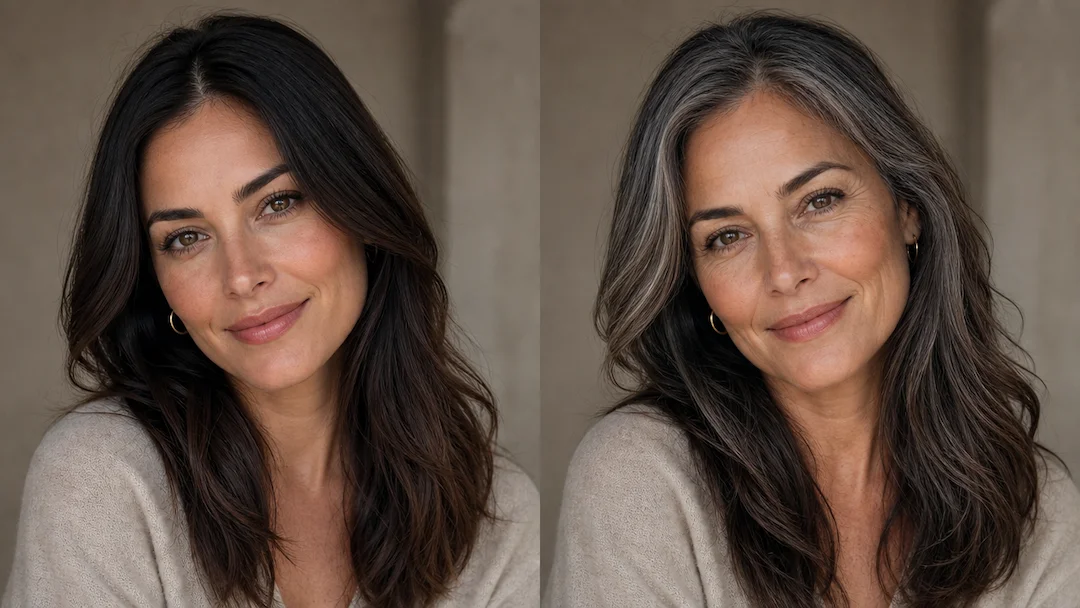
Use a clear authorized portrait with visible hair, face, and hairline. Front or three-quarter views in even daylight are usually more useful than a photo with heavy filters, deep shadows, hats, or hidden roots.
Can I request a specific hair color?+
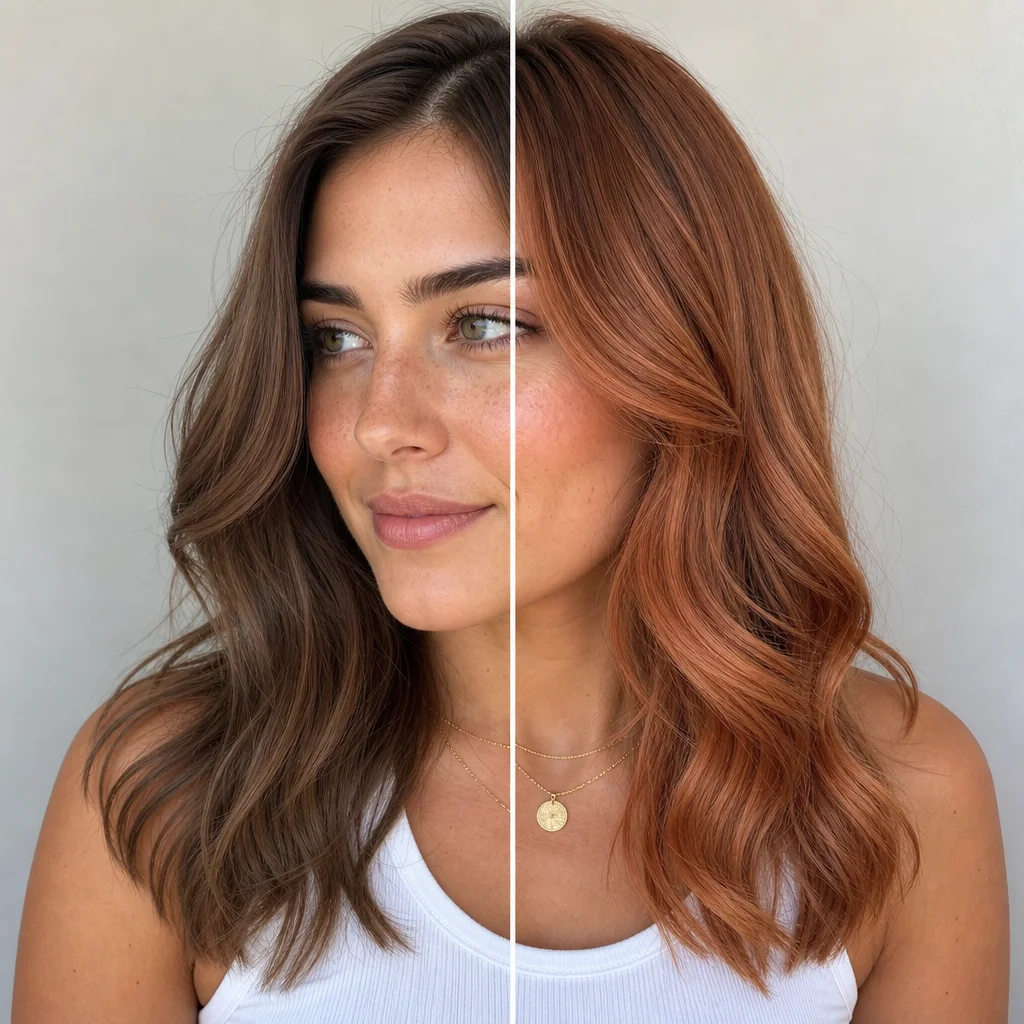
Yes. Choose a nearby color family and add a custom shade note, such as a warm copper or cool ash brown. A color reference describes the intended direction but cannot guarantee a real dye or salon result.
Why does the hairline matter in a virtual color preview?+
The hairline and roots show where hair meets skin. Reviewing them helps catch flat color coverage, stray-hair loss, or a root transition that would make the visualization look less natural.
Will the preview change my eyebrows or face?+
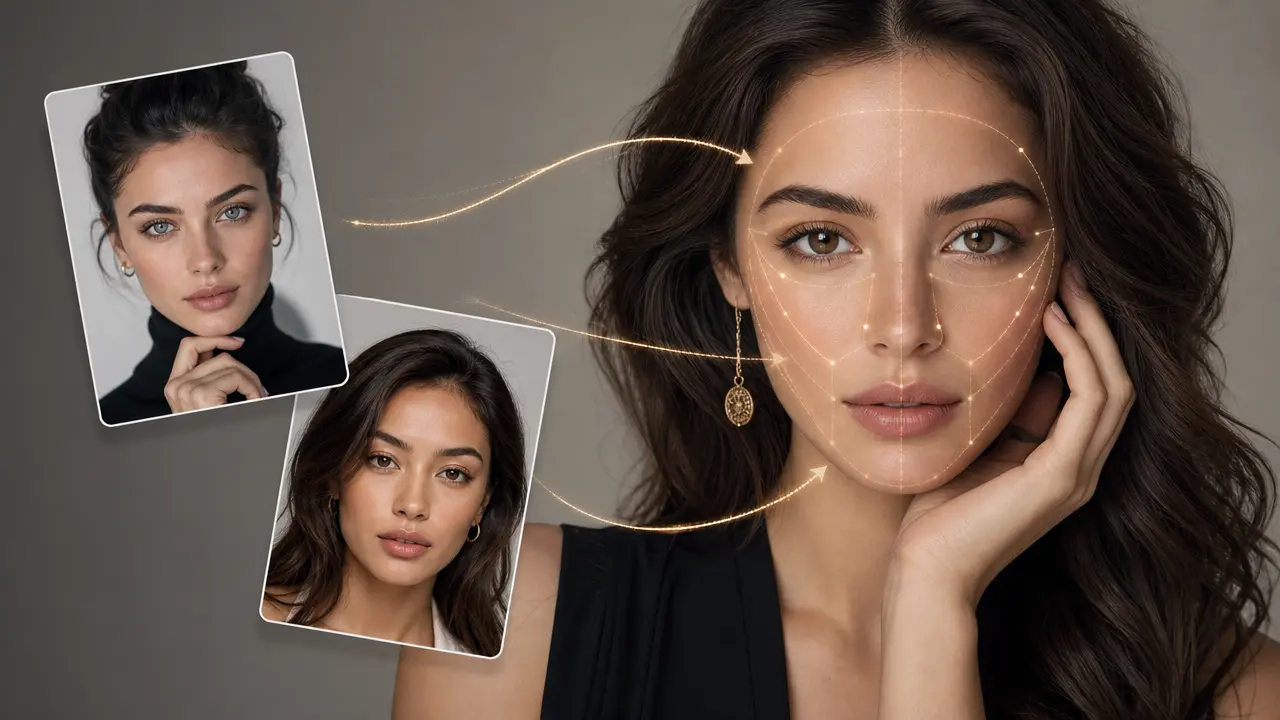
The intended request is to preserve face identity and focus on hair color. Review eyebrows, accessories, shadows, and edges before using the visualization, because they can influence how a color appears around the face.
Can I use the preview to choose a real hair dye?+
Use it as inspiration only. Actual color depends on hair history, existing pigment, product chemistry, and professional technique. Follow product safety information and seek qualified salon advice for a real treatment.