Two-image workflow
Keep the scene photo and face reference separate so each input has a clear role: the target retains its composition while the authorized reference guides facial identity.
Upload the target photo and a separate face reference, then choose how strongly the result should preserve the reference identity.
Use two clear images with similar face angles and confirm that you have permission.
Expected output


A target portrait and authorized face reference blended while retaining the target lighting and composition.
Key features
Keep the scene photo and face reference separate so each input has a clear role: the target retains its composition while the authorized reference guides facial identity.
Adjust the requested blend between the target lighting and the face reference, then inspect whether angle, expression and skin edges remain plausible in the edited image.
Required confirmations cover image rights and prohibit deceptive impersonation, making it explicit that a real person's likeness must only be used with permission and a lawful purpose.
The form and example direct attention to eye direction, teeth, hairline and lighting, helping users identify visible mismatches before sharing an edited portrait or scene.
Step by step
Choose the image that should keep its pose, composition, hair, clothing and background.
Upload a clear, well-lit face at a similar angle, confirm that you may use the person's likeness, then set how strongly the target should follow the reference identity.
Confirm responsible use, compare the before-and-after example and inspect facial edges and lighting before submitting the AI Face Swap request for careful review.
FAQ
The target photo provides the pose, composition, hair, clothing and background. The face reference provides the facial identity you are authorized to use.
Choose a sharp, well-lit face at a similar angle to the target. Sunglasses, heavy obstruction, very small faces and extreme angles can reduce consistency.
Only use a person's likeness with permission and a lawful purpose. Do not create impersonation, fraud, harassment, explicit content or misleading endorsements.
No. Different angles, expressions, lighting and image quality can still create artifacts. Review the output carefully before sharing it.
Check eye direction, skin edges, teeth, hairline, lighting and whether the result could be mistaken for a real event or endorsement. Label edited media when context could otherwise be misleading.
Image Effects
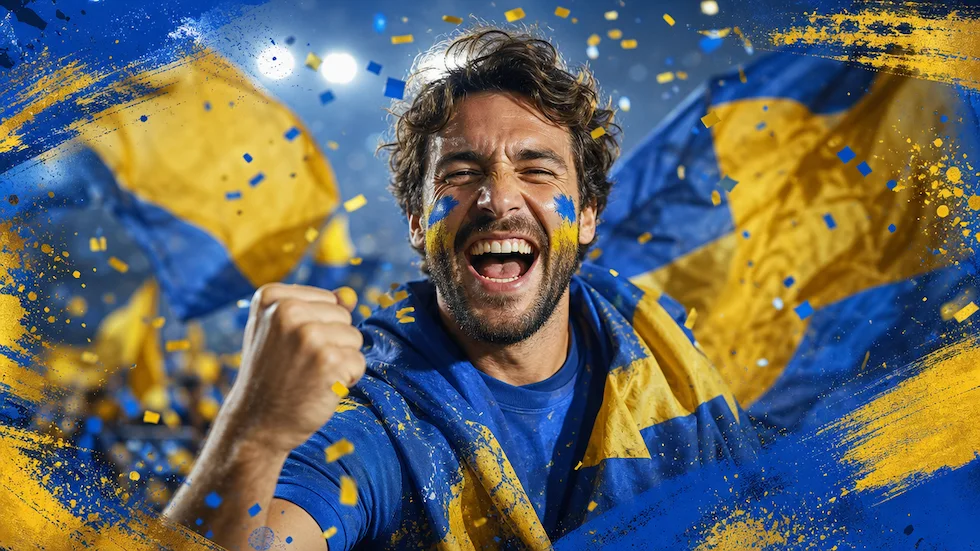
Use World Cup AI Effects & Templates to prepare an original football-fan photo effect with generic celebration props and no claim of official competition affiliation.
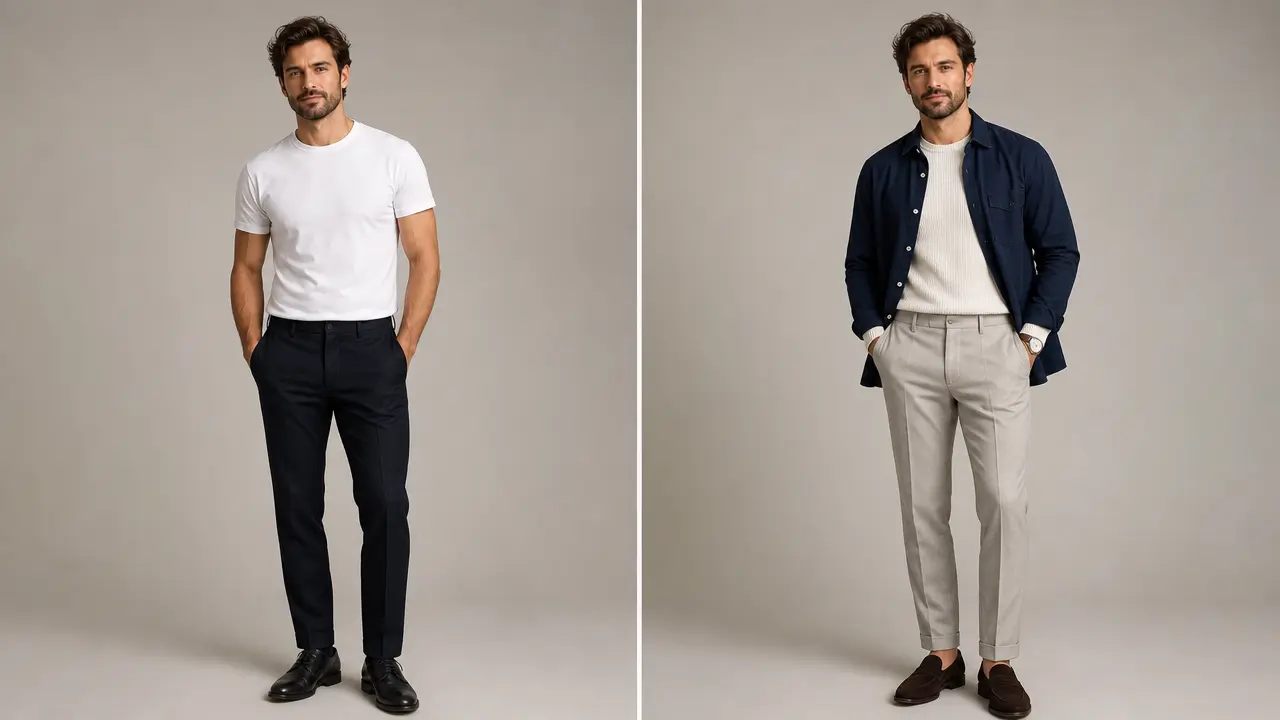
Explore an outfit direction for an authorized portrait with garment style, color, occasion, and composition-preservation controls.
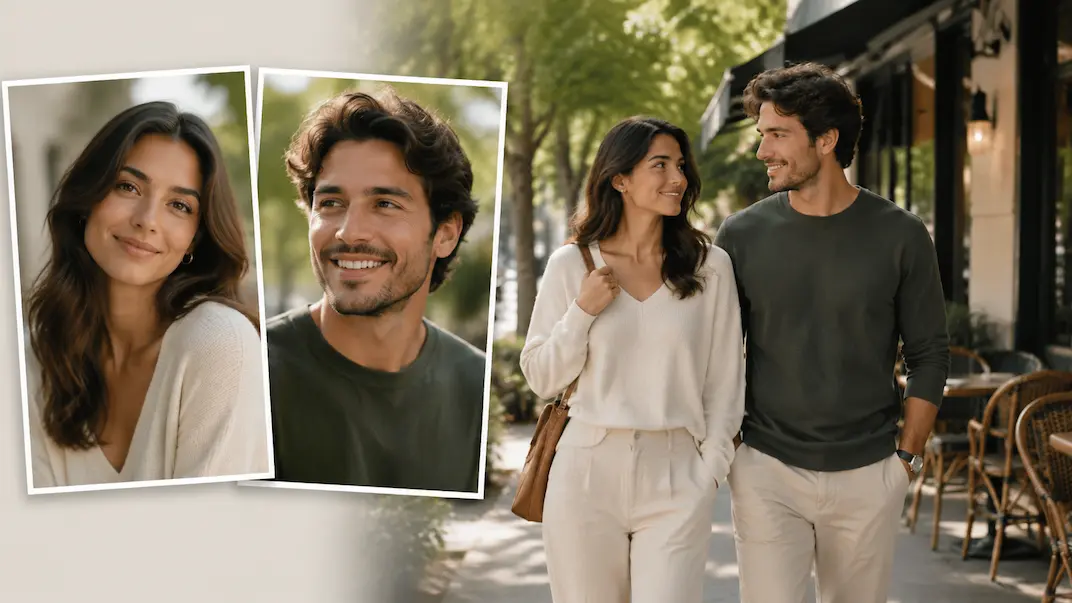
Use AI Couple Photo Maker to plan a respectful couple-photo visual concept from two authorized adult portraits.
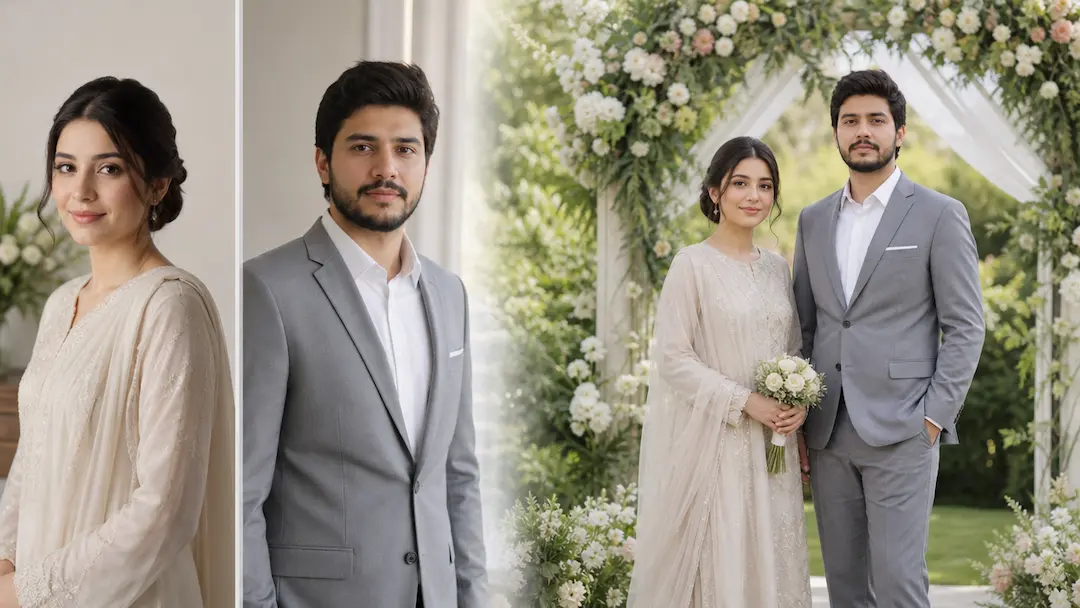
Use AI Wedding Photo Generator to prepare a respectful wedding-photo concept from authorized adult portraits with scene and styling controls.
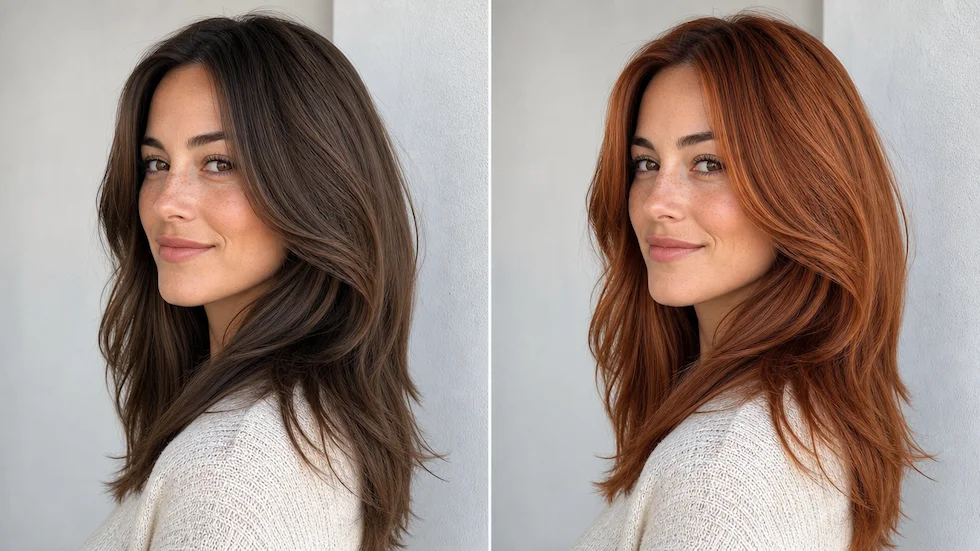
Preview a chosen or custom hair color on an authorized portrait with roots, highlights, skin tone, and lighting in view.
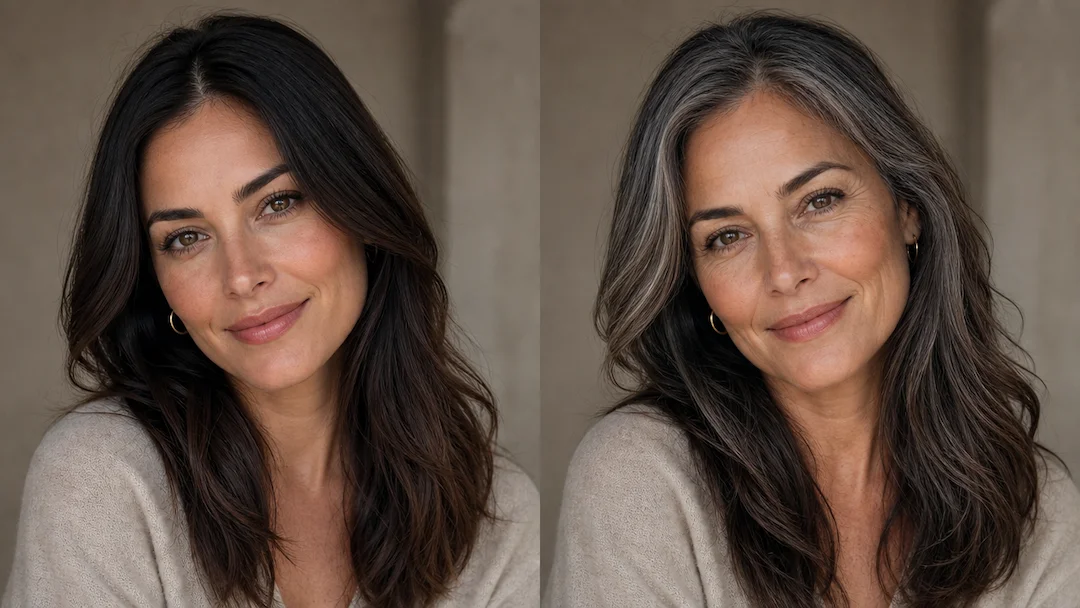
Use Age Filter to prepare a non-diagnostic age-style portrait effect from an authorized adult photo with subtlety and presentation controls.