NexMate

Face Shape Detector for Styling Reference

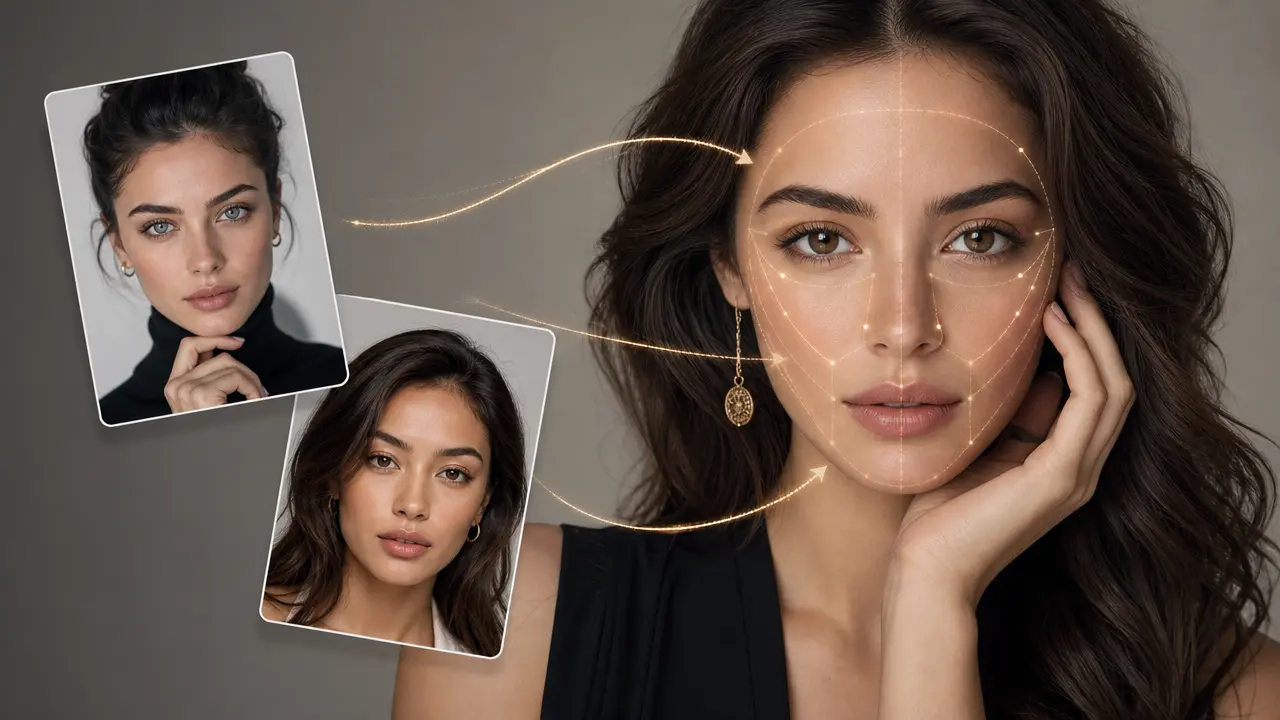
Start with a clear authorized adult portrait with the face, hairline, jawline, and both cheeks visible. Choose portrait angle, face visibility, styling goal, explanation detail, and privacy confirmation, then review the result against the original context before using it.

Create an Face Shape Detector Request

Use only material you are authorized to handle. Review source details and intended use before submitting.

JPG, PNG, or WebP, maximum 10 MB. Keep hairline, cheeks, and jawline visible.

.

Key features

Key Features of Face Shape Detector

01

Controls matched to the task

The form makes portrait angle, face visibility, styling goal, explanation detail, and privacy confirmation explicit, so the request captures the intended result and delivery context instead of relying on an ambiguous one-line instruction.

02

Source-quality guidance

Begin with a clear authorized adult portrait with the face, hairline, jawline, and both cheeks visible. Clear, authorized source material gives the request a stronger factual and visual foundation for later review.

03

Review points before use

Check photo angle, hair coverage, expression, lens distortion, individual variation, and the limits of categorical face-shape labels before relying on a future result. Structured inputs improve clarity but never replace contextual human verification.

04

Responsible-use boundary

Use this tool within a clear boundary: do not treat a face-shape observation as a biometric identity decision, attractiveness score, medical assessment, or basis for consequential decisions. Retain source material and permissions whenever they affect sharing or commercial use.

Step by step

How to Use Face Shape Detector

  1. 1

    Prepare the source and outcome

    Provide a clear authorized adult portrait with the face, hairline, jawline, and both cheeks visible. Keep the request tied to the actual use case and to information, media, and people you are authorized to handle.

  2. 2

    Set the controls for the destination

    Choose portrait angle, face visibility, styling goal, explanation detail, and privacy confirmation. Select settings that fit the intended audience and placement instead of assuming a more aggressive transformation is always better.

  3. 3

    Review key details before use

    Inspect photo angle, hair coverage, expression, lens distortion, individual variation, and the limits of categorical face-shape labels. Compare important details with the source and obtain qualified review when the material affects rights, safety, records, or public claims.

FAQ

FAQ of Face Shape Detector

What photo works best for Face Shape Detector?+

Use an authorized adult front or three-quarter portrait with the hairline, cheeks, and jawline visible. Avoid strong filters, very wide lenses, heavy shadows, hats, and hair that hides the facial outline.

Can it identify me or verify my identity?+

No. The request is for optional styling reference only. It must not be used for biometric identification, identity verification, or any consequential decision about a person.

Are face-shape labels definitive?+

No. Face shapes vary continuously and photo angle, expression, hair, and lens distortion can change the appearance of facial proportions. Treat categories as flexible styling language, not a fact about a person.

Can I use the result for medical or cosmetic decisions?+

No. It is not a medical, dental, surgical, or professional cosmetic assessment. Consult qualified professionals for any health or treatment decision.

What can I do with a styling reference?+

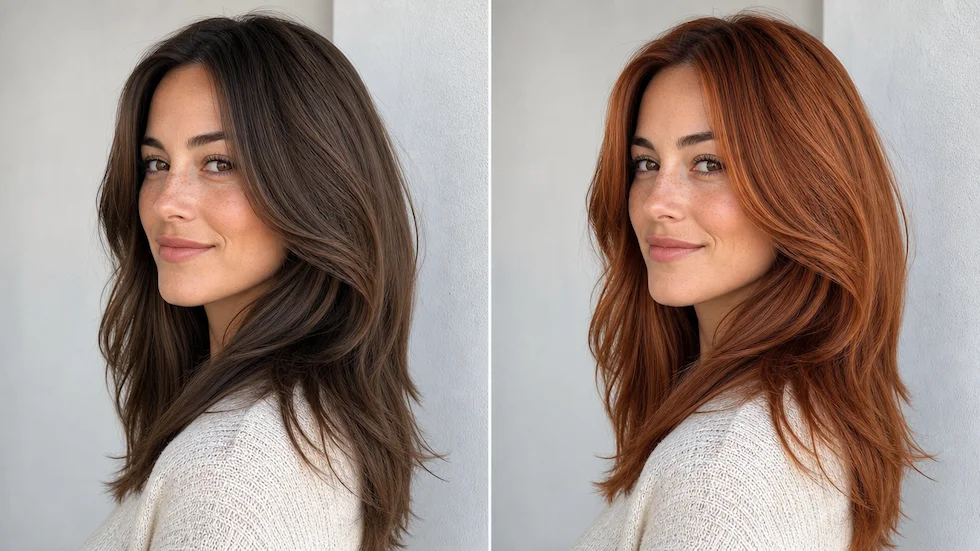
You can use it as one input when exploring hair, glasses, makeup, or portrait framing ideas. Your own comfort, preferences, and professional advice should remain more important than a category label.