Outfit-brief controls
Describe garment category, silhouette, material cues, color family, and occasion in one focused brief, helping a styling request communicate more than a broad label such as casual or formal.
Upload an authorized portrait, choose an outfit brief and intended occasion, then keep the request focused on clothing rather than changing the person’s identity.
Use an authorized portrait and describe clothing only. Review visual details before using any result publicly or commercially.
Expected output
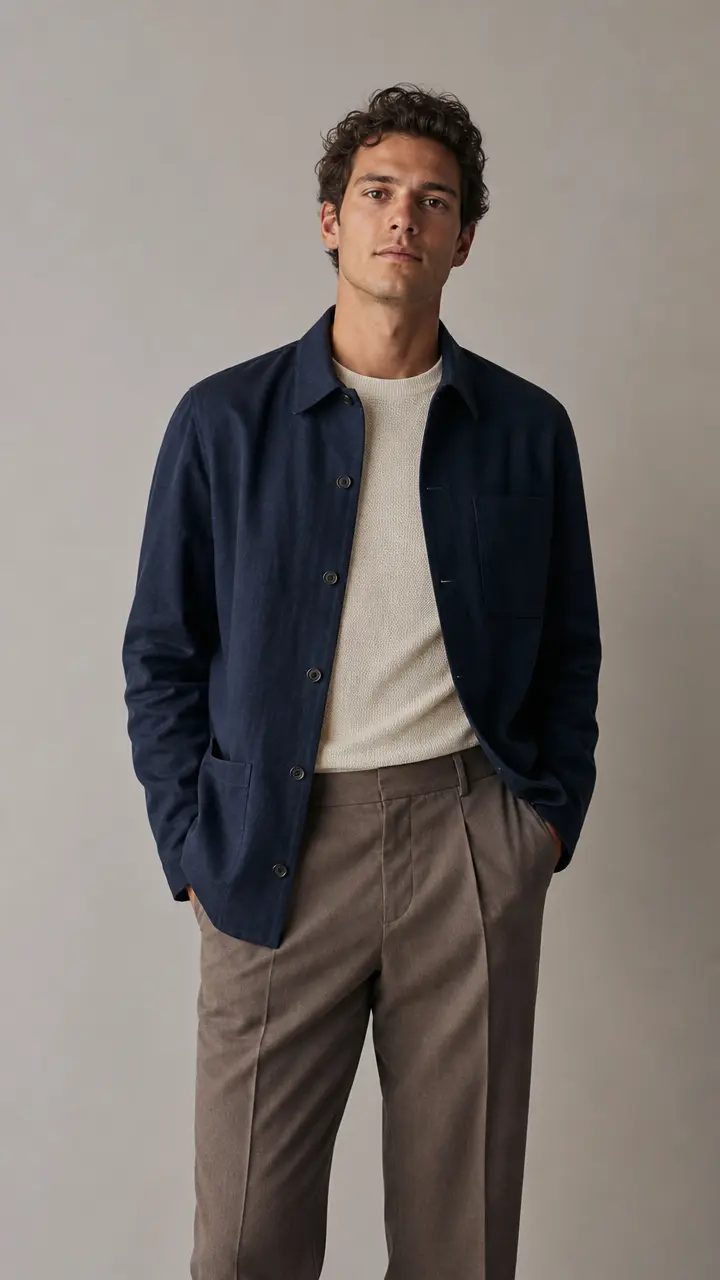
An authorized portrait styled with a navy overshirt, light knit top, and neutral trousers to illustrate a workday smart-casual clothing brief.
Key features
Describe garment category, silhouette, material cues, color family, and occasion in one focused brief, helping a styling request communicate more than a broad label such as casual or formal.
Use practical selectors for color direction and context such as work, travel, celebration, or editorial styling, allowing the planned outfit to better match the situation shown in the source photo.
The workflow keeps the request centered on apparel, fit, and styling while explicitly discouraging changes to the person’s recognizable identity, age, body, or other sensitive personal traits.
A rights confirmation reminds you to use only portraits you own or are allowed to edit, which is essential when clothing choices or a person’s image may be shared publicly.
Step by step
Choose a clear, front-facing or three-quarter portrait with the upper body visible, and make sure you have permission to edit and use the person’s image.
Specify the garment, color family, fit, and occasion. Keep the direction focused on clothing and styling, rather than requesting changes to identity or sensitive physical characteristics.
Before submitting or sharing, check visual details such as logos, garment construction, fit, and context. Treat a generated image as a styling concept, not a product specification or proof of a real outfit.
FAQ
Use a clear image with the relevant body area visible and lighting that reveals the clothing edges. A front-facing or three-quarter pose is generally easier to brief than an image where the torso is obscured.
Describe visual characteristics such as cut, material, color, and occasion instead of relying on protected logos or a claim that an image depicts an official product. Review all branding details before use.
The request is designed to focus on apparel, but visual systems can still alter details. Review the result to make sure it does not unintentionally change recognizable identity, age, body, or other sensitive traits.
Only when you have their permission or another valid right to edit and use the image. Do not create unwanted, misleading, or humiliating clothing depictions of identifiable people.
Treat the result as a styling visualization. It should not replace accurate product photos, size information, fabric details, price, availability, or any required advertising disclosure.
Image Effects
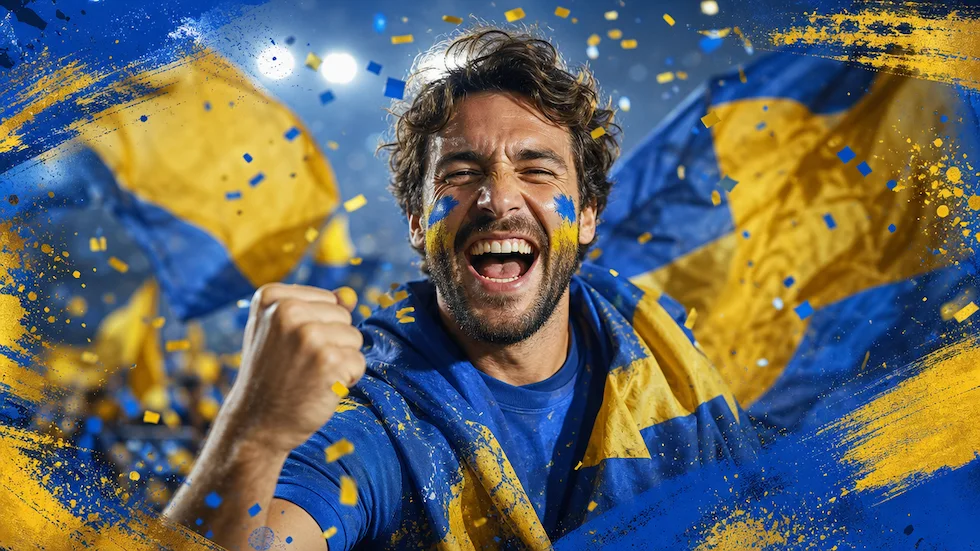
Use World Cup AI Effects & Templates to prepare an original football-fan photo effect with generic celebration props and no claim of official competition affiliation.
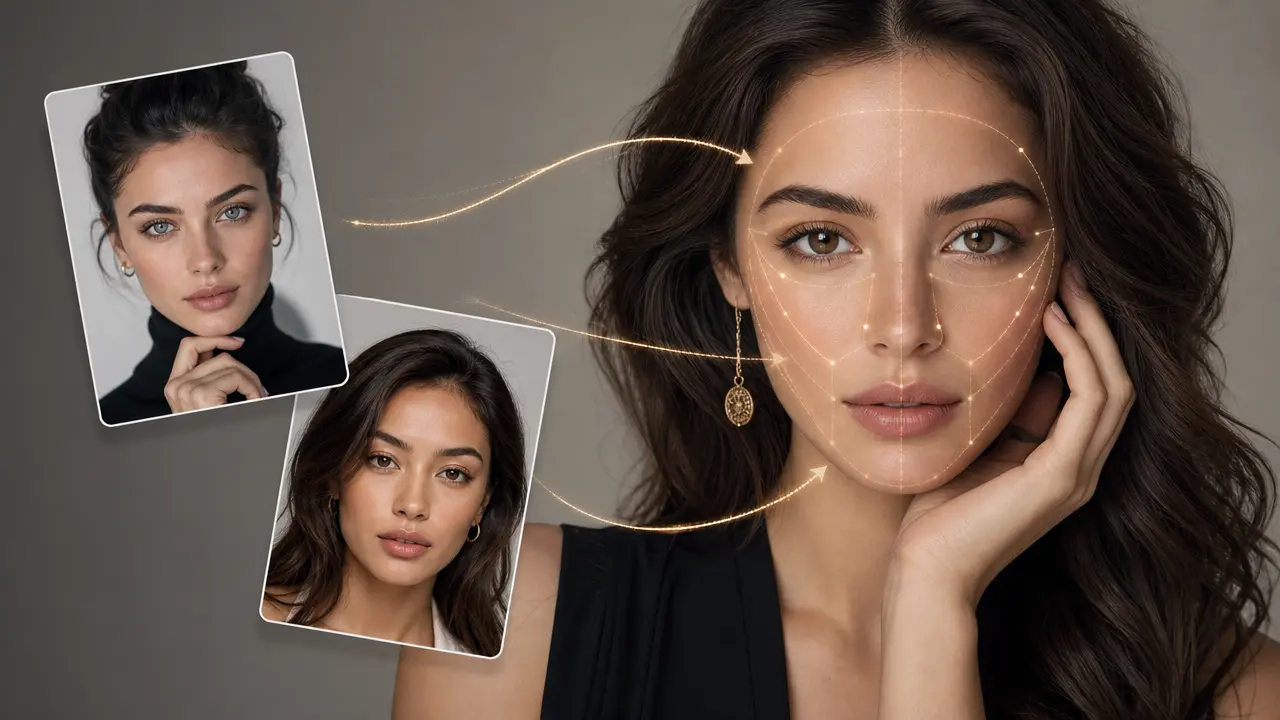
Combine a target photo and an authorized face reference with adjustable blending.
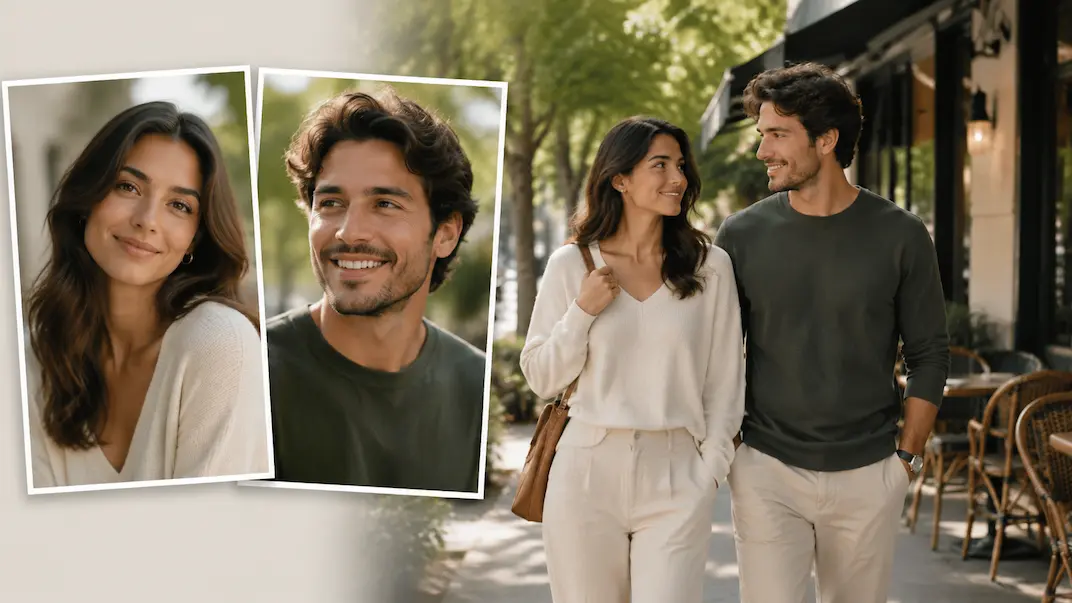
Use AI Couple Photo Maker to plan a respectful couple-photo visual concept from two authorized adult portraits.
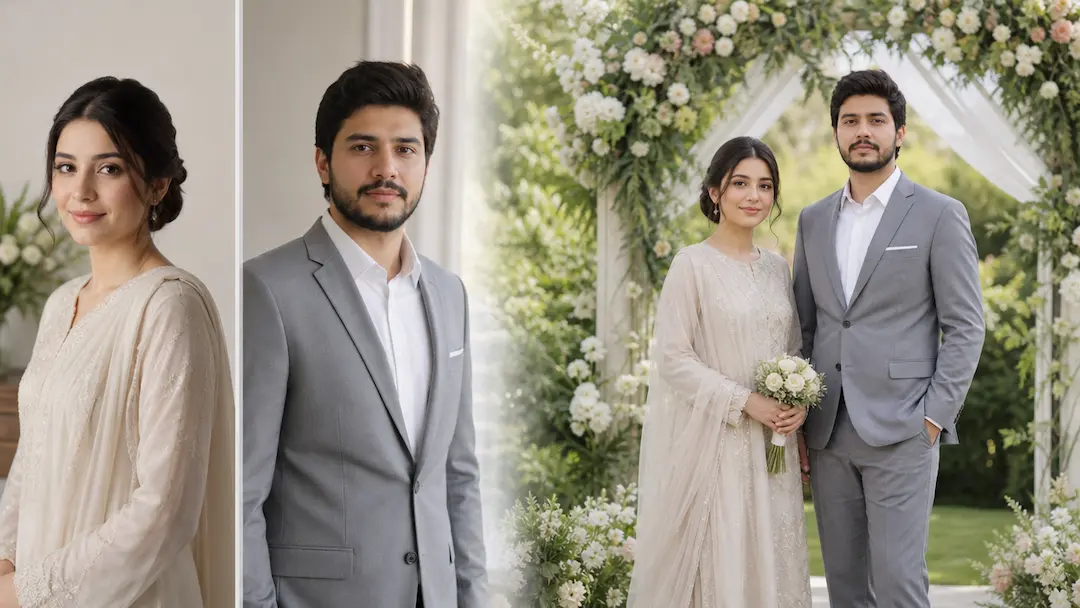
Use AI Wedding Photo Generator to prepare a respectful wedding-photo concept from authorized adult portraits with scene and styling controls.
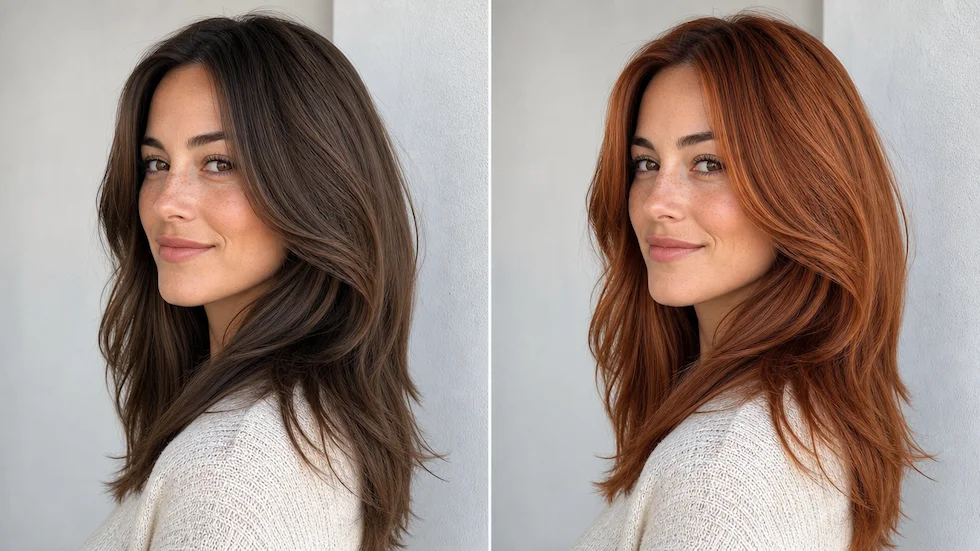
Preview a chosen or custom hair color on an authorized portrait with roots, highlights, skin tone, and lighting in view.
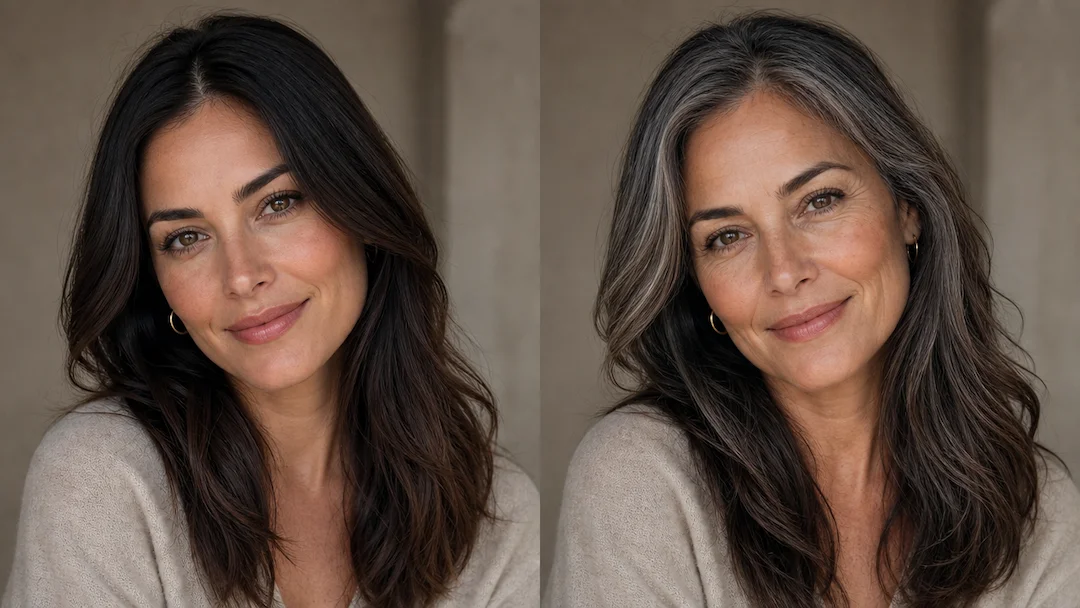
Use Age Filter to prepare a non-diagnostic age-style portrait effect from an authorized adult photo with subtlety and presentation controls.