Consent-focused portrait workflow
The request begins with a rights confirmation for every identifiable adult in the source image, keeping the intended embrace concept tied to material you are authorized to use rather than a third party's likeness.
Upload a photo you are allowed to use, choose a restrained motion direction and framing, then prepare a short-form video request that respects every identifiable person.
Use only authorized adult portraits. Do not submit deceptive, sexualized, harmful, or non-consensual depictions.
Expected output
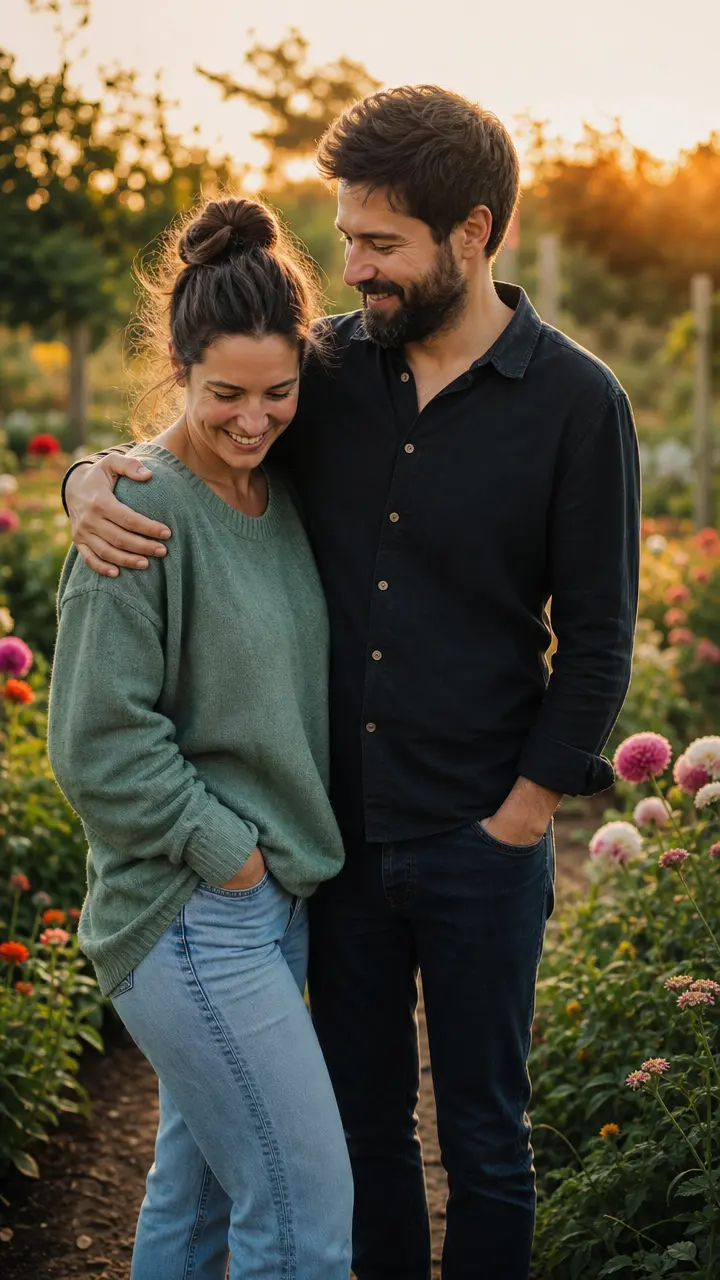
An authorized adult couple in a calm garden setting, framed for a respectful vertical short-video motion concept with a subtle camera push-in.
Key features
The request begins with a rights confirmation for every identifiable adult in the source image, keeping the intended embrace concept tied to material you are authorized to use rather than a third party's likeness.
Describe a gentle approach, brief side embrace, or still close pose alongside movement strength, giving the intended action useful boundaries instead of relying on an ambiguous one-line prompt.
Choose vertical, square, or landscape framing and a compact duration target so the motion concept can be planned for a social post, a private greeting, or a simple creative storyboard.
The form excludes minors, non-consensual depictions, misleading relationship claims, and sexualized directions, while the page makes clear that any result needs human review before sharing.
Step by step
Use a photo you own or are permitted to edit, and confirm that every identifiable person is an adult who has agreed to this specific use. Do not use the tool to imply a relationship that does not exist.
Upload the source image, select a motion direction and aspect ratio, then keep the description focused on safe body positioning, camera movement, and a brief non-sexual action.
If a result is later produced, check identity, physical contact, context, and audience suitability. Obtain any additional release required for public, commercial, editorial, or promotional use.
FAQ
It prepares a short motion concept from an authorized adult portrait or two-person image. In this phase, submitting the form records a request but does not generate a finished video.
Only when you have permission to edit and use that person's likeness for this specific purpose. Every identifiable person must be an adult and must have agreed to the requested depiction.
Do not use it to create misleading relationship claims or non-consensual intimate depictions. The source and intended scene should accurately respect the people shown and their permissions.
Use a short, concrete description such as a gentle side embrace with a slow camera push-in. Avoid requests involving force, sexualized contact, minors, or unclear consent.
Use a clear photo of one or two consenting adults with visible upper bodies, natural posture, and limited occlusion. Avoid crowded scenes, extreme angles, or images where the intended body positioning cannot be understood.
Video Effects
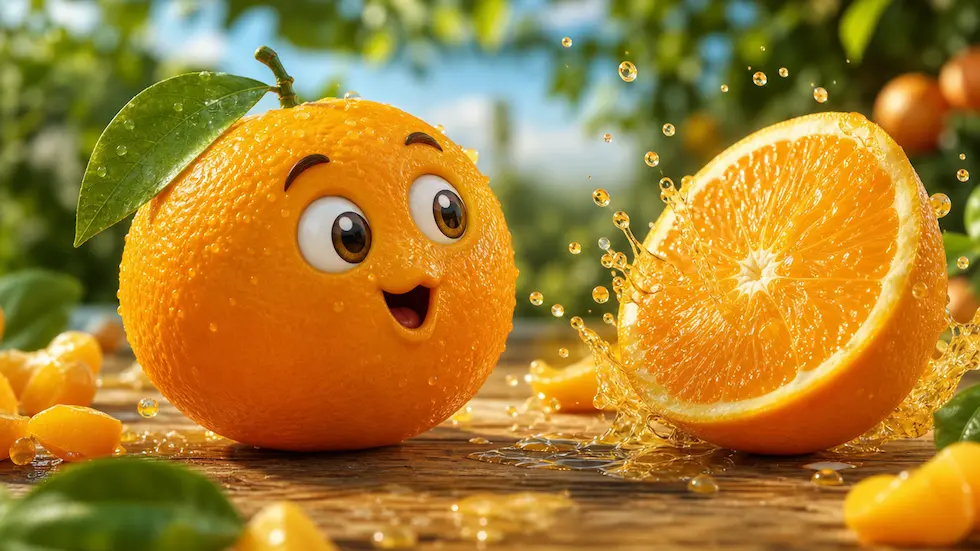
Create a focused brief for playful talking-fruit, self-eating, ASMR, or mini-story short videos.
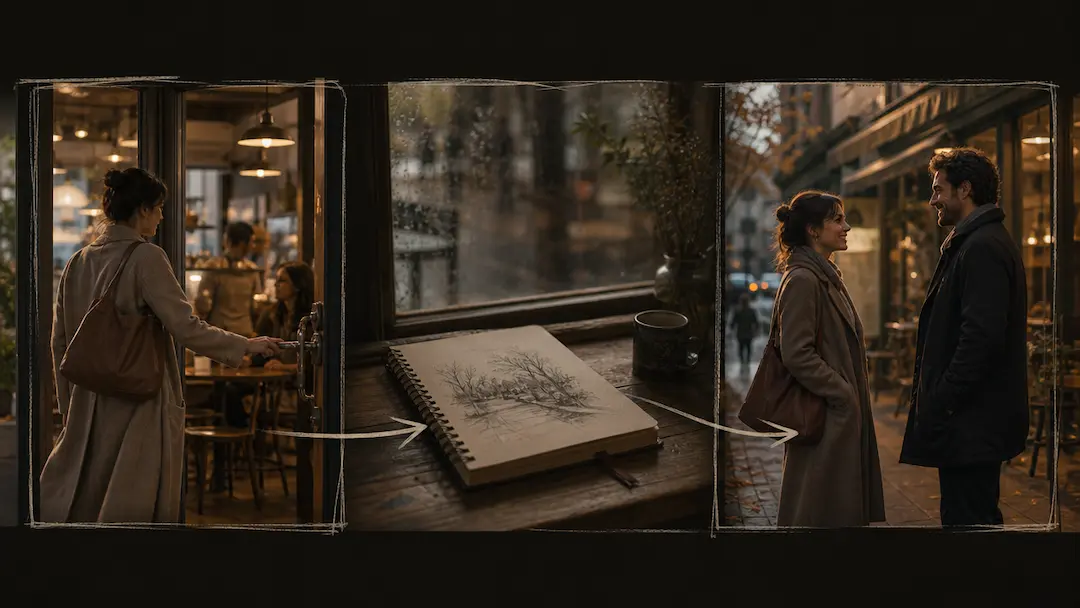
Use AI Short Drama Generator to turn an original premise into a concise short-drama video brief with scene pacing and visual direction.
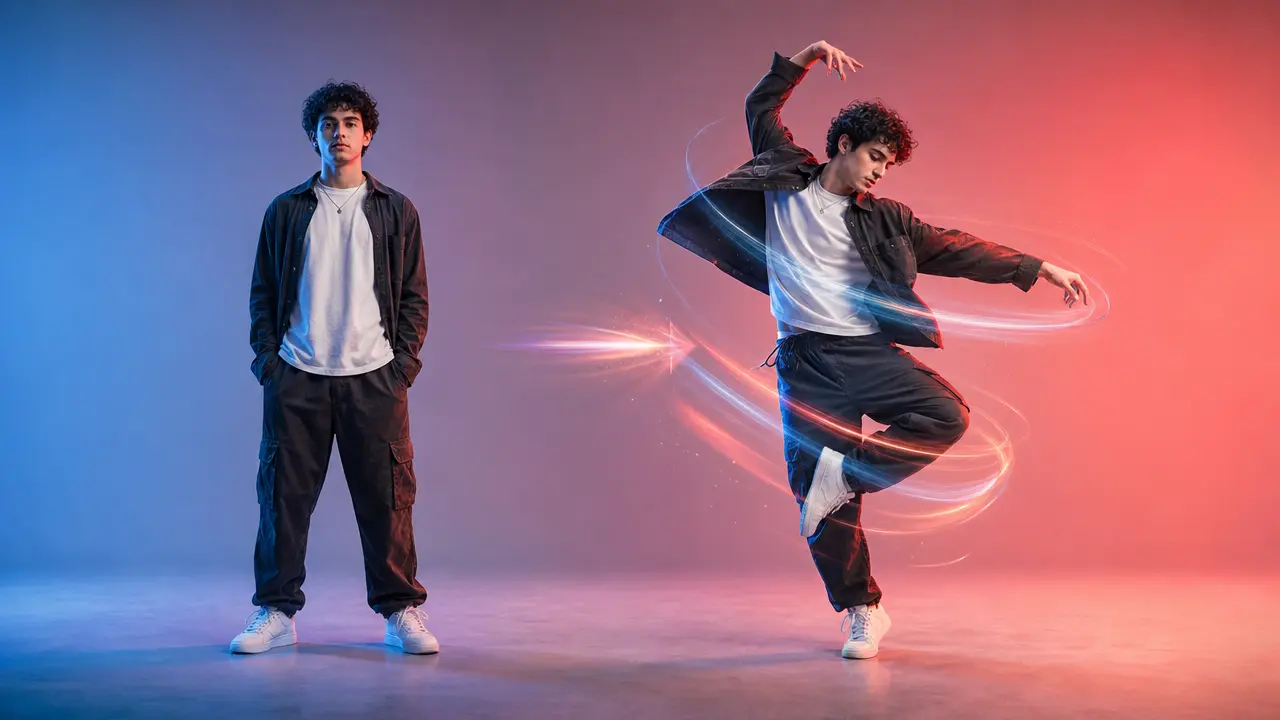
Turn a clear full-body photo into a short dance video concept with selectable motion and framing.
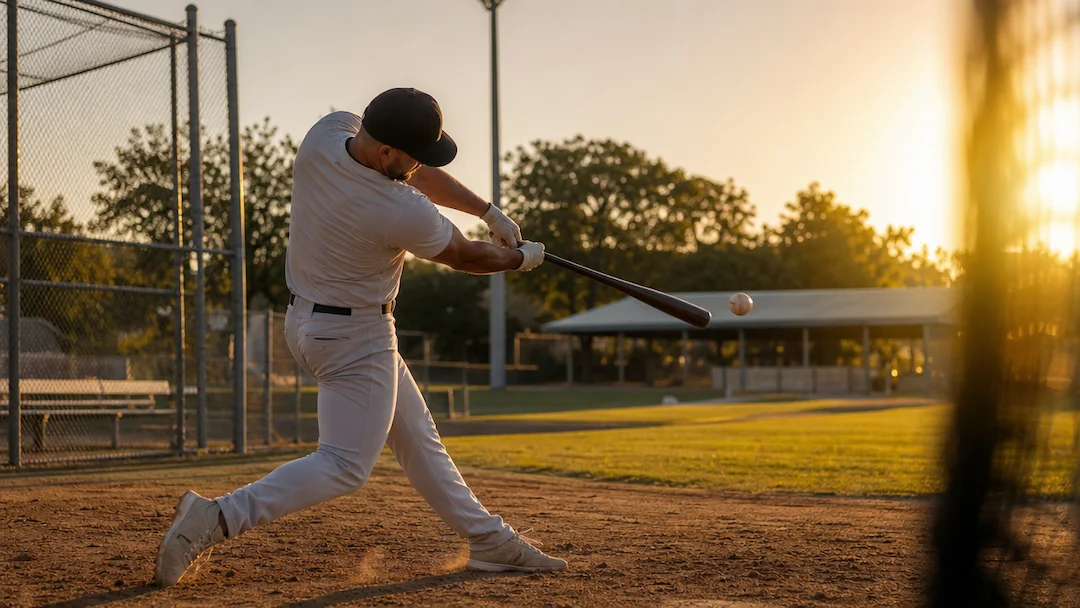
Use AI Baseball Video to plan an original baseball-themed short video with a defined play, camera moment, team-neutral styling, and social delivery format.
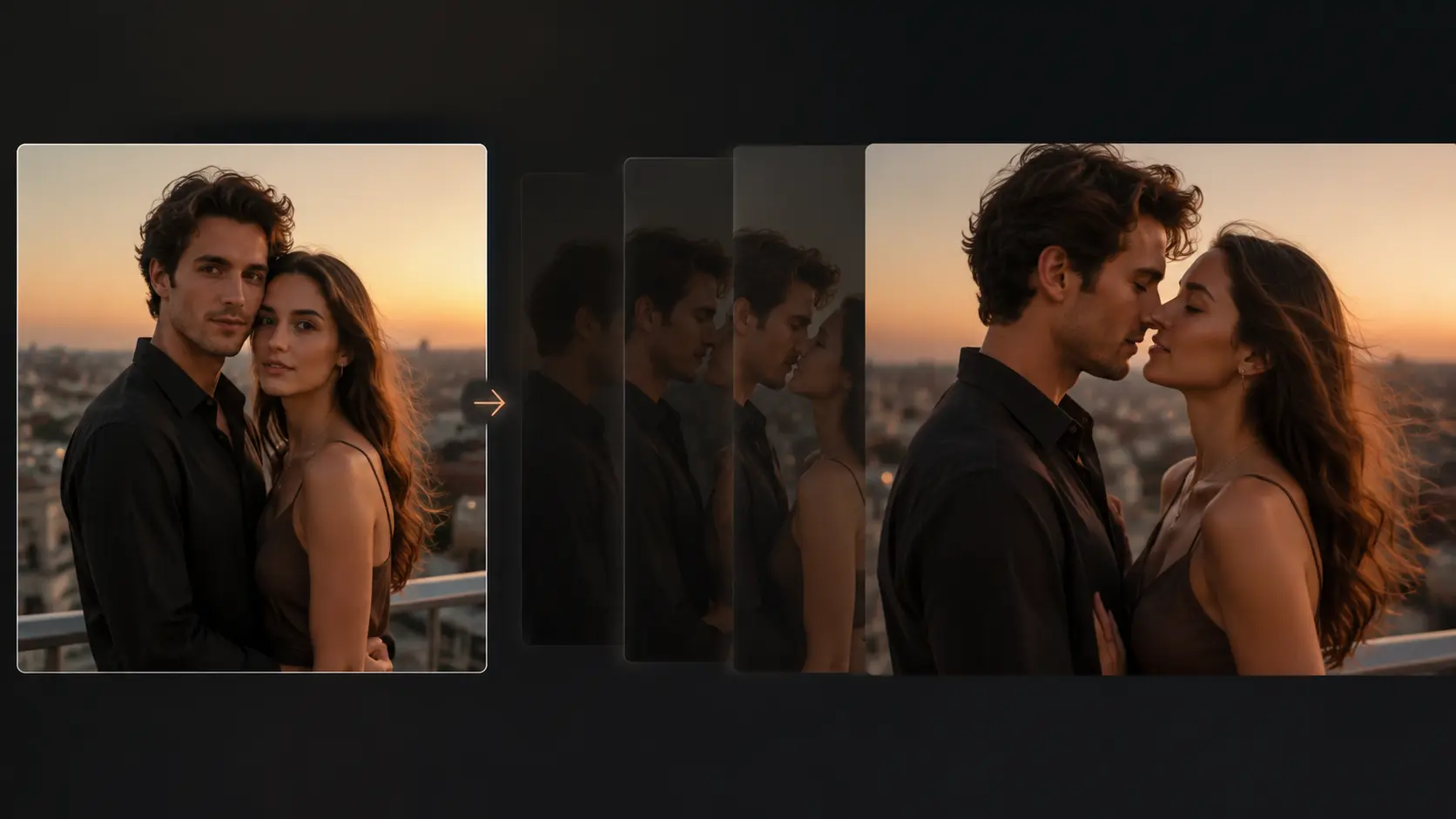
Turn an authorized portrait photo into a short, gently directed romantic motion concept with clear privacy and consent controls.
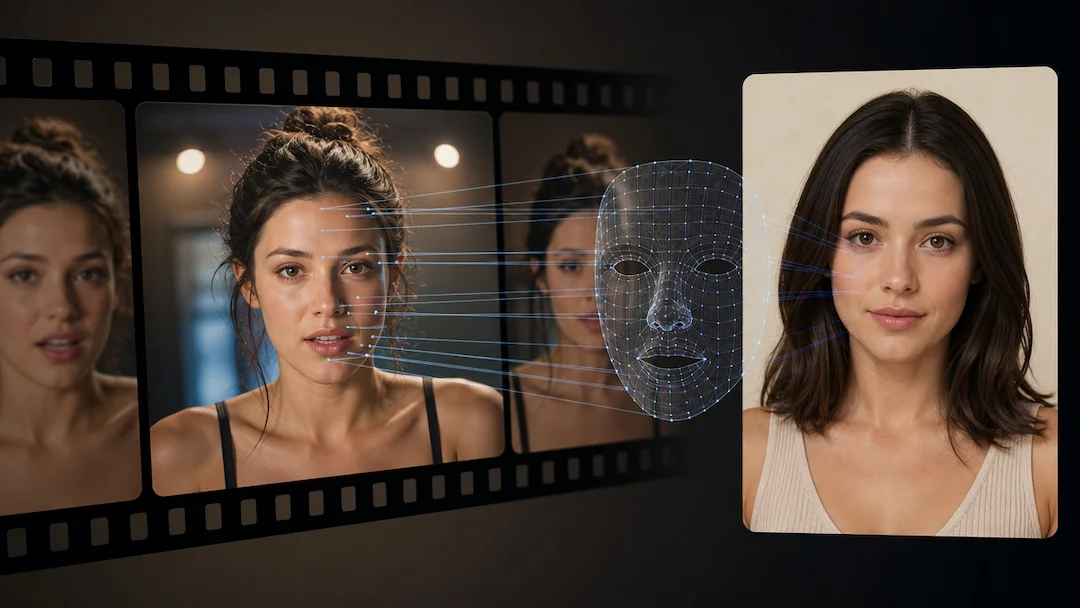
Use AI Face Swap (Video) to prepare a consent-based video face-replacement request using an authorized adult video and an authorized adult face reference.