Purpose-built controls
The form exposes subject material, sound focus, camera distance, and short-form framing, so the request can express a specific goal and a practical output context instead of relying on an ambiguous one-line instruction.
Start with a short original scene brief or an authorized reference image with one clear sensory subject, choose subject material, sound focus, camera distance, and short-form framing, and keep the request focused on a result you can inspect before use.
Use only material you are authorized to handle. Review source details and the intended use before submitting.
Expected output

A close-up ceramic tea-pouring scene illustrates calm material texture, gentle hand movement, and a quiet sensory framing direction for a short original ASMR concept.
Key features
The form exposes subject material, sound focus, camera distance, and short-form framing, so the request can express a specific goal and a practical output context instead of relying on an ambiguous one-line instruction.
Begin with a short original scene brief or an authorized reference image with one clear sensory subject. Clear, authorized source material and a focused brief make it easier to state the intended transformation or review target accurately.
Before you use any future result, check visual continuity, implied sound cues, flashing-light risk, and suitability for the intended audience. A prepared request can organize the work, but it cannot replace context-aware human verification.
Use this tool only within the stated boundary: do not use another creator's protected audio, branding, or a person's likeness without permission. Keep original sources and permissions available when they are relevant to sharing or commercial use.
Step by step
Provide a short original scene brief or an authorized reference image with one clear sensory subject. Identify the actual use case and keep the request limited to information, media, and people you are authorized to use.
Set subject material, sound focus, camera distance, and short-form framing. Select the option that matches the destination rather than assuming a stronger transformation or longer output is automatically better.
Inspect visual continuity, implied sound cues, flashing-light risk, and suitability for the intended audience. Correct mistakes against the original source and use qualified review where the material affects rights, safety, decisions, or public claims.
FAQ
It helps you plan close-up sensory video concepts around calm object motion and sound-focused visual direction. Use the page to make the intended input, controls, and review points explicit before relying on any result.
Use a short original scene brief or an authorized reference image with one clear sensory subject. Better source quality and a specific goal make the request easier to interpret and to review later.
Choose subject material, sound focus, camera distance, and short-form framing based on the actual destination and audience. Start with the least aggressive option that can reasonably serve the stated purpose.
Review visual continuity, implied sound cues, flashing-light risk, and suitability for the intended audience. Compare material details with the source instead of assuming that an apparently polished result is complete or accurate.
Yes. do not use another creator's protected audio, branding, or a person's likeness without permission. You remain responsible for permissions, source accuracy, disclosures, and the final decision to share or use any output.
Video Effects

Create a focused brief for playful talking-fruit, self-eating, ASMR, or mini-story short videos.
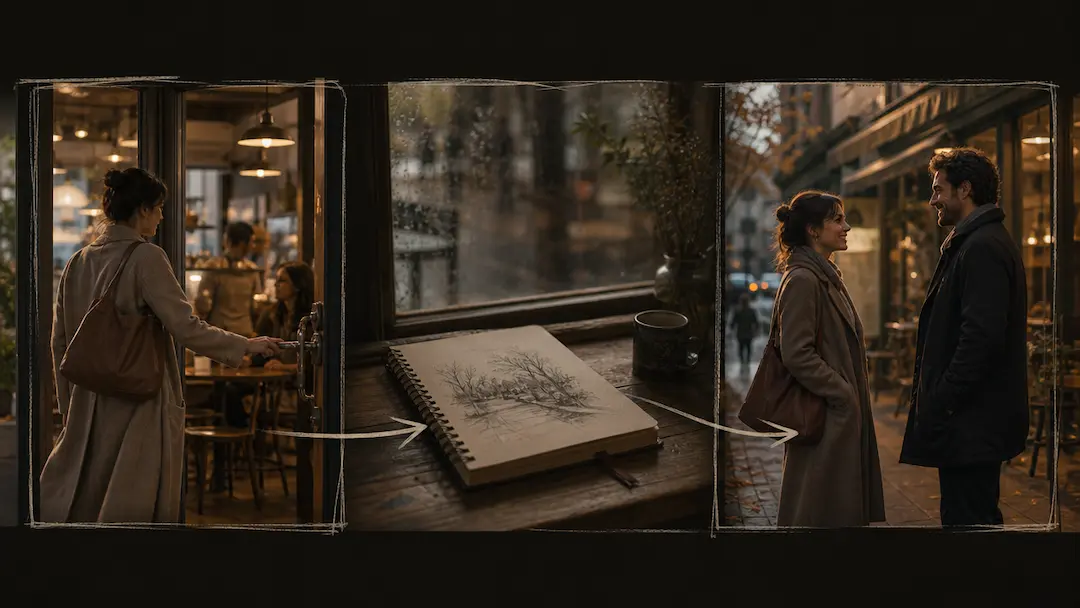
Use AI Short Drama Generator to turn an original premise into a concise short-drama video brief with scene pacing and visual direction.
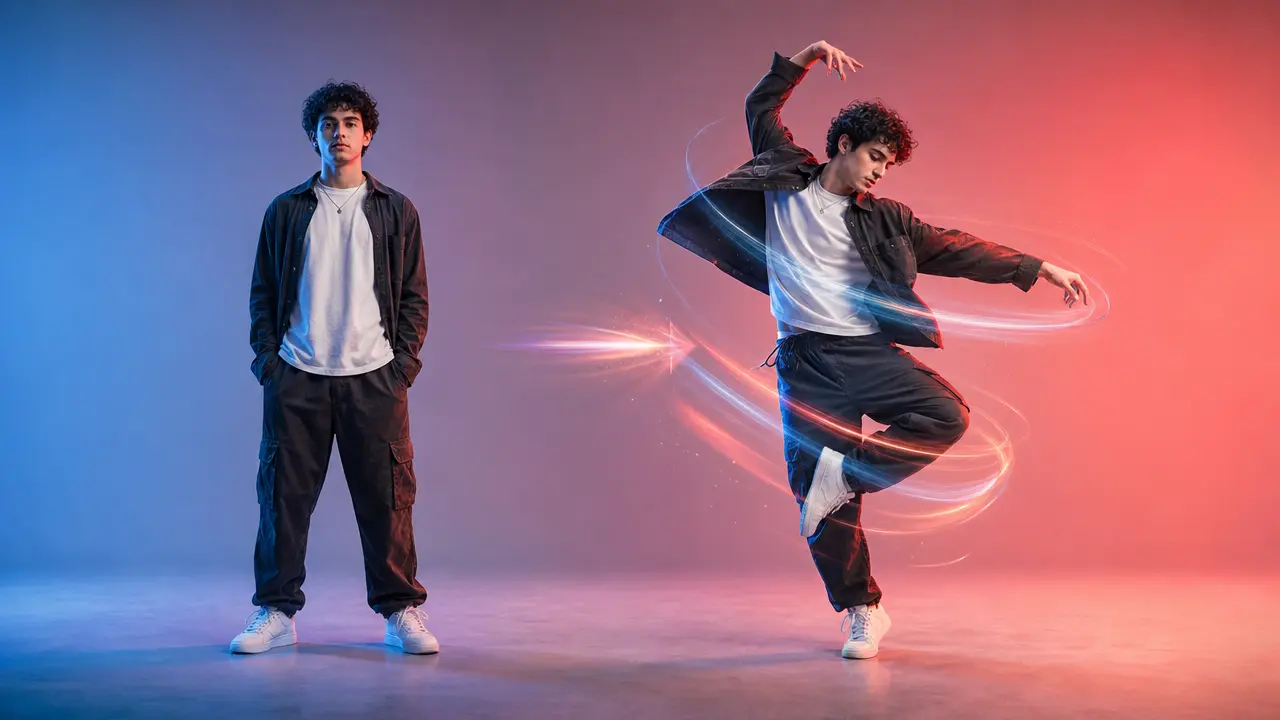
Turn a clear full-body photo into a short dance video concept with selectable motion and framing.

Use AI Baseball Video to plan an original baseball-themed short video with a defined play, camera moment, team-neutral styling, and social delivery format.
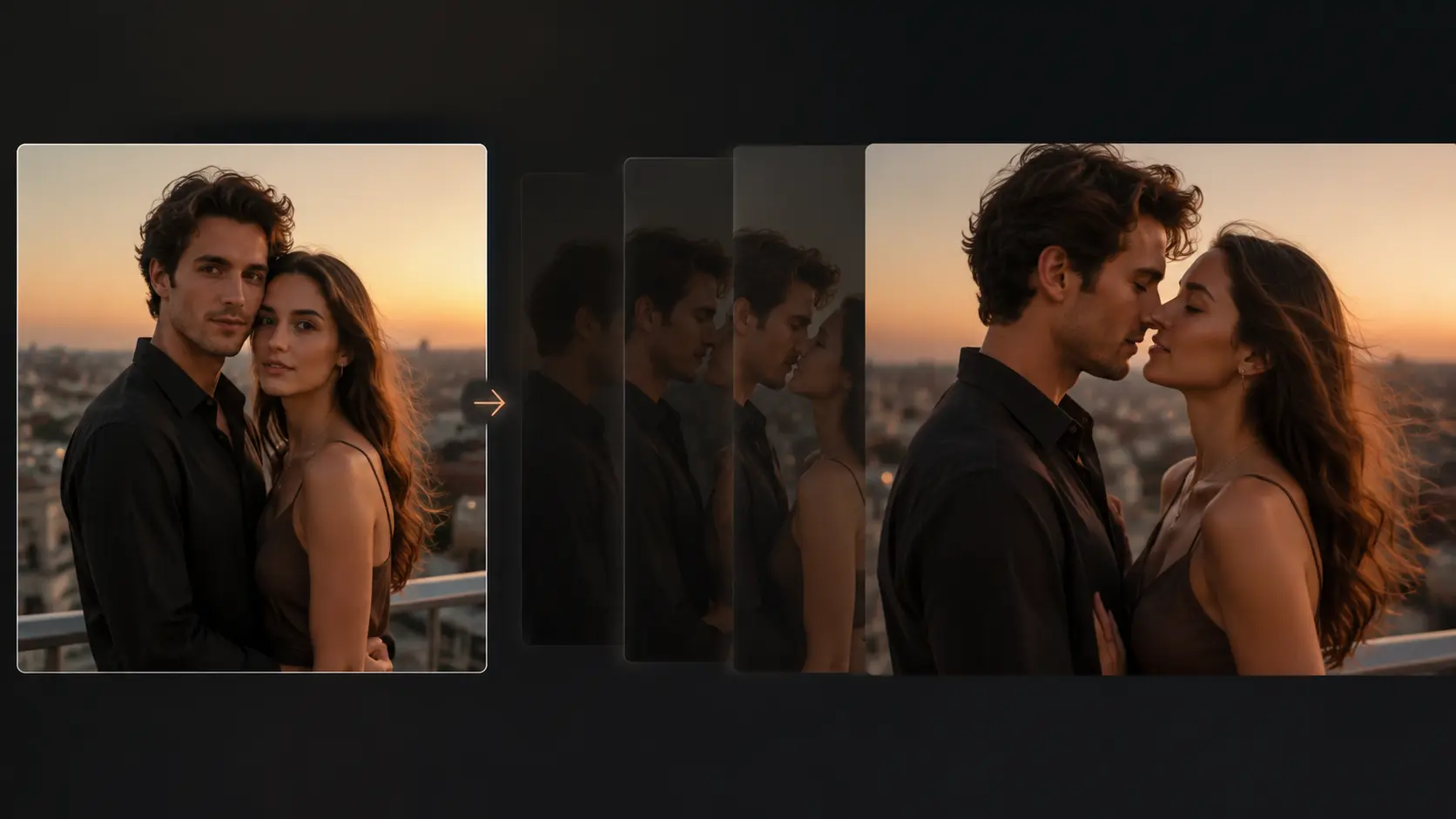
Turn an authorized portrait photo into a short, gently directed romantic motion concept with clear privacy and consent controls.
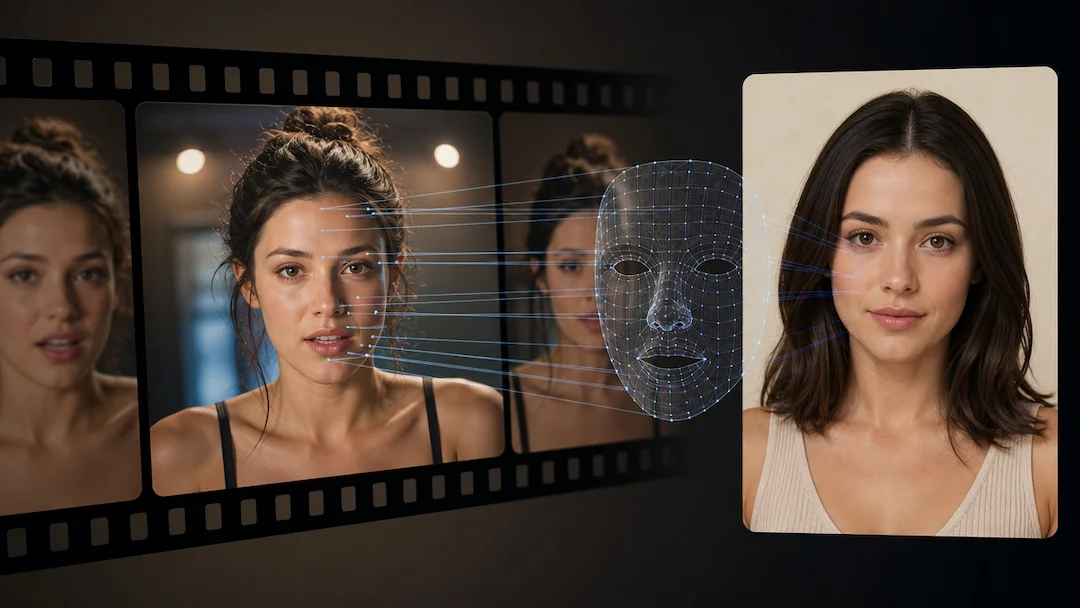
Use AI Face Swap (Video) to prepare a consent-based video face-replacement request using an authorized adult video and an authorized adult face reference.