Selfie-first photo input
Start with a clear selfie or portrait where the face is well lit and visible. The source photo anchors the person in the final composition, making a close camera angle and simple background useful for character interactions.
Upload a clear photo, choose a Zootopia-themed selfie or character-scene template, add an optional prompt, and create a portrait or couple image with the selected cinematic setting.
Choose the options that match your source and intended result, then submit the prepared request.
Expected output
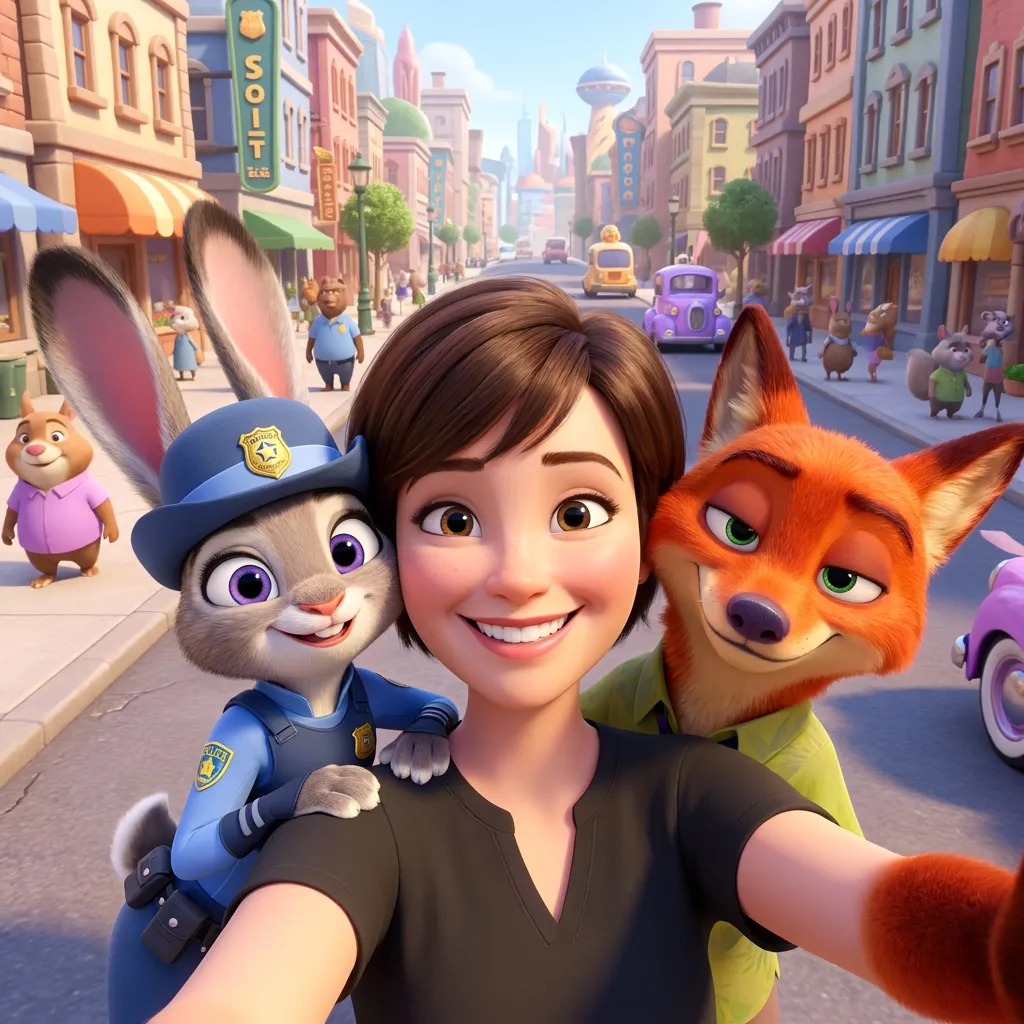
A clear adult selfie is placed between Judy and Nick in a bright Zootopia-inspired city street composition.
Key features
Start with a clear selfie or portrait where the face is well lit and visible. The source photo anchors the person in the final composition, making a close camera angle and simple background useful for character interactions.
Choose from popular themed setups such as a selfie with Judy and Nick, a solo Judy or Nick selfie, a group moment with Officer Clawhauser, a city insertion, or a couple scene. Templates give the request a clear expected composition.
The tool supports both one-person character selfies and two-person city scenes. Use a centered, clearly separated couple photo when both people should remain recognisable in the same fictional setting.
Add a concise prompt to influence the pose, mood, background activity, or framing after choosing a template. The template establishes the main idea while the prompt handles details that make the result feel personal.
Step by step
Choose a JPG, JPEG, PNG, or WebP photo with a visible face. For a couple template, make sure both people are clearly lit, separated from each other, and included in the frame.
Select the scene that matches your idea, such as a selfie with Judy and Nick, a solo character selfie, entering the city, or a couple photo. The template determines the main character arrangement.
Optionally describe the mood or pose, choose the 2:3 portrait composition, and submit. Check the result before sharing, especially faces, hands, unexpected text, and the selected scene relationship.
FAQ
Zootopia Filter places an uploaded selfie or couple photo into a Zootopia-themed character or city scene. Choose a template such as a selfie with Judy and Nick, a solo character setup, a city scene, or a couple image.
Use a clear JPG, JPEG, PNG, or WebP with the face visible and well lit. For a couple image, use a photo where both people are clearly visible and not covering each other.
Yes. Select the Selfie with Judy and Nick template, then upload a clear selfie. You can also choose solo Judy, solo Nick, or Officer Clawhauser themed options depending on the scene you want.
Yes. Choose the Couple in Zootopia template and upload a photo with both people visible. A centered, evenly lit image gives the composition more room to place both subjects naturally.
No. This is an independent AI creative tool and is not affiliated with Disney. Do not use generated images to imply official endorsement, a real event, or a commercial partnership.
Image Effects

Use World Cup AI Effects & Templates to prepare an original football-fan photo effect with generic celebration props and no claim of official competition affiliation.
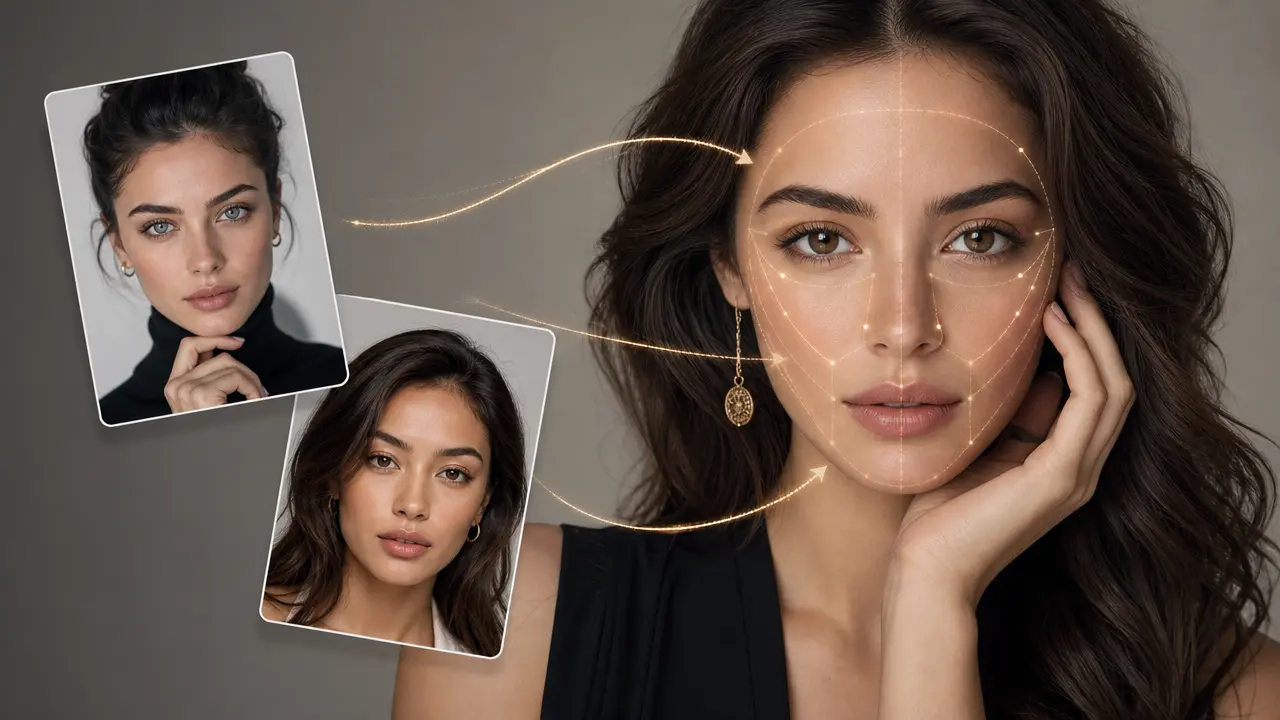
Combine a target photo and an authorized face reference with adjustable blending.
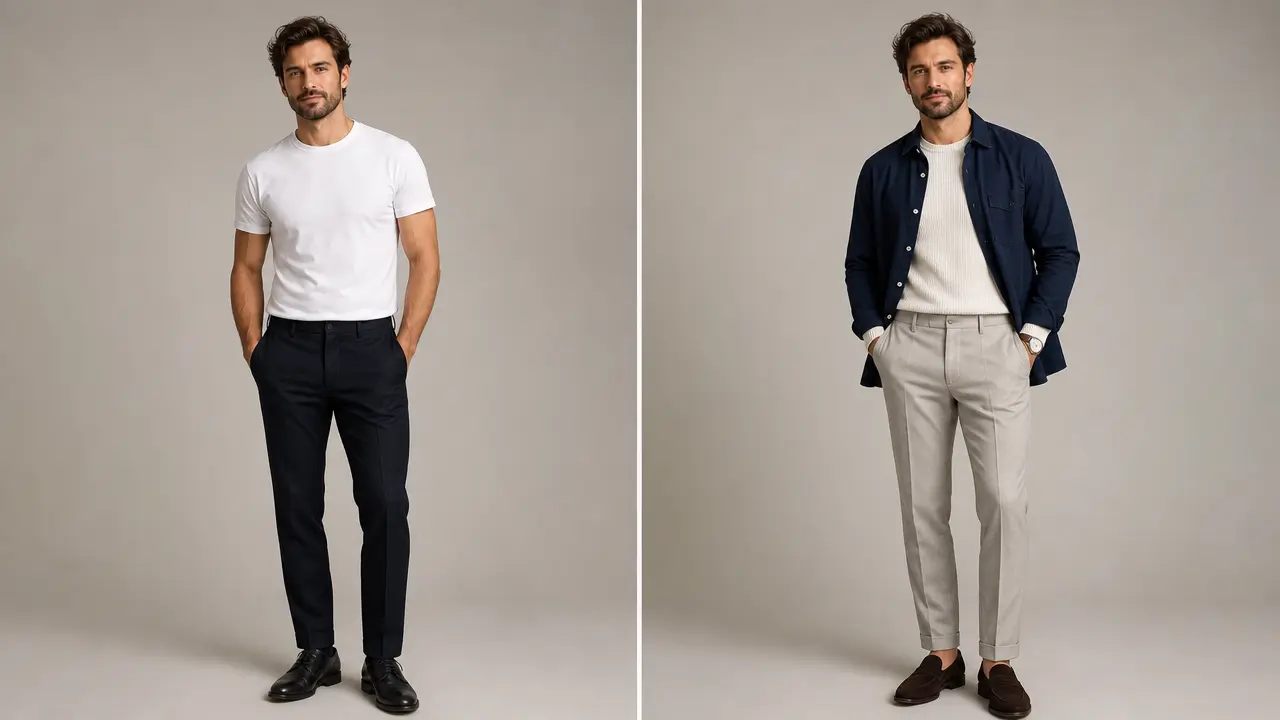
Explore an outfit direction for an authorized portrait with garment style, color, occasion, and composition-preservation controls.
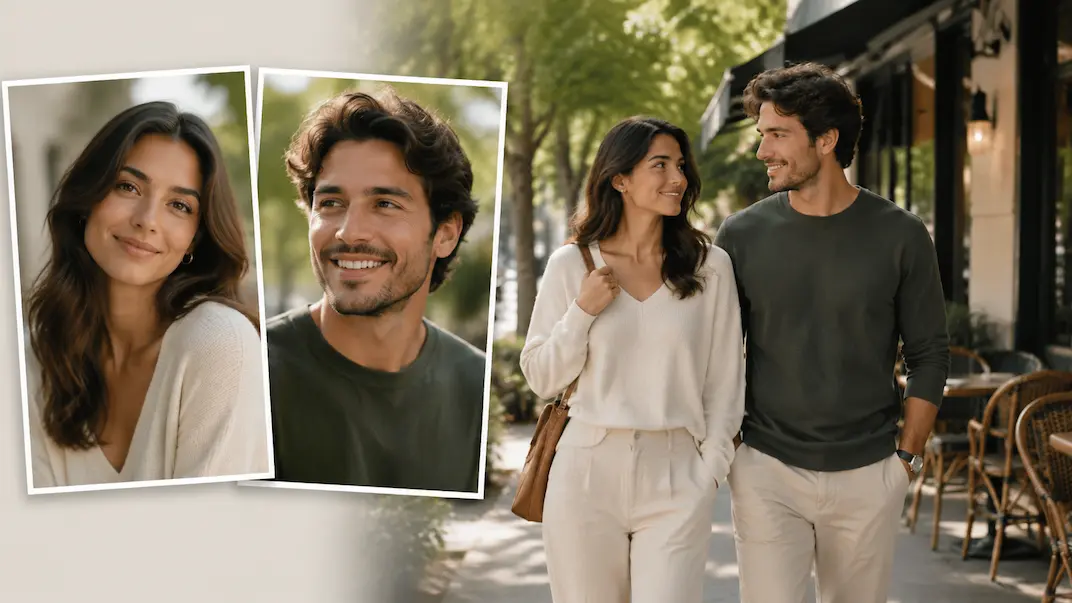
Use AI Couple Photo Maker to plan a respectful couple-photo visual concept from two authorized adult portraits.

Use AI Wedding Photo Generator to prepare a respectful wedding-photo concept from authorized adult portraits with scene and styling controls.
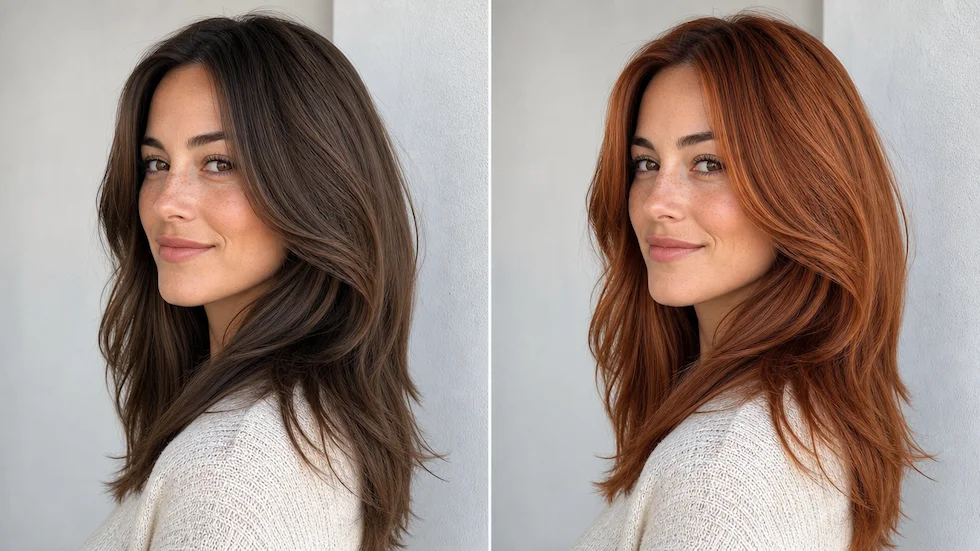
Preview a chosen or custom hair color on an authorized portrait with roots, highlights, skin tone, and lighting in view.