Controls matched to the task
The form makes species, background, head framing, lighting treatment, and output crop explicit, so the request captures the intended result and delivery context instead of relying on an ambiguous one-line instruction.
Start with an authorized, recent pet photo with the animal's face visible, eyes unobstructed, and no distressing pose or restraint. Choose species, background, head framing, lighting treatment, and output crop, then review the result against the original context before using it.
Use only material you are authorized to handle. Review source details and intended use before submitting.
Expected output
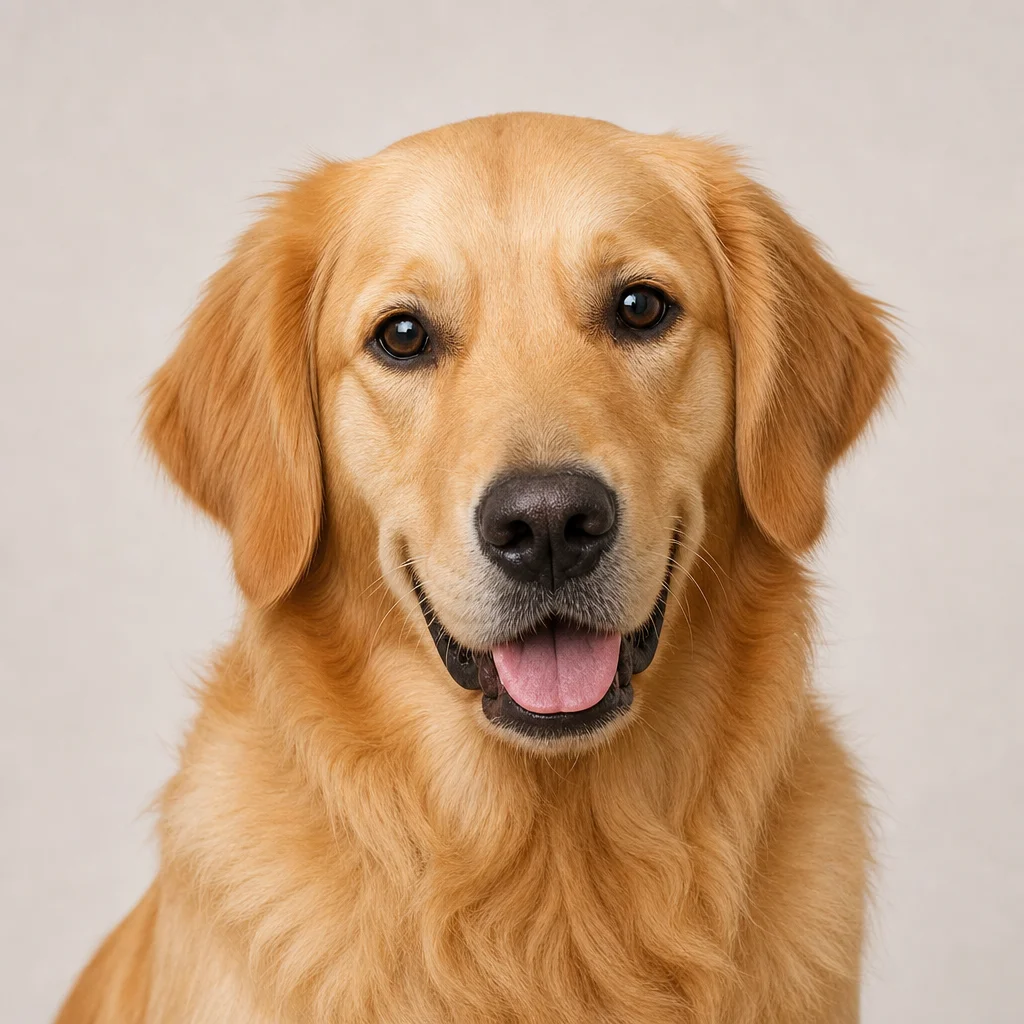
A calm dog faces the camera against a plain neutral background with natural light and an unobstructed face for document-rule review.
Key features
The form makes species, background, head framing, lighting treatment, and output crop explicit, so the request captures the intended result and delivery context instead of relying on an ambiguous one-line instruction.
Begin with an authorized, recent pet photo with the animal's face visible, eyes unobstructed, and no distressing pose or restraint. Clear, authorized source material gives the request a stronger factual and visual foundation for later review.
Check the issuing authority's exact rules, current likeness, visible markings, background requirements, and whether the crop is accepted for the intended document before relying on a future result. Structured inputs improve clarity but never replace contextual human verification.
Use this tool within a clear boundary: do not claim official acceptance, alter identifying markings, or use the image as a substitute for veterinary, travel, or issuer requirements. Retain source material and permissions whenever they affect sharing or commercial use.
Step by step
Provide an authorized, recent pet photo with the animal's face visible, eyes unobstructed, and no distressing pose or restraint. Keep the request tied to the actual use case and to information, media, and people you are authorized to handle.
Choose species, background, head framing, lighting treatment, and output crop. Select settings that fit the intended audience and placement instead of assuming a more aggressive transformation is always better.
Inspect the issuing authority's exact rules, current likeness, visible markings, background requirements, and whether the crop is accepted for the intended document. Compare important details with the source and obtain qualified review when the material affects rights, safety, records, or public claims.
FAQ
No. It prepares a clear identification-photo concept only. Every country, carrier, veterinarian, registry, and issuing authority may have different current rules, so you must verify requirements directly before submitting a photo.
Use a recent, calm image with the pet's face visible, eyes unobstructed, and natural lighting. Avoid costumes, heavy accessories, distress, harsh shadows, or poses that conceal identifying markings.
It should not. An identification image must remain an honest current likeness. Review coat markings, eye color, facial pattern, and other distinguishing features against the original before using it for a document.
Choose a plain neutral background, but do not assume it meets an issuer's rule. Check the required color, crop, dimensions, and whether background edits are allowed for your exact document.
No. A photo does not replace microchip records, vaccinations, health certificates, travel permits, or any other official documentation required by your destination or issuer.
Image Effects

Use World Cup AI Effects & Templates to prepare an original football-fan photo effect with generic celebration props and no claim of official competition affiliation.
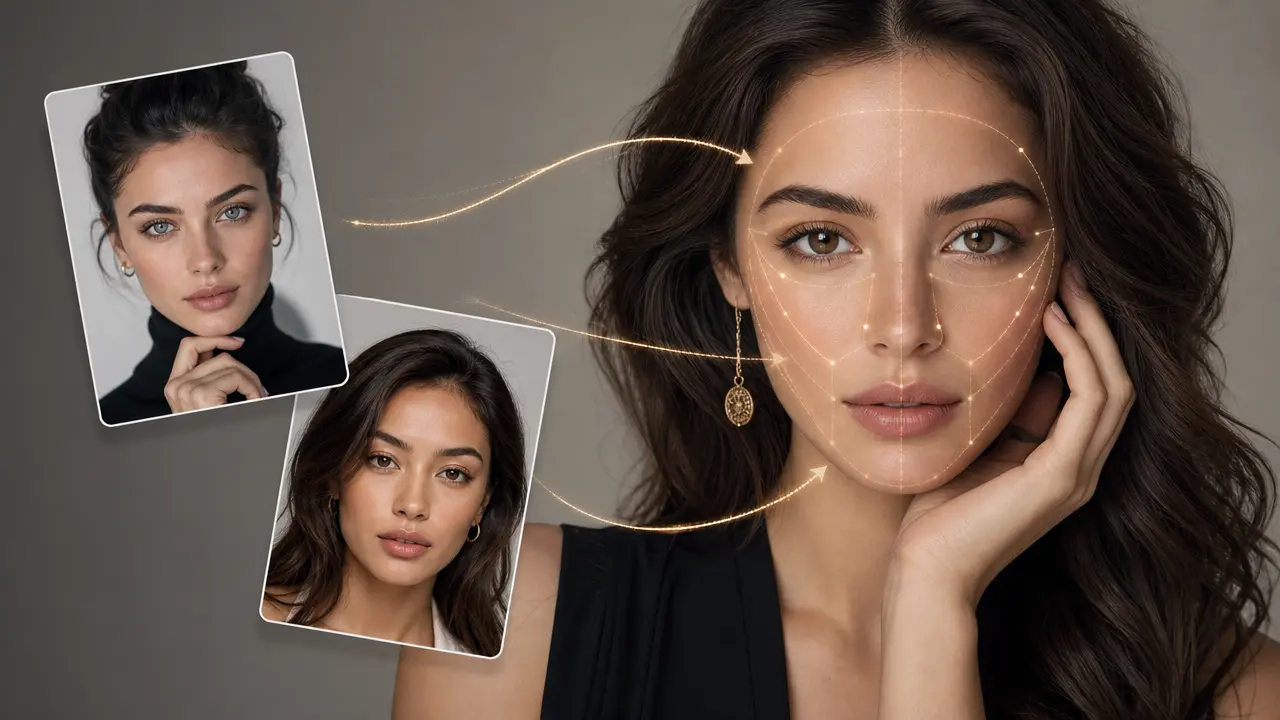
Combine a target photo and an authorized face reference with adjustable blending.
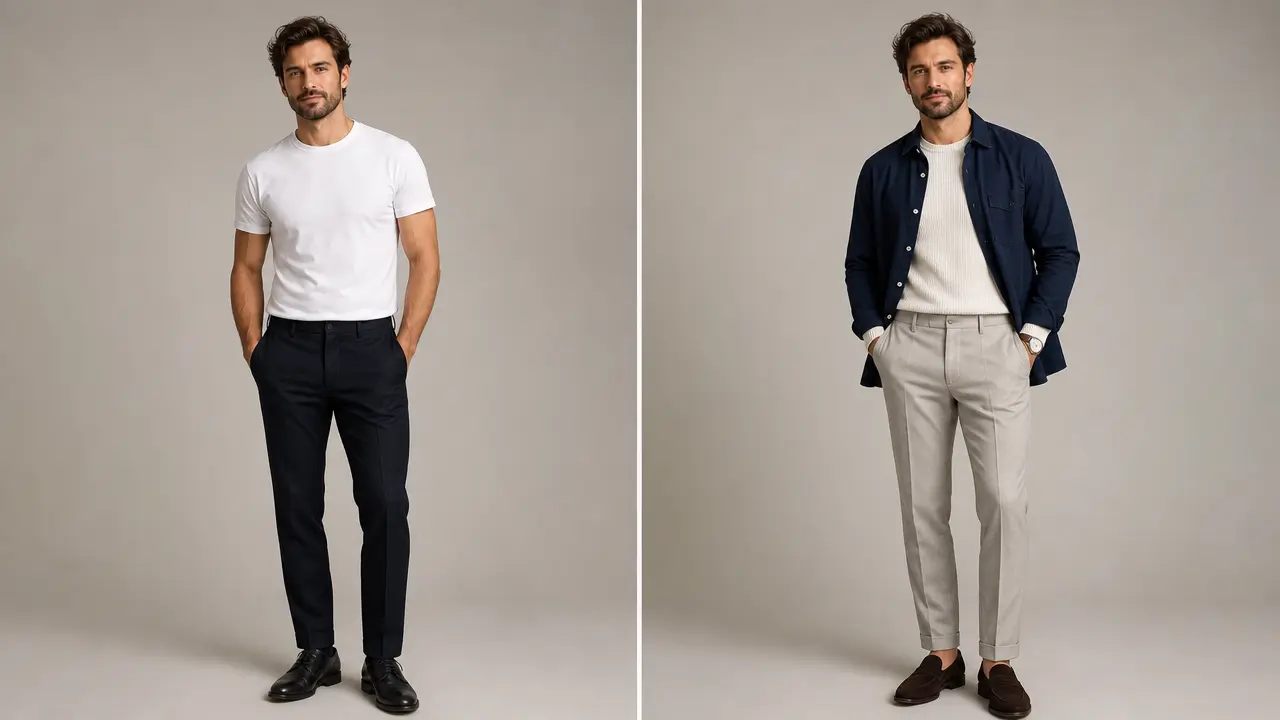
Explore an outfit direction for an authorized portrait with garment style, color, occasion, and composition-preservation controls.
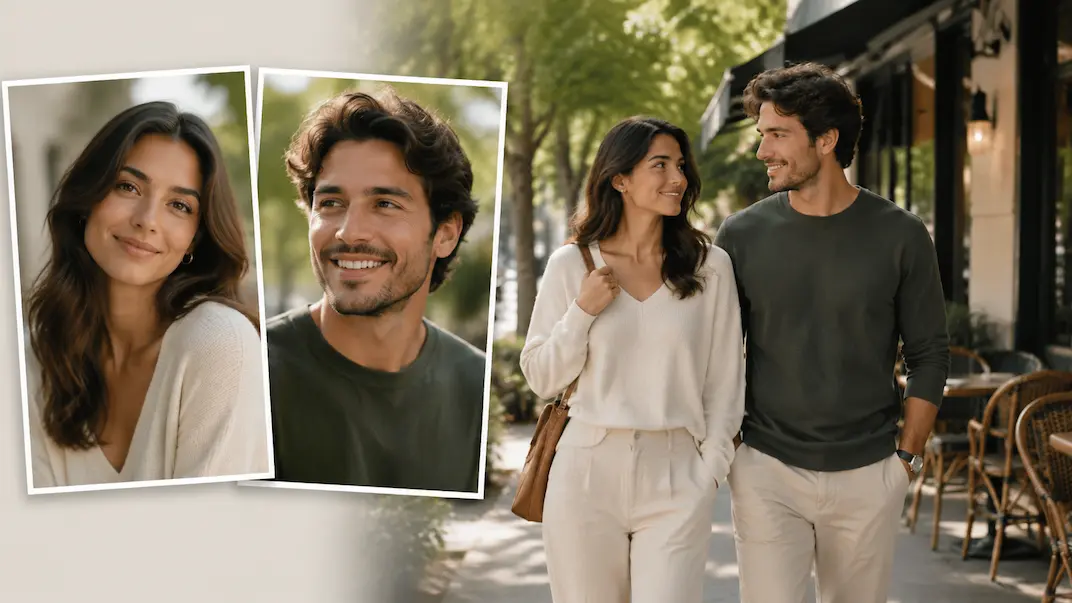
Use AI Couple Photo Maker to plan a respectful couple-photo visual concept from two authorized adult portraits.
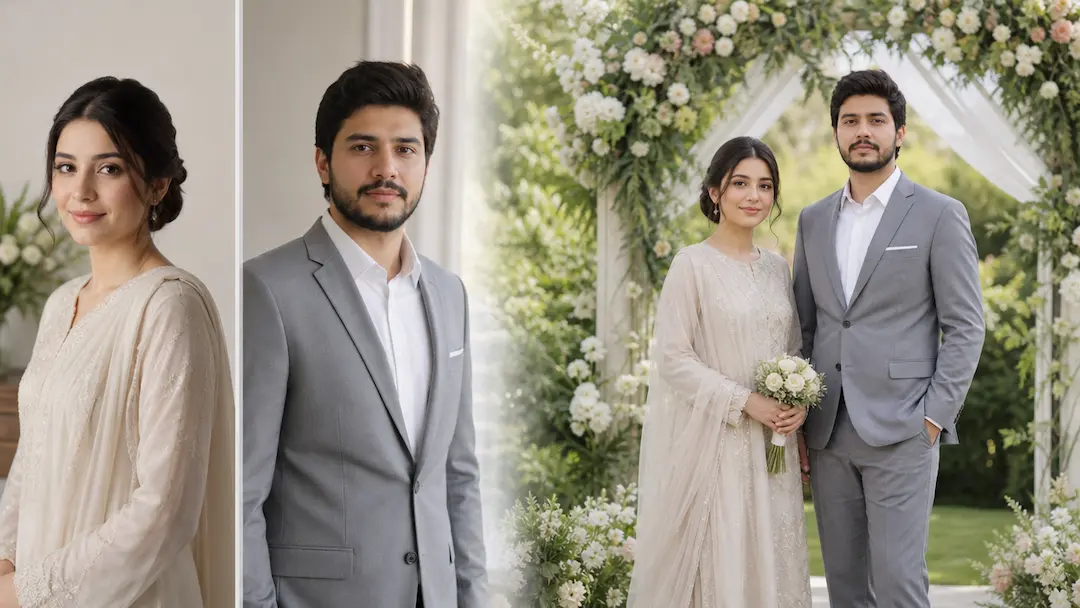
Use AI Wedding Photo Generator to prepare a respectful wedding-photo concept from authorized adult portraits with scene and styling controls.
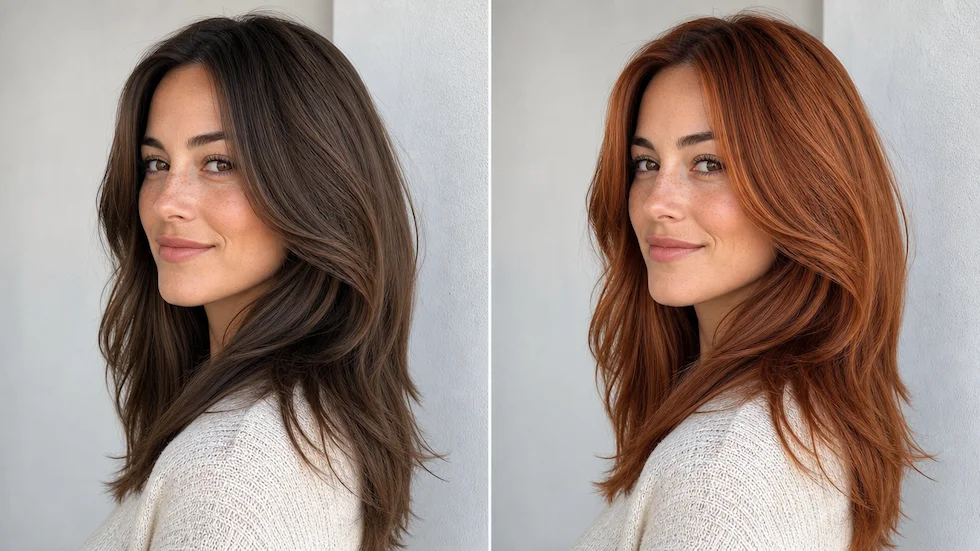
Preview a chosen or custom hair color on an authorized portrait with roots, highlights, skin tone, and lighting in view.