NexMate

Nano Banana 3D Figurine: Turn Photos into 3D Figure Displays

Upload up to five reference images or start from a text prompt, choose the figure composition, and create a commercial-figurine-style display with a clear base, desk scene, and optional package presentation.

Create with Nano Banana 3D Figurine

Choose the options that match your source and intended result, then submit the prepared request.

20-1,000 characters. Required for text mode and optional to refine image mode.

.

Key features

Key Features of Nano Banana 3D Figurine

01

Image-to-figurine from up to five references

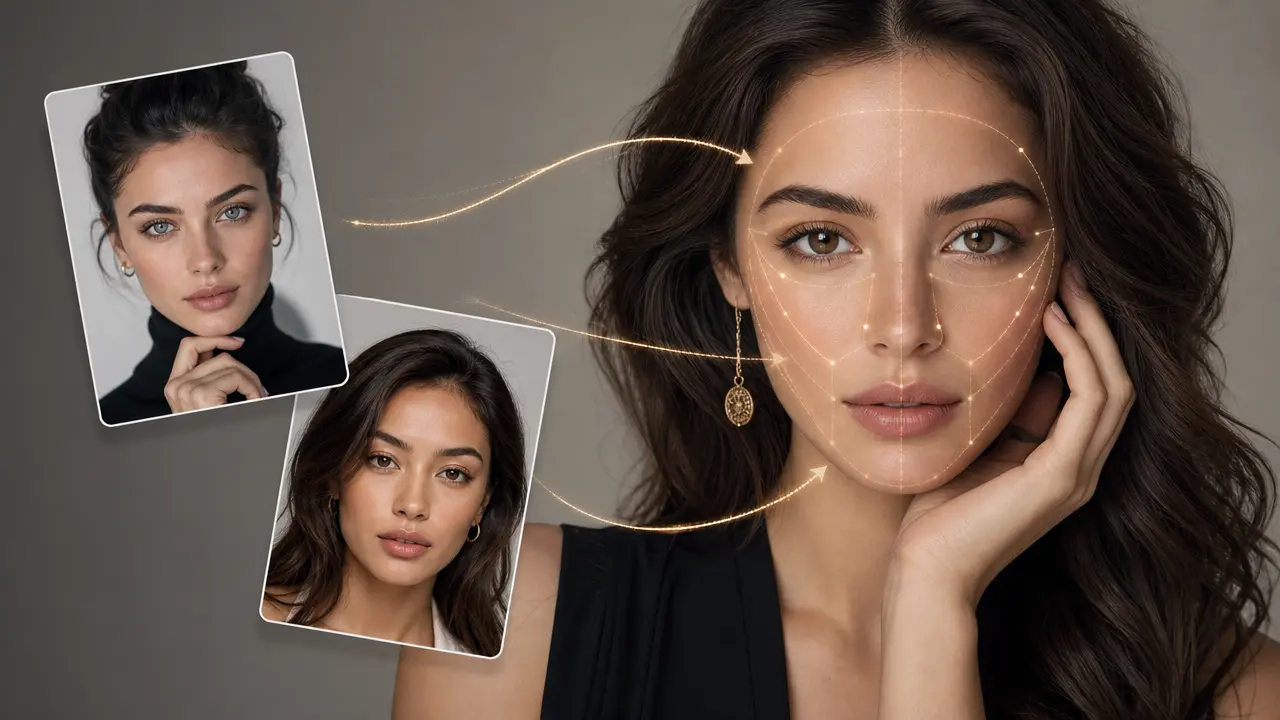
Upload one to five images of a person, pet, object, or original character concept. Multiple clean angles can make visible colors, clothing, accessories, and surface details easier to carry into a single coherent 3D figurine display.

02

Text-to-figurine for new concepts

Switch to text-to-image when you want to describe an entirely new collectible idea. Write the subject, pose, material, display environment, and important accessories so the figure has a clear brief before it is placed on the desk.

03

Trend-ready desk and packaging composition

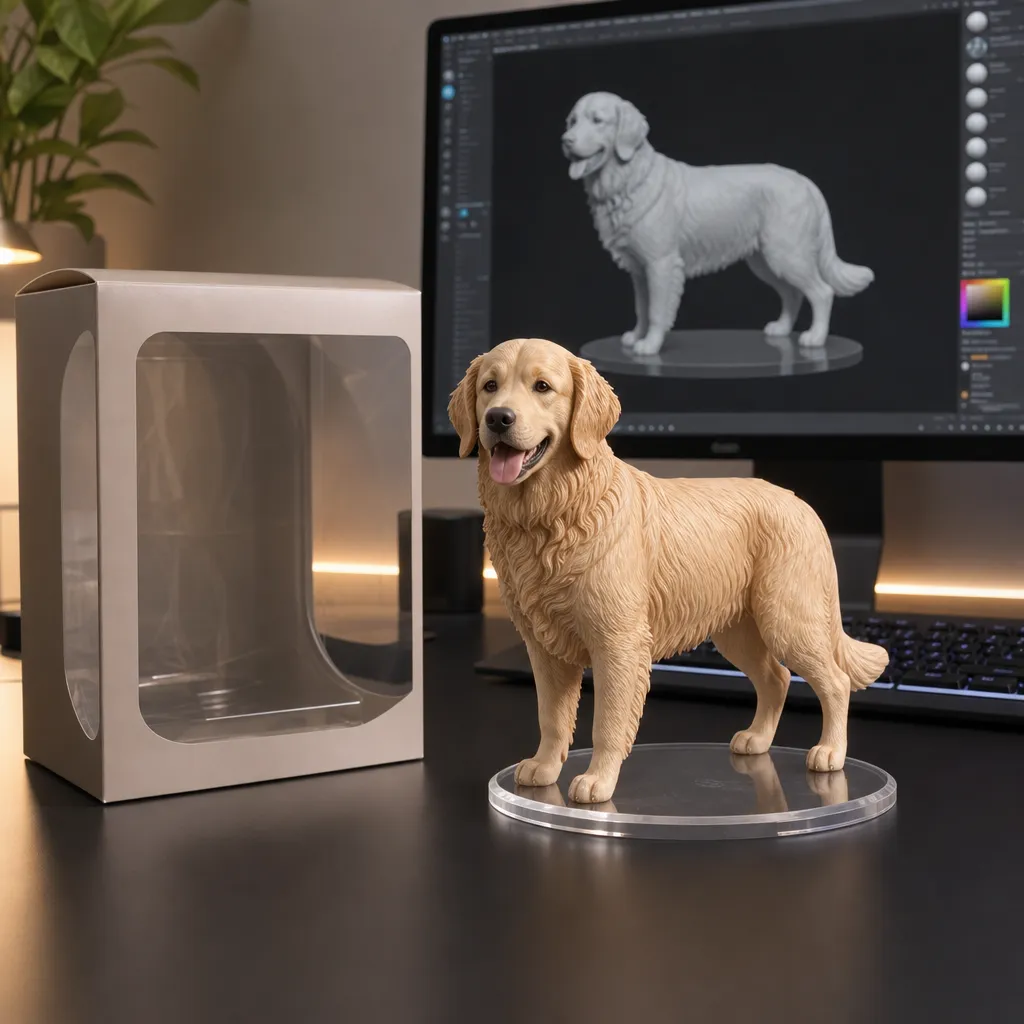
Choose a figure display direction inspired by the popular desktop collectible layout: a 1/7-scale figure, a transparent acrylic base, a computer screen with a 3D modeling view, and an optional toy-box-style package beside it.

04

Ratios for product-style presentation

Use 3:2 for a broad desktop display, 2:3 for a taller vertical product shot, or 1:1 for a social post. The ratio helps balance the figure, base, desk objects, and package area without crowding the focal point.

Step by step

How to Use Nano Banana 3D Figurine

  1. 1

    Choose image or text creation mode

    For image-to-image, upload one to five clear reference images of the person, pet, object, or original concept. For text-to-image, describe the figure you want to design without needing a source image.

  2. 2

    Set the 3D figure display brief

    Choose the display style, base, and image ratio. Add a prompt for the pose, material, desk environment, sculpting-screen detail, or package treatment that makes the figurine presentation recognisable.

  3. 3

    Submit and inspect product details

    Submit the request and review the figure silhouette, face or pet markings, accessories, transparent base, package details, and any unwanted text. Treat the image as a creative concept, not a manufacturing specification.

FAQ

FAQ of Nano Banana 3D Figurine

What is Nano Banana 3D Figurine used for?+

It creates a 3D collectible-figure display concept from photos or a text prompt. The common result is a product-style desk scene with a figurine, clear base, modeling screen, and optional toy-box-inspired package.

Can I turn a person, pet, or object into a 3D figurine?+

Yes. Upload clear reference images of a person, pet, or object, or describe an original subject in text mode. Multiple reference images can help capture the details you want the figurine to retain.

How many images can I upload?+

You can upload up to five JPG, JPEG, PNG, or WebP images, each up to 20 MB. Use clear images that focus on the subject rather than screenshots, collages, or photos with several competing subjects.

What does the popular Nano Banana figurine prompt include?+

A common trend prompt asks for a 1/7-scale commercial figurine on a round transparent acrylic base, placed on a computer desk, with a sculpting view on the monitor and a toy-box-style display nearby. You can adapt these details to your own subject.

Can this image be used as a real manufacturing design?+

Treat it as a creative visual concept only. A real product needs separate engineering, safety, material, packaging, licensing, and manufacturing review; generated proportions and small details may not be physically practical.