What is Video Enhancer used for?+
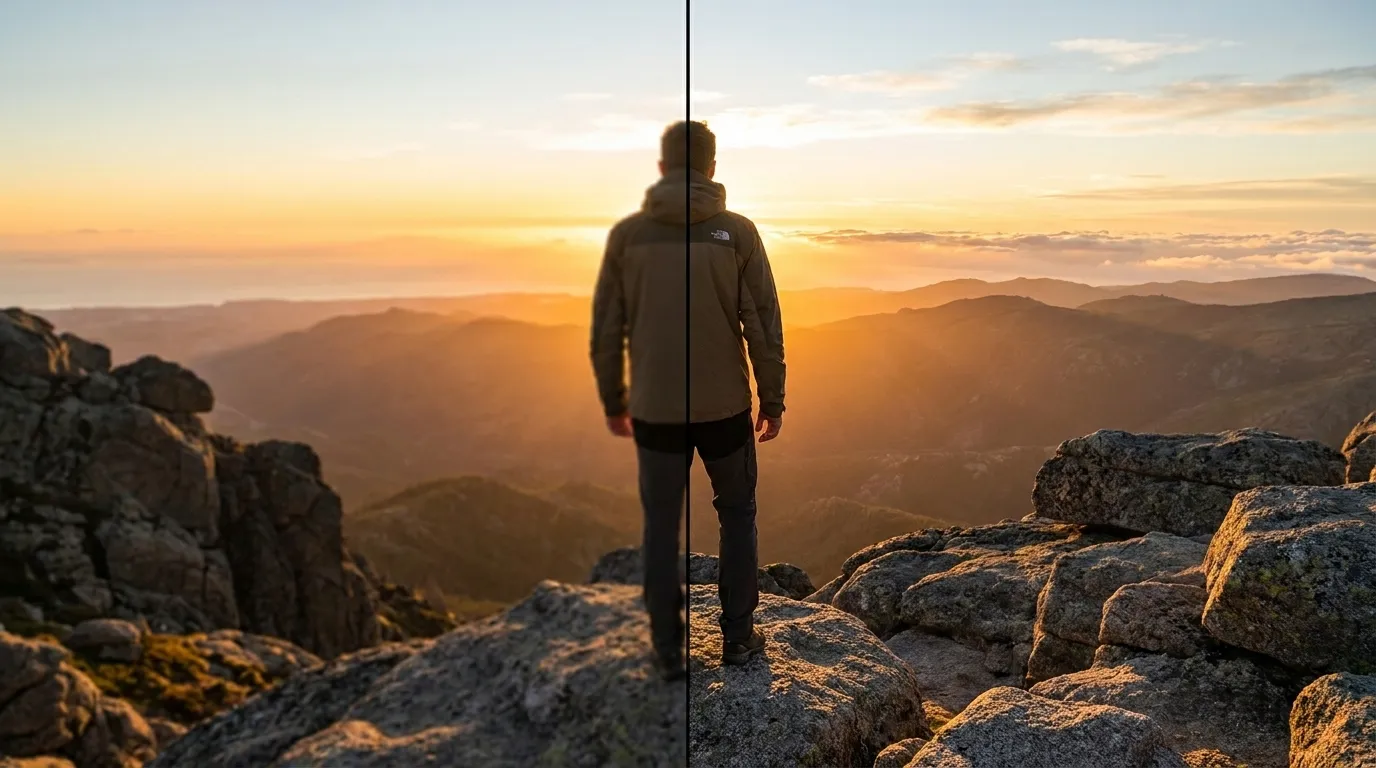
It helps you prepare a reviewable video-quality improvement request for authorized footage. Use the page to make the intended input, controls, and review points explicit before relying on any result.
What input works best with Video Enhancer?+
Use the highest-quality original video file available, with the quality issue identified. Better source quality and a specific goal make the request easier to interpret and to review later.
How should I choose the settings?+
Choose detail priority, noise reduction, stabilization preference, and intended output use based on the actual destination and audience. Start with the least aggressive option that can reasonably serve the stated purpose.
What should I check before using the result?+
Review faces, text, motion edges, compression artifacts, and audio-video sync at the final display size. Compare material details with the source instead of assuming that an apparently polished result is complete or accurate.
Are there important limits on use?+
Yes. do not use enhancement to alter evidence, conceal material facts, or create misleading records. You remain responsible for permissions, source accuracy, disclosures, and the final decision to share or use any output.