Still-image starting point
Begin with a clear photograph, illustration, product visual, or scene image, giving the animation request a recognizable subject, composition, and visual reference to work from.
Upload an image you are allowed to use, describe the camera and subject movement you want, then choose compact settings for a controlled animation request.
Use an image you are authorized to use and provide a concrete motion direction. Review outputs before publishing.
Expected output
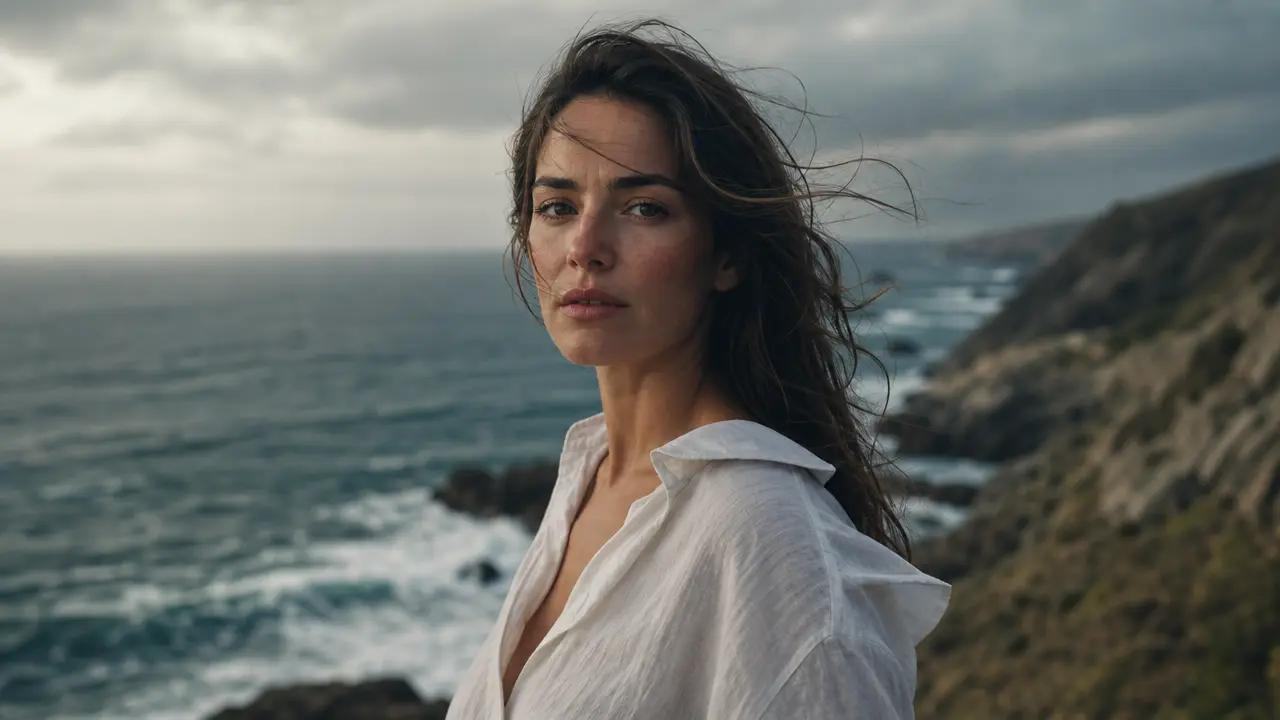
A vertical portrait scene with a calm camera push and subtle breeze direction, used to illustrate a restrained image-animation concept.
Key features
Begin with a clear photograph, illustration, product visual, or scene image, giving the animation request a recognizable subject, composition, and visual reference to work from.
Specify subtle subject motion, a slow camera push, a pan, or ambient movement so the requested effect has a clear visual direction instead of an undefined animation style.
Choose restrained, balanced, or expressive movement to communicate how much change the still image should imply, which is especially useful when preserving a polished product or portrait composition.
Select duration and aspect ratio before submitting so the requested motion can be planned for vertical social formats, square posts, or wider presentation frames from the outset.
Step by step
Choose an image you own or are authorized to use, keeping the main subject visible and avoiding extreme blur, heavy compression, or cropped facial features.
Write a short direction for subject movement, camera movement, and atmosphere, then set movement strength, duration, and the aspect ratio that matches the intended placement.
Check that the request does not falsely represent a real event or person, and confirm you have the rights needed for the image and any public distribution of the result.
FAQ
Clear images with one obvious subject or scene are easiest to direct. Keep important limbs, faces, products, and scene edges visible when those details matter to the planned motion.
Describe what moves, how quickly it moves, where the camera sits, and the intended mood. A specific direction such as a slow push-in with light wind is easier to interpret than a generic request for animation.
No. Motion generation can alter fine details, proportions, or background elements. Treat the result as a creative interpretation and review it carefully before using it in a public or commercial context.
Only when you have permission or another valid right to use that image and likeness. Do not use the tool to create deceptive or unwanted animations of identifiable people.
Use 9:16 for most vertical social placements, 1:1 for square feeds, and 16:9 for wider presentations. Choose the target format before writing direction so the composition can support it.
Video Tools
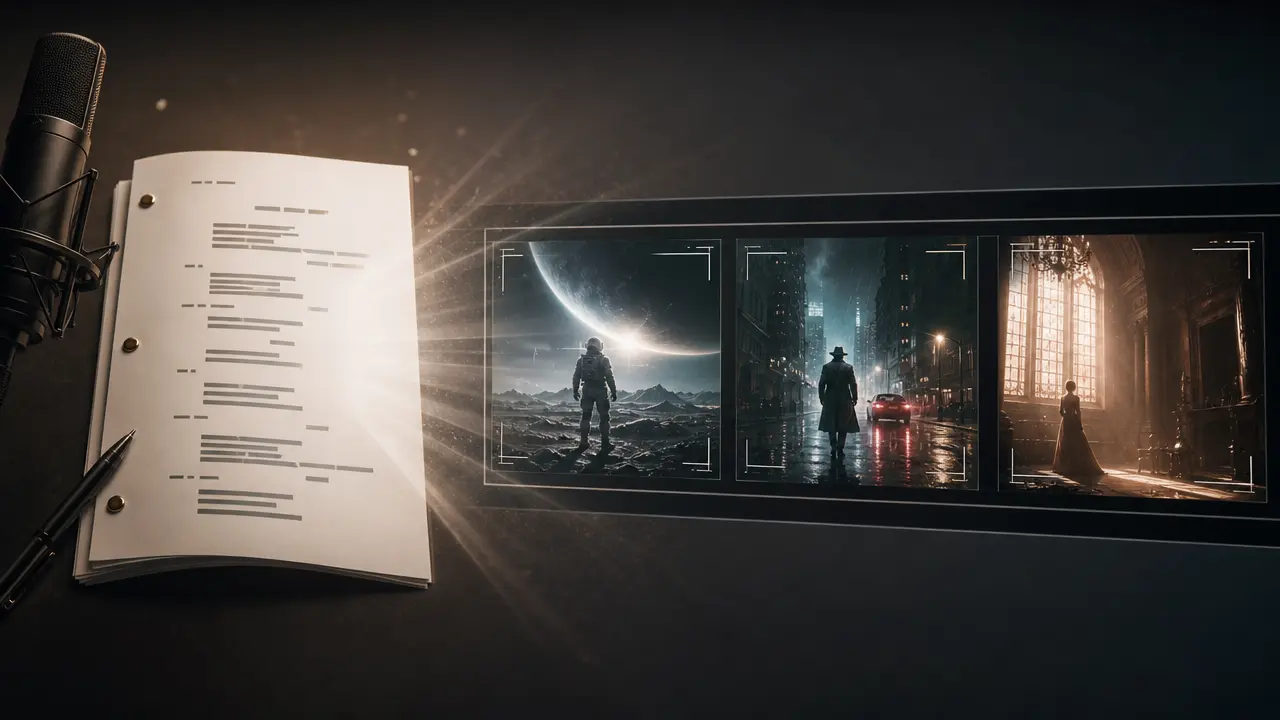
Structure a written script into a video concept with visual style, voice, captions and framing controls.
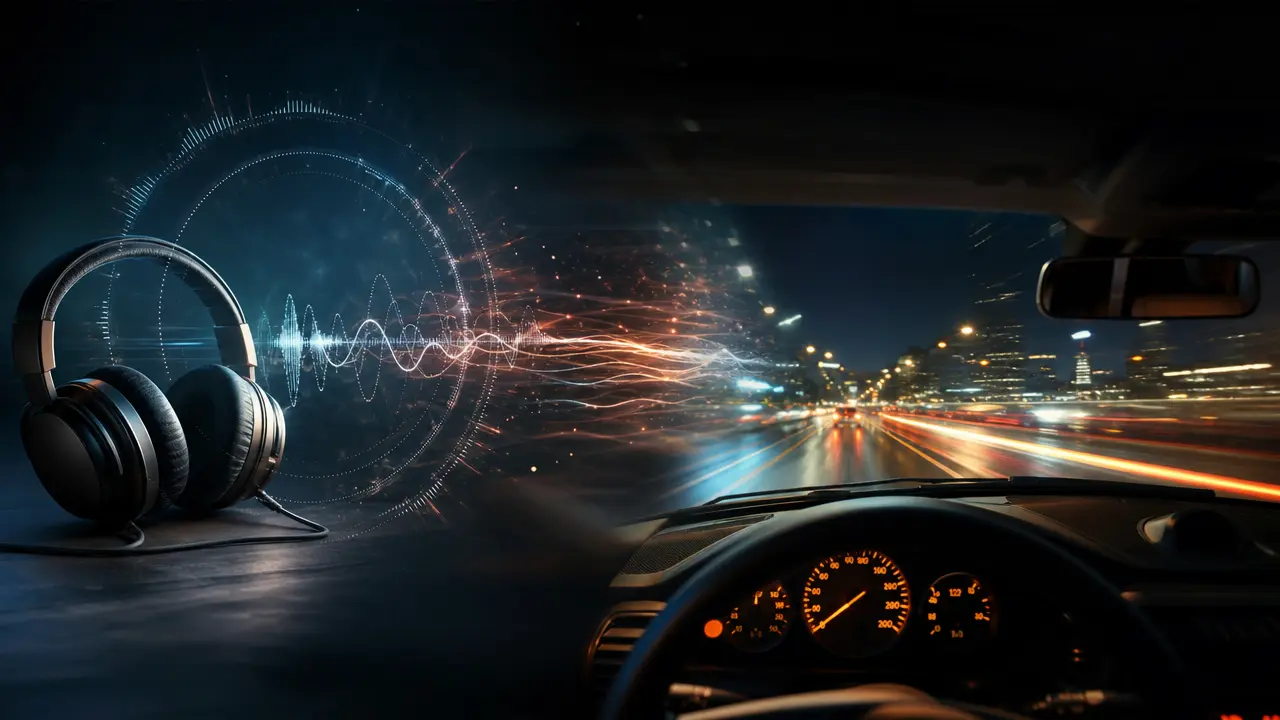
Use Audio to Video to prepare an audio-led video concept with deliberate visual pacing, style, and output framing.
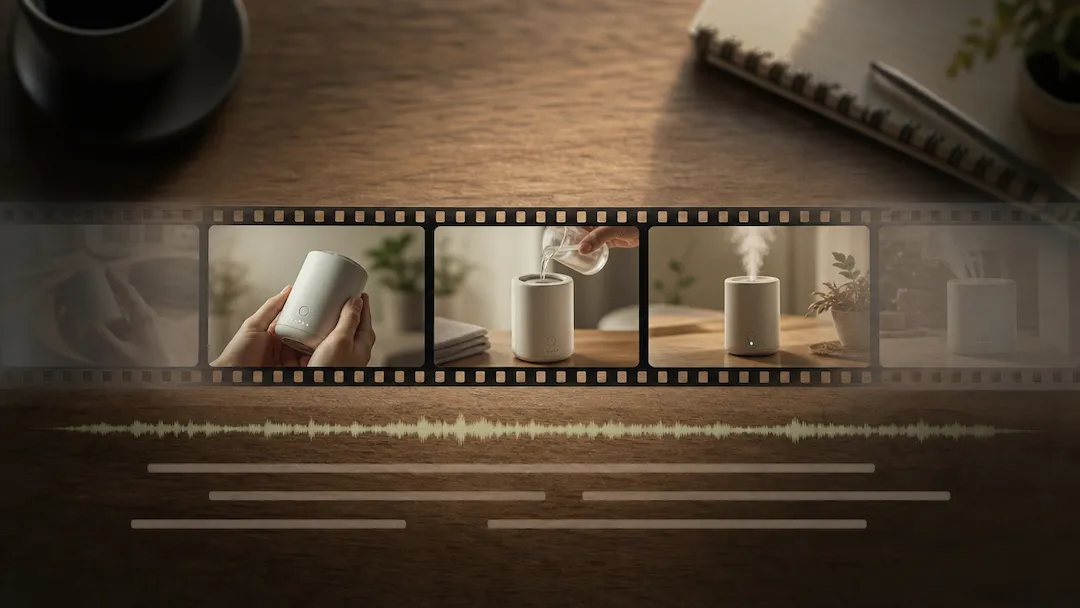
Use Video Editor to prepare an authorized video editing request with a defined edit goal, pacing, captions, delivery ratio, and review checklist.
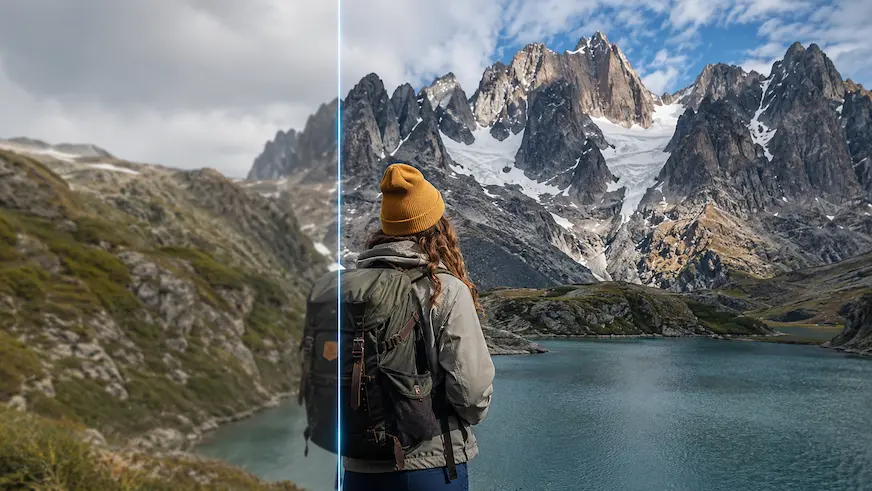
Use Video Enhancer to prepare a reviewable video-quality improvement request for authorized footage.
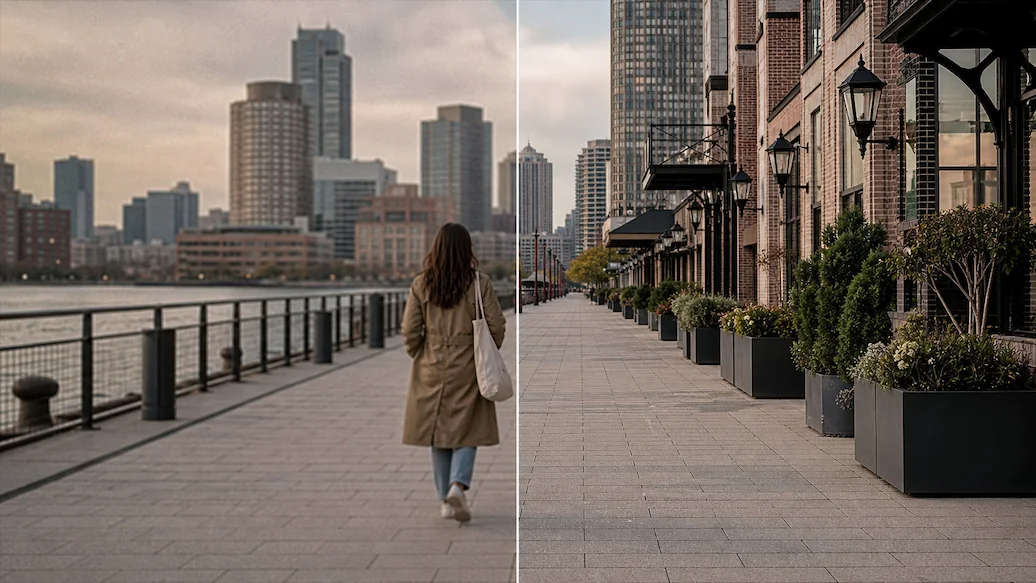
Use Video Upscaler to prepare an authorized video upscaling request with a target resolution, artifact controls, frame handling, and intended delivery use.
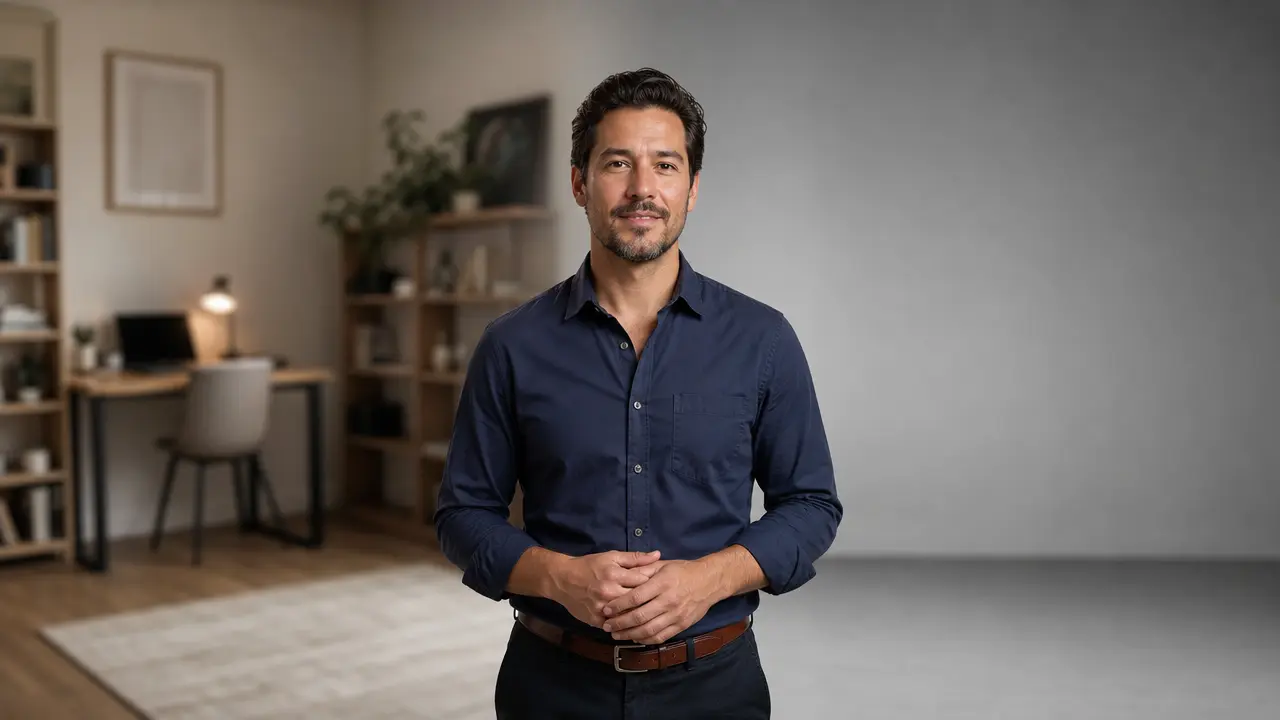
Prepare a no-green-screen video cutout and background replacement request for social, meeting, or marketing footage.