Script-first presenter planning
Write or paste a concise script before selecting presentation details, helping a video request stay anchored to spoken content, intended audience, and a reviewable delivery rather than an undefined avatar performance.
Choose an authorized portrait or avatar source, provide a reviewed script, and set language, voice direction, and framing for a presenter-style video concept.
Use authorized likenesses and a reviewed script. Do not create deceptive impersonations or imply unapproved endorsements.
Expected output
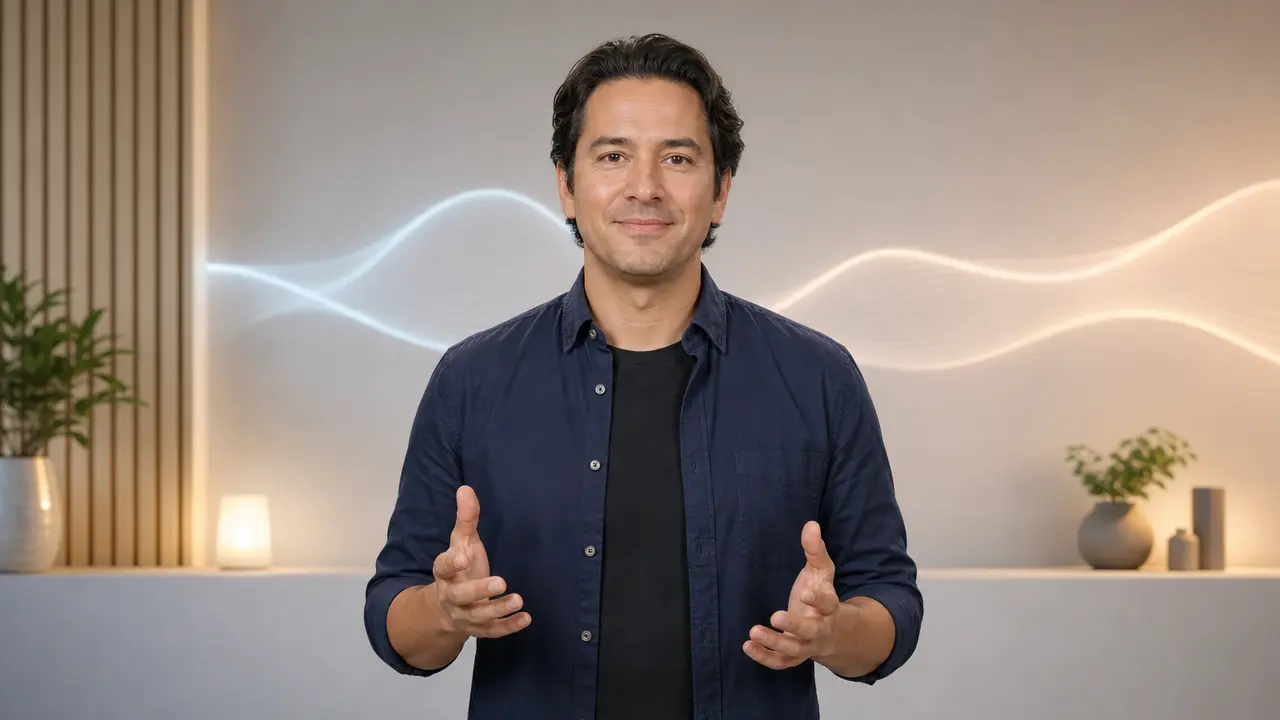
A neutral presenter-style avatar composition with clean studio lighting, prepared as a visual reference for a short, reviewed product-update script.
Key features
Write or paste a concise script before selecting presentation details, helping a video request stay anchored to spoken content, intended audience, and a reviewable delivery rather than an undefined avatar performance.
Choose a delivery language and a calm, energetic, or formal voice direction so the planned narration matches the content context while avoiding claims that a real person endorsed the final message.
The form asks for confirmation that the submitted portrait or avatar source may be used, which is essential when an identifiable face, organization representative, or branded presentation is involved.
Select vertical, square, or landscape output and a simple background direction, making it easier to plan an explainer, internal update, or social presentation without promising final video production.
Step by step
Upload a portrait you may use or select a generic avatar option. Do not use another person's face, a public figure, or a company representative without clear permission for this depiction.
Paste a short script, select language and delivery tone, then check names, dates, figures, and claims yourself. The tool does not verify factual accuracy, legal approval, or endorsement rights.
Confirm the audience, format, and background direction before submitting. Any future video output should be reviewed for lip synchronization, pronunciation, accessibility, and disclosure before publication.
FAQ
It prepares an avatar-presenter video request from an authorized image or generic avatar, a script, and delivery settings. It does not currently produce a final video.
Only with clear permission to use that person's likeness for this presentation. Do not impersonate people, public figures, employees, or representatives in a deceptive way.
No. You remain responsible for factual accuracy, required disclosures, trademarks, names, and any regulated, financial, medical, or legal claims in the script.
Use a concise script suitable for a short presenter segment. A focused message with a clear audience and one key action is easier to review than a long, multi-topic narration.
Write short spoken sentences, expand uncommon abbreviations, and add pronunciation notes for names where needed. Read the script aloud before submitting so the pacing, claims, and intended delivery are clear.
Video Tools
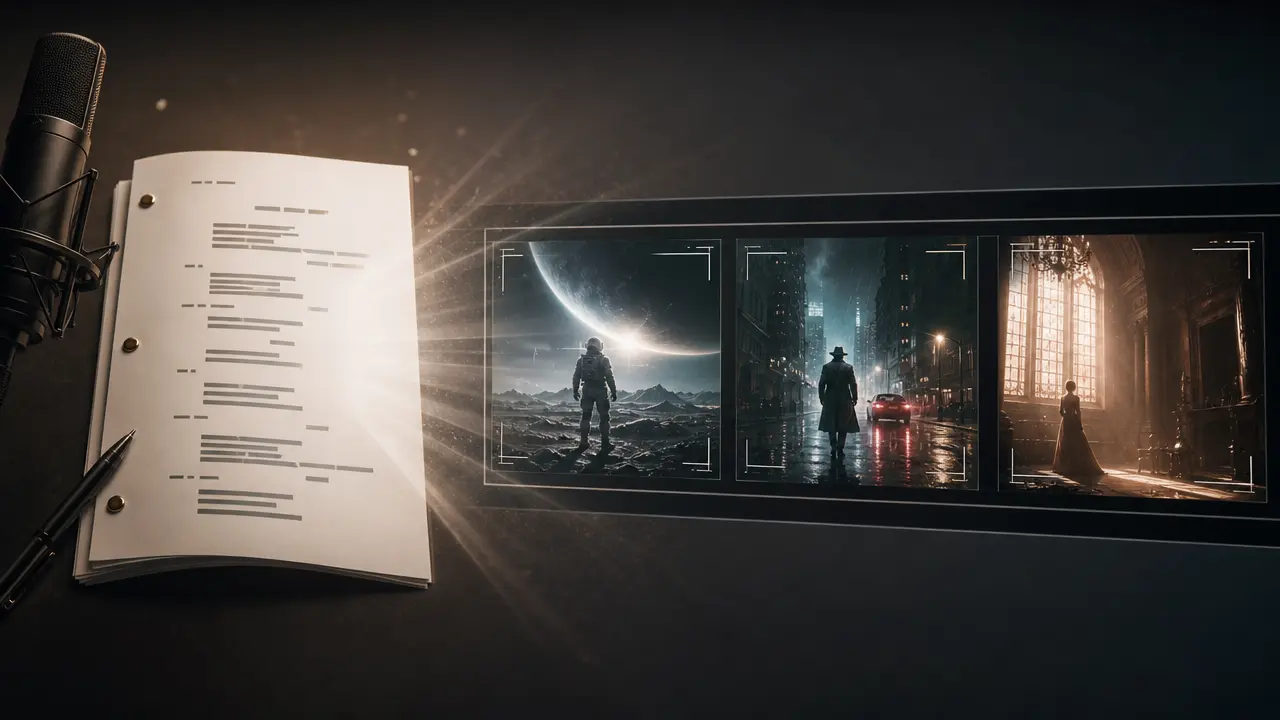
Structure a written script into a video concept with visual style, voice, captions and framing controls.

Use Audio to Video to prepare an audio-led video concept with deliberate visual pacing, style, and output framing.
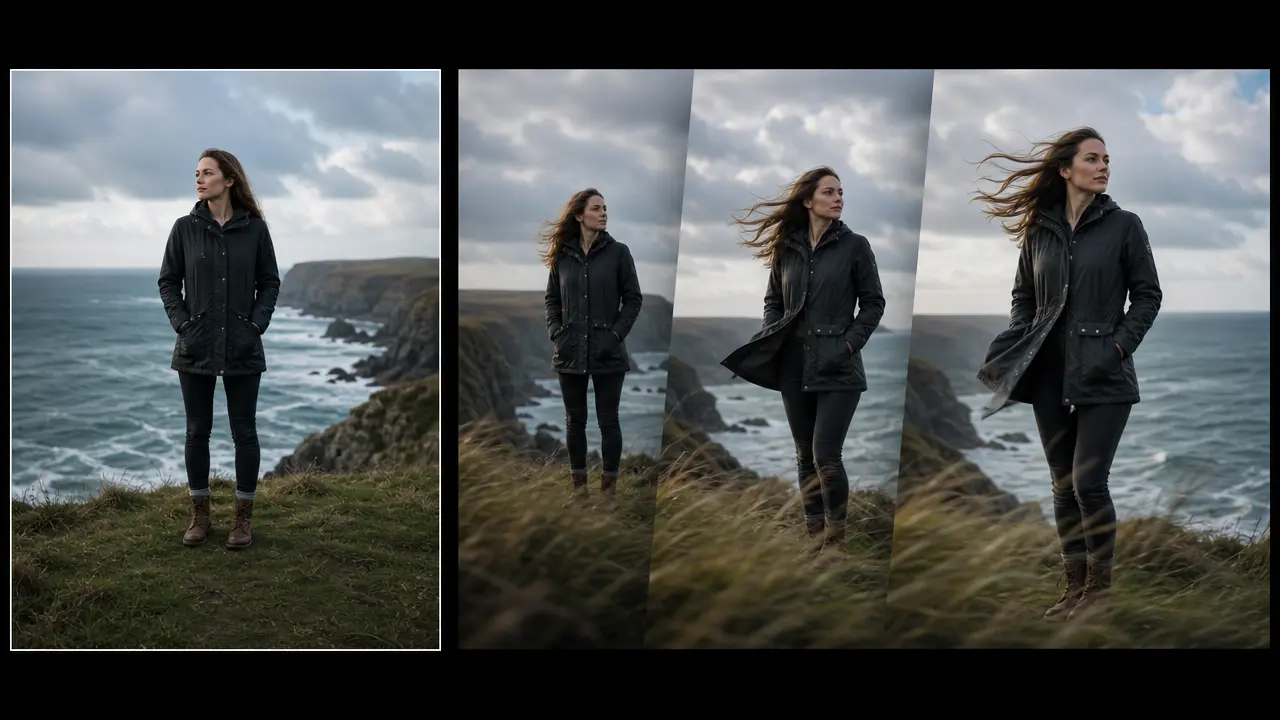
Plan a short motion treatment from a still image with direction, movement strength, duration, and output framing controls.
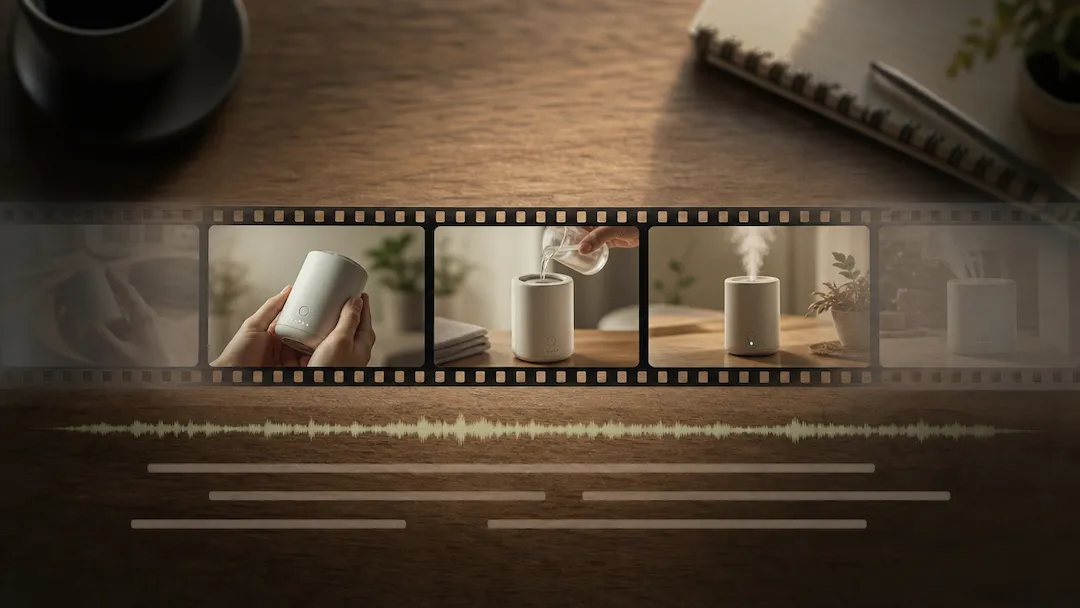
Use Video Editor to prepare an authorized video editing request with a defined edit goal, pacing, captions, delivery ratio, and review checklist.

Use Video Enhancer to prepare a reviewable video-quality improvement request for authorized footage.
Use Video Upscaler to prepare an authorized video upscaling request with a target resolution, artifact controls, frame handling, and intended delivery use.