Script-first workflow
Start with your own narration, explainer copy or scene directions in one focused editor, using short paragraphs to retain the intended order and visual changes.
Paste your narration or scene script, choose the presentation style and configure voice, captions and aspect ratio for the intended channel.
Use complete narration or clear scene directions, then select the intended presentation.
Expected output
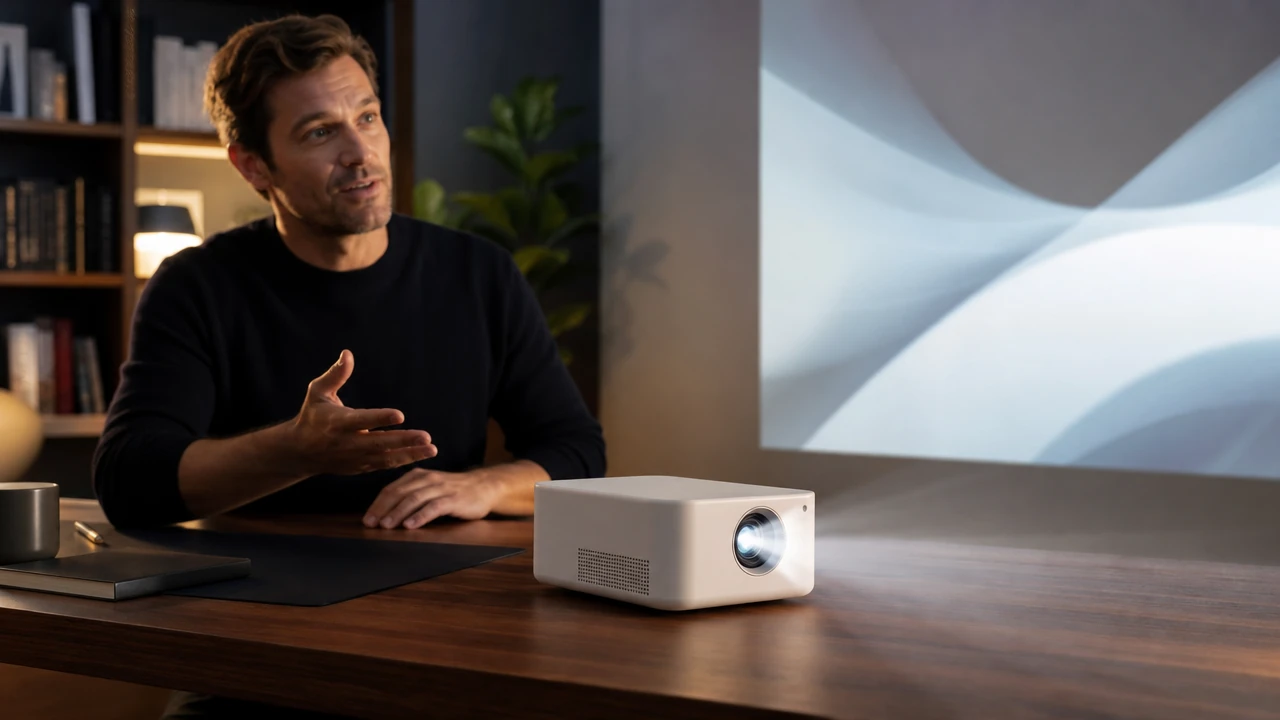
A preview frame showing the planned landscape composition for a concise product launch explainer.
Key features
Start with your own narration, explainer copy or scene directions in one focused editor, using short paragraphs to retain the intended order and visual changes.
Describe the overall presentation with a consistent stock, cinematic, illustrated or minimal direction, so every scene can be planned against the same visual language.
Configure a voice direction and burned-in caption preference for the planned output, then check pronunciation cues and readable caption timing before production review.
Select an aspect ratio that matches the intended destination, making it easier to plan vertical short-form, square feed or landscape video composition from the beginning.
Step by step
Add complete narration or clear scene directions, using short paragraphs to mark intended visual changes.
Choose the script language and presentation direction, then configure voice, caption preference and the aspect ratio that matches the intended viewing channel.
Check names, claims, pronunciation cues and example framing, then submit the Script to Video request with only text and directions you are authorized to use.
FAQ
Use complete narration or scene-by-scene directions. Short paragraphs and explicit scene changes make the intended structure easier to interpret.
No. Script-to-video tools can organize a first pass, but timing, footage relevance, pronunciation, claims and licensing still need human review.
A concise script is easier to review. The form accepts up to 8,000 characters; actual duration depends on speaking pace, pauses and scene timing.
Only submit text and creative directions you are authorized to use. You remain responsible for checking any media, music and claims used in a final production.
Separate narration into short sections, name the subject of each scene and describe only essential visuals. Verify product claims, names and dates because generated scene plans can still misinterpret context.
Video Tools

Use Audio to Video to prepare an audio-led video concept with deliberate visual pacing, style, and output framing.
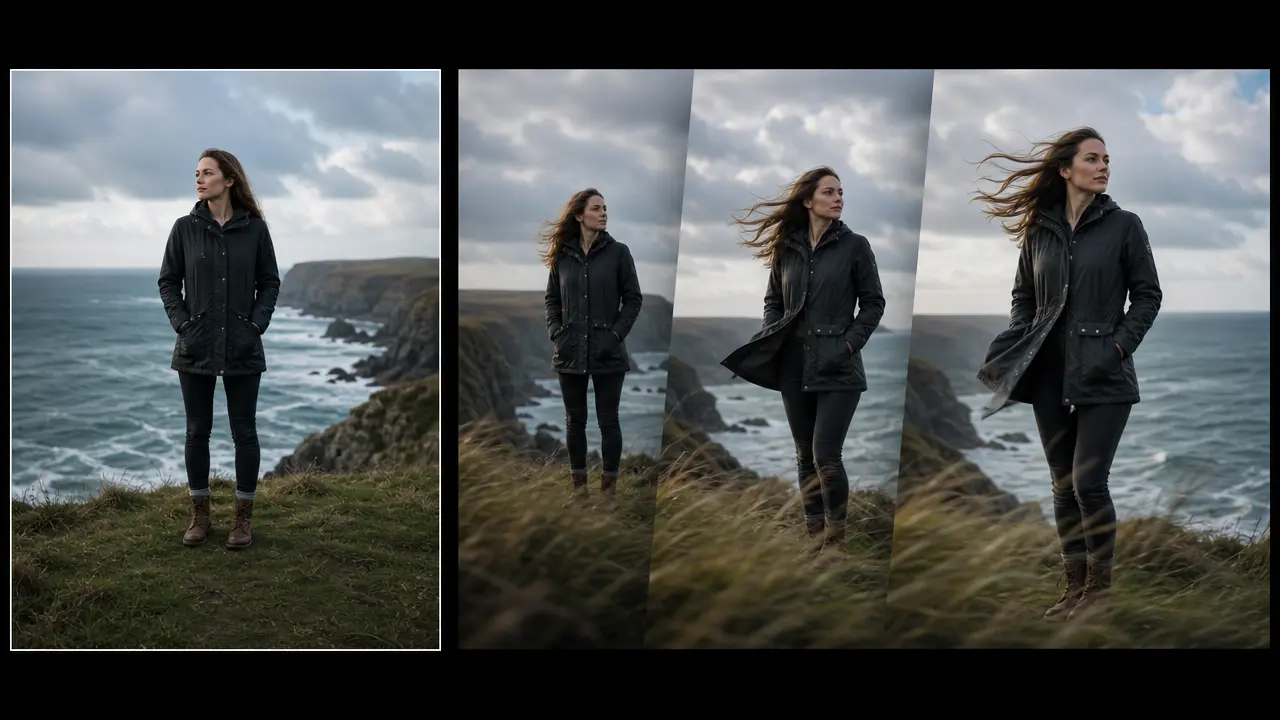
Plan a short motion treatment from a still image with direction, movement strength, duration, and output framing controls.
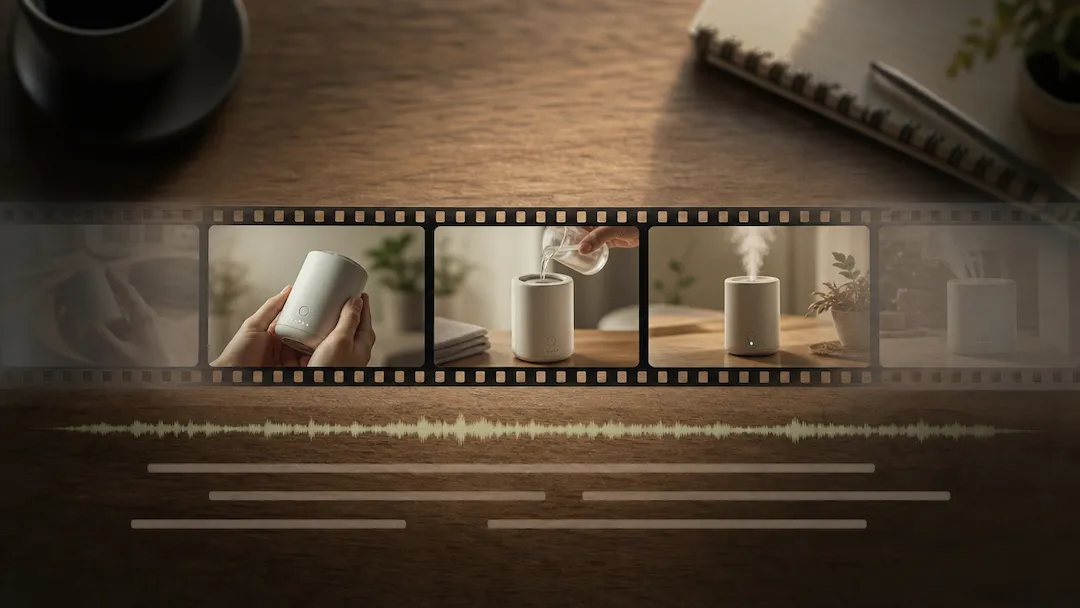
Use Video Editor to prepare an authorized video editing request with a defined edit goal, pacing, captions, delivery ratio, and review checklist.
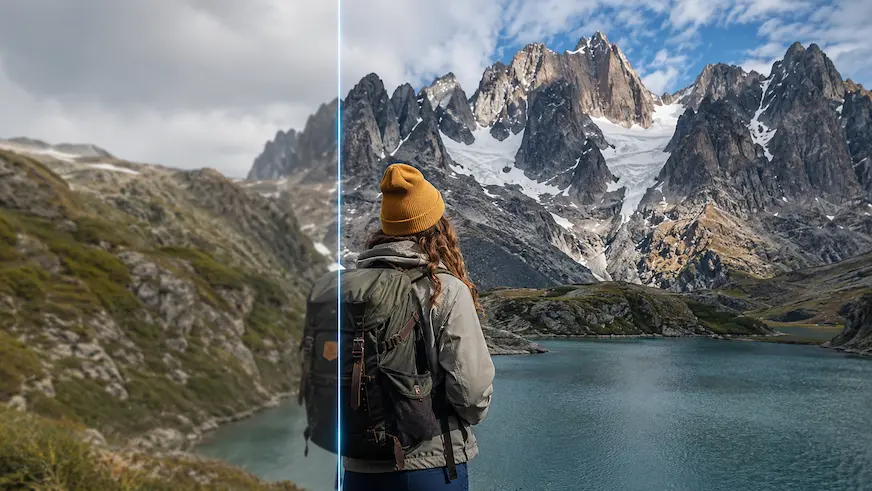
Use Video Enhancer to prepare a reviewable video-quality improvement request for authorized footage.
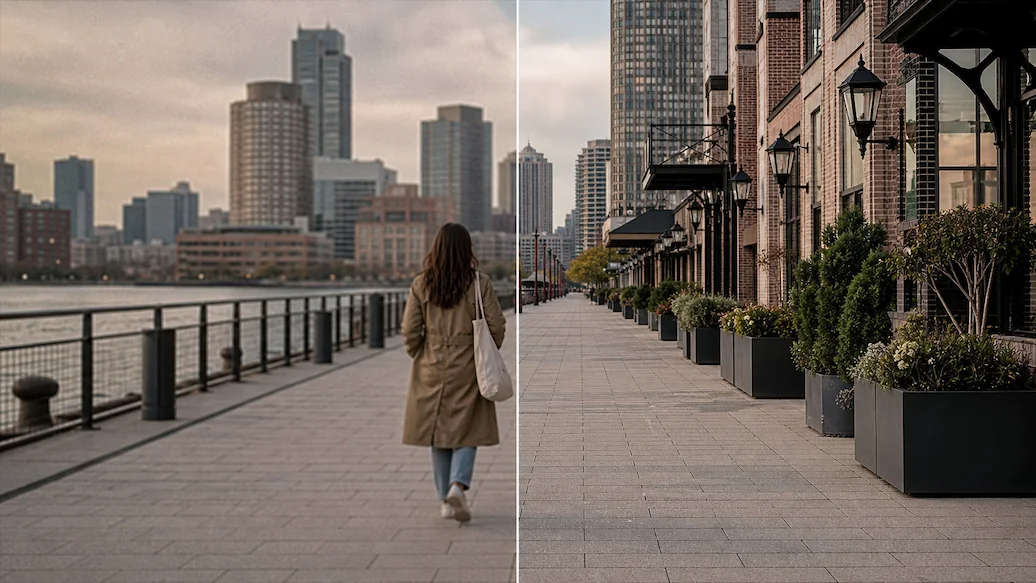
Use Video Upscaler to prepare an authorized video upscaling request with a target resolution, artifact controls, frame handling, and intended delivery use.
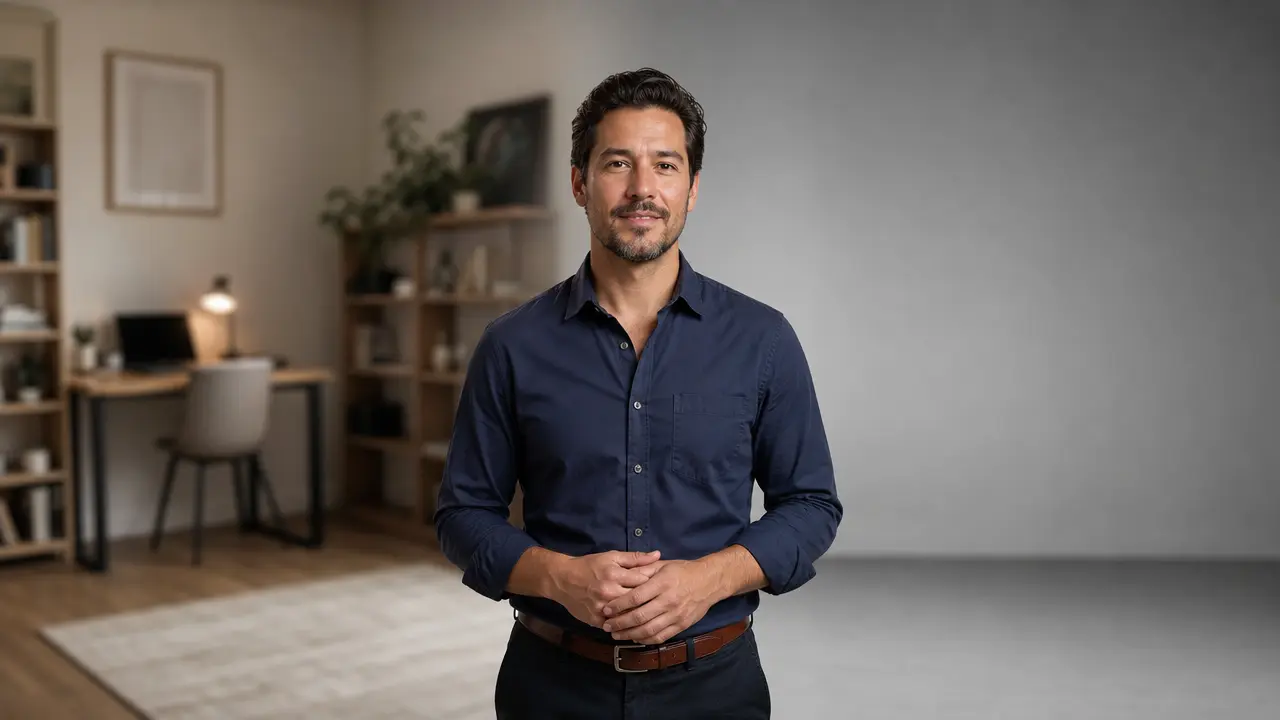
Prepare a no-green-screen video cutout and background replacement request for social, meeting, or marketing footage.