What can Image to Text help me do?+
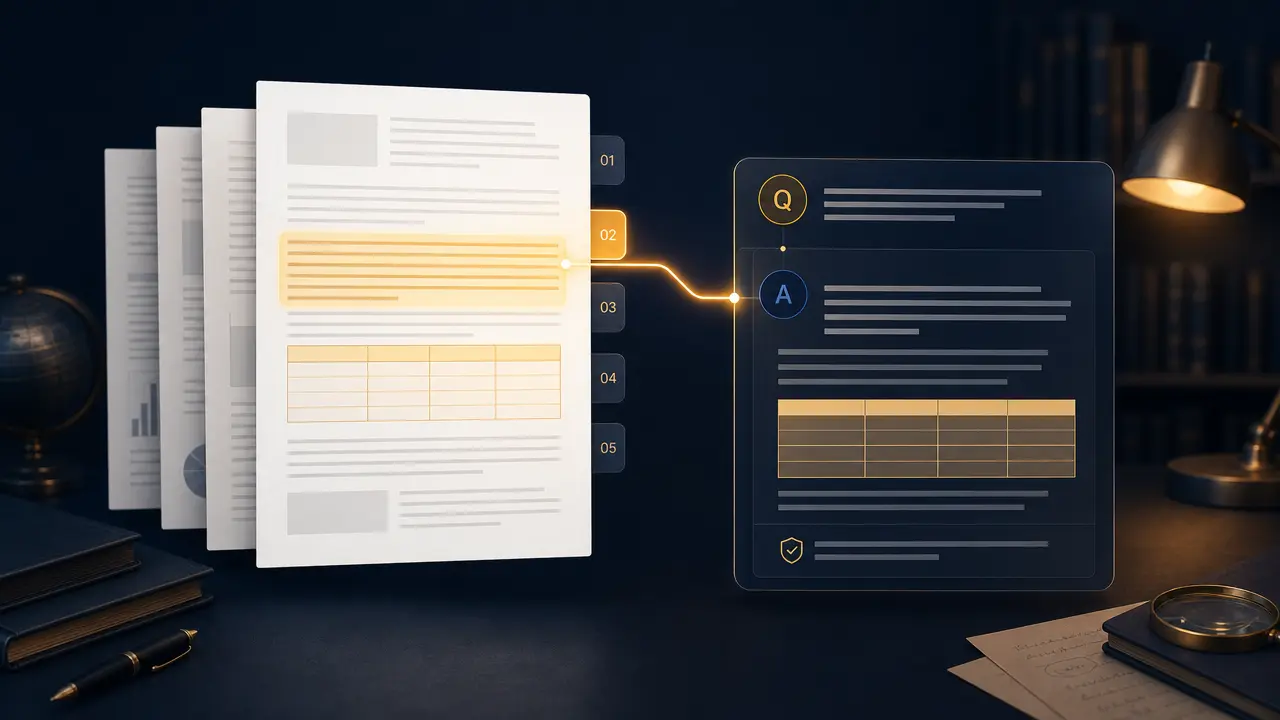
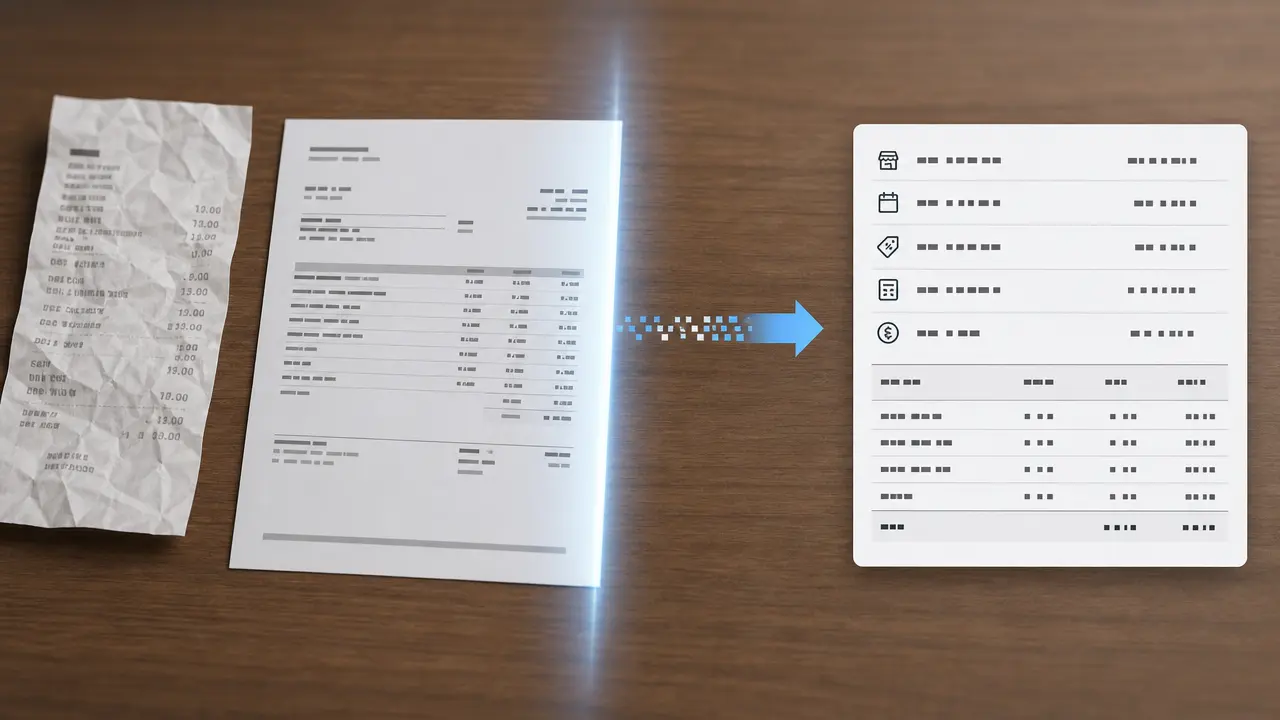
It helps you prepare an OCR extraction request from an authorized image while retaining language and layout context. The page turns the intended source, settings, and review points into a clear request before any output is relied on.
What source works best with Image to Text?+
Use a clear, well-lit image or scan in which the text is visible and not heavily cropped. A complete source and a defined goal reduce ambiguity and make later review more practical.
Which settings should I choose?+
Choose document language, layout type, handwriting handling, and output formatting for the actual audience and destination. Start with the setting that serves the goal without introducing unnecessary changes.
What should I verify before using a result?+
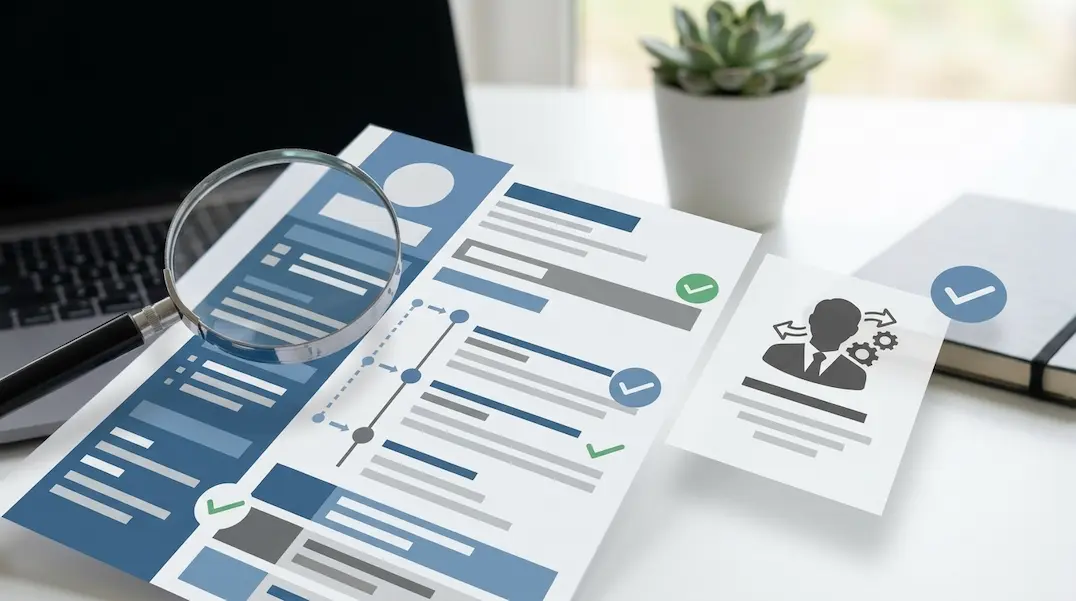
Review names, numbers, dates, punctuation, tables, handwriting, and all text used for decisions or records. Compare important claims, visible details, and context with the original source rather than treating a polished result as automatically correct.
What are the important limits of this tool?+
do not treat extracted text as a verified record without comparing it to the source image. You remain responsible for permissions, accuracy, disclosures, and the final decision to use or share a result.