What can Audio to Video help me do?+
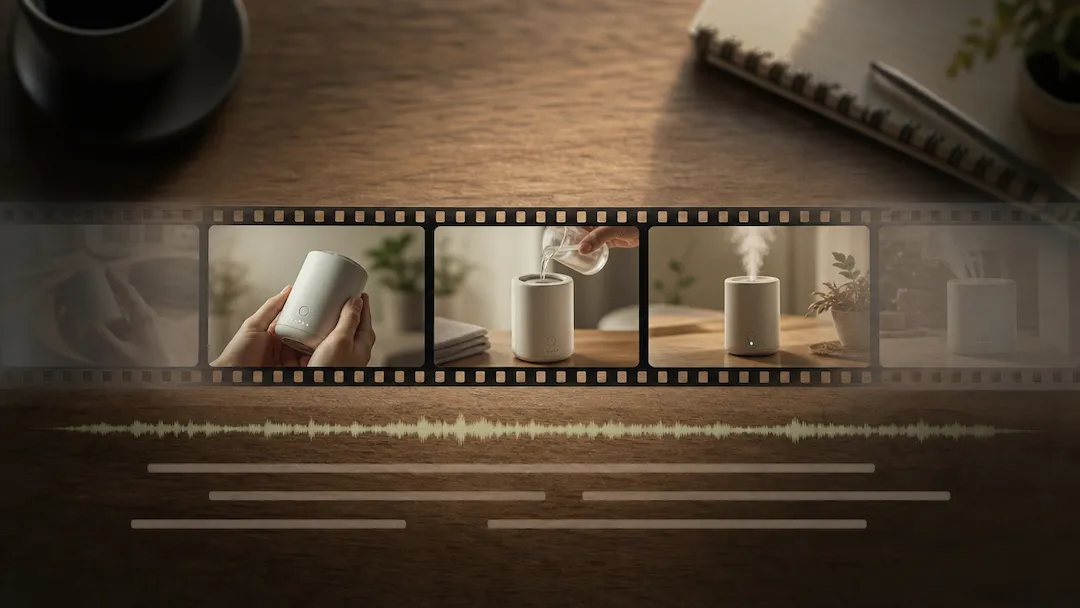
It helps you prepare an audio-led video concept with deliberate visual pacing, style, and output framing. The page turns the intended source, settings, and review points into a clear request before any output is relied on.
What source works best with Audio to Video?+
Use an audio file you own or are authorized to use, plus a concise visual direction. A complete source and a defined goal reduce ambiguity and make later review more practical.
Which settings should I choose?+
Choose visual style, beat response, scene energy, caption preference, and aspect ratio for the actual audience and destination. Start with the setting that serves the goal without introducing unnecessary changes.
What should I verify before using a result?+
Review timing against the audio, visual pacing, readability, lyrics or spoken-word accuracy, and licensing. Compare important claims, visible details, and context with the original source rather than treating a polished result as automatically correct.
What are the important limits of this tool?+
do not upload music, recordings, voices, lyrics, or cover art you are not authorized to use. You remain responsible for permissions, accuracy, disclosures, and the final decision to use or share a result.