Source-aware summary brief
Upload an authorized document and select a summary purpose such as executive review, study notes, or action items, keeping the request tied to a visible source rather than an unsupported conclusion.
Upload a document you are allowed to process, choose the summary focus and audience, then keep the original source available for checking facts, context, and critical omissions.
Upload only documents you are authorized to process. Keep the original source and verify important information before relying on any future summary.
Expected output
Input
Project brief: the team will select a vendor by 18 September, review security requirements, and confirm the budget owner before the pilot begins.
Output
Review outline: decision deadline, security-review dependency, budget-owner confirmation, and open questions to verify in the full brief before action.
A source excerpt and review outline show how a document-summary request can surface purpose, audience, decisions, and questions without claiming that the underlying file was processed.
Key features
Upload an authorized document and select a summary purpose such as executive review, study notes, or action items, keeping the request tied to a visible source rather than an unsupported conclusion.
Choose concise, standard, or detailed output and identify the intended reader so the summary request can prioritize the right amount of background, terminology, and structure for review.
The page reminds users to verify figures, dates, names, quotations, conditions, and exceptions against the original document because a summary can omit context or simplify material information.
Use only documents you are authorized to upload and process. Do not submit confidential information without the required approval, and do not treat a summary as legal, financial, medical, or compliance advice.
Step by step
Use a document you own or are permitted to process and remove unnecessary sensitive information where appropriate. Keep the original available because the summary request does not replace source retention or records management.
Choose the intended reader, output length, and focus such as key decisions, action items, or learning notes. State any questions that require source verification rather than assuming the summary will resolve ambiguity.
Compare all material claims, dates, amounts, obligations, and omissions with the original document. Ask a qualified professional where the source concerns law, health, finance, contracts, or regulated decisions.
FAQ
It prepares a structured request to summarize an authorized document for a chosen audience and purpose. It does not currently read the file or return a completed summary.
Use documents you own or are authorized to process, such as approved reports, notes, or internal materials. Do not upload confidential, personal, or regulated files without required permission.
No. Compare important terms, amounts, dates, and exceptions with the original source and obtain qualified advice where needed. A summary is a review aid, not a substitute for professional judgment.
Use concise for a quick overview, standard for routine review, and detailed when readers need more context. Match the choice to the audience and always preserve access to the source document.
Use a clean, readable scan with upright pages and sufficient contrast. Check the original carefully for handwritten notes, tables, stamps, footnotes, and low-resolution text, since those details can be difficult to interpret or summarize accurately.
AI Document Tools
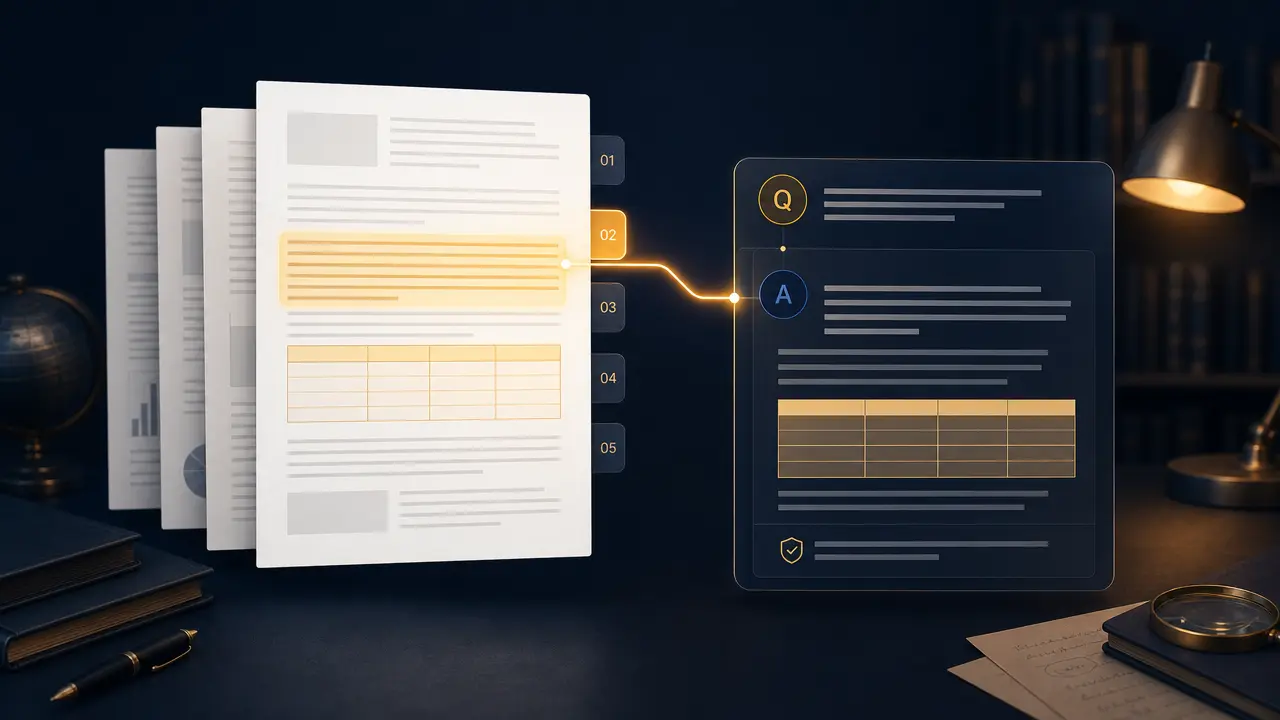
Ask focused questions about a PDF and request page-aware answers in your preferred language.
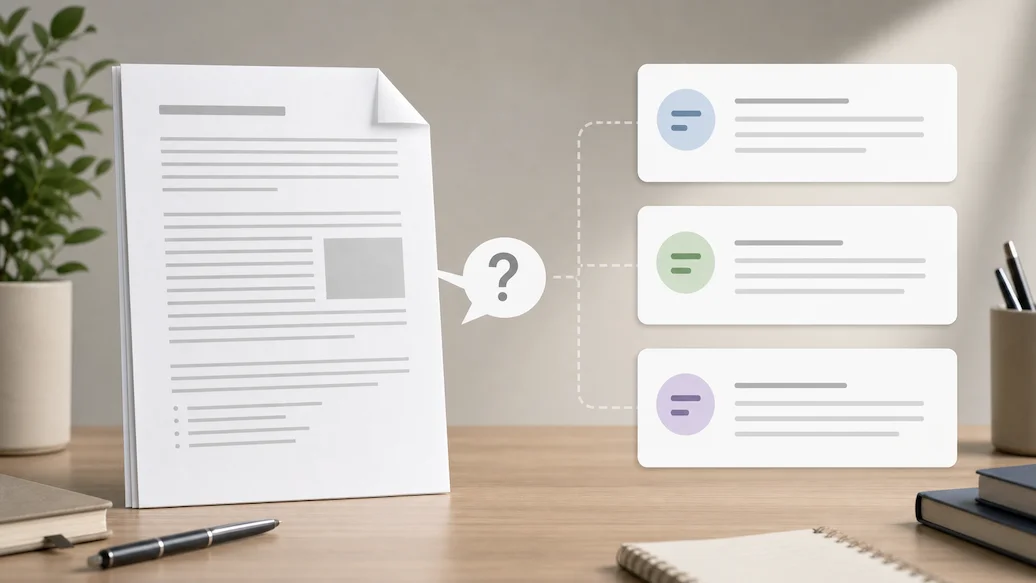
Use Chat Doc to prepare an authorized document-question request with file type, question scope, answer format, and citation expectations.

Use Chat PPT to prepare an authorized slide-deck question request with slide scope, answer format, citation preference, and response-language controls.

Use Resume Checker to prepare a resume-review request focused on clarity, relevance, and truthful presentation.
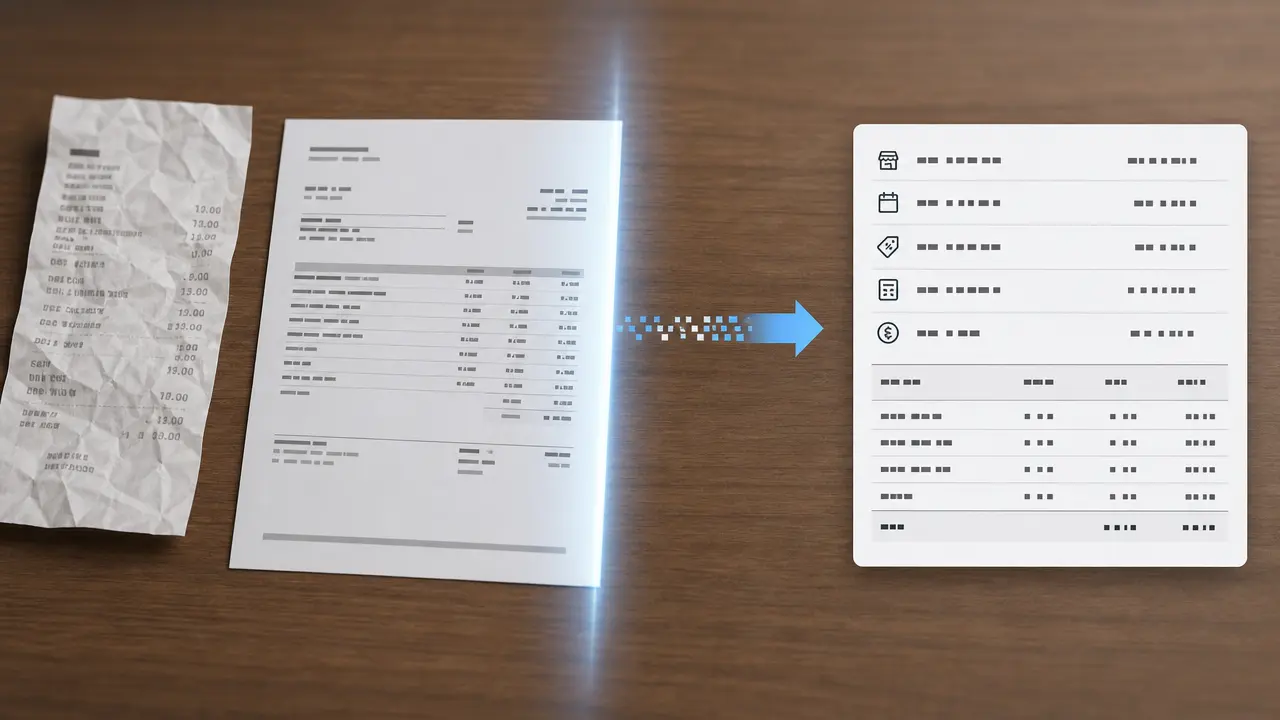
Prepare a receipt or invoice extraction request with document type, target fields, currency context, and review guidance for business records.
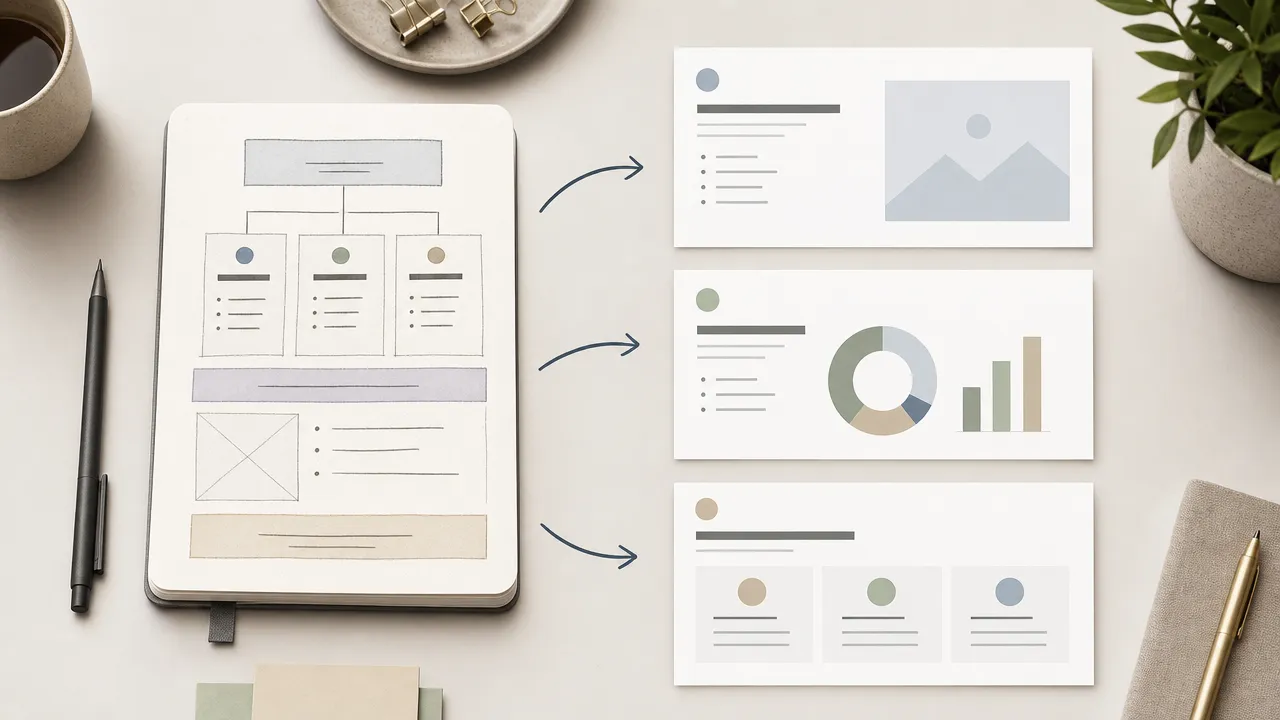
Use Nano Banana Slides to prepare an original presentation-planning request from an authorized topic, outline, audience, visual direction, and slide-structure controls.