Selfie-led composition
Upload a front-facing selfie with your face in focus and enough shoulder space around it. Starting from a natural selfie angle helps the final scene read like a casual shared camera moment instead of a distant staged portrait.
Upload a clear selfie, choose a celebrity-style event setting, add the public-figure reference you want to request, and create a candid-looking photo concept for a fan post, mood board, or creative edit.
Choose the options that match your source and intended result, then submit the prepared request.
Expected output
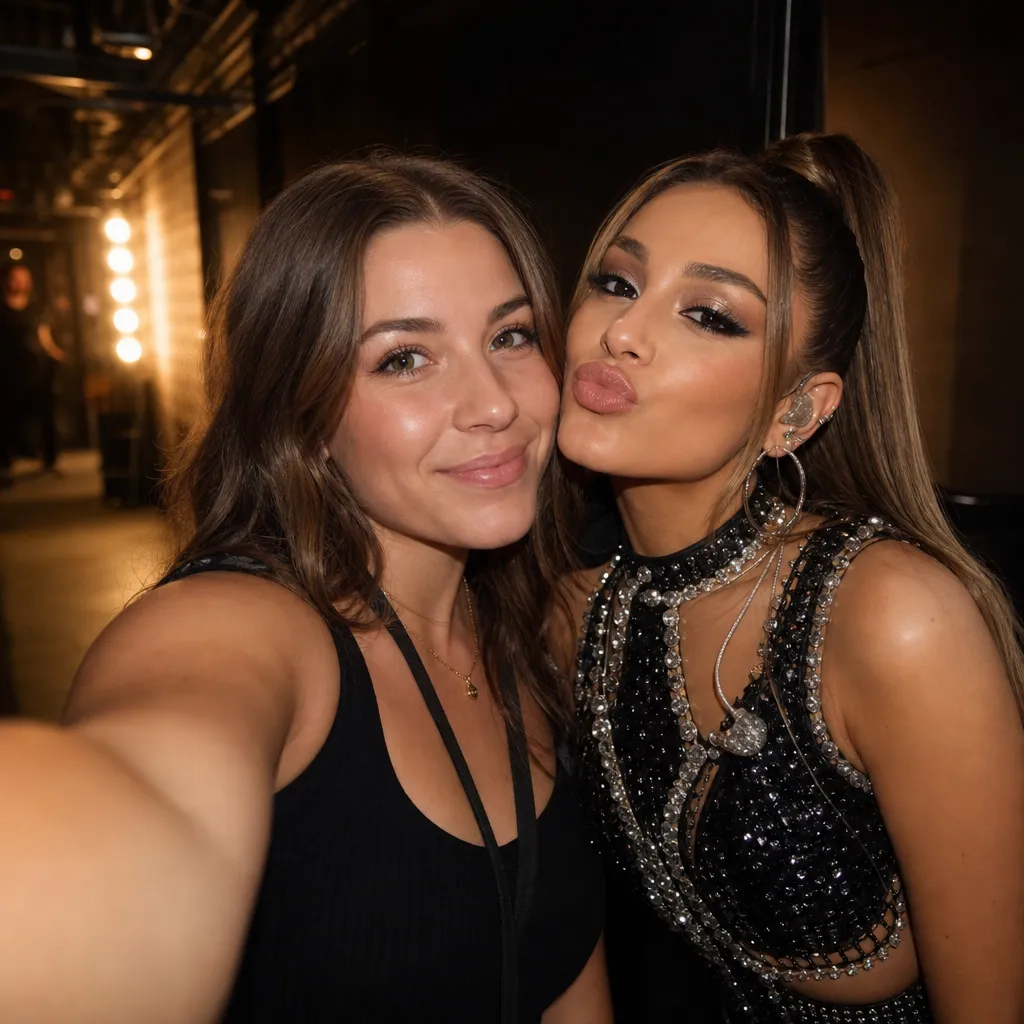
An adult takes a phone-camera selfie beside an original pop performer in a warm, unbranded backstage corridor.
Key features
Upload a front-facing selfie with your face in focus and enough shoulder space around it. Starting from a natural selfie angle helps the final scene read like a casual shared camera moment instead of a distant staged portrait.
Enter the public figure reference you want to include, then choose a setting such as a red-carpet arrival, backstage concert moment, sports-event meet-and-greet, or relaxed street selfie. The setting gives the requested image a coherent story.
Add a short direction for wardrobe, expression, lighting, or camera distance. Focus on visible details that matter to a selfie, such as a warm smile, phone-camera angle, concert lights, or a candid crowd background.
A generated celebrity selfie is a creative image, not evidence of a meeting, endorsement, friendship, or event attendance. Keep that distinction clear when sharing so viewers are not led to believe the moment actually happened.
Step by step
Choose one recent photo where your face is visible, well lit, and not covered by sunglasses or another person. A natural phone-camera angle works best for a believable selfie composition.
Enter the public figure reference and choose the event context that makes sense for the photo, such as a premiere, concert, sports event, or street moment. Add a short prompt for mood or framing if needed.
Submit the request, then inspect faces, hands, event details, and any unintended text. Present any output as AI-generated creative media and do not claim a real meeting, approval, relationship, or attendance.
FAQ
It prepares an AI image request that places your selfie into a celebrity-style shared camera scene. You choose a public-figure reference, event setting, and optional visual direction for a fan-style creative image.
Use a sharp, well-lit single-person selfie with your face visible and enough room around the head and shoulders. Avoid group photos, heavy filters, sunglasses, masks, and very distant images.
Yes. Add the public-figure reference, then choose a scene such as red carpet, concert backstage, sports event, or street selfie. A short custom prompt can refine lighting, expression, or camera angle.
You should clearly disclose that it is AI-generated creative media and follow the platform rules that apply to your account and location. Do not use it to mislead people about a real meeting, endorsement, relationship, or event attendance.
No. A generated image is not evidence that you met a public figure. It is a fictional creative composition, and it should never be used as proof of access, personal contact, promotion, or official affiliation.
Image Effects
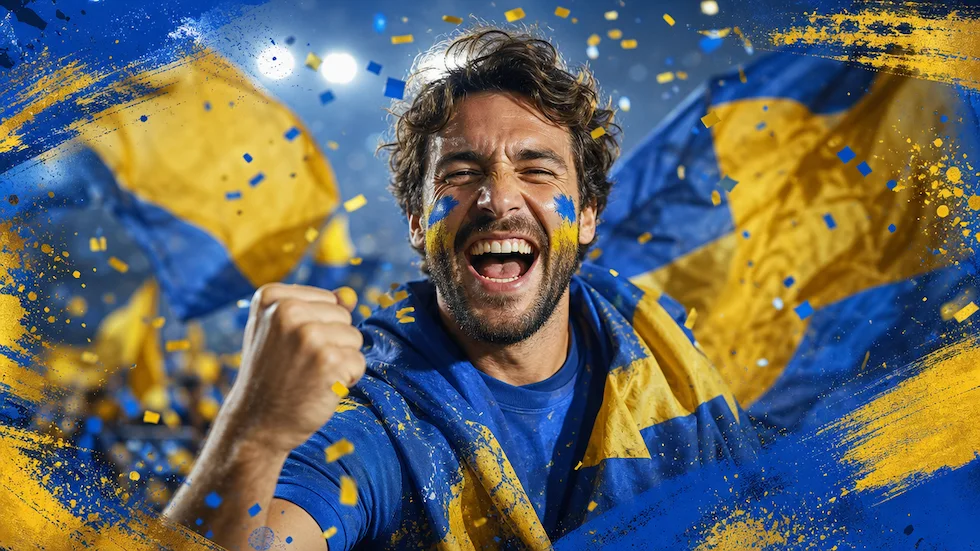
Use World Cup AI Effects & Templates to prepare an original football-fan photo effect with generic celebration props and no claim of official competition affiliation.
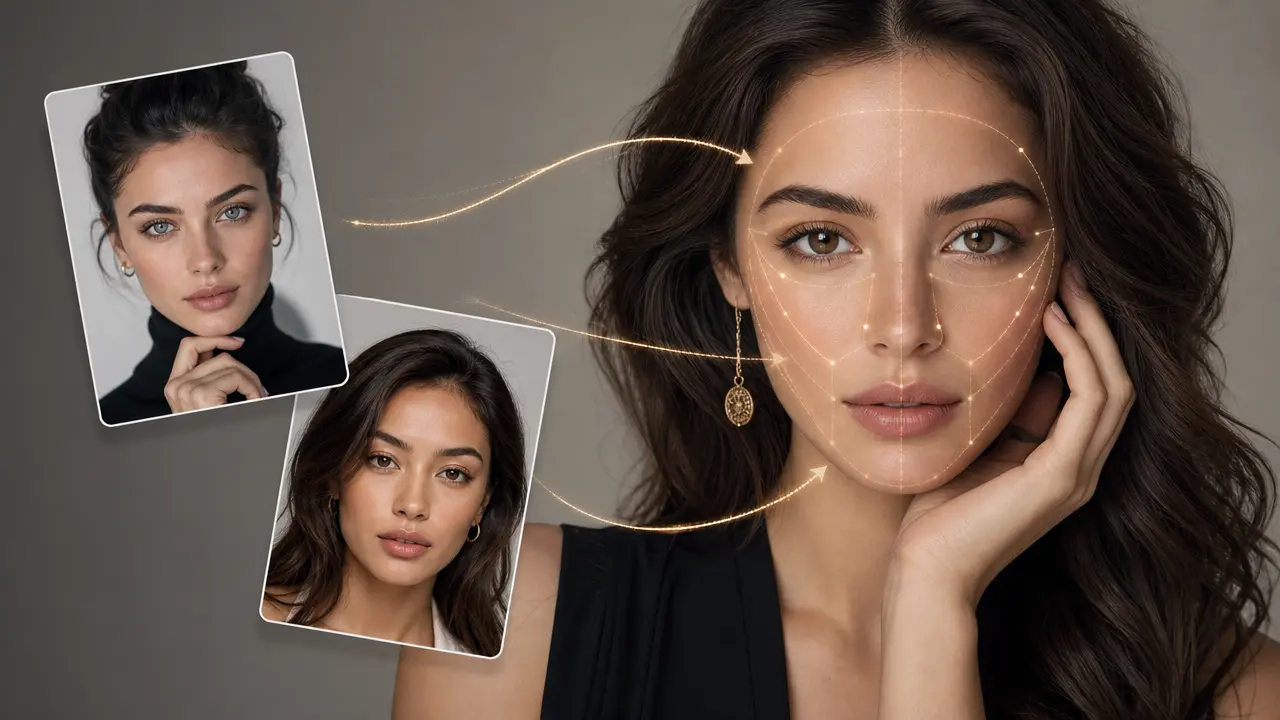
Combine a target photo and an authorized face reference with adjustable blending.
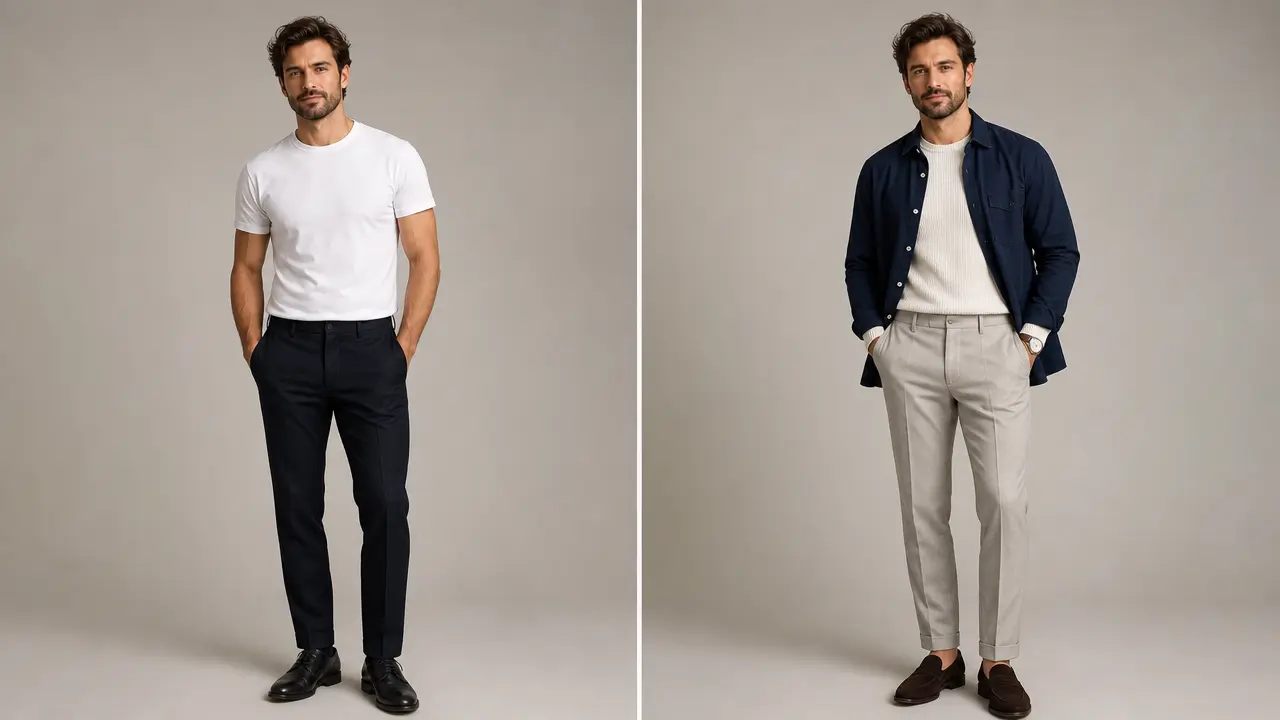
Explore an outfit direction for an authorized portrait with garment style, color, occasion, and composition-preservation controls.
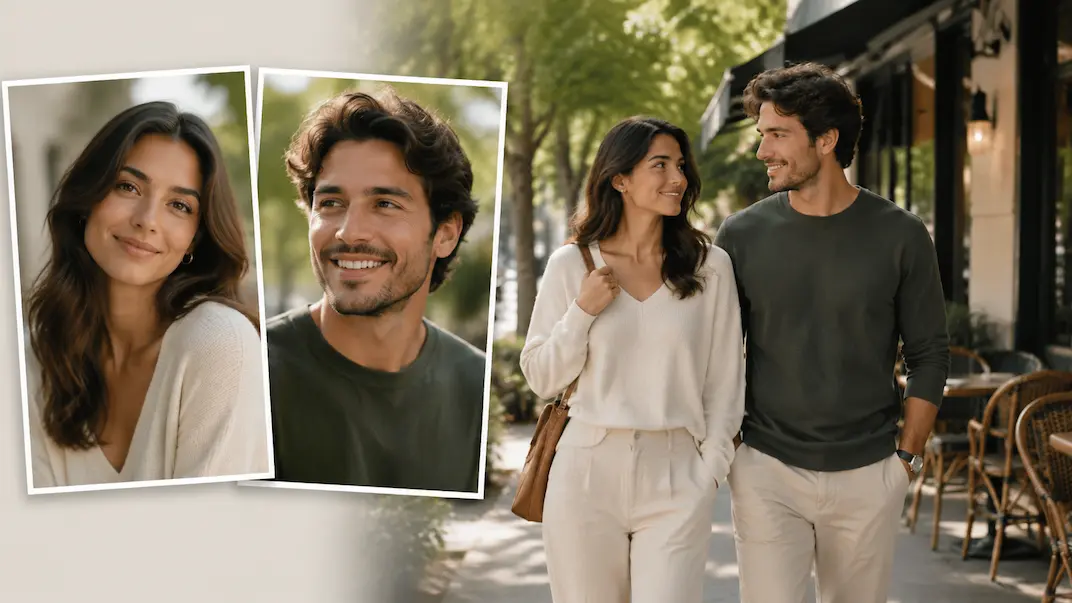
Use AI Couple Photo Maker to plan a respectful couple-photo visual concept from two authorized adult portraits.
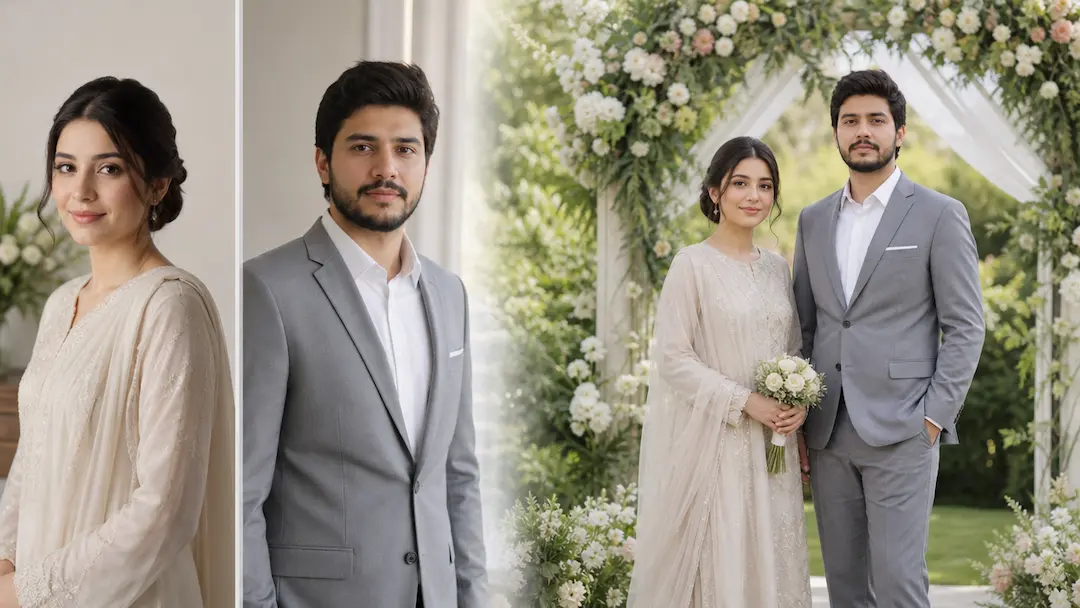
Use AI Wedding Photo Generator to prepare a respectful wedding-photo concept from authorized adult portraits with scene and styling controls.
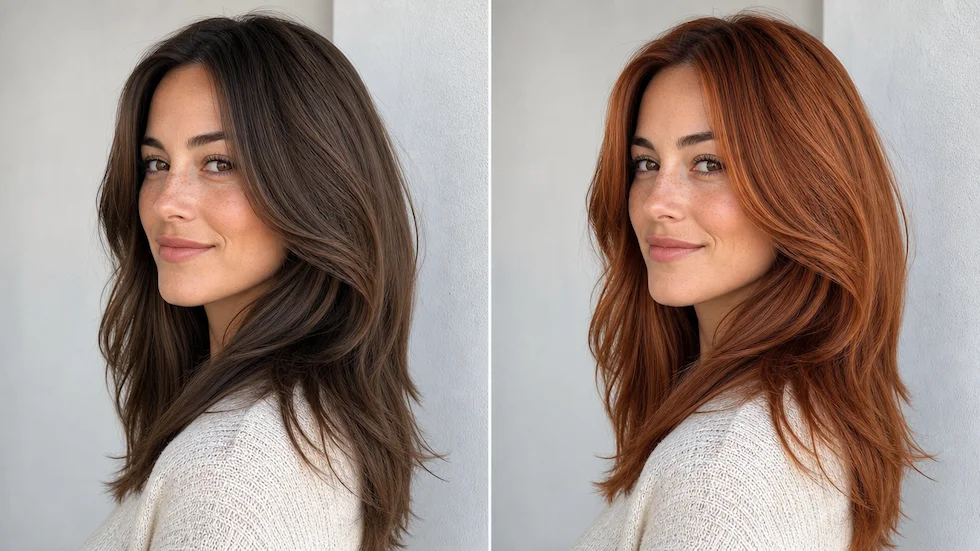
Preview a chosen or custom hair color on an authorized portrait with roots, highlights, skin tone, and lighting in view.