What is AI Image Extender used for?+
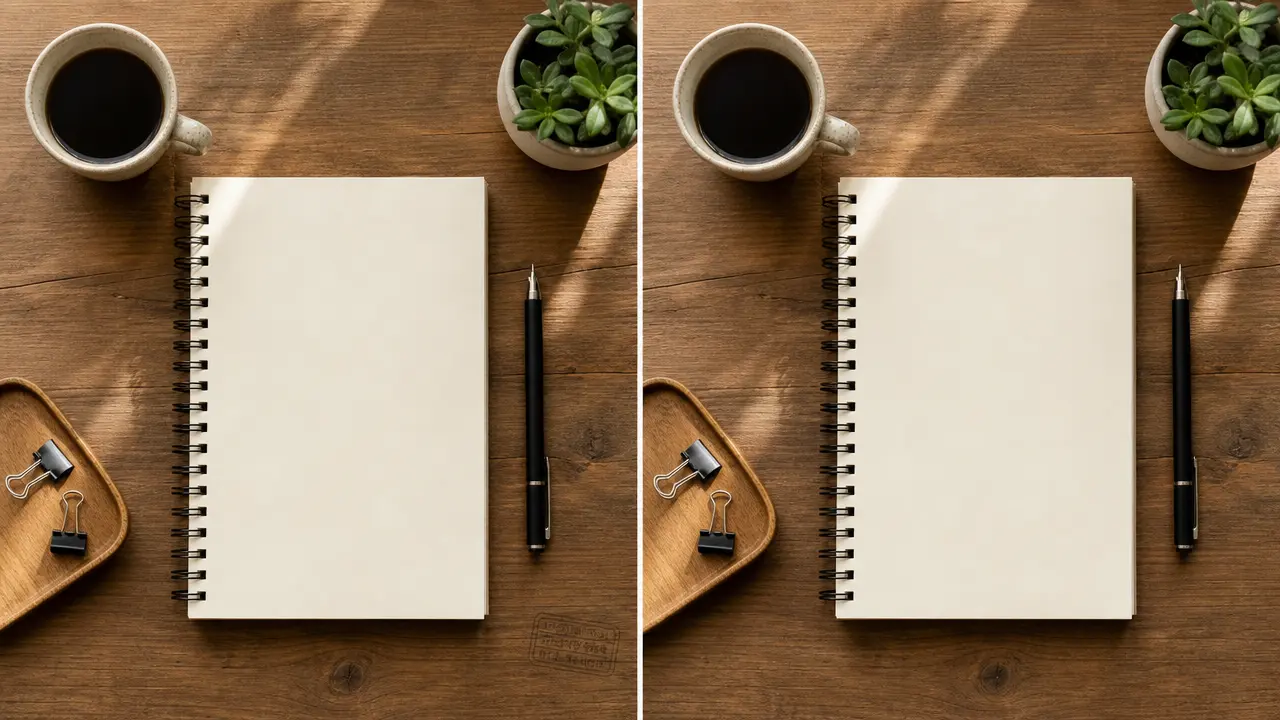
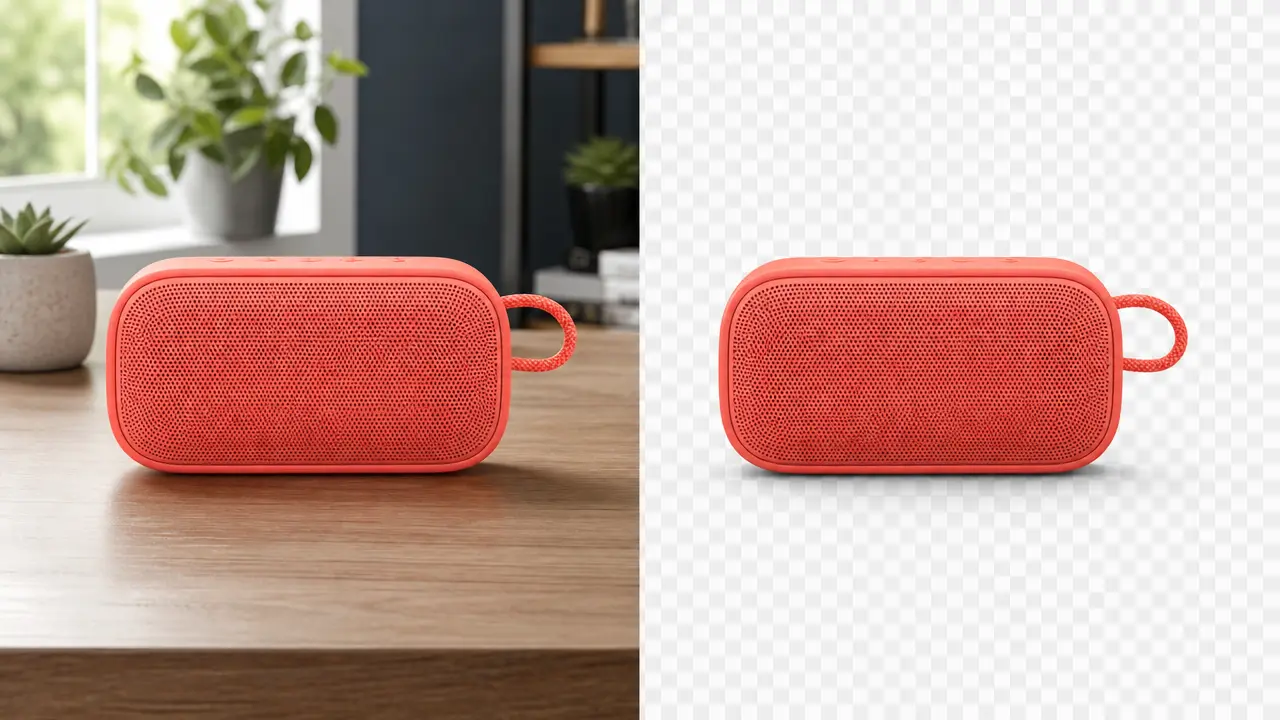
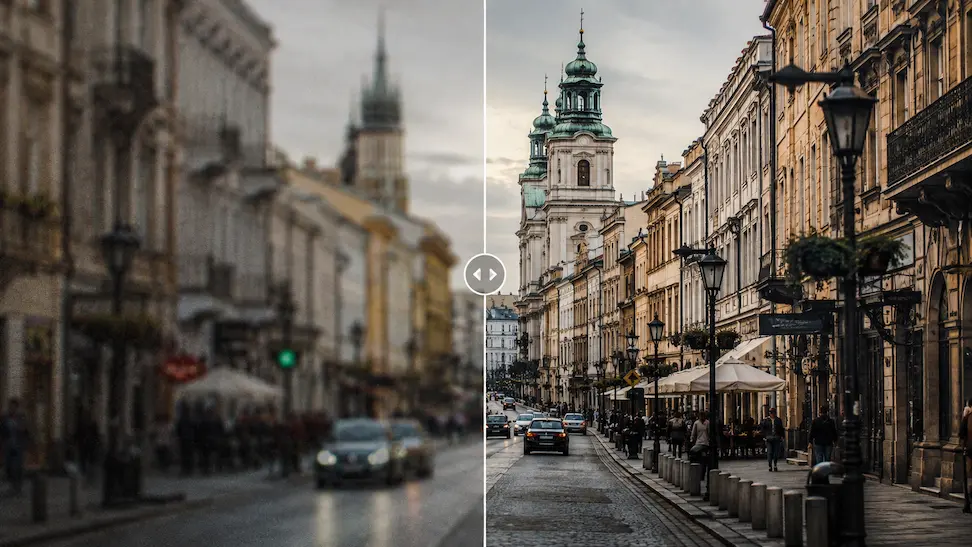
It prepares a request to continue an image beyond its current edges, such as adapting a portrait to a wider banner or adding room above a product for a vertical placement.
Which image gives the best extension result?+
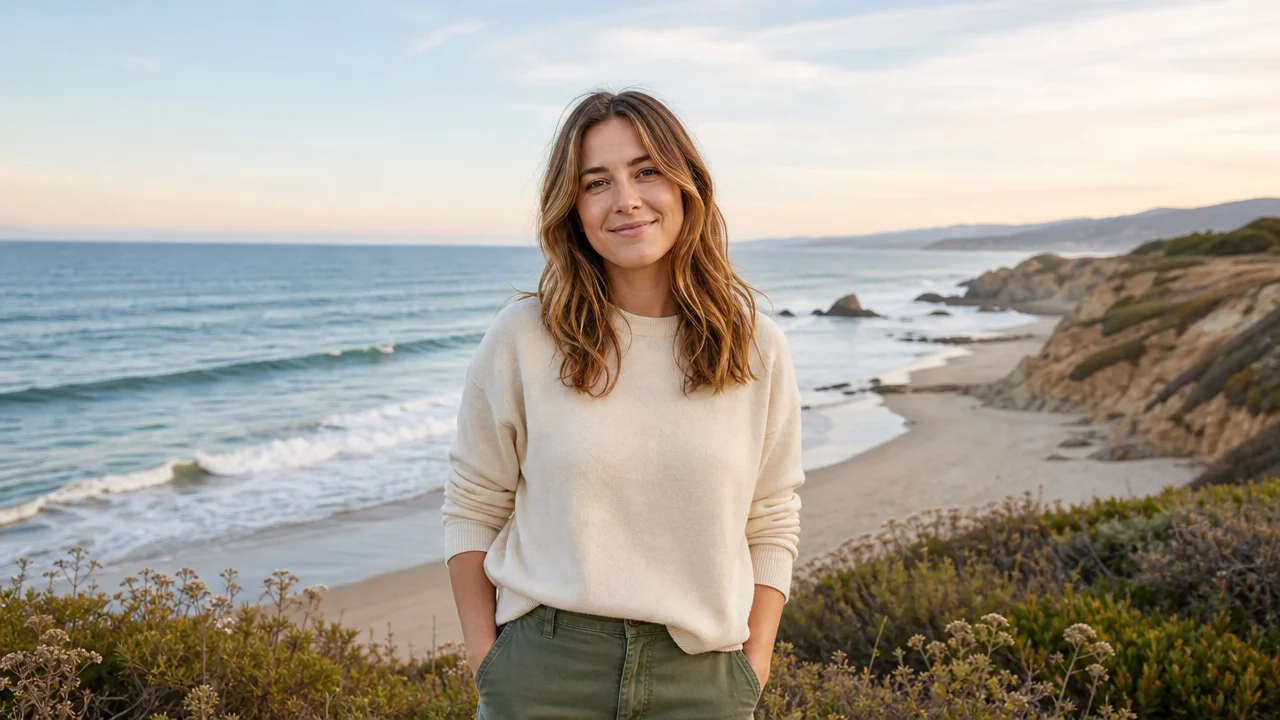
Use an authorized image with a clear main subject and visible environmental context. Clean horizons, walls, skies, and simple backgrounds are easier to continue than a tightly cropped subject with no surrounding clues.
How should I choose an expansion direction?+
Choose horizontal for a banner or widescreen destination, vertical for a taller post, and all sides only when the subject has enough room around it. Set the target ratio before deciding placement.
What should I check after expanding an image?+
Review repeated objects, perspective, shadows, light direction, subject scale, cropped limbs, small text, logos, and seams at every newly generated edge.
Can I extend a news or evidence photo?+
Do not use extension to create a false record, imply events outside the original frame, or alter evidence. Keep the source image and use clear disclosure where editing context matters.