Purpose-built controls
The form exposes card count, difficulty, question style, and study goal, so the request can express a specific goal and a practical output context instead of relying on an ambiguous one-line instruction.
Start with a defined topic, your own study notes, or material you are allowed to use, choose card count, difficulty, question style, and study goal, and keep the request focused on a result you can inspect before use.
Use only material you are authorized to handle. Review source details and the intended use before submitting.
Expected output
Input
Topic: ecosystem energy flow. Goal: review the roles of producers, consumers, decomposers, and the direction of energy transfer.
Output
Card direction: ask one concept per card, keep answers brief, and add a source-check note for any course-specific definition or diagram reference.
A short ecology topic shows how concise questions, bounded answers, and source-review notes can form a useful study set without presenting unverified material as a final lesson.
Key features
The form exposes card count, difficulty, question style, and study goal, so the request can express a specific goal and a practical output context instead of relying on an ambiguous one-line instruction.
Begin with a defined topic, your own study notes, or material you are allowed to use. Clear, authorized source material and a focused brief make it easier to state the intended transformation or review target accurately.
Before you use any future result, check factual accuracy, wording, answer scope, citations, and whether cards support understanding rather than rote guessing. A prepared request can organize the work, but it cannot replace context-aware human verification.
Use this tool only within the stated boundary: do not use generated cards as a substitute for course materials, source reading, or academic integrity requirements. Keep original sources and permissions available when they are relevant to sharing or commercial use.
Step by step
Provide a defined topic, your own study notes, or material you are allowed to use. Identify the actual use case and keep the request limited to information, media, and people you are authorized to use.
Set card count, difficulty, question style, and study goal. Select the option that matches the destination rather than assuming a stronger transformation or longer output is automatically better.
Inspect factual accuracy, wording, answer scope, citations, and whether cards support understanding rather than rote guessing. Correct mistakes against the original source and use qualified review where the material affects rights, safety, decisions, or public claims.
FAQ
It helps you prepare a flashcard study-set request from a focused topic or authorized learning material. Use the page to make the intended input, controls, and review points explicit before relying on any result.
Use a defined topic, your own study notes, or material you are allowed to use. Better source quality and a specific goal make the request easier to interpret and to review later.
Choose card count, difficulty, question style, and study goal based on the actual destination and audience. Start with the least aggressive option that can reasonably serve the stated purpose.
Review factual accuracy, wording, answer scope, citations, and whether cards support understanding rather than rote guessing. Compare material details with the source instead of assuming that an apparently polished result is complete or accurate.
Yes. do not use generated cards as a substitute for course materials, source reading, or academic integrity requirements. You remain responsible for permissions, source accuracy, disclosures, and the final decision to share or use any output.
AI Learning & Research
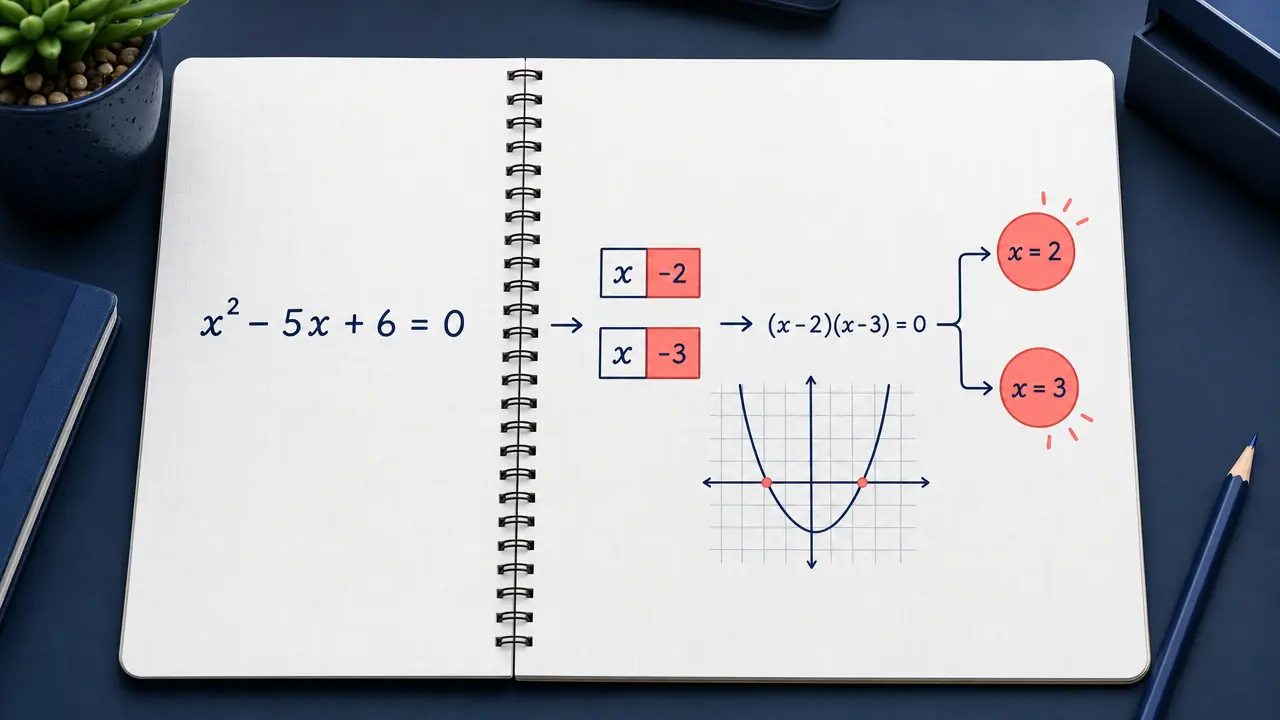
Enter a math problem or upload a clear problem image and request an answer or step-by-step explanation.
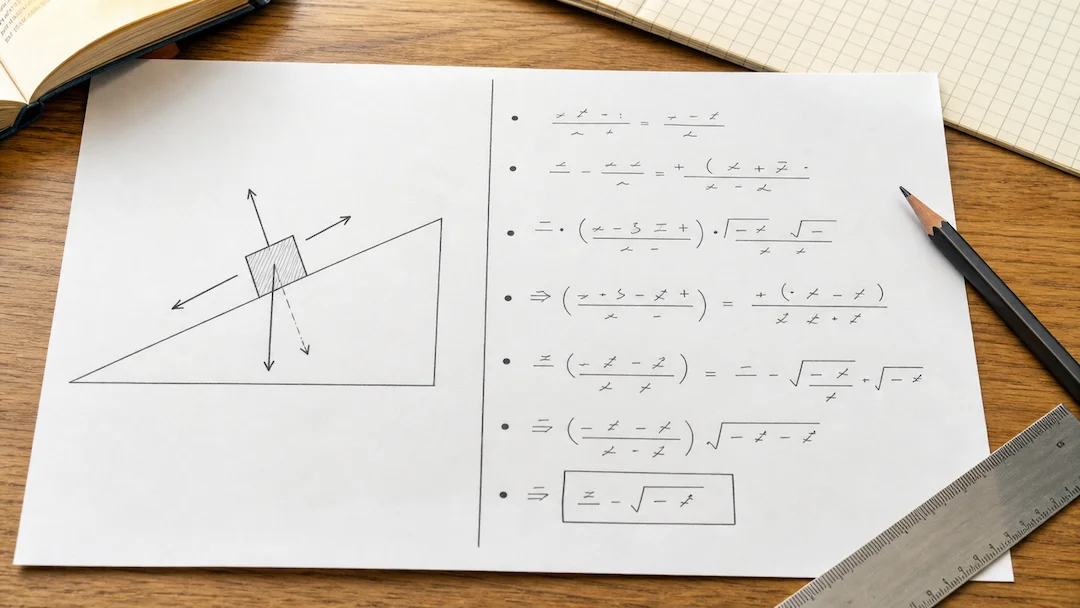
Prepare a typed or photographed physics problem with topic, level, units, and explanation depth for a structured learning review.
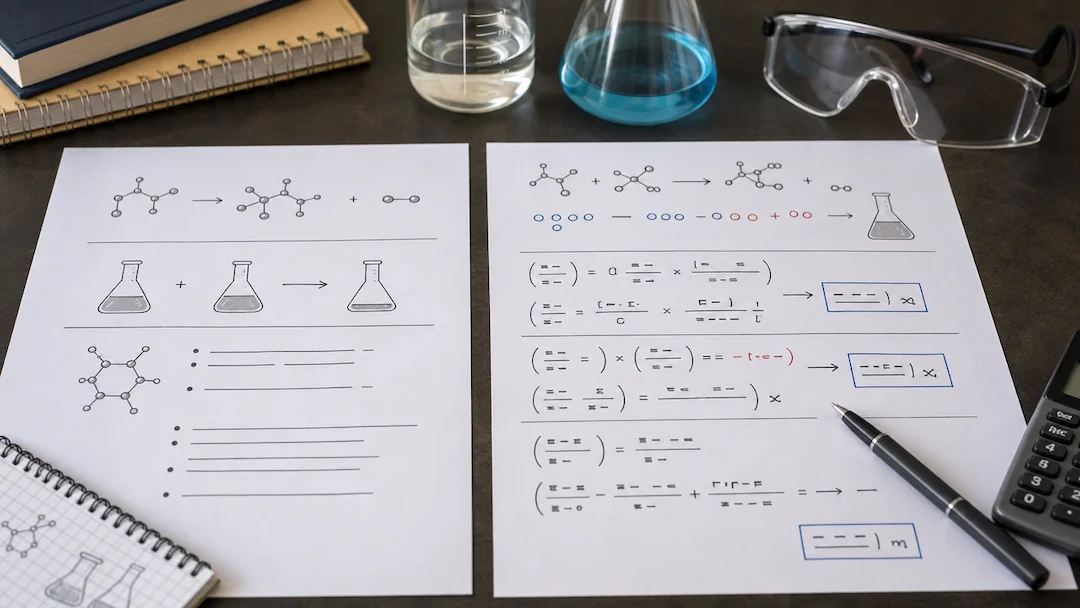
Use Chemistry Solver to prepare a typed or photographed chemistry problem with topic, known quantities, equation context, units, and explanation-depth controls.
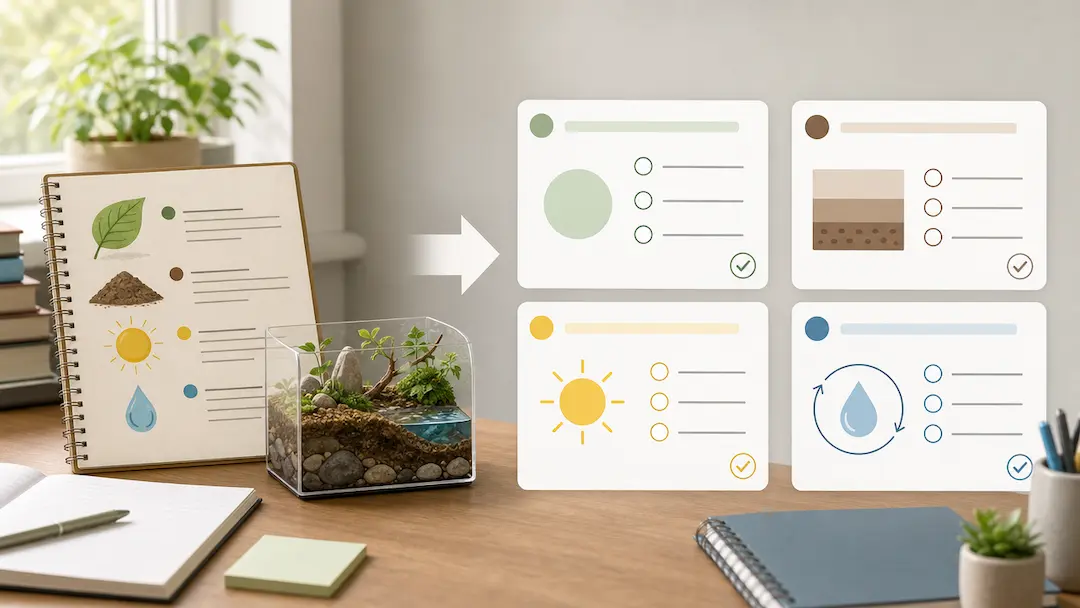
Use Quiz Generator to prepare a focused quiz from a topic or authorized study material with deliberate difficulty and question-type controls.
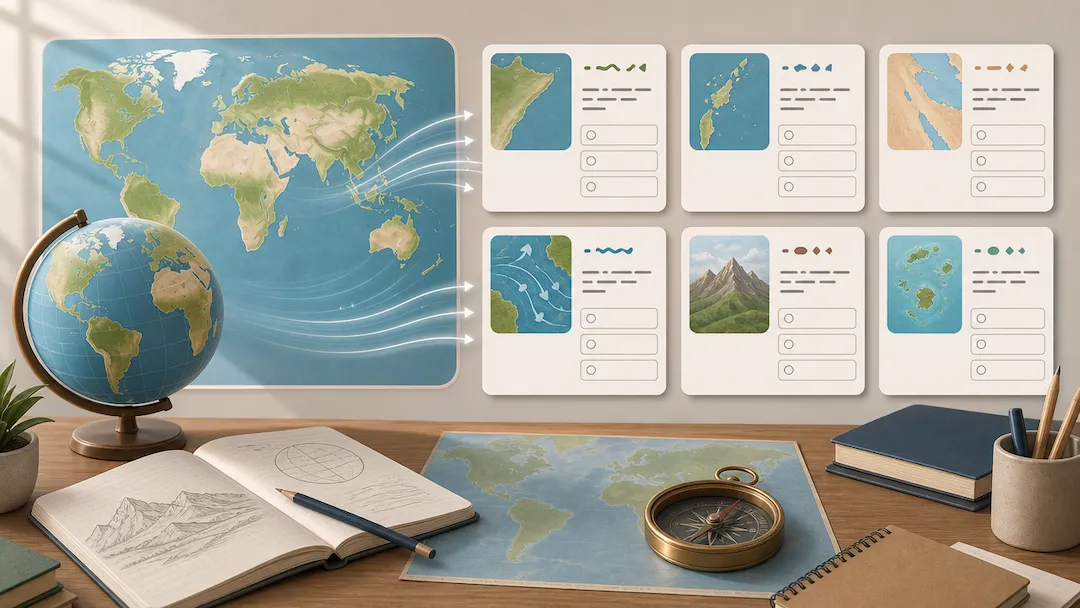
Use Geography Quiz Generator to prepare geography study questions from an authorized topic or notes with level, format, and explanation controls.
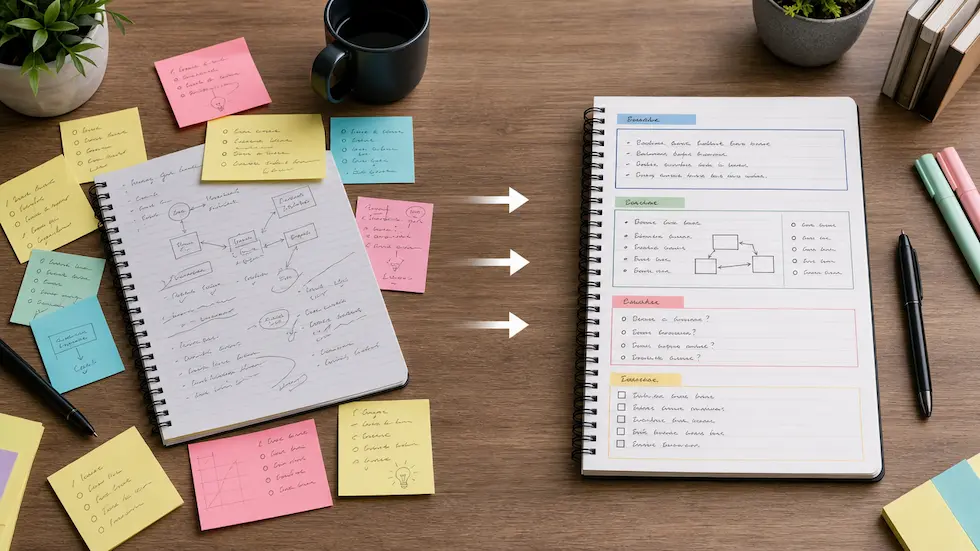
Organize authorized notes into a reviewable summary, key points, action items, and study structure with audience and output-format controls.