Topic-to-branch planning
Turn a clearly stated topic into a central idea with main branches and supporting prompts, helping users structure a study session, project discussion, or research question without treating the map as verified knowledge.
Start with a topic you can describe accurately, choose the map depth and intended use, then review every branch against your source material before using it to learn or decide.
Use the map as an organizational aid and verify important branches against reliable sources before studying, sharing, or making decisions.
Expected output
Input
Topic: planning a shared urban garden for a neighborhood association. Goal: identify decisions, dependencies, and questions before the first meeting.
Output
Central topic -> site and permissions -> participants and roles -> budget and materials -> planting plan -> maintenance -> source checks: local rules, accessibility, water access, and costs.
A plain-text hierarchy demonstrates a reviewable mind-map request with an explicit source-check branch, instead of presenting unverified information as a finished visual answer.
Key features
Turn a clearly stated topic into a central idea with main branches and supporting prompts, helping users structure a study session, project discussion, or research question without treating the map as verified knowledge.
Choose a compact, balanced, or detailed branch depth and a practical use case, so the request can avoid both an unreadable sprawl of nodes and an oversimplified outline that hides important distinctions.
The page asks users to supply or retain source material and mark items requiring verification, because a mind map can organize ideas but cannot establish that a claim, citation, relationship, or calculation is correct.
Use the resulting structure as a prompt for explanation, revision, and discussion rather than a final answer. Students and researchers remain responsible for academic integrity, citations, and independent understanding.
Step by step
Describe one topic and the purpose of the map, such as exam revision, project planning, or a research overview. Do not use a broad title as a substitute for source reading or problem definition.
Select compact, balanced, or detailed depth and add known source notes or questions. Keep unsupported claims visibly marked for follow-up rather than allowing a tidy hierarchy to imply certainty.
Compare every important branch with credible sources, course materials, or project records. Correct missing dependencies, false links, and ambiguous labels before using the map to study, communicate, or make decisions.
FAQ
It prepares a structured request to organize a topic into a central idea and branches. It is intended to support review and discussion, not to guarantee that the resulting hierarchy is factually complete or correct.
Use one focused topic with a clear purpose and any source notes you already have. Specific questions produce a more reviewable structure than broad requests such as an entire subject or industry.
No. Verify claims, dates, citations, and relationships against reliable sources. A mind map is an organizational aid and should never replace reading, evidence collection, or academic citation.
Choose compact for a quick overview, balanced for planning, and detailed when you already have material to organize. More branches do not automatically make a map more accurate or useful.
Keep competing claims in separate branches, attach source notes, and label the conflict as unresolved until you verify it. Do not collapse disagreement into one confident node simply because a compact map looks cleaner.
AI Learning & Research
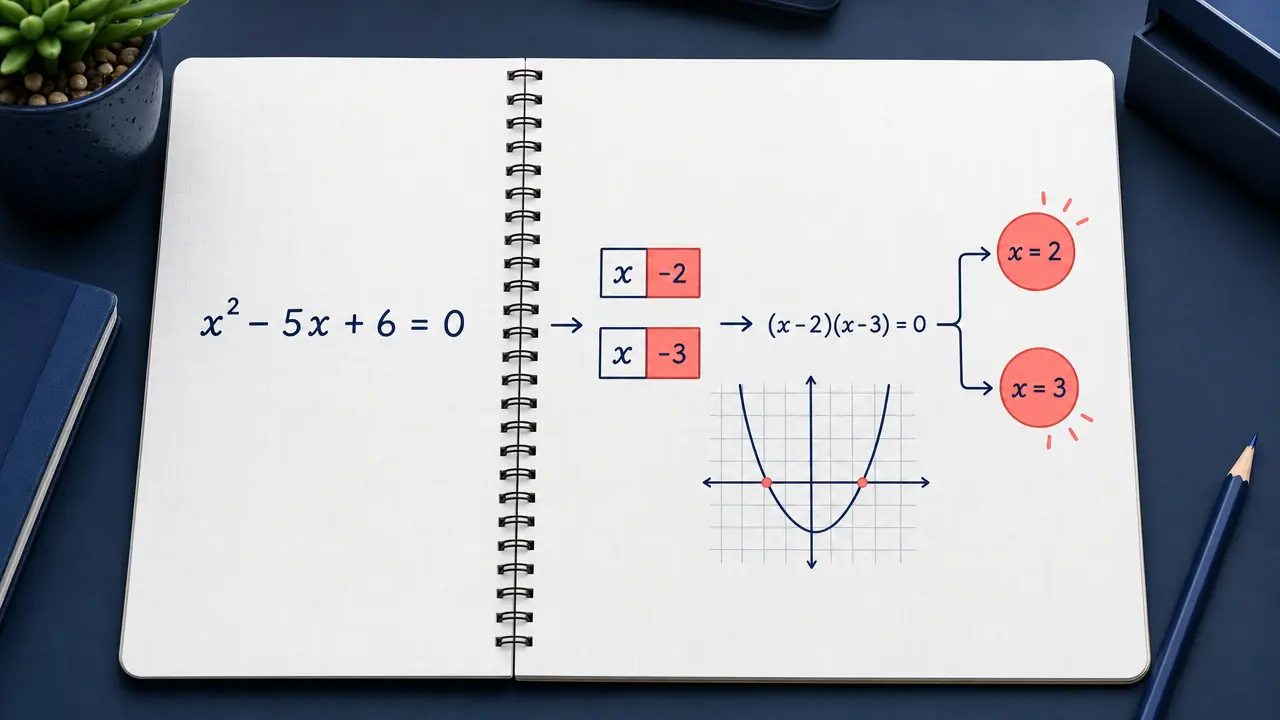
Enter a math problem or upload a clear problem image and request an answer or step-by-step explanation.
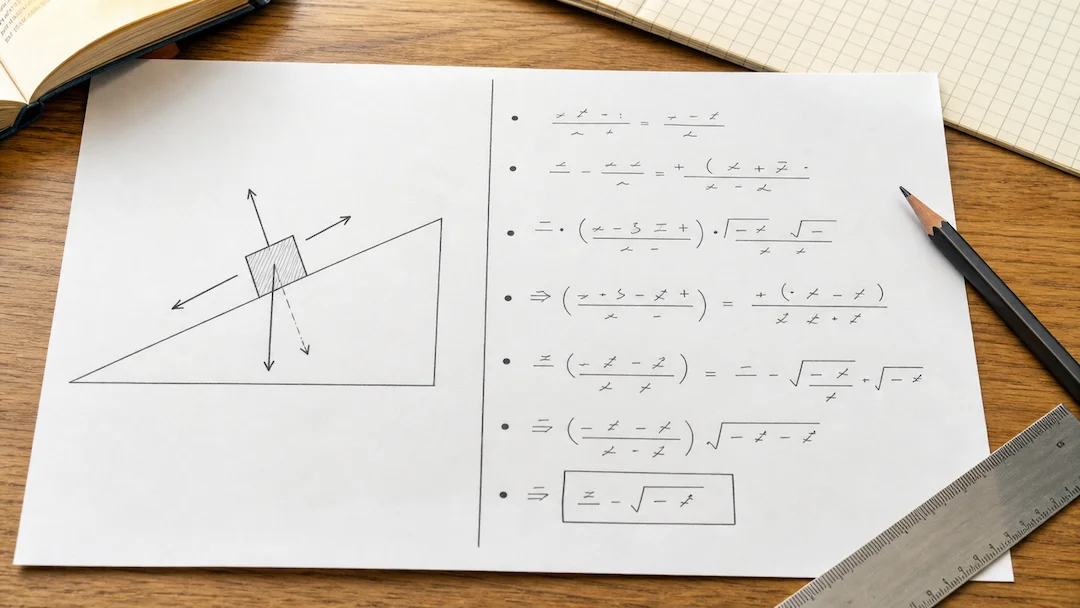
Prepare a typed or photographed physics problem with topic, level, units, and explanation depth for a structured learning review.
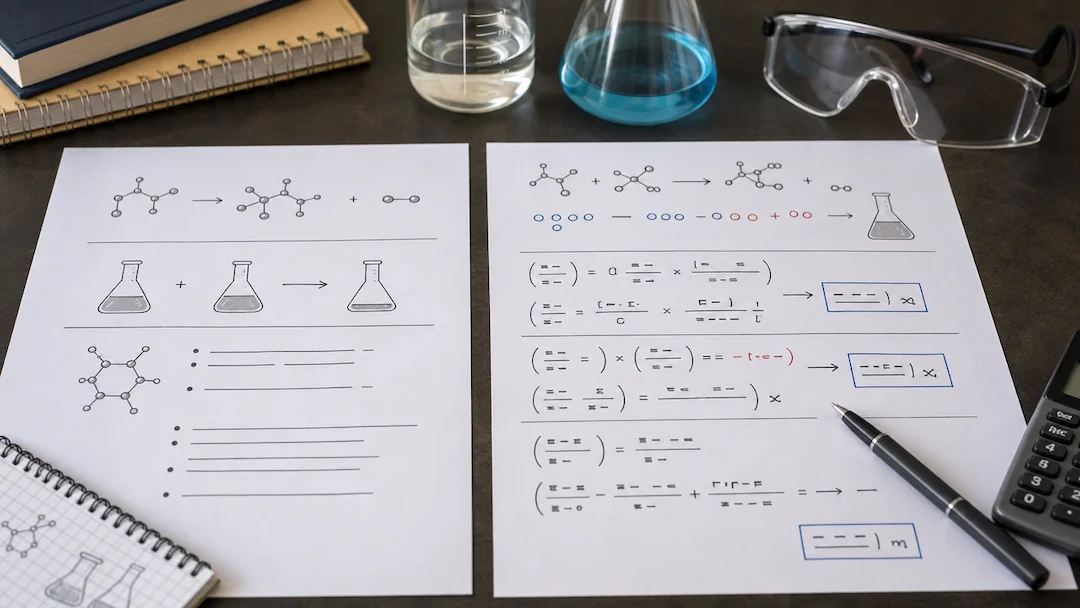
Use Chemistry Solver to prepare a typed or photographed chemistry problem with topic, known quantities, equation context, units, and explanation-depth controls.

Use Flashcard Maker to prepare a flashcard study-set request from a focused topic or authorized learning material.
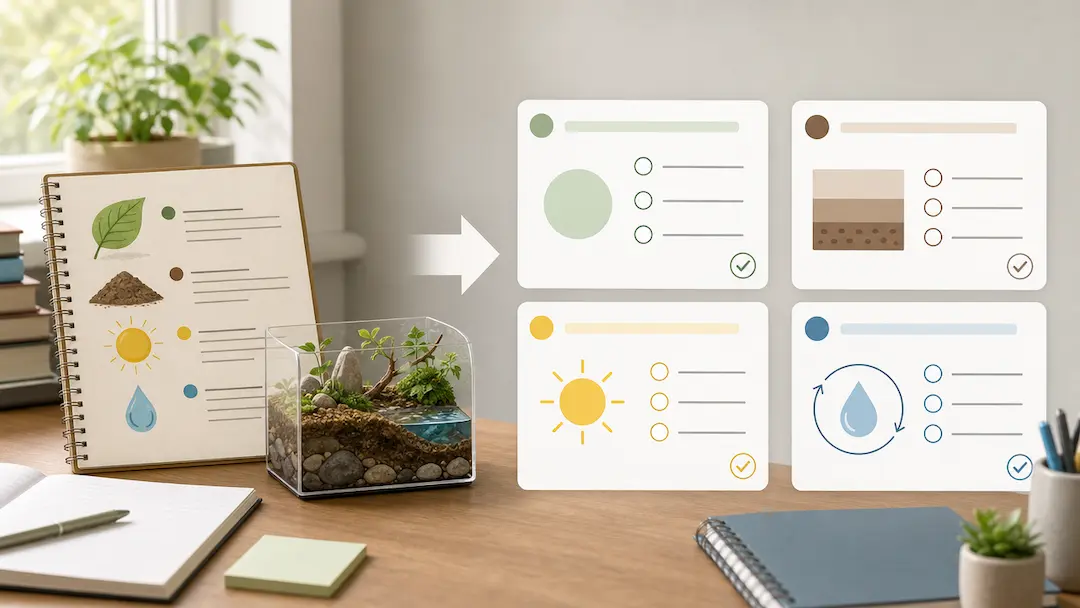
Use Quiz Generator to prepare a focused quiz from a topic or authorized study material with deliberate difficulty and question-type controls.
Use Geography Quiz Generator to prepare geography study questions from an authorized topic or notes with level, format, and explanation controls.