Controls matched to the task
The form makes document type, language, analysis focus, text range, and reporting detail explicit, so the request captures the intended result and delivery context instead of relying on an ambiguous one-line instruction.
Start with text you are authorized to review, together with its language, context, and any relevant revision history. Choose document type, language, analysis focus, text range, and reporting detail, then review the result against the original context before using it.
Use only material you are authorized to handle. Review source details and intended use before submitting.
Expected output
Input
The program will publish its accessibility review after the final findings are verified and the remediation owner has confirmed the implementation timeline.
Output
Review direction: treat any pattern observation as a prompt to inspect the cited source, revision history, permitted writing assistance, and context; it is not authorship proof.
A short policy paragraph demonstrates that a pattern signal should be read alongside drafts, citations, and an author explanation rather than treated as a verdict.
Key features
The form makes document type, language, analysis focus, text range, and reporting detail explicit, so the request captures the intended result and delivery context instead of relying on an ambiguous one-line instruction.
Begin with text you are authorized to review, together with its language, context, and any relevant revision history. Clear, authorized source material gives the request a stronger factual and visual foundation for later review.
Check false positives, false negatives, source provenance, revisions, citations, accessibility needs, and the limits of probabilistic signals before relying on a future result. Structured inputs improve clarity but never replace contextual human verification.
Use this tool within a clear boundary: do not use an AI-detection score as sole proof of authorship, misconduct, employment action, grading, or disciplinary decisions. Retain source material and permissions whenever they affect sharing or commercial use.
Step by step
Provide text you are authorized to review, together with its language, context, and any relevant revision history. Keep the request tied to the actual use case and to information, media, and people you are authorized to handle.
Choose document type, language, analysis focus, text range, and reporting detail. Select settings that fit the intended audience and placement instead of assuming a more aggressive transformation is always better.
Inspect false positives, false negatives, source provenance, revisions, citations, accessibility needs, and the limits of probabilistic signals. Compare important details with the source and obtain qualified review when the material affects rights, safety, records, or public claims.
FAQ
No. Detection results are probabilistic pattern signals, not proof of authorship. They can produce false positives and false negatives, especially across languages, edits, accessibility tools, and short passages.
Submit text you are authorized to review and include its language and document context. A longer coherent passage is generally more informative than a sentence fragment, but still cannot produce a definitive verdict.
Drafts, notes, citations, and revision records provide context that a score cannot. They are more appropriate evidence for understanding how a document was developed or reviewed.
No. Do not make high-stakes academic, employment, or disciplinary decisions from a detector score alone. Follow fair review procedures and consider source evidence and the person's explanation.
Treat it as a prompt for careful human review, not an accusation. Check the passage's source, citations, revisions, style context, and whether automated writing assistance was permitted.
AI Writing Tools

Prepare an original story draft request with premise, audience, tone, length, and reviewable creative constraints.

Use AI Email Writer to prepare a context-aware email draft with a defined goal, audience, tone, and call to action.

Prepare a sentence or paragraph rewrite request with meaning, tone, length, language, and protected terms kept under control.
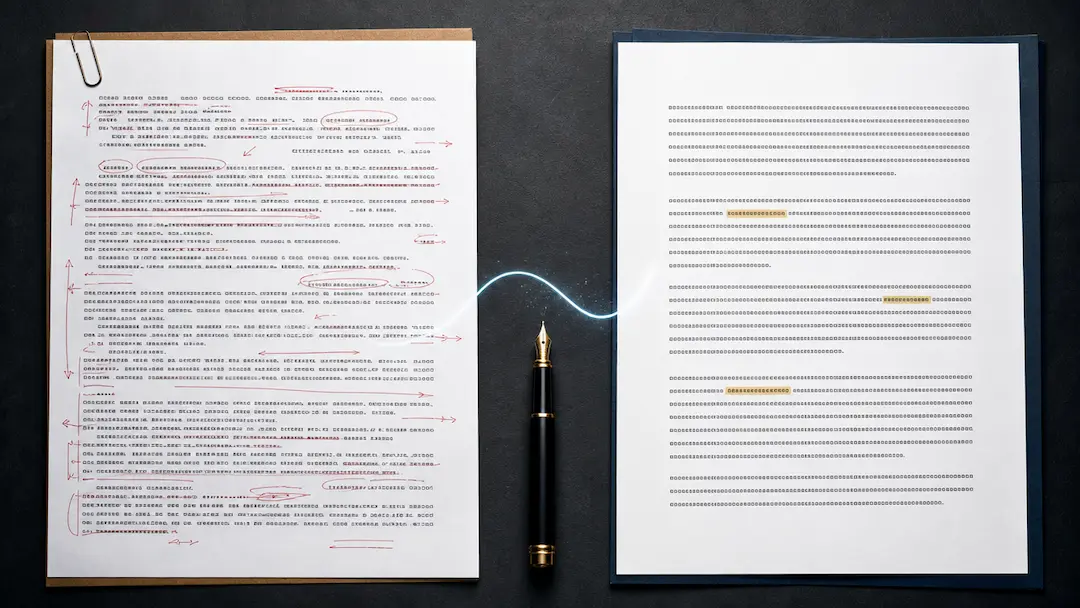
Revise a draft for clearer, more natural wording while retaining the writer’s intended meaning, facts, citations, and responsibility for the final text.
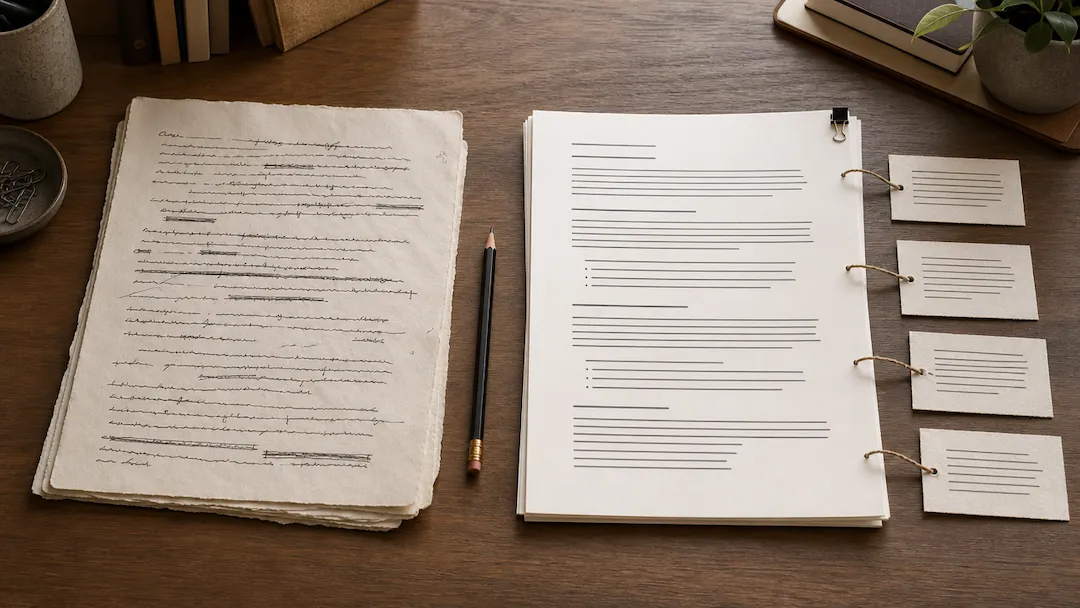
Refine an AI draft for clearer, more natural wording while keeping facts, citations, and your own voice under review.

Use AI Grammar Checker to prepare a grammar and clarity review request for text you are authorized to edit.